Community
- Read more

Understanding Computer Junk Files
What Are Computer Junk Files?
Computer junk files refer to unnecessary data that accumulates on a computer over time. These files can include temporary files, cache files, system logs, and remnants of uninstalled software.
- Read more
The Importance of PC Maintenance
Regular maintenance of business PCs is essential to ensure optimal performance and longevity. Neglecting this aspect can lead to a range of issues that ultimately affect productivity and efficiency.
Why Regular Maintenance
- Read more
Understanding Disk Cleanup
What is Disk Cleanup?
Disk Cleanup is a built-in utility in Windows operating systems designed to help users clear unnecessary files from their computer. It identifies and removes files that are no longer needed, such as temporary files,
- Read more
Understanding PC Cleaning
Importance of Regular PC Cleaning
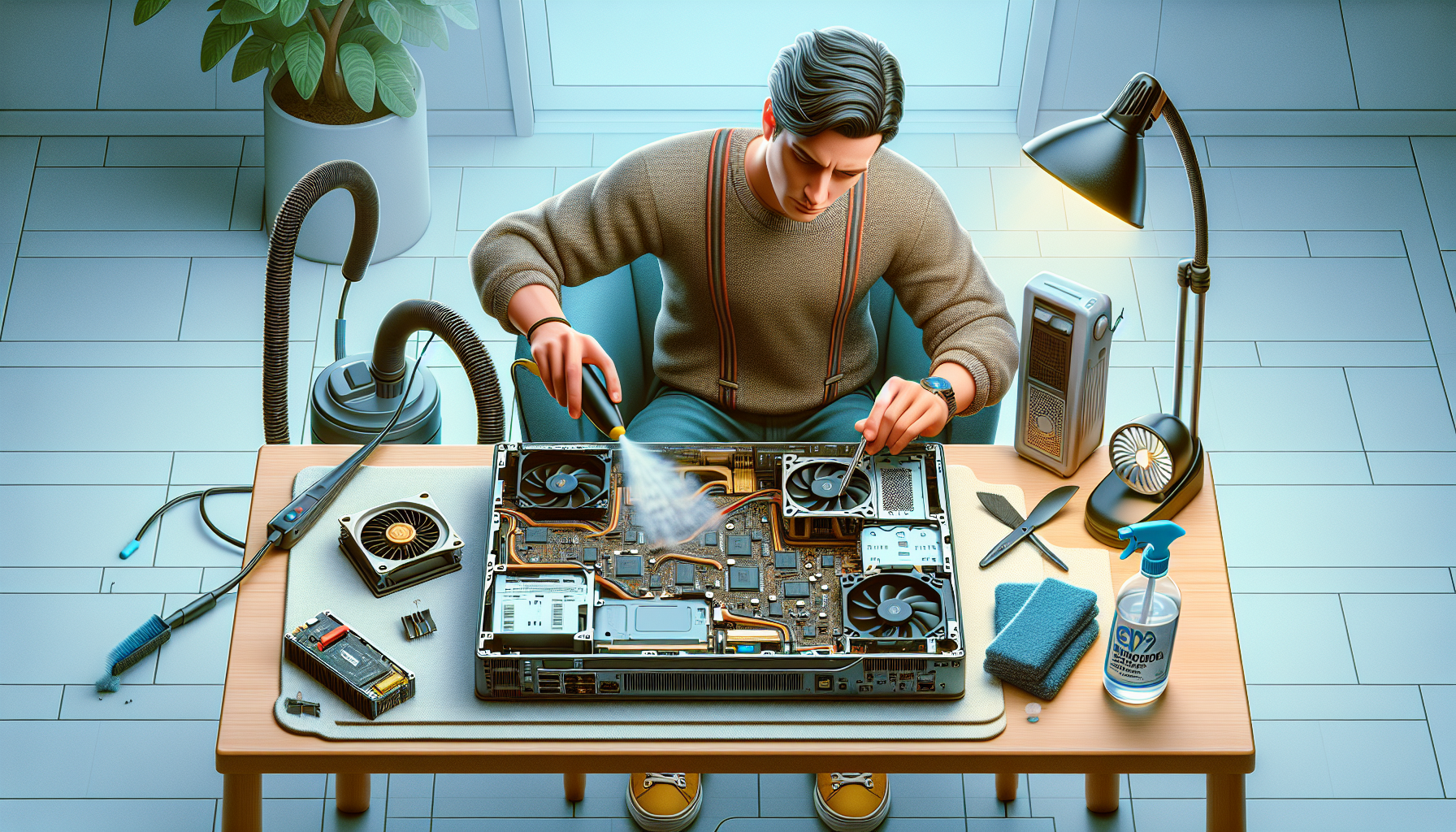
Regular cleaning of business PCs is crucial for maintaining optimal performance and extending the lifespan of the equipment. Dust, dirt, and debris can accumulate over time, leading to overheating
- Read more
Understanding Temporary Files
What are Temporary Files?
Temporary files, often referred to as temp files, are files created by operating systems and applications to temporarily hold data. These files are essential for various tasks, such as speeding up processes,
- Read more
Understanding PC Performance
To effectively manage a computer's performance, IT managers and business owners must first understand the various factors that influence PC speed. Regular maintenance is also crucial for ensuring optimal functionality.
Factors
- Read more
Understanding Corrosion on Computer Hardware
Corrosion on computer hardware is a significant concern for IT managers and business owners. Understanding its causes and effects can help in formulating strategies for maintenance and prevention.
What
- Read more
The Importance of Deep Cleaning Business Computers
Deep cleaning business computers is an essential practice for IT managers and business owners. It not only ensures data security but also enhances the overall performance and longevity of the devices.
Ensuring
- Read more
CPU Functionality Verification
Verifying the functionality of a CPU is essential for ensuring optimal performance in work computers. Various tools and methods can be employed to check if the CPU is working properly.
Intel® Processor Diagnostic
- Read more
Identifying Common Issues
Identifying common computer faults is essential for maintaining business efficiency. IT managers and business owners must recognise the symptoms of these issues and employ effective troubleshooting techniques to resolve them promptly.
Symptoms