


Rust Busters: Techniques for Removing Corrosion from Computer Hardware
Understanding Corrosion on Computer Hardware
Corrosion on computer hardware is a significant concern for IT managers and business owners. Understanding its causes and effects can help in formulating strategies for maintenance and prevention.
What Causes Corrosion on Computer Hardware?
Corrosion can occur due to several factors that affect the hardware's environment. Common causes include:
| Cause | Description |
|---|---|
| Moisture Exposure | Humidity and water spills can lead to oxidation of metal components. |
| Contaminants | Dust, dirt, and other particulates can trap moisture and promote corrosion. |
| Electrolytic Corrosion | Electrical currents can cause metal surfaces to corrode if they come into contact with conductive liquids. |
| Temperature Fluctuations | Rapid changes in temperature can create condensation, contributing to corrosion. |
Understanding these causes is crucial for preventing damage to critical computer components. For more information about maintaining device performance, refer to our article on clean computer for faster performance.
Effects of Corrosion on Device Performance
Corrosion can significantly impact the functionality and longevity of computer hardware. The effects include:
| Effect | Description |
|---|---|
| Reduced Electrical Conductivity | Corrosion on connectors and circuits can lead to poor connections and device malfunction. |
| Overheating | Corroded components may not dissipate heat effectively, resulting in overheating and potential failure. |
| Short Circuits | Corrosion can create conductive pathways that lead to short circuits, damaging the hardware. |
| Decreased Lifespan | Overall, corrosion can shorten the lifespan of devices, leading to increased maintenance costs and downtime. |
Addressing corrosion promptly can mitigate these effects. Regular inspections and maintenance are key to sustaining hardware performance. For further insights on identifying issues that slow down computers, check our article on identify computer slowdown causes.
Techniques for Removing Corrosion
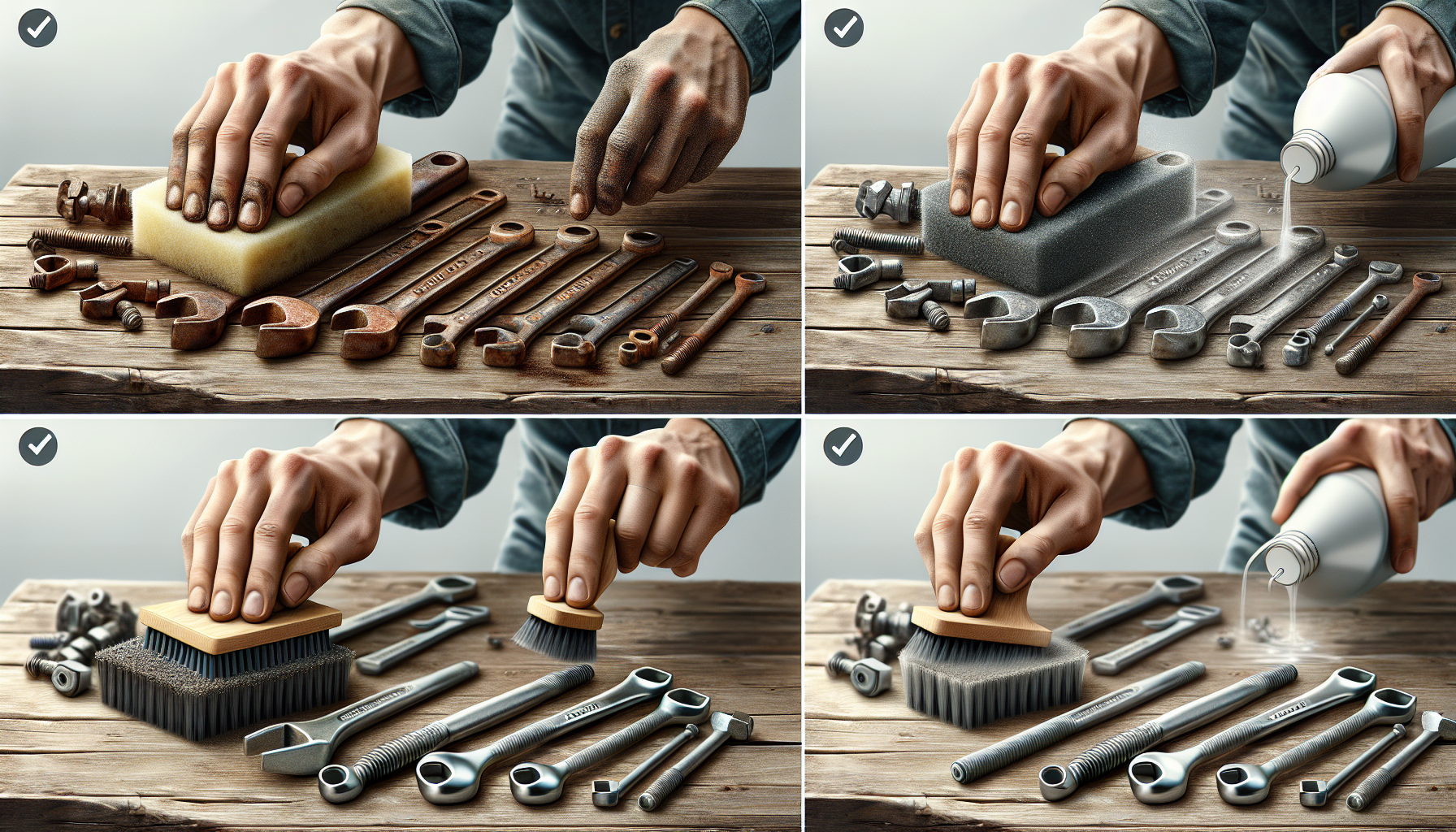
Corrosion can significantly affect the performance and longevity of computer hardware. Fortunately, there are several effective methods for removing corrosion and restoring hardware functionality. Below are three popular techniques that IT managers and business owners can utilise.
Cleaning with Isopropyl Alcohol
Isopropyl alcohol is a highly effective cleaning agent for removing corrosion from computer components. It evaporates quickly, which helps prevent further moisture issues. To use isopropyl alcohol for corrosion removal, follow these steps:
- Power down the device and unplug it from any power source.
- Dampen a soft cloth or cotton swab with isopropyl alcohol.
- Gently scrub the corroded area to lift off any rust or residue.
- Allow the area to dry completely before reconnecting the hardware.
| Concentration | Evaporation Rate | Effectiveness |
|---|---|---|
| 70% | Moderate | Good for general cleaning |
| 90% | Fast | More effective for stubborn corrosion |
| 99% | Very Fast | Best for delicate components |
For more information on using alcohol for cleaning hardware, visit our article on alcohol for cleaning hardware.
Using White Vinegar Solution
White vinegar is a natural acid that can dissolve rust effectively. To remove corrosion using a vinegar solution, follow these instructions:
- Mix equal parts of white vinegar and water in a small container.
- Dampen a cloth or sponge with the solution.
- Gently apply the mixture to the corroded area, allowing it to sit for a few minutes.
- Wipe away the corrosion with a clean cloth.
- Rinse the area with water and dry thoroughly.
It's important to ensure that no moisture remains on the hardware before reconnecting it. For a more detailed guide on cleaning with vinegar, check out our article on clean hardware with baking soda.
Baking Soda Paste Method
Baking soda is another household item that can be used to combat corrosion. The alkaline properties of baking soda help to neutralise rust. Here’s how to use a baking soda paste:
- Create a paste by mixing baking soda with a small amount of water.
- Apply the paste to the corroded area using a soft cloth or sponge.
- Allow the paste to sit for about 10-15 minutes.
- Scrub gently with a soft brush or cloth to remove the corrosion.
- Wipe away any residue and rinse with water, ensuring the area is dry before reconnecting.
This method is ideal for stubborn corrosion and can be particularly effective when combined with other cleaning techniques. For further tips on maintaining hardware, explore our article on clean computer for faster performance.
By employing these techniques, individuals can significantly improve the condition of their computer hardware and prolong its lifespan. Regular maintenance and timely corrosion removal will ensure optimal device performance.
Preventing Future Corrosion
To effectively prevent corrosion on computer hardware, IT managers and business owners should adopt a proactive approach. Implementing strategies to maintain optimal conditions can prolong the lifespan of devices and enhance their performance.
Proper Ventilation and Humidity Control
Maintaining appropriate ventilation and humidity levels is essential for preventing corrosion. High humidity can accelerate the corrosion process, especially in environments where moisture can accumulate.
| Humidity Level (%) | Effect on Hardware |
|---|---|
| Below 30 | Low risk of corrosion |
| 30-50 | Moderate risk of corrosion |
| Above 50 | High risk of corrosion |
To mitigate these risks, it is advisable to keep the relative humidity below 50%. Installing dehumidifiers or ensuring proper airflow in server rooms and equipment storage areas can significantly reduce the chances of moisture-related damage.
Regular Cleaning and Maintenance
Routine cleaning and maintenance are vital in reducing the risk of corrosion. Dust and debris can trap moisture against surfaces, leading to deterioration over time. Establishing a regular cleaning schedule helps keep hardware in optimal condition.
| Cleaning Frequency | Recommended Actions |
|---|---|
| Weekly | Dust surfaces and vents |
| Monthly | Clean internal components and check for dust accumulation |
| Quarterly | Perform thorough inspections and deep cleaning |
For more information on the impact of cleaning on performance, refer to our article on pc cleaning performance impact.
Protective Coatings and Sealing
Applying protective coatings or sealants can serve as an effective barrier against corrosion. These coatings can protect metal components from moisture and other environmental factors that contribute to rust formation.
| Coating Type | Benefits |
|---|---|
| Anti-corrosive Paint | Provides a durable layer of protection |
| Conformal Coating | Protects circuit boards from moisture and contaminants |
| Epoxy Sealant | Creates a waterproof barrier on metal surfaces |
Implementing these protective measures can help ensure that computer hardware remains functional and free from corrosion. For more tips on maintaining clean and efficient hardware, explore our article on clean computer hardware guide.
Seeking Professional Help
When dealing with corrosion on computer hardware, it may be necessary to seek professional assistance. Understanding when to consult IT support, the importance of regular inspections, and the benefits of hiring maintenance services can help ensure the longevity and performance of devices.
When to Consult IT Support
IT managers and business owners should consider consulting IT support when corrosion is evident on hardware components or when performance issues arise that could be linked to corrosion. Signs that indicate the need for professional help include:
| Signs of Corrosion | Description |
|---|---|
| Visible Rust | Any visible rust or corrosion on hardware components should be evaluated. |
| Device Malfunction | Frequent crashes, slow performance, or unusual noises may indicate underlying issues. |
| Overheating | Devices that overheat may suffer from internal corrosion that affects cooling systems. |
Timely intervention by IT professionals can prevent further damage and potential data loss. For more information on factors affecting computer performance, visit our article on identify computer slowdown causes.
Importance of Regular Inspections
Regular inspections of computer hardware are essential for identifying early signs of corrosion. Routine checks can help uncover issues before they escalate, ensuring that devices operate efficiently. Recommended inspection frequency includes:
| Inspection Frequency | Recommended Actions |
|---|---|
| Monthly | Visual checks for dust and corrosion; clean surfaces as needed. |
| Quarterly | In-depth assessments of internal components; check for overheating. |
| Annually | Comprehensive hardware review; consider professional cleaning and maintenance. |
These inspections allow IT managers to maintain optimal performance and prevent costly repairs. For guidance on cleaning, explore our article on clean computer for faster performance.
Hiring Professional Maintenance Services
In some cases, hiring professional maintenance services may be the best option for dealing with corrosion. These services can provide thorough cleaning, repair, and preventative measures tailored to specific business needs. Benefits of professional maintenance include:
| Benefits of Professional Maintenance | Description |
|---|---|
| Expertise | Technicians are trained to handle corrosion and associated issues effectively. |
| Time Efficiency | Professionals can complete maintenance tasks more quickly, minimising downtime. |
| Long-term Solutions | Regular maintenance can prolong the lifespan of hardware, saving costs over time. |
For organisations looking to maintain their computer systems and ensure they are free from corrosion, considering professional services is a worthwhile investment. To learn more about maintaining hardware, check out our article on perfect computer cleaning.


