


Zero-Budget Cleanup: How to Clean Your Business Computers for Free
Importance of Computer Maintenance
Maintaining computers is crucial for any business. Regular cleaning and upkeep can enhance performance, extend the lifespan of equipment, and ensure a more efficient work environment.
The Significance of Regular Cleaning
Regular cleaning of business computers helps prevent the accumulation of dust and debris. This build-up can lead to overheating and hardware failures, impacting productivity. A clean computer not only runs more efficiently but also reduces the risk of breakdowns that can cause downtime.
| Cleaning Activity | Frequency | Purpose |
|---|---|---|
| Exterior Wipe Down | Weekly | Remove dust and fingerprints |
| Keyboard and Mouse Cleaning | Biweekly | Prevent buildup of germs and debris |
| Internal Dusting | Monthly | Enhance airflow and cooling |
Regular cleaning is essential for maintaining not just the appearance of computers, but also their functionality.
Benefits of Maintaining Clean Computers
Keeping computers clean provides several benefits that can significantly impact a business's bottom line. Some of the key advantages include:
Improved Performance: A clean computer operates faster and more efficiently. For insights on enhancing performance, see our article on clean computer for faster performance.
Extended Lifespan: Regular maintenance can prolong the life of hardware components. For more details on this aspect, refer to pc dust cleaning benefits.
Healthier Work Environment: Clean computers reduce the spread of germs, promoting workplace health. For tips on sanitising hardware, visit sanitize computer hardware.
Reduced Repair Costs: By preventing issues through regular cleaning, businesses can avoid costly repairs. For more on identifying potential problems, check out identify computer slowdown causes.
Enhanced User Satisfaction: Employees benefit from improved performance and reliability, leading to higher satisfaction levels.
Maintaining clean computers is not merely an aesthetic concern; it has far-reaching implications for performance, health, and overall business efficiency. For more information on optimising performance, see our article on free pc performance optimization.
Free Methods for Cleaning Business Computers
Maintaining clean computers in a business setting is essential for optimal performance and longevity. Implementing free cleaning methods can help IT managers and business owners keep their equipment in top shape without incurring additional costs. Below are effective ways to clean the exterior of computers, keyboards, mice, and screens.
Cleaning the Exterior
The exterior of a computer, including the case and peripherals, can accumulate dust and grime over time. Regularly cleaning these surfaces not only improves aesthetics but also prevents dust from entering the internal components.
Steps for Cleaning the Exterior
- Turn Off and Unplug the computer to ensure safety.
- Use a Microfiber Cloth lightly dampened with water or a mild cleaning solution. Avoid using harsh chemicals that could damage surfaces.
- Wipe Down Surfaces including the case, power buttons, and ports. Make sure to get into crevices where dust may accumulate.
| Cleaning Tool | Description |
|---|---|
| Microfiber Cloth | Soft and non-abrasive, ideal for delicate surfaces. |
| Mild Cleaning Solution | Water-based and safe for electronic surfaces. |
Cleaning the Keyboard and Mouse
Keyboards and mice are often the most touched parts of a computer and can harbour bacteria and debris. Regular cleaning is crucial for maintaining hygiene and functionality.
Steps for Cleaning the Keyboard and Mouse
- Shake Out Debris by turning the keyboard upside down and gently tapping it.
- Use Compressed Air to blow out any particles trapped between keys.
- Wipe with a Microfiber Cloth dampened with a cleaning solution. For the mouse, ensure the bottom sensor is also cleaned.
| Cleaning Tool | Description |
|---|---|
| Compressed Air | Effective for removing debris from hard-to-reach areas. |
| Microfiber Cloth | Ideal for cleaning without scratching surfaces. |
Cleaning the Screen
A clean screen enhances visibility and reduces eye strain. Dust, fingerprints, and smudges can accumulate on the screen, necessitating regular cleaning.
Steps for Cleaning the Screen
- Use a Dry Microfiber Cloth to remove dust and fingerprints without scratching the screen.
- For Stubborn Smudges, slightly dampen the cloth with water or a screen-safe cleaner, ensuring it is not dripping wet.
- Wipe in Circular Motions to avoid streaks and ensure an even clean.
| Cleaning Tool | Description |
|---|---|
| Dry Microfiber Cloth | Perfect for regular dusting and light cleaning. |
| Screen-Safe Cleaner | Specifically formulated to avoid damage to screens. |
Implementing these free computer cleaning methods will help maintain the performance and appearance of business computers. Regular cleaning not only enhances the user experience but can also prevent potential issues related to dust and debris accumulation. For more information on how cleaning can impact performance, visit our article on pc cleaning performance impact.
Deep Cleaning Techniques
For optimal performance, regular deep cleaning of business computers is essential. This process not only enhances speed but also prolongs the life of the hardware. Here are two fundamental deep cleaning techniques that IT managers and business owners should consider.
Cleaning the Inside Components
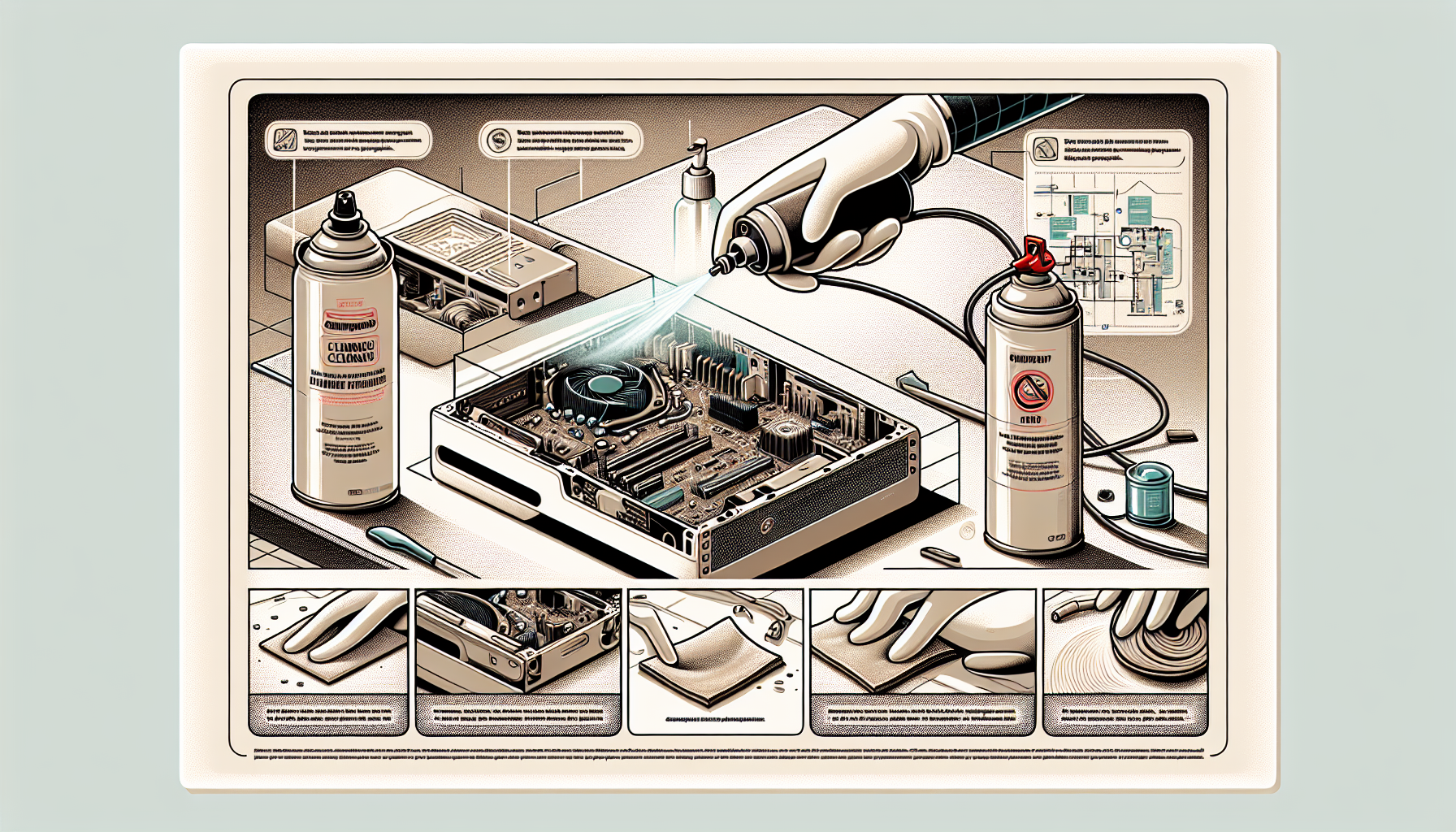
Cleaning the internal components of computers is critical in preventing overheating and maintaining performance. Dust and debris can accumulate inside the case, obstructing airflow and causing hardware to function inefficiently.
Steps for Cleaning Inside Components:
- Turn Off and Unplug: Always ensure that the computer is powered down and disconnected from any power source.
- Open the Case: Use a screwdriver to remove the side panel of the computer case.
- Use Compressed Air: Blow out dust from components like the CPU, GPU, and power supply using compressed air. Be sure to hold the can upright to avoid moisture build-up.
- Wipe Down Surfaces: Use a lint-free cloth slightly dampened with isopropyl alcohol to clean surfaces. Avoid using excessive moisture.
- Check for Cables: Ensure that all cables are secure and not obstructing airflow.
- Close the Case: After cleaning, reattach the side panel and ensure all screws are secured.
| Component | Cleaning Frequency |
|---|---|
| CPU and GPU | Every 6 months |
| Power Supply | Every 12 months |
| Fans and Filters | Every 3 months |
For more information about the importance of internal cleaning, refer to our article on pc dust cleaning benefits.
Managing Dust and Debris Build-Up
Preventing the accumulation of dust and debris is crucial for maintaining computer performance. Implementing a regular cleaning schedule and using specific techniques can significantly reduce build-up.
Tips for Managing Dust Build-Up:
- Regular Cleaning Schedule: Establish a routine cleaning schedule based on the environment. For instance, offices with more foot traffic may require more frequent cleaning.
- Use Air Filters: Installing air filters in the office can help capture dust particles before they enter the computer.
- Keep the Workspace Clean: Regularly clean the surrounding area of the computer. A tidy workspace can reduce the amount of dust that settles inside the machine.
- Monitor Humidity Levels: A humid environment can cause dust to clump together, making it harder to clean. Maintaining optimal humidity helps reduce this issue.
| Environmental Factor | Impact on Dust Build-Up |
|---|---|
| High Foot Traffic | Increases dust accumulation |
| Humidity Levels | Affects dust clumping |
| Office Cleanliness | Reduces dust entry |
For further reading on the effects of dust build-up on performance, check out our article on pc cleaning performance impact.
By employing these deep cleaning techniques, businesses can ensure their computers remain efficient and reliable, ultimately leading to better productivity.
Best Practices for Maintaining Clean Computers
Maintaining clean computers is essential for optimal performance and longevity. Implementing best practices can greatly enhance the effectiveness of free computer cleaning methods.
Regular Cleaning Schedule
Establishing a regular cleaning schedule helps ensure that computers remain in good condition. A consistent routine aids in preventing the build-up of dust and grime, which can impair functionality. Below is a suggested cleaning frequency table:
| Component | Cleaning Frequency |
|---|---|
| Exterior surfaces | Weekly |
| Keyboard and mouse | Bi-weekly |
| Screen | Monthly |
| Inside components | Every 6 months |
For further insights on the impact of cleaning on computer performance, refer to our article on pc cleaning performance impact.
Educating Employees on Cleanliness
Educating employees about the importance of cleanliness is vital for maintaining a tidy workspace. When staff members understand how their actions affect computer performance, they are more likely to adopt good habits. Training can include:
- Proper ways to handle and clean equipment
- Awareness of food and drink restrictions around computers
- Importance of keeping workspaces clutter-free
Consider discussing the consequences of not dusting pc to emphasize the potential issues.
Utilizing Free Cleaning Tools
Leveraging free cleaning tools can significantly enhance maintenance efforts. There are various software and physical tools available for computer maintenance. A few examples include:
| Tool | Purpose |
|---|---|
| Disk Cleanup | Remove temporary files and free up space |
| CCleaner | Clear junk files and optimize performance |
| Compressed air | Remove dust from internal components |
| Microfiber cloth | Clean screens and surfaces without scratches |
By using these resources, IT managers can effectively maintain their systems without incurring additional costs. For more information on optimizing performance, see our article on free pc performance optimization.
Implementing these best practices will help ensure that business computers remain clean and functional, ultimately contributing to a more efficient working environment.


