


Unlocking the Power: High Static Pressure PC Fans for Gamers
Understanding PC Cooling Fans
Proper cooling is vital for maintaining the performance and longevity of a gaming PC, especially for gamers in Australia, where ambient temperatures can often be high. High static pressure PC fans play a crucial role in this aspect, ensuring that the gaming rig remains cool under intense operation.
Importance of Cooling Fans
Cooling fans are an essential component of any gaming PC. They serve the purpose of dissipating heat generated by the internal components, such as the CPU, GPU, and other hardware, which is crucial to prevent overheating. Overheating can lead to throttling, reduced performance, and even permanent damage to the components. Adequate cooling ensures that the system runs efficiently and maintains optimal performance during gaming sessions (Smith, J. 2018).
For PC Gamers between 20-35 years old, keeping their gaming PC cool not only enhances the gaming experience but also prolongs the lifespan of their investment. Moreover, efficient cooling can allow for better overclocking, enabling gamers to push their systems to their limits without the risk of overheating.
Types of Cooling Fans
There are various types of cooling fans designed to cater to different cooling needs within a PC system. The primary types include:
- Case Fans: These are the most common cooling fans found in a PC. They are typically mounted on the front, back, or top of the PC case and are responsible for providing general airflow within the system.
- CPU Fans: Attached directly to the CPU heatsink, these fans focus on cooling the processor, which is one of the hottest components in a PC.
- GPU Fans: Similar to CPU fans, GPU fans are mounted on the graphics card and are designed to cool the GPU.
- Liquid Cooling Fans: These fans are part of a liquid cooling system that uses water or coolant to transfer heat away from components and is generally more efficient than air cooling.
- Radiator Fans: Used in conjunction with liquid cooling systems, radiator fans help dissipate heat absorbed by the coolant.
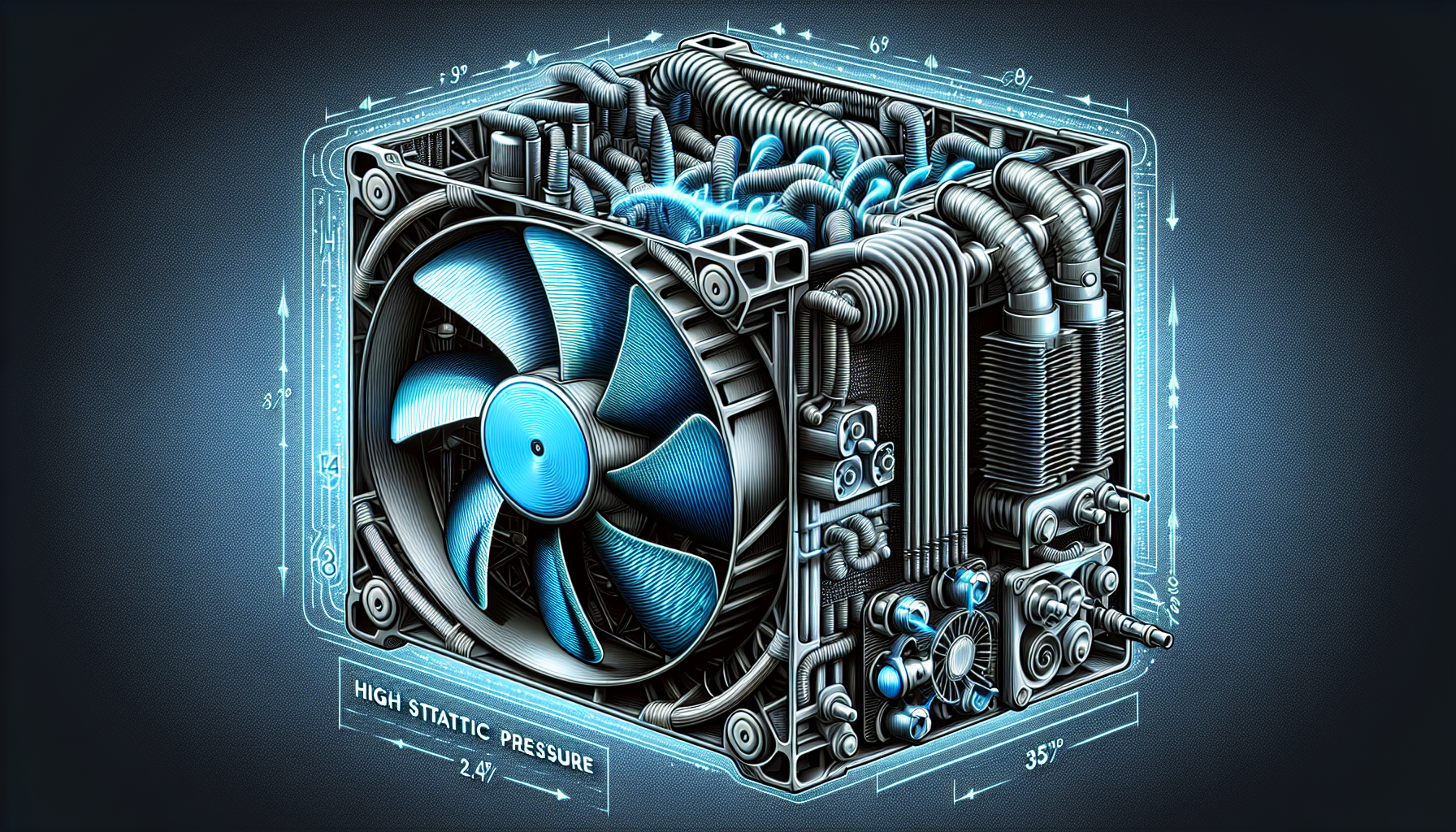
- Static Pressure Fans: Engineered to move air through obstructed spaces, such as radiators and heatsinks, high static pressure PC fans are ideal for gaming PCs with dense components.
| Fan Type | Primary Use |
|---|---|
| Case Fan | General Airflow |
| CPU Fan | Processor Cooling |
| GPU Fan | Graphics Card Cooling |
| Liquid Cooling Fan | Liquid Cooling Systems |
| Radiator Fan | Heat Dissipation in Liquid Systems |
| Static Pressure Fan | Airflow Through Obstructions |
The choice of cooling fans can depend on several factors such as the size of the PC case, the intensity of the gaming sessions, and the noise tolerance levels of the user. Gamers often favor quiet PC cooling fans that do not disrupt their gaming experience. Additionally, aesthetic choices like RGB PC cooling fans have become popular for those looking to customize the look of their gaming setup. For those with specific case sizes, there are 120mm and 140mm PC cooling fans to fit the bill.
Understanding the different types of cooling fans and their specific uses is crucial for PC gamers to make informed decisions about their gaming PC's cooling system. Whether prioritizing performance, quiet operation, or aesthetics, there's a cooling solution to meet every gamer's needs.
High Static Pressure Fans
What is Static Pressure?
Static pressure in the context of PC cooling fans refers to the fan's capacity to deliver air at a consistent rate even when faced with resistance. This resistance can come from various sources within a computer case, including heat sinks, radiators, and densely packed components. High static pressure fans are engineered to push or pull air more effectively in these restricted environments, overcoming the resistance to maintain optimal airflow.
The term 'static pressure' is measured in millimeters of water (mm-H2O) and a fan with a higher static pressure rating is adept at moving air through tight spaces. Choosing the right fan for the job is crucial for PC gamers who require efficient cooling solutions to prevent overheating during intense gaming sessions.
Benefits of High Static Pressure Fans
High static pressure fans offer several advantages, especially in gaming PCs where high-performance components generate substantial heat:
Enhanced Cooling Performance: They are particularly effective in systems with water cooling or air cooling setups that have dense fins, as they can push air through these tighter spaces where standard fans might falter.
Optimal Airflow in Compact Cases: For gamers with small form factor builds or cases with limited space, high static pressure fans ensure sufficient airflow around components, preventing the build-up of hot spots.
Reliability in Dusty Environments: These fans continue to perform efficiently even as dust accumulates on filters and components, which is essential for maintaining performance over time.
Improved Heat Dissipation: They are beneficial for use on CPU and GPU coolers, contributing to a more stable system by effectively dissipating heat away from critical components.
When considering a cooling solution for a gaming PC, high static pressure fans are a key component for maintaining temperatures and achieving peak performance. It's important to balance the static pressure rating with other factors such as airflow (measured in cubic feet per minute, or CFM), noise levels, and the size of the fan to find the most suitable option.
For an extensive range of options, including 120mm pc cooling fans and 140mm pc cooling fans, be sure to explore our carefully curated lists. Whether your priority is silent operation (quiet pc cooling fans) or aesthetics (rgb pc cooling fans), there is a high static pressure fan tailored to your needs. Those interested in advanced cooling systems can also check out our selection of liquid cooling fans for pc.
By integrating high static pressure fans into their gaming rigs, PC gamers can enjoy a cool and stable gaming experience, even during the most demanding sessions.
Factors to Consider
When selecting high static pressure pc fans, PC gamers must consider several factors to ensure optimal performance and compatibility with their gaming setups. These factors include the size and compatibility of the fans with their gaming PC case, as well as the noise levels that the fans produce during operation.
Size and Compatibility
The size of the PC fan is a critical factor as it must fit within the PC case without obstructing other components. Fans typically come in standard sizes, with 120mm and 140mm being the most common for gaming PCs. Here's a quick reference table for the standard sizes:
| Fan Size | Common Use Case |
|---|---|
| 120mm | Most common size, versatile for various PC case sizes |
| 140mm | Larger PC cases, provides efficient airflow with less noise |
Before purchasing a fan, it's essential to check the dimensions of the available mounting points in the PC case. Additionally, consider the thickness of the fan, as some high static pressure fans may be thicker than standard fans, which could impact compatibility.
Gamers should also ensure that the fan has the appropriate connector for their motherboard. Most fans use a 3-pin or 4-pin PWM connector, which allows users to control the fan speed through software.
For more information on sizing and compatibility, check our guides on 120mm pc cooling fans and 140mm pc cooling fans.
Noise Levels
Noise is a significant consideration for gamers, as excessive fan noise can be distracting during gameplay. High static pressure fans are designed to operate efficiently against resistance, but this can sometimes result in higher noise levels.
The noise level of PC fans is measured in decibels (dB). Fans with a lower dB rating will be quieter, while those with a higher dB rating will be louder. Here's an example of noise level ranges:
| Noise Level (dB) | Description |
|---|---|
| < 20 dB | Very quiet, barely noticeable |
| 20-30 dB | Quiet, suitable for a low-noise environment |
| > 30 dB | Noticeable, may be distracting in quiet rooms |
Manufacturers often provide the noise level rating for their fans, so look for this information when selecting a fan. For a gaming environment, opting for fans with noise-dampening features and advanced bearing types can help maintain a quieter operation. You can find some of the quiet pc cooling fans with the lowest noise levels in our curated list.
Remember, balancing cooling efficiency with acceptable noise levels is key. Gamers may also consider using software solutions or fan controllers to adjust the fan speeds as needed to reduce noise without compromising cooling performance.
Choosing the right high static pressure fans involves a careful consideration of the physical dimensions for fitting into a PC case, as well as the operational noise level to ensure a comfortable gaming experience. Always compare products and check user reviews to find the best pc cooling fans that meet both performance and acoustic requirements.
Installation and Maintenance
For PC gamers who demand peak performance from their systems, proper installation and regular maintenance of high static pressure PC fans are crucial. These steps ensure that the cooling solution is effective and that the components within the gaming rig remain at optimal temperatures, even during intense gaming sessions.
Proper Installation Techniques
Proper installation techniques for cooling fans include ensuring a secure and stable mounting, using appropriate screws or fasteners, and avoiding any obstructions that may impede airflow (Source). When installing high static pressure PC fans, it is vital to:
- Confirm compatibility with the PC case, ensuring that the fan size matches the available mounting points (Source).
- Orient the fan correctly to establish the desired airflow direction, either as an intake or exhaust.
- Utilize rubber or silicone fan mounts to diminish vibrations and minimize noise transmission to the case (Source).
- Connect the fan to the appropriate motherboard header or fan controller to manage speed settings.
For specific fan sizes, such as 120mm or 140mm fans, reference the PC case manual to ascertain the correct mounting locations. Additionally, gamers looking to enhance their rig's aesthetics can opt for RGB PC cooling fans, ensuring the lighting is properly connected and synchronized with their system.
Maintenance Tips
Regular maintenance of cooling fans is essential for optimal performance. This includes cleaning the fan blades and removing any accumulated dust or debris, which could otherwise hinder airflow and cooling efficiency (Source). Maintenance tips for cooling fans also involve:
- Checking the fan bearings for lubrication and replacing them if necessary to ensure smooth operation (Source).
- Monitoring the fan speed and adjusting it according to the system's cooling requirements.
- Inspecting the fans periodically for signs of wear or damage and replacing them as needed to prevent cooling performance degradation.
- Using compressed air or a soft brush to regularly dislodge dust build-up on the fan blades and housing.
Quiet PC cooling fans may require additional attention to maintain their low-noise operation, while liquid cooling fans for PC should be checked for proper radiator placement and unimpeded airflow.
By adhering to these proper installation techniques and maintenance tips, gamers can ensure that their best PC cooling fans provide sustained high performance, keeping their gaming PCs cool under pressure and prolonging the lifespan of their hardware.


