


Unlocking the Power: Exploring GPU Cooling Solutions for Optimal Gaming Performance
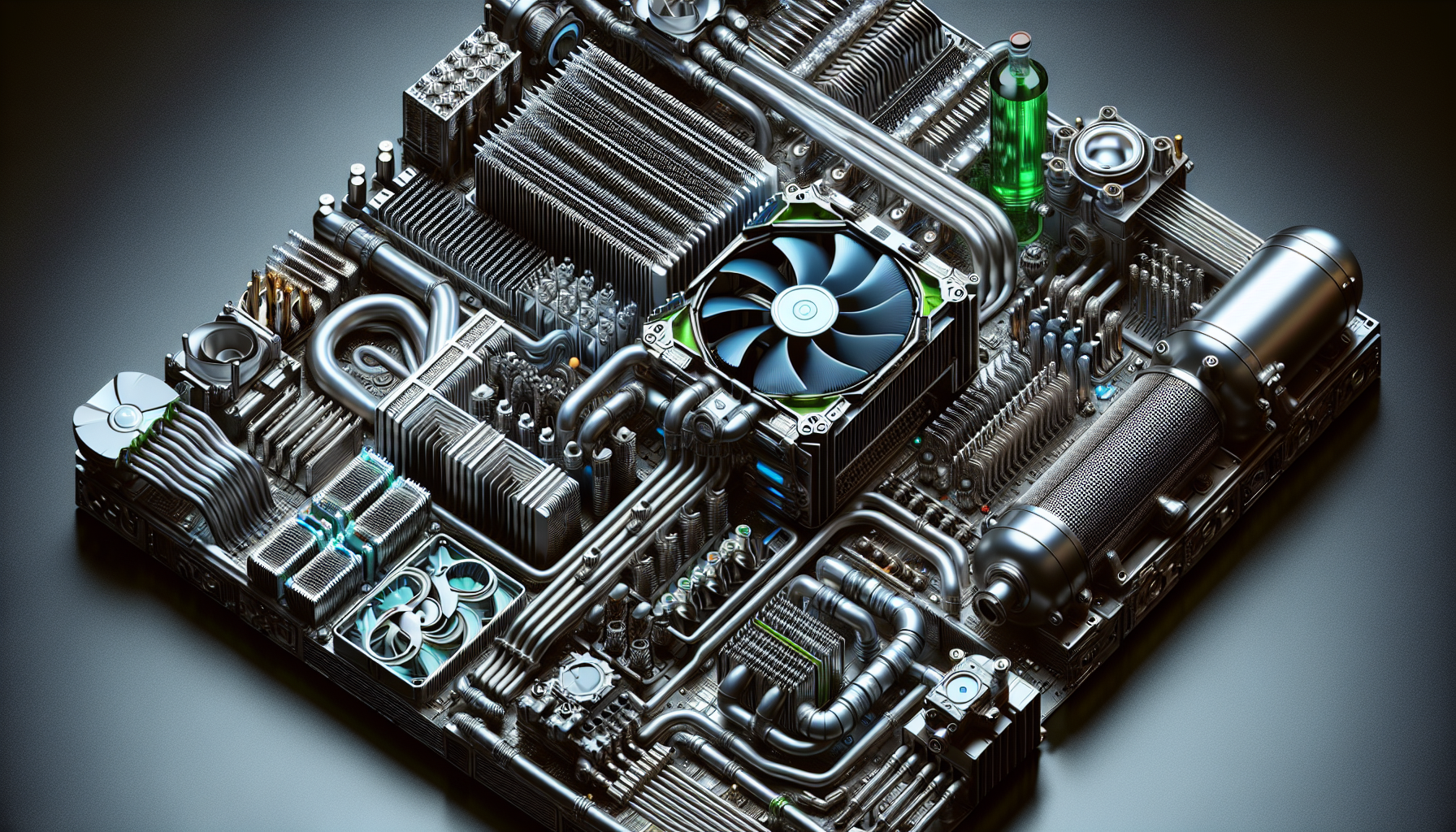
Understanding PC Cooling
Proper cooling is essential for maintaining the longevity and performance of PC components, especially for gaming PCs that are designed to handle intensive tasks. Cooling systems help dissipate heat generated by high-performance GPUs, preventing overheating and potential damage. In this section, we will explore the importance of cooling systems and the different types of cooling solutions available for GPUs.
Importance of Cooling Systems
The components inside a PC, including the GPU, generate heat during operation. If this heat is not effectively managed, it can lead to decreased performance, system instability, and even permanent damage. Cooling systems play a vital role in maintaining optimal temperatures by transferring heat away from critical components and expelling it into the surrounding environment.
By ensuring proper cooling, you can extend the lifespan of your GPU and improve overall system stability. Additionally, cooler temperatures can prevent thermal throttling, a process where the GPU reduces its performance to prevent overheating. This is particularly crucial for gamers who rely on their GPUs to deliver smooth and uninterrupted gameplay.
Types of Cooling Solutions
There are two main types of cooling solutions for GPUs: air cooling and liquid cooling. Let's take a closer look at each:
Air Cooling for GPUs
Air cooling is the most common and widely used cooling solution for GPUs. It relies on fans and heat sinks to draw heat away from the GPU and expel it into the surrounding environment. The fans circulate air over the heat sink, which dissipates the heat and keeps the GPU cool.
Air cooling is generally more affordable and easier to install compared to liquid cooling. It is also effective in most scenarios, providing adequate cooling for the majority of PC users. However, it's important to consider factors such as the number and size of fans, as well as the quality of the heat sink, to ensure efficient cooling. You can explore different PC fan types to find the ideal combination for your GPU.
Liquid Cooling for GPUs
Liquid cooling, also known as water cooling, utilizes a closed-loop system with a pump, radiator, and coolant to effectively cool the GPU. The pump circulates the coolant, which absorbs heat from the GPU and carries it to the radiator. The radiator then dissipates the heat into the surrounding air, aided by fans.
Liquid cooling offers superior heat dissipation and can provide lower temperatures compared to air cooling. This is especially beneficial for highly overclocked GPUs or for those who want to push their hardware to the limits. Liquid cooling systems often have larger radiators and multiple fans, resulting in more efficient heat removal.
While liquid cooling offers excellent performance, it tends to be more expensive and requires more installation effort compared to air cooling. However, for enthusiasts and gamers seeking maximum cooling capabilities, liquid cooling can be a worthwhile investment. You can explore different liquid cooling systems to find the one that suits your needs.
Understanding the importance of cooling systems and the different types of cooling solutions available is crucial when it comes to maintaining optimal performance and protecting your GPU. When choosing a cooling solution, consider factors such as compatibility with the GPU and performance metrics like noise levels and temperature reduction. Exploring user reviews and recommendations can also provide valuable insights to help you make an informed decision.
Air Cooling for GPUs
When it comes to GPU cooling solutions, air cooling is a popular choice among gamers due to its simplicity and cost-effectiveness[^1^]. This cooling method relies on fans and heatsinks to dissipate heat from the GPU, ensuring optimal performance and preventing overheating[^2^].
How Air Cooling Works
Air cooling involves the use of fans to circulate air around the GPU and heatsinks to transfer heat away from the components. The fans, typically mounted on the graphics card or within the PC case, draw cool air from the surroundings and direct it towards the heatsinks. As the air passes through the heatsinks, it absorbs heat from the GPU, cooling it down. The heated air is then expelled from the PC case through exhaust vents or additional fans.
Pros and Cons of Air Cooling
Air cooling offers several advantages that make it a popular choice for GPU cooling. Firstly, it is a straightforward and hassle-free solution that does not require any additional maintenance or complex installation procedures[^3^]. This makes it accessible to beginners and those who prefer a plug-and-play setup.
Another advantage of air cooling is its cost-effectiveness. Compared to liquid cooling systems, air coolers are generally more affordable, making them a budget-friendly option for gamers.
However, air cooling does have its limitations. In extreme overclocking scenarios, where maximum cooling performance is required, air cooling may not be as efficient as liquid cooling[^4^]. Liquid cooling systems can provide superior heat dissipation and temperature control in such demanding situations.
Additionally, air cooling can sometimes result in increased noise levels. As the fans need to run at higher speeds to maintain lower temperatures, they can generate more noise compared to liquid cooling systems[^5^]. However, many modern air coolers are designed to strike a balance between cooling performance and noise levels, offering quieter operation.
Despite these limitations, air cooling remains a reliable and widely used cooling solution for GPUs, especially for casual gamers and budget-conscious individuals[^6^]. It provides adequate cooling for most gaming scenarios and offers a straightforward and cost-effective means of keeping your GPU temperatures in check.
To enhance the air cooling efficiency of your GPU, consider factors such as proper case airflow, regular dust cleaning, and optimizing fan speeds using fan speed control software. Monitoring your GPU temperature using PC temperature monitoring software can also help ensure that your system stays within safe operating limits.
In the next section, we will explore another cooling solution for GPUs: liquid cooling.
Liquid Cooling for GPUs
When it comes to keeping your GPU cool and maximizing gaming performance, liquid cooling systems offer an advanced solution. These systems use a closed-loop setup to circulate a coolant, typically water or a mixture of water and antifreeze, directly in contact with the GPU. This coolant absorbs heat from the GPU and carries it away, preventing overheating and ensuring optimal performance. Here's how liquid cooling works and the benefits it brings to GPU cooling.
How Liquid Cooling Works
Liquid cooling systems for GPUs involve a series of components working together to dissipate heat effectively. A typical setup consists of a water block, pump, radiator, and fan(s). The water block is placed on the GPU, where it absorbs heat generated during operation. The pump then pushes the heated coolant to the radiator, which is equipped with fins that facilitate heat dissipation. As the coolant passes through the radiator, the fan(s) help to cool it down, allowing it to return to the water block and repeat the cycle.
Benefits of Liquid Cooling
Liquid cooling offers several benefits for GPU cooling, making it a popular choice among PC gamers. Here are some key advantages:
Superior Heat Dissipation: One of the main benefits of liquid cooling for GPUs is its ability to effectively remove heat. As Tom's Hardware explains, liquid cooling systems can keep the GPU operating at lower temperatures compared to air cooling. This superior heat dissipation can help prevent thermal throttling and maintain consistent performance during demanding gaming sessions.
Improved Efficiency and Reduced Noise: Liquid cooling systems can provide more efficient and quieter cooling for GPUs. As GamersNexus points out, the use of liquid coolant and larger radiators allows for better heat dissipation. This, in turn, leads to lower fan speeds and reduced noise levels, creating a more pleasant and immersive gaming experience.
Enhanced Overclocking Potential: Liquid cooling can unlock higher overclocking potential for GPUs. The improved cooling performance helps to keep GPU temperatures in check, allowing users to push their GPUs to higher clock speeds for increased performance. This is especially beneficial for gamers who want to optimize their gaming experience and extract every bit of power from their GPUs, as reported by TechRadar.
Extended GPU Lifespan: Lower operating temperatures provided by liquid cooling can contribute to an extended lifespan for GPUs. By keeping the GPU at lower temperatures, liquid cooling reduces stress on the components, potentially increasing their longevity. This can be particularly advantageous for gamers who want to protect their investment and ensure their GPUs last for years to come, as mentioned by ExtremeTech.
Liquid cooling for GPUs provides significant advantages in terms of heat dissipation, efficiency, overclocking potential, and the longevity of your gaming hardware. However, it's important to note that liquid cooling systems require careful installation and maintenance to ensure optimal performance and prevent any potential leaks. If you're considering liquid cooling for your GPU, it's recommended to consult with experts or refer to manufacturer guidelines to ensure proper installation and usage.
In the next section, we will explore hybrid cooling systems which combine the benefits of air and liquid cooling for even greater cooling performance.
Hybrid Cooling Systems
When it comes to GPU cooling solutions, hybrid cooling systems have gained significant popularity among gamers and PC enthusiasts. These systems combine the best of both air and liquid cooling technologies, offering superior heat dissipation and performance. By effectively cooling high-performance GPUs, hybrid systems ensure optimal performance and longevity.
The concept behind hybrid cooling is to leverage the strengths of both air and liquid cooling. Air cooling utilizes fans and heatsinks to dissipate heat from the GPU, while liquid cooling employs a closed-loop system with a pump, radiator, and liquid coolant to transfer heat away from the GPU. The combination of these two methods provides a comprehensive cooling solution for demanding gaming setups.
Here are some advantages of hybrid cooling systems:
Enhanced Cooling Performance: Hybrid cooling systems offer better temperature control, reducing the risk of overheating and potential damage to the GPU. The combination of air-cooled heatsinks and liquid-cooled radiators allows for efficient heat transfer, resulting in improved GPU performance and stability during intense gaming sessions.
Flexibility and Versatility: Hybrid cooling solutions are versatile and can adapt to different GPU models and configurations. This makes them a suitable choice for a wide range of gaming setups, giving users the freedom to upgrade their graphics cards without needing to change their cooling system.
Balance Between Performance and Convenience: Hybrid systems provide a balance between the simplicity and affordability of air cooling and the efficiency and effectiveness of liquid cooling. Users can enjoy the benefits of liquid cooling, such as lower temperatures and quieter operation, while still maintaining the convenience and ease of installation associated with air cooling.
Ideal for Overclocking: Hybrid cooling systems are particularly beneficial for overclockers and enthusiasts who want to push their GPUs to the limit. With their superior cooling capabilities compared to air cooling alone, hybrid systems can help maintain stable temperatures even during heavy overclocking, unlocking the full potential of the GPU.
It's important to note that hybrid cooling systems may require additional maintenance compared to traditional air cooling systems. Regular cleaning and monitoring of the liquid cooling components are necessary to ensure optimal performance and prevent any potential issues. By following manufacturer guidelines and using reliable PC temperature monitoring software, users can keep their hybrid cooling systems running smoothly.
When choosing the right cooling solution for your GPU, consider factors such as compatibility with your GPU model, performance metrics, and budget considerations. Additionally, consulting user reviews and recommendations can provide valuable insights into the performance and reliability of specific hybrid cooling systems.
By investing in a hybrid cooling system, you can unlock the potential of your GPU, ensuring it stays cool and performs optimally during intense gaming sessions. Enjoy the benefits of efficient heat dissipation and enhanced performance while maintaining the convenience of installation and ease of use associated with air cooling.
Factors to Consider
When selecting a GPU cooling solution, there are two important factors to consider: compatibility with your GPU and performance metrics. By taking these factors into account, you can ensure optimal cooling and maximize your gaming performance.
Compatibility with GPU
Compatibility is crucial when it comes to GPU cooling solutions. Different graphics cards have varying designs and dimensions, so it's essential to choose a cooling solution that is specifically designed to fit your GPU model.
Before making a purchase, consult the manufacturer's specifications or documentation to confirm compatibility. Additionally, user reviews and recommendations can provide valuable insights into the compatibility of specific cooling solutions with various GPU models.
Ensuring compatibility not only guarantees proper fitment but also enables efficient cooling and prevents potential damage to your GPU. The GPU manufacturer's website or online forums are excellent resources for finding information about compatible cooling solutions for your specific GPU model.
Performance Metrics
Performance metrics play a significant role in determining the effectiveness of a GPU cooling solution. Two key metrics to consider are cooling capacity and noise levels.
The cooling capacity of a cooling solution is typically measured in terms of thermal dissipation, expressed in watts (W). This metric indicates the cooling system's ability to dissipate heat generated by the GPU. It is important to choose a cooling solution that can adequately handle the thermal load of your GPU, ensuring that it remains within safe temperature limits.
Noise levels are another important consideration. While cooling is essential, excessive noise can be bothersome, particularly during intense gaming sessions. Cooling solutions with high fan speeds may generate more noise. Look for cooling solutions that strike a balance between effective cooling performance and acceptable noise levels. User reviews and recommendations can provide insights into the noise levels of different cooling solutions.
To monitor the temperature of your GPU and assess the effectiveness of your chosen cooling solution, you can utilize PC temperature monitoring software. These software tools provide real-time temperature data, allowing you to make adjustments or identify any potential cooling issues.
By considering compatibility with your GPU and assessing the performance metrics of cooling solutions, you can make an informed decision and select the right cooling solution to keep your GPU cool and performing at its best. For more information on GPU cooling and other cooling solutions, be sure to explore our articles on gaming PC cooling and top-rated cooling fans.
Choosing the Right Cooling Solution
When it comes to selecting the ideal cooling solution for your GPU, there are a few important factors to consider. Two key considerations are budget constraints and user reviews and recommendations. Let's explore these factors in more detail.
Budget Considerations
Considering your budget is essential as it will determine the range of cooling solutions available to you. It's important to find a balance between cost and performance. Some cooling solutions may be more expensive but offer superior cooling capabilities, while others may be more budget-friendly but still provide satisfactory performance.
While it's tempting to opt for the most expensive cooling solution, it's crucial to assess your specific needs and requirements. Consider the cooling demands of your GPU and the level of overclocking or gaming intensity it will undergo. This will help guide your decision on the appropriate cooling solution that fits within your budget.
User Reviews and Recommendations
User reviews and recommendations can provide valuable insights into the performance and reliability of different cooling solutions. It's advisable to research and read reviews from reputable sources or online communities to gather feedback from individuals who have firsthand experience with the cooling solutions you are considering.
By leveraging the experiences and opinions of others, you can gain a better understanding of the pros and cons of each cooling solution. Look for common themes and considerations mentioned by users, such as ease of installation, noise levels, cooling effectiveness, and durability. This information can help you make a more informed decision when selecting a cooling solution for your GPU.
It's important to note that while user reviews and recommendations can provide valuable guidance, it's crucial to consider multiple sources and opinions to form a well-rounded perspective. What works well for one person may not necessarily work for another, so it's important to weigh the overall consensus and make a decision based on your specific requirements.
By considering your budget constraints and taking into account user reviews and recommendations, you can make a more informed decision when choosing the right cooling solution for your GPU. Remember to also explore other factors such as compatibility, performance metrics, and additional features to ensure you select a cooling solution that optimizes the gaming performance of your GPU.


