


Unleashing High-Speed Performance: Top m.2 SATA SSDs for Gamers
Understanding M.2 SSDs
What are M.2 SSDs?
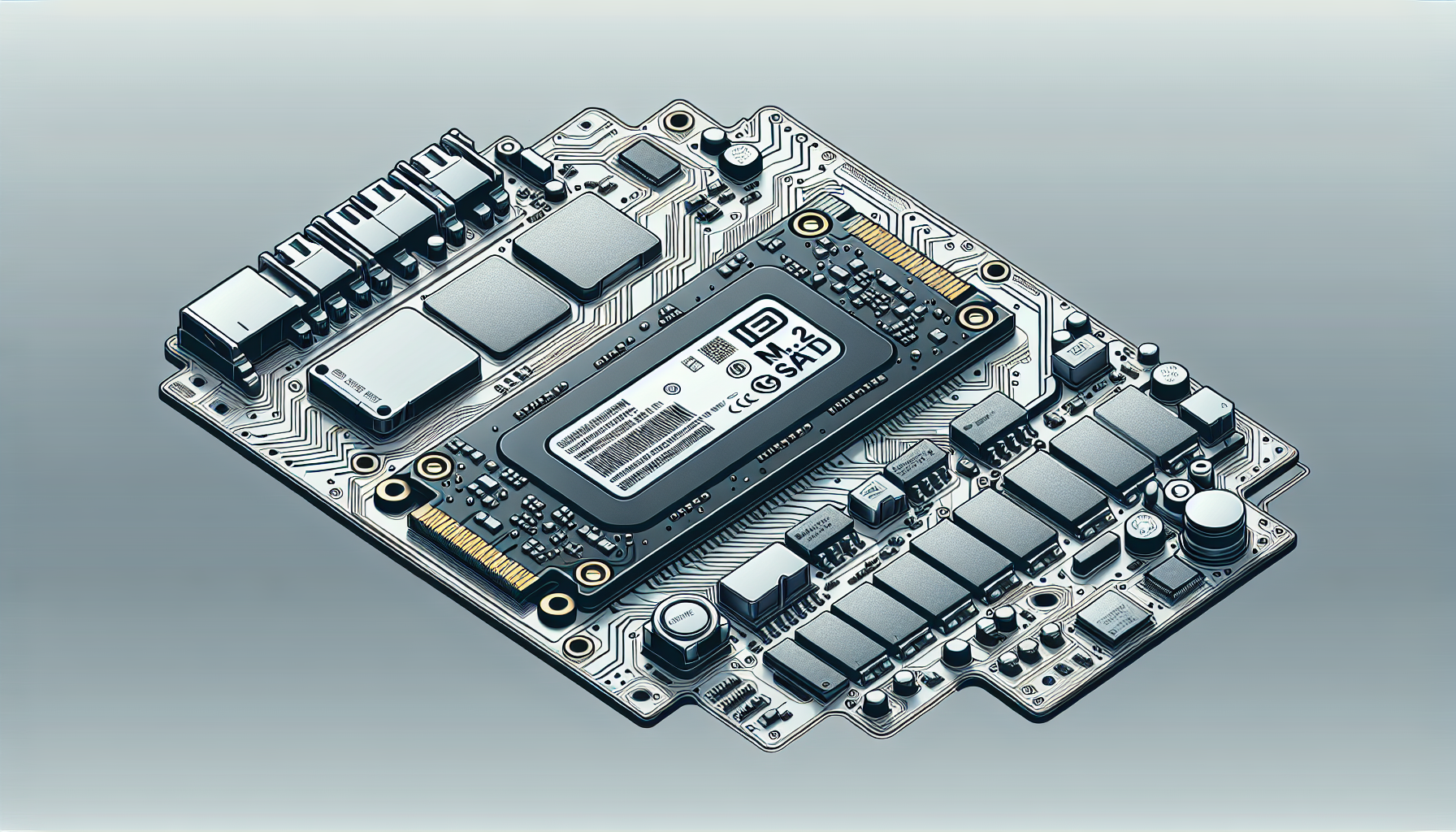
M.2 SSDs are a type of solid-state drive that is designed to improve the performance and capacity of modern computer systems. They are smaller and faster compared to traditional 2.5-inch SATA SSDs. M.2 drives do not have the same memory stick format as classic SSDs, yet they serve a similar purpose by providing high-speed storage source. This compact design makes M.2 SSDs ideal for laptops and desktop motherboards, where space is often a premium source.
Advantages of M.2 SSDs
M.2 SSDs come with several advantages over standard SATA SSDs. The most notable benefits include:
Compact Size: M.2 SSDs offer significant size advantages compared to traditional SATA SSDs, making them perfect for streamlined and compact system designs source.
Enhanced Speed: Most M.2 SSDs typically use the NVMe interface, allowing for considerably faster speeds and lower latency than SATA SSDs. This speed advantage enables quicker boot times, faster file transfers, and improved overall system responsiveness source.
Higher Capacities: M.2 PCIe SSDs are available in a variety of capacities ranging from 128GB to 2TB, catering to a wide range of users including gamers and content creators source.
These advantages make M.2 SSDs a highly appealing choice for those looking to enhance their computing experience, particularly for intense gaming sessions. For those interested in installation, see our guide on how to install m.2 ssd.
M.2 SSD Types
Understanding the different types of M.2 SSDs available helps gamers make informed choices about their storage options. This section discusses NVMe versus SATA M.2 SSDs and the differences between PCIe 4.0 and PCIe 3.0 interfaces.
NVMe vs SATA M.2 SSDs
The fundamental difference between NVMe and SATA M.2 SSDs lies in their interfaces and performance capabilities. M.2 SSDs typically use the NVMe interface, providing faster speeds and lower latency than SATA SSDs, which are limited by the SATA interface speed (Ars Technica).
| Feature | NVMe M.2 SSD | SATA M.2 SSD |
|---|---|---|
| Speed | Up to 7000 MB/s | Up to 600 MB/s |
| Latency | Lower | Higher |
| Interface | PCIe | SATA |
| Size | Compact | Larger |
A key advantage of M.2 drives is their compact size, which allows for more streamlined and compact system designs (Ars Technica).
While the NVMe protocol significantly boosts performance, especially for transferring large files or booting up, users performing everyday tasks may not notice a drastic difference when using SATA SSDs (Ars Technica).
PCIe 4.0 vs PCIe 3.0 Interfaces
The PCIe interface version employed by an M.2 SSD also affects its performance. The latest PCIe 4.0 provides double the bandwidth of PCIe 3.0, allowing for significantly higher data transfer rates.
| Interface Version | Maximum Bandwidth | Maximum Transfer Rate |
|---|---|---|
| PCIe 3.0 | 8 GT/s per lane (up to 32 GT/s for 4 lanes) | 32 GB/s (4 lanes) |
| PCIe 4.0 | 16 GT/s per lane (up to 64 GT/s for 4 lanes) | 64 GB/s (4 lanes) |
Switching from PCIe 3.0 to 4.0 can provide substantial improvements in speed and performance for gamers running intensive applications or loading large titles. However, it is essential to ensure that your motherboard supports PCIe 4.0 to take full advantage of this improved technology.
Gamers should carefully consider these differences when selecting an M.2 SATA SSD for their gaming rig to ensure they maximize storage performance in line with their gaming needs.
Performance Differences
When considering the performance of M.2 SSDs, it's crucial to compare speed and latency as well as understand how these aspects impact real-world applications for gamers.
Speed and Latency Comparison
M.2 SSDs generally use the NVMe interface, which provides significantly faster speeds and lower latency compared to traditional SATA SSDs. This performance distinction is pivotal for gamers who require quick data access and responsiveness during gameplay.
| SSD Type | Read Speed (MB/s) | Write Speed (MB/s) | Latency (ms) |
|---|---|---|---|
| NVMe M.2 SSD | Up to 7000 | Up to 5000 | 0.02 - 0.1 |
| SATA M.2 SSD | Up to 600 | Up to 550 | 0.5 - 1.0 |
M.2 SSDs leveraging the NVMe protocol deliver superior performance, making them ideal for demanding applications such as gaming. In contrast, while SATA SSDs may suffice for general tasks, they fall short in high-performance scenarios.
Real-World Applications
In general usage, the performance difference between NVMe M.2 SSDs and SATA SSDs may not be highly noticeable for everyday tasks such as web browsing or document editing. However, for gamers and users engaging in intense activities such as large data transfers, video editing, and running resource-heavy applications, the advantages of M.2 SSDs become evident (Ars Technica).
Gamers often experience shorter load times, quicker texture loading, and improved overall gameplay responsiveness when using M.2 NVMe SSDs compared to their SATA counterparts. This performance boost can enhance the gaming experience, making M.2 SSDs a worthwhile investment for serious gamers looking to upgrade their systems.
For further information on optimizing your gaming rig, explore our guides on how to install M.2 SSD and best M.2 SSD for gaming.
Best M.2 SSD Picks
When selecting the best M.2 SATA SSDs, gamers should consider speed, capacity, and performance. Below are some top picks that have gained recognition for their outstanding features and capabilities.
Crucial P3
The Crucial P3 stands out as a top-rated M.2 SSD due to its balance of speed, capacity, and affordability. Designed for regular users, it offers higher capacities than its predecessor, the P2, along with improved throughput speeds and a lower cost per gigabyte.
| Feature | Specification |
|---|---|
| Sequential Read Speed | Up to 3500 MB/s |
| Sequential Write Speed | Up to 3000 MB/s |
| Capacities Available | 250GB, 500GB, 1TB, 2TB |
WD Black SN850X
The WD Black SN850X is an elite PCIe 4.0 NVMe M.2 SSD specifically designed for gaming and creative applications. It boasts impressive benchmark results, delivering faster sequential read and write speeds. Buyers can choose between models with or without a heatsink for optimal thermal performance.
| Feature | Specification |
|---|---|
| Sequential Read Speed | Up to 7300 MB/s |
| Sequential Write Speed | Up to 5300 MB/s |
| Capacities Available | 1TB, 2TB, 4TB |
Micron's Crucial T705
Recognised as the fastest internal SSD by PCMag, Micron's Crucial T705 achieves remarkable performance benchmarks. It sets new records for speed in tests conducted with Crystal DiskMark and 3DMark Storage, making it an ideal choice for gamers seeking the ultimate speed.
| Feature | Specification |
|---|---|
| Sequential Read Speed | Up to 7500 MB/s |
| Sequential Write Speed | Up to 6000 MB/s |
| Capacities Available | 1TB, 2TB, 4TB |
TeamGroup MP44
The TeamGroup MP44 is a great option for users who require high-capacity storage, as it is available in capacities up to 8TB. This PCI Express 4.0 M.2 SSD also boasts a high durability rating, making it suitable for users who frequently write and overwrite large amounts of data.
| Feature | Specification |
|---|---|
| Sequential Read Speed | Up to 5000 MB/s |
| Sequential Write Speed | Up to 4400 MB/s |
| Capacities Available | 256GB, 512GB, 1TB, 2TB, 4TB, 8TB |
These selections highlight some of the top-performing M.2 SATA SSDs on the market, catering to a variety of needs for gamers looking to enhance their gaming experience. For more information on installing your M.2 SSD, refer to our guide on how to install M.2 SSD.
Choosing the Right M.2 SSD
When it comes to selecting the ideal M.2 SSD for gaming, there are several important factors that gamers in Australia should consider to ensure optimal performance.
Factors to Consider
Interface Type: Different M.2 SSDs feature various interfaces, including PCIe 3.0 and PCIe 4.0. The choice of interface affects the SSD’s speed and compatibility with the motherboard. PCIe 4.0 offers the highest speeds but is only compatible with the latest motherboards and CPUs (KingSpec).
Form Factor: M.2 SSDs come in different sizes, such as M.2 2242, M.2 2260, and M.2 2280, with the most common size being 2280 (80mm). It is essential to ensure that the SSD is compatible with the motherboard's form factor (KingSpec).
Speed Requirements: Evaluate the speed specifications of the SSD. Higher read and write speeds significantly enhance gaming experience, reducing load times and improving overall system performance.
Brand Reputation: Opt for reputable brands known for reliability and performance in gaming contexts. Reviews and user feedback can provide insights into the performance and durability of specific models.
Form Factors and Capacities
M.2 SSDs are available in several form factors, each suited for different installation requirements and performance levels. Below is a table summarizing common M.2 form factors and their sizes.
| Form Factor | Size (mm) | Common Usage |
|---|---|---|
| M.2 2242 | 22 x 42 | Compact devices or limited space setups |
| M.2 2260 | 22 x 60 | Mid-range devices, a balance of size and capacity |
| M.2 2280 | 22 x 80 | Most common for high-performance desktops and gaming PCs |
| M.2 22110 | 22 x 110 | Larger storage needs, typically used in enterprise solutions |
Selecting the appropriate capacity is also crucial. M.2 SSDs are available in various storage sizes, typically ranging from 250GB to 4TB, allowing users to tailor their storage according to their gaming library and system requirements. Gamers should assess their storage needs based on the size of their games and applications.
By carefully evaluating these factors, one can choose an M.2 SATA SSD that optimally enhances gaming performance. For installation guidance, refer to how to install m.2 ssd for further details on incorporating your new M.2 SSD into your system.
Price Considerations
Balancing Performance and Budget
When selecting an M.2 SATA SSD for gaming, price is a fundamental aspect to consider. M.2 SSDs generally have a higher price point compared to traditional SATA SSDs. However, the performance gains can often justify the additional cost for gamers seeking improved speed and responsiveness in their systems (Ars Technica).
The cost of M.2 drives can vary significantly based on several factors including brand, storage capacity, and speed. It's essential for gamers to weigh their performance requirements against their budget when making a decision. Below is a comparative overview of popular M.2 SSD options based on price and performance characteristics.
| SSD Model | Capacity | Type | Average Price (AUD) | Performance Remarks |
|---|---|---|---|---|
| Crucial P3 | 500GB | SATA | $79 | Good for casual gaming |
| WD Black SN850X | 1TB | NVMe | $199 | Excellent speed for high-performance gaming |
| Micron's Crucial T705 | 2TB | NVMe | $299 | High capacity for extensive game libraries |
| TeamGroup MP44 | 1TB | NVMe | $170 | Solid performance with great value |
Prices are indicative and may vary based on retailer and sales.
Gamers who perform tasks requiring rapid file transfers, such as data-heavy gaming applications, will find the NVMe M.2 drives particularly beneficial. In contrast, for general web browsing and office work, the speed difference between M.2 and SATA SSDs may be less noticeable (Ars Technica). This consideration can guide gamers in choosing an SSD that fits not only their performance needs but also their financial constraints.
Ultimately, obtaining the best performance per dollar spent is paramount. It is advisable to analyse individual gaming and usage needs while exploring the wide selection of M.2 SSDs, to make an informed decision that aligns with budget and performance aspirations.


