


Unleashing Gaming Power: The Ultimate 1TB NVMe M.2 SSD for Gamers
Understanding SSDs
What are NVMe SSDs?
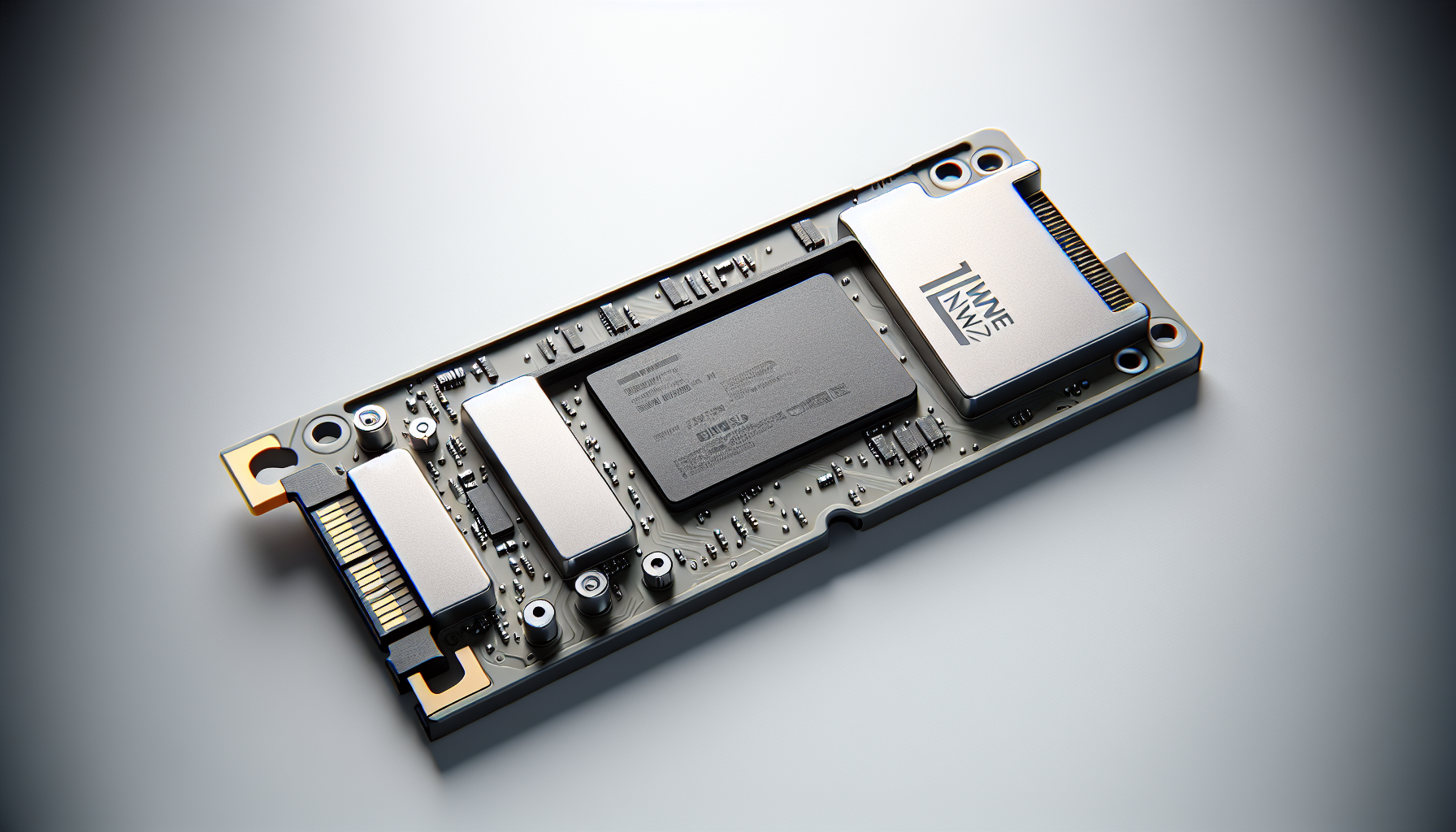
NVMe (Non-Volatile Memory Express) is a data storage access and transport protocol that significantly improves throughput and response times compared to previous technologies. Designed to replace older SATA and SAS protocols, NVMe was developed for demanding computing environments and provides advancements in data storage capacity and transfer technology (IBM).
NVMe SSDs leverage PCIe (Peripheral Component Interconnect Express) connections, enabling them to deliver remarkably higher speeds and performance than SATA SSDs. They operate with a queue depth of 64,000 commands, in contrast to SATA's limit of 32, resulting in reduced latency and system overhead (IBM).
| Key Feature | NVMe SSDs | SATA SSDs |
|---|---|---|
| Queue Depth | 64,000 | 32 |
| Max Speed | Up to 64,000 MB/s | 600 MB/s |
| Latency | Low | Higher |
NVMe technologies are particularly suited for modern applications such as artificial intelligence and machine learning, as they allow for greater parallelism and faster response times (IBM).
Benefits of PCIe 4.0
The advancements in NVMe technology are significantly enhanced by PCIe 4.0, which provides enormous bandwidth potential for storage devices. With PCIe 4.0, speeds can reach up to 64,000 MB/s, which is vastly superior to SATA III's maximum of 600 MB/s (Kingston).
This increased bandwidth is particularly advantageous for gaming and high-performance computing, making NVMe SSDs the preferred choice for most users looking to build or upgrade a high-end PC.
Products such as the Crucial T500 and WD Black SN850X exemplify the benefits of PCIe 4.0, showcasing excellent performance and improved data transfer capabilities that set new benchmarks in the industry.
Understanding these technologies is crucial for gamers in Australia seeking the best gaming performance. For installation guidance, refer to our article on how to install m.2 ssd.
Top SSD Picks
For gamers seeking the best 1TB NVMe M.2 SSD options, several standout models provide exceptional performance and reliability. Here are three top picks that combine speed, capacity, and value for those aged 20-45 in Australia looking for gaming gear.
Crucial T500 Overview
The Crucial T500 is considered an excellent choice for most users, featuring PCIe 4.0 technology that enhances data transfer rates. This SSD is ideal for building or upgrading high-end gaming PCs. It not only promises improved performance but also exhibits full-featured capabilities that cater to rigorous gaming requirements.
| Feature | Specification |
|---|---|
| Interface | PCIe 4.0 |
| Sequential Read Speed | Up to 7,000 MB/s |
| Sequential Write Speed | Up to 6,800 MB/s |
| Capacity Options | 1TB, 2TB |
For more details on installation, check our guide on how to install m.2 ssd.
Western Digital Black SN850X Review
The Western Digital Black SN850X stands out as a high-performance M.2 SSD that offers larger capacities and impressive test results. This model consistently sets new benchmark records, including a noteworthy performance in the 3DMark Storage benchmark. Its capabilities make it a formidable competitor in the gaming SSD market.
| Feature | Specification |
|---|---|
| Interface | PCIe 4.0 |
| Sequential Read Speed | Up to 7,300 MB/s |
| Sequential Write Speed | Up to 6,600 MB/s |
| Capacity Options | 1TB, 2TB, 4TB |
The SN850X is perfect for gamers looking for high-speed performance to manage large game files and applications. More information about this SSD is available in our article on best m.2 ssd for gaming.
Crucial P3 Performance
The Crucial P3 offers a solid performance in a PCI Express 3.0 NVMe SSD with QLC NAND flash memory, making it a cost-effective option for gamers upgrading older PCs that do not support PCIe 4.0 technology. It is suitable for a variety of applications while providing efficient speed and responsiveness.
| Feature | Specification |
|---|---|
| Interface | PCIe 3.0 |
| Sequential Read Speed | Up to 3,500 MB/s |
| Sequential Write Speed | Up to 3,000 MB/s |
| Capacity Options | Up to 4TB |
For users with entry-level or older systems, the P3 serves as a reliable option to enhance overall performance. For strategies on data management, consider our guide on how to clone m.2 ssd with only one slot.
These SSDs represent some of the best choices for gamers looking to enhance their PC performance with a 1TB NVMe M.2 SSD. With an emphasis on speed, capacity, and overall value, they cater to the diverse needs of the gaming community.
Pricing Trends
Samsung 990 Pro Pricing History
The price trajectory of the Samsung 990 Pro 1TB SSD has seen significant fluctuations over the past year. Initially priced at around $170, it dropped to $60 before stabilising around $80 for several months. Recent trends have shown a rise in its cost, bringing it back up to $110, as shown in the table below.
| Time Period | Price (AUD) |
|---|---|
| One Year Ago | $170 |
| Lowest Price | $60 |
| Stabilised Price | $80 |
| Current Price | $110 |
For more information on other SSD pricing, visit TechSpot.
SK Hynix P41 Platinum Price Changes
The SK Hynix P41 Platinum 1TB SSD has also experienced notable price changes. Starting at $150 a year prior, it remained at $90 for most of 2023, with occasional dips to as low as $55. Currently, it is available for approximately $100. Below is a summary of its pricing history.
| Time Period | Price (AUD) |
|---|---|
| One Year Ago | $150 |
| Lowest Price | $55 |
| Average Price | $90 |
| Current Price | $100 |
For further details, refer to TechSpot.
Understanding these pricing trends can help gamers in Australia assess when to invest in the best 1TB NVMe M.2 SSDs for their gaming setups.
Technology Comparison
Understanding the differences between NVMe and SATA is essential for gamers seeking the best 1TB NVMe M.2 SSD for their gaming rigs. This section provides insights into the speed advantages of NVMe alongside the limitations of SATA SSDs.
NVMe vs SATA Speed
NVMe (non-volatile memory express) has revolutionised data storage by offering significantly improved throughput and lower latency compared to SATA (serial ATA) SSDs. NVMe uses the PCIe (Peripheral Component Interconnect Express) bus, which allows for much higher data transfer rates and more efficient communication between storage devices and the CPU.
The following table highlights the key speed differences:
| Feature | NVMe SSD | SATA SSD |
|---|---|---|
| Maximum Data Transfer Rate | Up to 64,000 MB/s (PCIe 4.0) | 600 MB/s (SATA III) |
| Queue Depth | 64,000 | 32 |
| Latency | Reduced | Higher |
NVMe SSDs not only support higher bandwidth but also allow more I/O commands to be processed simultaneously, resulting in faster load times and better performance in demanding gaming environments (IBM).
SATA SSD Limitations
SATA SSDs, while a popular option, come with several limitations due to their dependence on the SATA bus and the older AHCI (Advanced Host Controller Interface).
Key limitations include:
- Capped Performance: SATA SSDs are limited to 600 MB/s due to the constraints of the SATA III specifications, which hinders the potential for faster loading times and file transfers.
- Lower Queue Depth: With only 32 I/O requests supported in a queue, SATA SSDs experience higher latency and can become a bottleneck in high-performance applications (Kingston).
- Inefficiency in High-Throughput Tasks: Tools that require fast data access, such as gaming, video editing, and large file transfers, may not achieve optimal performance with SATA SSDs compared to NVMe solutions.
The differences in speed and efficiency between NVMe and SATA management must be considered carefully when selecting storage options for gaming PCs. For gamers looking to enhance their systems, investing in an NVMe drive is a significant upgrade. For more information on setting up your M.2 SSD, refer to our guide on how to install M.2 SSD.
Performance Analysis
In this section, we will evaluate the performance of the Crucial T3 and the HP FX900, looking at their throughput and overall capabilities as a 1TB NVMe M.2 SSD.
Crucial T3 Throughput Evaluation
The Crucial T3 is well-regarded for its balance of performance and price. It utilises PCIe 3.0 technology, which allows for significant data transfer speeds. While it does not reach the extreme speeds offered by PCIe 4.0 drives, it still delivers robust performance for gamers.
| Metric | Crucial T3 Performance |
|---|---|
| Sequential Read Speed (MB/s) | 1,800 |
| Sequential Write Speed (MB/s) | 1,200 |
| 4K Random Read (IOPS) | 130,000 |
| 4K Random Write (IOPS) | 75,000 |
These speeds make it suitable for gaming and general multimedia usage. Gamers can expect quick load times and seamless performance during gameplay with the Crucial T3. For installation guidance, see how to install m.2 ssd.
HP FX900 Performance Comparison
The HP FX900 is a PCIe 4.0 NVMe M.2 SSD that provides solid performance without the highest price tag. Although it may not lead in raw speed figures, it has shown impressive results in real-world applications, particularly in 4K read tasks which are beneficial for gaming.
| Metric | HP FX900 Performance |
|---|---|
| Sequential Read Speed (MB/s) | 3,500 |
| Sequential Write Speed (MB/s) | 2,900 |
| 4K Random Read (IOPS) | 605,000 |
| 4K Random Write (IOPS) | 850,000 |
The HP FX900 excels in handling multiple tasks simultaneously, making it ideal for gamers who also engage in streaming or content creation (PCMag). For users experiencing issues with M.2 SSDs, help can be found in why is my m.2 ssd not showing up in bios.
With these performance details, it becomes clear how each SSD fits into the market of high-performance gaming storage. Gamers considering options for enhancing their setups should weigh the specifications of the Crucial T3 against the HP FX900 according to their specific gaming needs and budget.


