


Unleashing Gaming Potential: Unraveling the CPU Definition
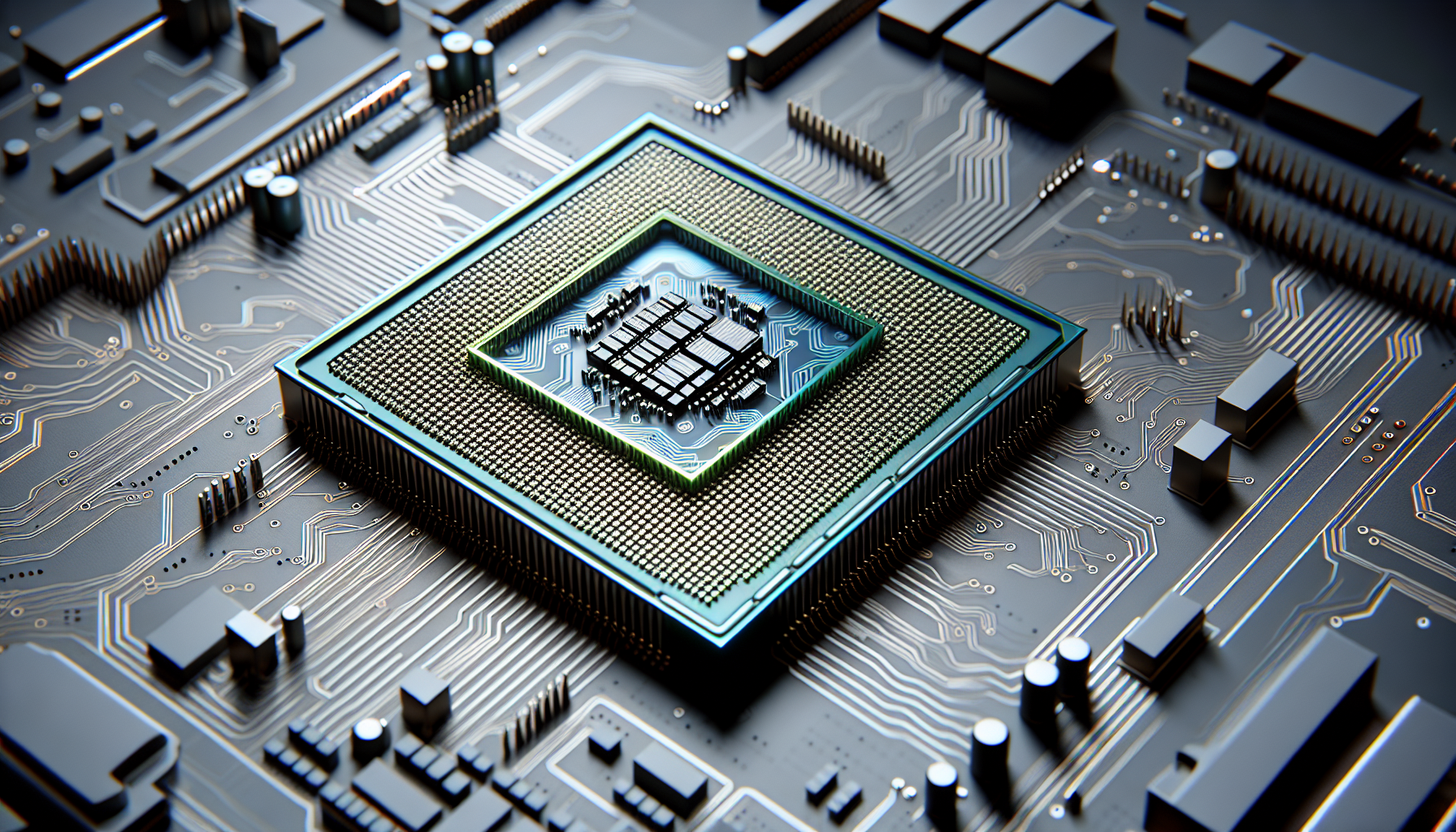
Understanding CPUs
Delving into the world of computer gaming, one essential component that invariably crops up is the CPU. Understanding the CPU definition and its importance can significantly enhance a gamer's experience and performance.
What is a CPU?
CPU stands for Central Processing Unit. Often referred to as the 'brain' of a computer, the CPU is a critical component that processes instructions received from computer programs and applications. It performs the fundamental operations of a system, such as arithmetic, logical, control and input/output (I/O) operations.
The CPU is made up of a few key components, including the Arithmetic Logic Unit (ALU), which performs mathematical, logical, and decision operations, and the Control Unit (CU), which manages all the hardware of the computer system.
In the context of gaming, a CPU handles tasks such as AI, physics, and the layering of sound, among other things. For more information on CPUs and their role in computers, visit our detailed guide on CPUs.
Importance of CPUs
The importance of CPUs in gaming cannot be overstated. A high-performance CPU ensures smooth and immersive gaming experiences. It can handle complex simulations and calculations, produce high frame rates, and enable quick loading times.
A CPU also plays a pivotal role in minimizing latency, which is crucial for online multiplayer games where every millisecond counts. Furthermore, advanced CPUs support higher-end graphics cards and other hardware, preventing potential bottlenecks in your system and optimizing overall performance.
Choosing the right CPU for your gaming setup can make a substantial difference in your gaming experience. Whether you're looking at a desktop CPU, an Apple CPU, or trying to understand CPU benchmarks, knowing the ins and outs of CPUs is a necessary step in every gamer's journey.
While the CPU is just one part of the puzzle in a gaming setup, its role is central to the performance and capabilities of your gaming rig. Understanding the CPU definition and the role it plays in gaming can help you make informed decisions when building or upgrading your gaming PC, ensuring you get the most out of your gaming experiences.
Choosing the Right CPU
Choosing the right Central Processing Unit (CPU) is crucial for a smooth and immersive gaming experience. The CPU, often referred to as the 'brain' of the computer, processes instructions and carries out tasks. In gaming, a powerful CPU can make a significant difference in terms of performance, graphics, and overall gameplay.
Factors to Consider
When selecting a CPU for your gaming setup, consider the following factors:
Performance: Evaluate the CPU's performance in terms of its clock speed, number of cores, and threads. A higher clock speed means the CPU can process instructions faster, while more cores and threads allow the CPU to handle multiple tasks simultaneously.
Compatibility: Ensure the CPU is compatible with your motherboard. CPUs and motherboards come in specific socket types, and these must match for the CPU to fit and function correctly. You can learn more about this in our article on cpu motherboard combo.
Cooling: CPUs generate heat, and without adequate cooling, they can overheat and cause system instability or damage. Consider a CPU that comes with a good cooling solution or invest in an aftermarket cpu cooler.
Overclocking: Some CPUs have unlocked multipliers that allow for overclocking, which means you can push the CPU to run at speeds higher than its base speed for increased performance. Note that overclocking requires a good cooling solution to manage the extra heat generated. Learn more about this in our article on how to overclock cpu.
Budget: CPUs come in a wide range of prices, so consider how much you're willing to spend. More expensive CPUs usually offer more performance, but the best value for your money depends on your specific needs and the types of games you play.
Best CPUs for Gaming
Here are some notable CPUs that offer excellent performance for gaming:
| CPU | Core Count | Clock Speed | Overclockable |
|---|---|---|---|
| Intel Core i9-10900K | 10 | 3.7 GHz | Yes |
| AMD Ryzen 9 5900X | 12 | 3.7 GHz | Yes |
| Intel Core i5-10600K | 6 | 4.1 GHz | Yes |
| AMD Ryzen 5 3600X | 6 | 3.8 GHz | Yes |
The Intel Core i9-10900K and AMD Ryzen 9 5900X are top-tier CPUs that offer exceptional performance, making them suitable for high-end gaming setups. They both have high core counts and clock speeds, and they can be overclocked for even more power.
The Intel Core i5-10600K and AMD Ryzen 5 3600X are mid-range CPUs that offer excellent value for money. They provide solid performance for most games without breaking the bank.
Before making your decision, it's recommended to check cpu benchmarks to compare the performance of different CPUs. Keep in mind that the best CPU for you depends on your specific needs and budget, so take your time to research and choose wisely.
CPU Performance Metrics
For gamers, understanding the fundamental performance metrics of a CPU is crucial. This knowledge can help them make informed decisions when purchasing or upgrading their gaming gear. In this section, we'll delve into two key metrics: clock speed and cores and threads.
Clock Speed
Clock speed, often measured in gigahertz (GHz), is a fundamental aspect of the CPU definition. It refers to the speed at which a CPU can execute instructions. Higher clock speeds allow a CPU to process data more quickly, leading to smoother and faster gaming performance. However, it's important to note that a higher clock speed also generates more heat, which can be a concern if your CPU cooling system isn't adequate.
Overclocking is a technique used to increase the clock speed of a CPU beyond its factory settings. This can potentially enhance gaming performance, but it's not without risks, including overheating and system instability. If you're considering overclocking, it's essential to understand how to overclock a CPU safely and effectively.
Cores and Threads
In addition to clock speed, the number of cores and threads in a CPU is another critical performance metric. A core is a unit within the CPU that can execute instructions. A CPU can have multiple cores (e.g., dual-core, quad-core, etc.), allowing it to perform multiple tasks simultaneously.
A thread, on the other hand, is a sequence of instructions that a core can process. Some CPUs use a technology called hyperthreading, which allows each core to handle two threads at a time, further enhancing multitasking capabilities.
When it comes to gaming, a CPU with more cores and threads can handle more demanding games and deliver smoother performance. However, it's also essential to consider the quality of the cores, not just the quantity. Some games may perform better on a CPU with fewer, but more powerful, cores.
| Metric | Definition | Importance for Gaming |
|---|---|---|
| Clock Speed | Speed at which a CPU executes instructions, typically measured in gigahertz (GHz). | Higher clock speeds can enhance gaming performance by allowing faster data processing. |
| Cores | Units within a CPU that execute instructions. | A CPU with more cores can handle more tasks simultaneously, potentially leading to smoother gaming performance. |
| Threads | Sequences of instructions that a core can process. | CPUs with hyperthreading technology can handle more threads, improving multitasking capabilities. |
Understanding CPU performance metrics is key to unleashing your gaming potential. By considering factors like clock speed, cores, and threads, you can select the best CPU for your gaming PC and optimise your gaming experience.
Upgrading Your CPU
When it comes to enhancing your gaming experience, upgrading your CPU is often a wise move. But before you start, it's crucial to understand the process involved, especially the compatibility check and installation process.
Compatibility Check
The first step in upgrading your CPU is to ensure that the new processor is compatible with your current system. The CPU needs to match the socket on your motherboard, or else it won't fit. For example, if your motherboard supports an LGA 1151 socket, your new CPU must also support this socket type.
Additionally, your motherboard's chipset must support the new CPU. For instance, some chipsets only support specific generations of processors. Therefore, it's necessary to check the manufacturer's website or product manual for compatibility information.
Another important consideration is the power supply. High-performance CPUs can consume a lot of power, so make sure your power supply unit (PSU) can deliver the necessary wattage.
Lastly, don't forget the cooling system. More powerful CPUs generate more heat, which requires effective cooling to prevent overheating. This could mean upgrading your CPU cooler or improving the overall airflow within your case.
Installation Process
Once you've confirmed compatibility, you can proceed with the installation. Start by powering off your computer and unplugging it from the power source. Carefully remove the existing CPU cooler and CPU, taking care not to damage any pins.
When installing the new CPU, align it carefully with the motherboard socket. There's usually a corner with a specific mark on both the CPU and the socket to guide you. Once the CPU is in place, lower the retention arm to secure it.
Next, apply thermal paste on the CPU. This aids in heat transfer from the CPU to the cooler. If you're using a new cooler, it might come with pre-applied thermal paste.
Finally, install the CPU cooler. This can vary depending on the cooler design, so be sure to follow the manufacturer's instructions. Once the cooler is securely fitted, reconnect the fan to the appropriate header on the motherboard.
After these steps, you should be ready to power on your computer and enjoy a smoother, more enhanced gaming experience. For more information on CPUs and gaming needs, check out our article on the best CPU for gaming PC.


