


Unleash Your Gaming Potential: Top ATX Computer Cases for Gamers
Understanding Computer Cases
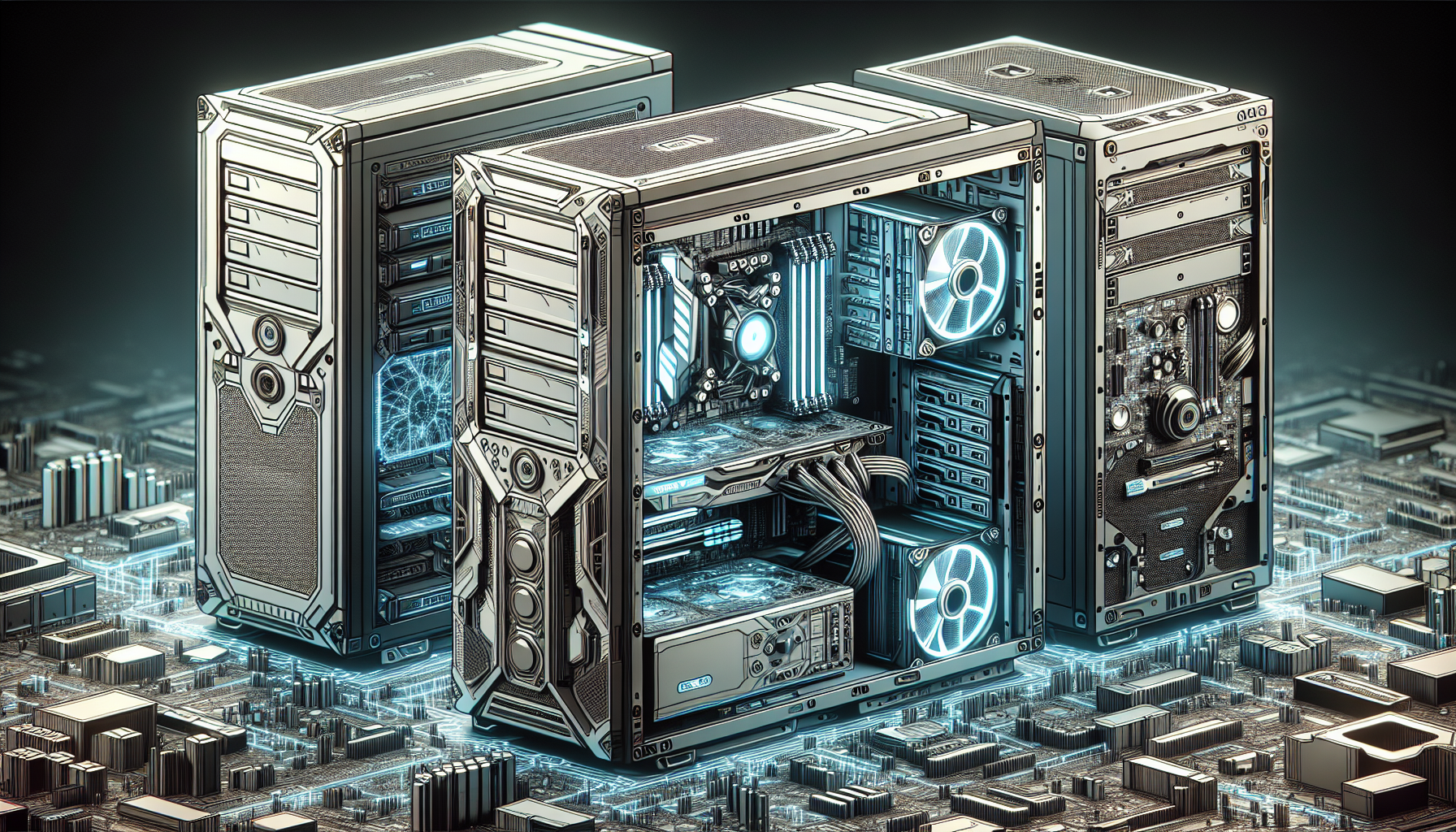
When it comes to gaming, computer cases play a crucial role in providing the necessary protection, organization, cooling, and airflow for the components. Understanding what computer cases are and their importance in gaming is essential for gamers looking to unleash their gaming potential.
What Are Computer Cases?
Computer cases, also known as chassis, are the enclosures that house all the components of a computer system. They provide a framework and physical structure to support and protect the internal components such as the motherboard, processor, graphics card, storage drives, and power supply. Computer cases come in various sizes and form factors to accommodate different motherboard sizes and expansion slots.
Importance of Computer Cases in Gaming
Computer cases play a crucial role in gaming as they provide the necessary protection and organization for the components, as well as proper airflow and cooling. The choice of computer case can impact the overall performance and longevity of a gaming system. Here are a few reasons why computer cases are important in gaming:
Compatibility and Expansion Options
Computer cases are designed to accommodate different motherboard sizes, expansion slots, and storage options, ensuring compatibility with various gaming components. This allows gamers to customize and upgrade their systems with ease, adding or replacing components such as graphics cards, storage drives, and additional peripherals.
Cooling and Airflow
Proper cooling and airflow in a computer case are essential for maintaining optimal performance and preventing overheating, especially during intense gaming sessions. Computer cases are designed with strategically placed fans, vents, and airflow channels to dissipate heat effectively. This helps in keeping the components at safe operating temperatures, reducing the risk of thermal throttling and potential damage.
Design and Aesthetics
Computer cases come in a wide range of designs and aesthetics, allowing gamers to showcase their builds and personalize their gaming setups. Whether it's a sleek and minimalist design or an eye-catching RGB-lit case, the aesthetics of the computer case can enhance the overall visual appeal of the gaming system.
By understanding the importance of computer cases in gaming, gamers can make informed decisions when choosing the right computer case for their needs. The size, compatibility, cooling capabilities, and design aesthetics are all factors to consider, as they can significantly impact the gaming experience.
Types of Computer Cases
When it comes to choosing a computer case for your gaming setup, it's important to consider the different types available. Each type has its own unique features and specifications that cater to different needs and preferences. Let's explore the three main types of computer cases: ATX, Micro ATX, and Mini ITX.
ATX Computer Cases
ATX (Advanced Technology eXtended) computer cases are the most common and widely used type of computer cases. They are designed to accommodate ATX motherboards, which are larger in size and offer more expansion slots for components. ATX cases provide ample space for multiple graphics cards, larger cooling systems, and additional storage options.
| Specification | ATX |
|---|---|
| Motherboard Size | 12" x 9.6" |
| Expansion Slots | 7+ |
| Cooling Support | Multiple fans, liquid cooling |
| Storage Options | Multiple drive bays, SSD support |
ATX cases are ideal for gamers who require a high level of customization and performance. They offer flexibility in terms of component compatibility and allow for future upgrades without the need for changing the case. However, it's important to consider the size of an ATX case, as they tend to be larger and may require more space in your gaming setup.
Micro ATX Computer Cases
Micro ATX cases are a smaller form factor compared to ATX cases. They are designed to accommodate Micro ATX motherboards, which are smaller in size but still offer a good balance between performance and compactness. Micro ATX cases are a popular choice for gamers who want a more space-saving option without compromising on functionality.
| Specification | Micro ATX |
|---|---|
| Motherboard Size | 9.6" x 9.6" |
| Expansion Slots | 4 |
| Cooling Support | Limited fan slots, some support for liquid cooling |
| Storage Options | Fewer drive bays, limited SSD support |
Micro ATX cases are suitable for gamers who want a smaller and more portable gaming setup. They still provide enough room for essential components such as a graphics card, CPU cooler, and storage drives. However, due to their smaller size, the cooling and expansion capabilities may be slightly limited compared to ATX cases.
Mini ITX Computer Cases
Mini ITX cases are the smallest form factor among the three types of computer cases. They are designed to accommodate Mini ITX motherboards, which are the smallest consumer-grade motherboards available. Despite their compact size, Mini ITX cases can still house powerful gaming components, making them a popular choice for gamers who prioritize portability.
| Specification | Mini ITX |
|---|---|
| Motherboard Size | 6.7" x 6.7" |
| Expansion Slots | 1 |
| Cooling Support | Limited fan slots, limited support for liquid cooling |
| Storage Options | Fewer drive bays, limited SSD support |
Mini ITX cases are ideal for gamers who want a highly portable gaming setup or have limited space available for their gaming rig. While they offer limited expansion options, they can still accommodate high-performance components and provide a compact and sleek aesthetic.
Choosing the right type of computer case depends on your specific needs and preferences. Consider factors such as available space, desired component compatibility, and the level of customization and performance you require. With the right computer case, you can unleash your gaming potential and create a setup that suits your gaming style.
Factors to Consider When Choosing a Computer Case
When selecting a computer case for your gaming setup, several factors should be taken into consideration to ensure optimal performance and compatibility. The size and compatibility, cooling and airflow, and expansion and storage options are key factors to evaluate when choosing a computer case.
Size and Compatibility
The size and compatibility of a computer case play a significant role in determining the ease of installation and cable management. It is important to choose a case that can accommodate your components, including the motherboard, graphics card, power supply, and cooling solutions.
A larger case provides more space for components, making installation and cable routing easier. However, it may also take up more physical space. On the other hand, smaller cases are more compact and suitable for those with limited space. Ensure that the case is compatible with your chosen form factor, such as ATX, Micro ATX, or Mini ITX.
Cooling and Airflow
Proper cooling and airflow are crucial factors to consider when selecting a computer case. Efficient cooling is essential for maintaining optimal performance and preventing overheating, which can potentially damage your components.
Look for a case that offers ample space for fans or liquid cooling solutions. Consider the number and size of fan mounts available. Some cases may include pre-installed fans, but it's important to ensure they are positioned strategically to provide effective airflow. Additionally, features like dust filters can help keep your components clean and prevent dust buildup, which can hinder cooling performance.
Expansion and Storage Options
Expansion and storage options should be taken into account when choosing a computer case to ensure compatibility with future upgrades. Consider the number of drive bays available for hard drives and solid-state drives (SSDs), as well as any additional expansion slots for graphics cards or other expansion cards.
Having sufficient expansion options allows you to accommodate additional hardware, such as extra storage drives, sound cards, or network cards. Additionally, consider the number of USB ports and other connectivity options available on the front panel for easy accessibility.
By carefully considering the factors of size and compatibility, cooling and airflow, and expansion and storage options, you can choose a computer case that suits your gaming needs. Keep in mind that the size and compatibility impact the aesthetics of your system, while cooling and airflow contribute to stable performance, and expansion and storage options offer flexibility for future upgrades and storage needs.
Features of ATX Computer Cases
When it comes to gaming, choosing the right ATX computer case is essential for a seamless and enjoyable gaming experience. ATX computer cases offer a range of features that cater to the needs of gamers. In this section, we will explore three key features of ATX computer cases: design and aesthetics, cable management, and front panel connectivity.
Design and Aesthetics
ATX computer cases come in a variety of designs and aesthetics to suit different preferences. From sleek and minimalistic designs to bold and eye-catching styles, there is a wide range of options to choose from. Gamers often look for cases that not only provide functionality but also enhance the overall visual appeal of their gaming setup.
It's important to consider factors such as the size, shape, and material of the case when evaluating its design and aesthetics. Some cases feature tempered glass side panels that allow for a clear view of the internal components, while others may have RGB lighting options to create an immersive gaming atmosphere. The design and aesthetics of an ATX computer case can truly elevate the gaming experience.
Cable Management
Proper cable management is crucial for maintaining a clean and organized gaming setup. ATX computer cases often come equipped with features that facilitate efficient cable management. These features include strategically placed cable routing holes, Velcro straps or cable ties, and dedicated cable management compartments.
Efficient cable management not only improves the overall appearance of the gaming setup but also enhances airflow and reduces the risk of cable interference with other components. It also simplifies future upgrades or maintenance, as components can be easily accessed without the hassle of tangled cables. When choosing an ATX computer case, consider the cable management options it offers to ensure a neat and hassle-free gaming experience.
Front Panel Connectivity
Front panel connectivity is another important feature to consider when selecting an ATX computer case. These cases often come with a variety of front panel ports and connectors, providing easy access to essential peripherals and devices. Common front panel connectivity options include USB ports (2.0, 3.0, or 3.1), audio jacks for headphones and microphones, and sometimes even additional features like SD card readers or fan control buttons.
The availability and placement of these front panel connectors can greatly enhance the convenience and accessibility of your gaming setup. Whether you need to quickly plug in a gaming controller, connect headphones, or transfer files from an SD card, having the necessary ports easily accessible on the front panel of your ATX computer case can save you time and effort.
By considering the design and aesthetics, cable management options, and front panel connectivity of ATX computer cases, you can make an informed decision when choosing the right case for your gaming needs. Remember to prioritize features that align with your preferences and requirements, ensuring a seamless and visually appealing gaming setup.
Top ATX Computer Cases for Gamers
When it comes to gaming, having the right computer case can make all the difference in terms of performance and aesthetics. ATX computer cases are a popular choice among gamers due to their spacious interiors and compatibility with high-end components. Here are three top ATX computer cases that are highly recommended for gamers:
Case 1: [Brand/Model]
[Description of Case 1]
| Specifications | Details |
|---|---|
| Dimensions | [Dimensions] |
| Motherboard Compatibility | [Motherboard Compatibility] |
| Cooling Options | [Cooling Options] |
| Expansion Slots | [Expansion Slots] |
| Storage Options | [Storage Options] |
| Front Panel Connectors | [Front Panel Connectors] |
Case 2: [Brand/Model]
[Description of Case 2]
| Specifications | Details |
|---|---|
| Dimensions | [Dimensions] |
| Motherboard Compatibility | [Motherboard Compatibility] |
| Cooling Options | [Cooling Options] |
| Expansion Slots | [Expansion Slots] |
| Storage Options | [Storage Options] |
| Front Panel Connectors | [Front Panel Connectors] |
Case 3: [Brand/Model]
[Description of Case 3]
| Specifications | Details |
|---|---|
| Dimensions | [Dimensions] |
| Motherboard Compatibility | [Motherboard Compatibility] |
| Cooling Options | [Cooling Options] |
| Expansion Slots | [Expansion Slots] |
| Storage Options | [Storage Options] |
| Front Panel Connectors | [Front Panel Connectors] |
These ATX computer cases are highly regarded in the gaming community for their build quality, cooling capabilities, and overall design. They offer ample space for components, efficient airflow, and various options for customization. Whether you're looking for a sleek and minimalist design or a case with vibrant RGB lighting, there is a top ATX computer case out there to suit your gaming preferences.
Before making a final decision, it's always recommended to research and read reviews from trusted sources to ensure the chosen case meets your specific needs. Additionally, proper cleaning and regular maintenance will help prolong the lifespan of your computer case and keep your gaming setup running smoothly.
Tips for Choosing and Maintaining a Computer Case
When it comes to choosing and maintaining a computer case for your gaming setup, there are several important factors to consider. Taking the time to research and make informed decisions will help you find the right case and ensure its longevity. Here are some essential tips to keep in mind:
Research and Read Reviews
Before making a purchase, it's crucial to research and read reviews about different computer cases. Look for reputable sources that provide detailed information and insights from other gamers. By doing so, you can gain valuable knowledge about the pros and cons of specific cases, ensuring that you make an informed decision based on your needs and preferences.
Proper Cleaning and Dust Management
Maintaining a clean and dust-free computer case is essential for optimal performance and longevity. Over time, dust can accumulate inside the case, affecting cooling efficiency and potentially causing hardware issues. Regularly clean the case using compressed air or a soft brush to remove any dust buildup. Additionally, consider using dust filters on intake fans to prevent dust from entering the case in the first place.
Regular Maintenance and Upgrades
To keep your computer case in top shape, it's essential to perform regular maintenance and upgrades. Check for any loose screws, cables, or connectors and ensure they are properly secured. Additionally, monitor the temperature inside the case and make necessary adjustments to the cooling system if needed. Upgrading components such as fans or adding additional cooling options can help improve airflow and temperature management.
When it comes to upgrading your computer case, consider factors such as compatibility with your existing components, expansion options, and future-proofing. A well-designed case will offer ample space for upgrades and provide convenient access to components, making the process smoother and more efficient.
By following these tips, you can make an informed decision when choosing a computer case for your gaming setup and ensure its longevity through proper maintenance and upgrades. Remember to prioritize factors such as size and compatibility, cooling and airflow, and expansion options to find a case that suits your needs and enhances your gaming experience.


