


Unleash Your Gaming Potential: GPU vs CPU - Choosing Your Gaming Hardware Wisely
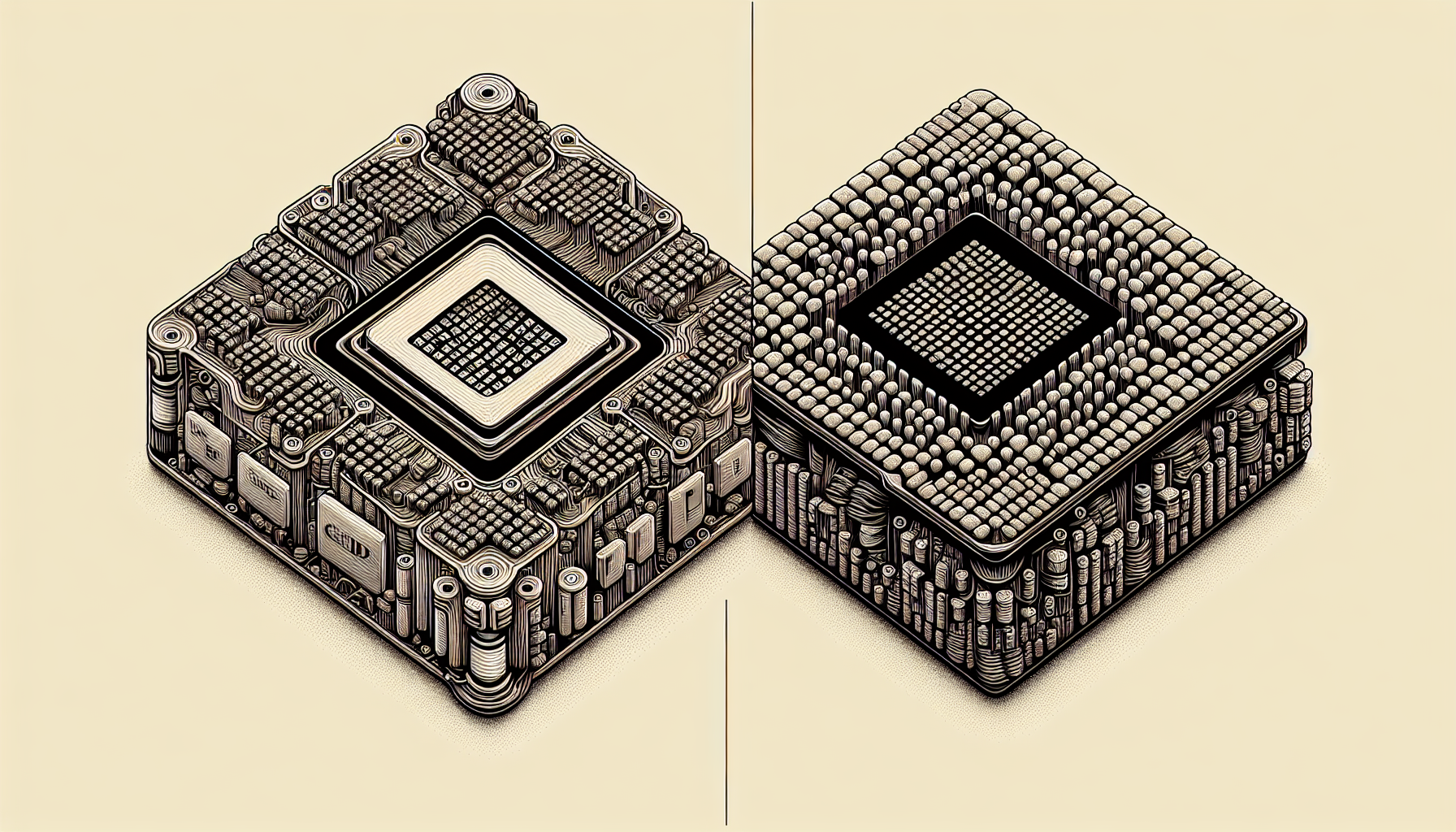
Understanding CPU for Gaming
In the realm of computer gaming, understanding the critical components of your gaming gear is an essential step towards maximizing your gaming potential. One of these key components is the Central Processing Unit (CPU). The CPU plays a vital role in determining your system's overall performance and specifically impacts your gaming experience.
Role of CPU in Gaming
The CPU, often referred to as the "brain" of the computer, is responsible for executing instructions of a computer program by performing basic arithmetical, logical, control and input/output (I/O) operations. In the context of gaming, the CPU manages all the non-graphic aspects of gaming functionality. These include game physics, AI of non-player characters, and tracking the game state. It essentially coordinates the communication between your graphics card, memory, and peripherals.
In gaming terms, the CPU is what keeps the game moving, ensuring all the elements of the game interact as they should. It manages the game's instructions, ensuring that the game's world is dynamically reactive to the player's actions. For more information on what a CPU is and how it works, you can visit our page dedicated to CPU definition.
Importance of CPU in Gaming Performance
The performance of the CPU can significantly affect the gaming experience. A powerful CPU can handle more complex computations faster, which can result in smoother gameplay, especially in games that are CPU-intensive. These are typically games that have a lot of real-time strategy, have a large open world, or involve many players.
On the other hand, a slower CPU might struggle with these types of games, leading to a less smooth gameplay experience. This can manifest as lag during gameplay, with the game stuttering or freezing. This is often referred to as a CPU bottleneck, where the performance of the CPU is limiting the overall performance of the system.
But it's not just about power. The efficiency of the CPU also plays a role in gaming performance. More efficient CPUs generate less heat, reducing the need for CPU cooling, and can also consume less power, which can be an important consideration for gaming on a laptop.
In sum, understanding the role and importance of the CPU in gaming is crucial in determining the best CPU for your gaming PC. As the gaming industry pushes the limits of what's possible in terms of game complexity and realism, the role of the CPU is becoming ever more important. So, choose your CPU wisely and unleash your gaming potential.
CPU vs GPU
Understanding the difference between a CPU (Central Processing Unit) and a GPU (Graphics Processing Unit) is fundamental to enhancing your gaming experience. Both play critical roles in the operation of a computer and more specifically, in gaming.
Differentiating CPU and GPU
The CPU, often referred to as the brain of the computer, handles most of the general computing tasks and runs the operating system. It controls all the actions that the system must perform, from simple tasks like opening a program to complex calculations in a game. A CPU is designed to handle a wide range of tasks quickly, but not necessarily simultaneously. More information about the CPU can be found on our CPU page.
On the other hand, the GPU is a specialised processor designed to render images, animations, and videos for the computer’s screen. It's built to perform the complex mathematical and geometric calculations that are necessary for graphics rendering. Unlike the CPU, a GPU is designed to execute hundreds of tasks simultaneously, making it effective for gaming where multiple actions often occur at the same time.
| CPU | GPU |
|---|---|
| Central Processing Unit | Graphics Processing Unit |
| Handles general computing tasks | Specialised for rendering images, animations, videos |
| Designed for swift task execution | Built for simultaneous task execution |
| Runs the operating system | Renders graphics for the screen |
CPU vs GPU in Gaming
In gaming, both the CPU and GPU have important roles to play. The GPU handles the graphics and image rendering, which is crucial in games that have detailed graphics and high-resolution textures. It's responsible for generating each pixel that goes onto the screen, a task that becomes more complex and resource-intensive as the quality and resolution of the graphics increase.
The CPU, in contrast, manages the game's logic and user input. It determines how non-player characters behave, the physics of the game world, and how the game responds to the player’s actions. It's also responsible for tasks like loading and running the game, and managing any background tasks that may be running on your computer.
In many games, the GPU is often the most heavily utilised component. However, the CPU's role should not be underestimated, as a powerful GPU can only operate at its full potential if the CPU is capable of keeping up with it. If the CPU can't process the game's logic and the player's inputs quickly enough, it can cause a bottleneck that prevents the GPU from fully utilising its rendering capabilities.
Thus, choosing between a CPU and a GPU isn't a matter of deciding which is more important but rather understanding that both are crucial for a smooth gaming experience. The best gaming setup involves a balance between a powerful CPU for your gaming PC and a capable GPU, ensuring that neither component becomes a bottleneck for the other.
Factors to Consider
Picking the right CPU for your gaming setup can feel like a daunting task, especially with the wide range of options available in the market. The following sections will guide you through the process of choosing the right CPU to meet your gaming needs and help you understand the key specifications to consider.
Choosing the Right CPU for Gaming
In the world of gaming, the CPU acts as the brain of your computer, handling most of the game's logic and input/output tasks. The right CPU can significantly enhance your gaming performance, providing a smoother and more immersive experience.
When picking a CPU for your gaming setup, consider the following factors:
Game Requirements: Different games have different CPU requirements. Check the recommended CPU requirements for the games you play to ensure your chosen CPU can handle them.
Budget: CPUs come in a wide range of prices. Determine your budget beforehand and aim to get the best performance within that range.
Future-proofing: Consider getting a CPU that's slightly more powerful than what you currently need. This ensures that your setup can handle future games that may have higher requirements.
Compatibility: The CPU you choose must be compatible with your motherboard. Check the socket type of the motherboard and make sure it matches the CPU.
Overclocking: If you're interested in overclocking to get more performance from your CPU, make sure to choose one that supports it. You can learn more about overclocking from our how to overclock cpu guide.
Cooling: High performance CPUs generate more heat. It's crucial to have a good CPU cooler to prevent overheating.
CPU Specifications for Gaming
Understanding CPU specifications can help you make an informed choice. Here are some key specifications to consider:
Cores: More cores can mean better performance, especially for multitasking or running games that are designed to use multiple cores.
Threads: Threads are virtual cores that help with multitasking. A CPU with more threads can handle more tasks at once.
Clock Speed: This is the speed at which a CPU can execute instructions. Higher clock speeds usually mean better performance, but the actual impact can also depend on other factors like the game's optimization for CPU speed.
Cache: This is a small amount of fast memory used for temporary storage of frequently used data. A larger cache can help improve performance.
TDP: This stands for Thermal Design Power and is a measure of how much heat the CPU will produce when running at its base clock speed. A CPU with a high TDP might require a more robust cooling solution.
Refer to CPU benchmark and CPU bench guides for more details on these specifications and how they impact gaming performance. Remember, while the CPU is a crucial part of your gaming setup, it's also important to balance it with a good GPU, as the performance of one can bottleneck the other.
Gaming CPU Recommendations
When it comes to gaming, the choice of CPU can significantly impact performance. For the best gaming experience, you need a CPU that offers high processing power to handle complex gaming graphics and processes. Here, we delve into the top CPUs for gaming and some budget-friendly alternatives.
Top CPUs for Gaming
The top CPUs for gaming offer high-speed processing, multiple cores, and threads to handle intense gaming scenarios. The following are some of the best CPUs that are currently topping the charts in terms of gaming performance.
AMD Ryzen 9 5950X: The AMD Ryzen 9 5950X offers stellar performance with its 16 cores and 32 threads, making it an excellent choice for gamers who also perform resource-intensive tasks like video editing or 3D rendering. Learn more about this CPU on our CPU benchmark page.
Intel Core i9-10900K: The Intel Core i9-10900K is a high-performance CPU designed for gaming. It features 10 cores, 20 threads, and a max turbo frequency of 5.3GHz. More information about its performance can be found on our CPU bench page.
AMD Ryzen 7 5800X: The Ryzen 7 5800X is another strong contender from AMD. It offers 8 cores and 16 threads, providing smooth performance for most PC games. Look at our benchmark CPU page for more details.
| CPU | Cores | Threads |
|---|---|---|
| AMD Ryzen 9 5950X | 16 | 32 |
| Intel Core i9-10900K | 10 | 20 |
| AMD Ryzen 7 5800X | 8 | 16 |
Budget-Friendly Gaming CPUs
For gamers who are on a budget, there are still many CPUs that offer good gaming performance at a more affordable price. These CPUs may not have the same level of processing power as their high-end counterparts, but they are more than capable of handling most games on the market.
AMD Ryzen 5 3600: The AMD Ryzen 5 3600 is a popular choice among budget gamers. It offers 6 cores and 12 threads, and it has a high base clock speed that can be further boosted. See our CPU for gaming pc page for more information.
Intel Core i5-10400F: The Intel Core i5-10400F is an affordable yet powerful CPU, with 6 cores and 12 threads. It's a great choice for gamers who want Intel's performance at a lower price tag. For more information, visit our gaming pc cpu page.
AMD Ryzen 3 3300X: The AMD Ryzen 3 3300X offers the best value for money, with 4 cores and 8 threads. It's a great CPU for entry-level gaming PCs. Learn more about it on our CPU bottleneck page.
| CPU | Cores | Threads |
|---|---|---|
| AMD Ryzen 5 3600 | 6 | 12 |
| Intel Core i5-10400F | 6 | 12 |
| AMD Ryzen 3 3300X | 4 | 8 |
Choosing the right CPU for your gaming needs can be a daunting task. But by understanding the role of the CPU in gaming and considering factors like the number of cores, threads, and clock speed, you can make an informed decision. Whether you're looking for the top CPUs for gaming or more budget-friendly options, there's a CPU out there that's perfect for your gaming rig.


