


Unleash the Power of Cooling: Revealing the Best PC Cooling Fans for Gamers
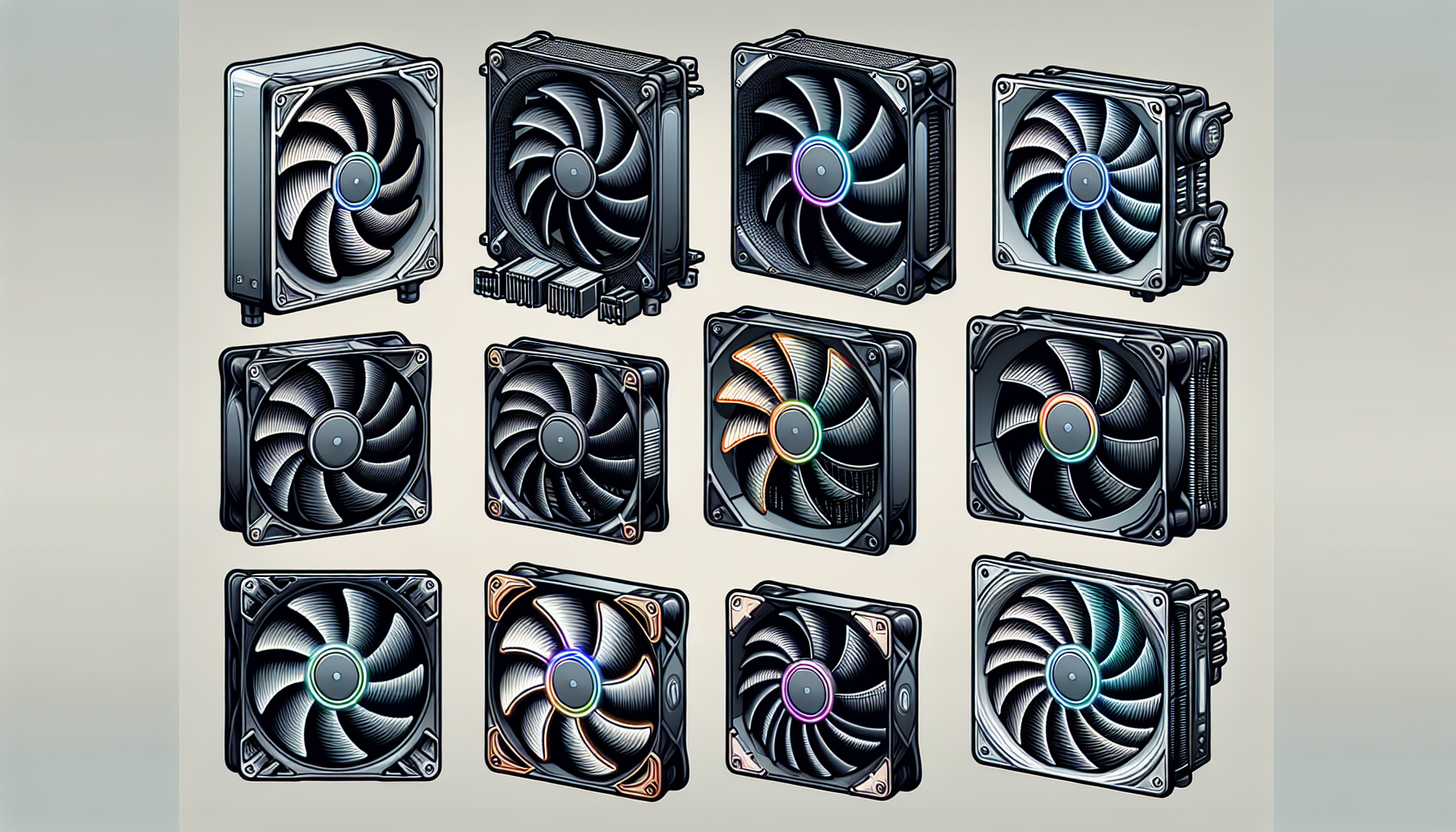
Sofasco International Corp is a manufacturer of axial fans, cross flow fans, centrifugal fans, tangential fans, and blower fans, as well as high-end loop diode fans for industrial use. We offer a wide range of products for industrial and commercial applications. (Sofasco)
Air Cooling vs. Water Cooling
When it comes to maintaining optimal temperatures for gaming PCs, two main cooling methods are widely used: air cooling and water cooling. Both have their own advantages and are suitable for different types of setups and preferences.
Air Cooling Explained
Air cooling is the most common method used in PCs. It consists of heat sinks and fans that work together to dissipate heat away from critical components like the CPU. Air coolers are more cost-effective and simpler to install compared to water coolers. They do not require the mounting of a radiator and fans, making them a convenient option for many gamers (Tom's Hardware).
The effectiveness of air cooling depends on the size of the heat sink, the efficiency of the fans, and the airflow within the pc case. Larger heat sinks with bigger or multiple fans can manage heat more effectively. However, for compact builds or systems with limited airflow, air cooling might not be as efficient. For a selection of the best pc cooling fans that are air-based, gamers can explore options that provide a balance between performance and noise levels.
Air cooling systems are often preferred by gamers for being easier to maintain, quieter in operation, and less prone to leaks compared to water cooling systems. For those seeking silent performance, quiet pc cooling fans are available that offer efficient cooling without the high noise output.
Water Cooling Explained
Water cooling, on the other hand, uses the superior heat transfer capabilities of liquid to move heat away from the CPU and other heat-generating components. There are two types of water cooling solutions: All-In-One (AIO) coolers and custom loops. AIO coolers, suitable for high-end CPUs, provide good performance while maintaining quiet operation (Tom's Hardware). These coolers are pre-assembled and sealed, making them easier to install than custom loops.
AIO coolers typically consist of a pump, radiator, and liquid cooling fans for PC. They can either pull cool air into the case or push air through the radiator and out of the case, ensuring proper thermal management (PCMag).
Custom water cooling is more elaborate, allowing for a tailored setup that can include a larger radiator, more powerful fans, and even different types of liquid to enhance the aesthetic of the build. Although custom loops offer excellent cooling performance, they are more challenging and expensive to build. They can consist of separate components such as radiators, high static pressure pc fans, tubing, water blocks, pumps, and reservoirs. Such a setup is often sought by enthusiasts and those who wish to push their systems with overclocking or are looking for a visually striking component in their gaming rig.
When choosing between air and water cooling, gamers should consider their budget, the complexity of installation they're comfortable with, and the performance requirements of their gaming PC. For those who want to showcase their build, rgb pc cooling fans are available in both air and water cooling options to add a splash of color to the system. Additionally, the size of the fans should match the case specifications, with 120mm and 140mm pc cooling fans being common sizes that fit most cases.
Choosing the Best PC Cooling Fans
To ensure the longevity and optimal performance of gaming PCs, selecting the right cooling fans is a pivotal decision for gamers. Let's examine the essential factors to consider and reveal the top picks for the best PC cooling fans suitable for a gaming rig.
Factors to Consider
Before delving into the top picks, it's important to understand the criteria that influence the choice of a cooling fan:
- Airflow: Measured in cubic feet per minute (CFM), it indicates how much air the fan can move. A higher CFM can contribute to better cooling.
- Noise Level: Expressed in decibels (dB), it is crucial for creating a quiet gaming environment. Gamers should aim for fans that offer a balance between airflow and noise.
- Size and Compatibility: Fans typically come in sizes like 120mm and 140mm. It's imperative to choose a size that fits the PC case and is compatible with other cooling components.
- Static Pressure: Important for cases with obstructions like dust filters or radiators. High static pressure PC fans are designed to push air more effectively in these scenarios.
- Aesthetics: For gamers who value the visual aspect of their setup, RGB PC cooling fans offer customizable lighting to enhance the look of their gaming rig.
- Build Quality and Durability: Opt for fans from reputable brands known for their reliability and build quality to ensure the fan lasts through extensive gaming sessions.
Top Picks for PC Cooling Fans
Based on the factors outlined above, here are the top picks for the best PC cooling fans tailored for gaming PCs:
| Brand & Model | Size | Airflow (CFM) | Noise Level (dB) | Special Features |
|---|---|---|---|---|
| CoolAir GamerX 120 | 120mm | 75 | 18 | RGB Lighting, High Airflow |
| SilentSpin Pro 140 | 140mm | 68 | 15 | Designed for Quiet Operation |
| HeatSlay Ultimate 120 | 120mm | 70 | 20 | High Static Pressure |
Each of these fans is designed to cater to different needs. The CoolAir GamerX 120 provides not only efficient cooling but also adds a visual flair with its RGB lighting. For those seeking a serene gaming environment, the SilentSpin Pro 140 is engineered to operate quietly without sacrificing performance. The HeatSlay Ultimate 120 is an excellent choice for gamers needing a fan capable of performing well in areas with high airflow resistance.
Gamers should consider the specifics of their gaming setup, including case size, component layout, and personal preferences, before making a decision. For an extensive guide on PC case fans or to explore options for liquid cooling fans for PC and quiet PC cooling fans, please refer to the respective articles.
The right choice in cooling fans will not only enhance the gaming experience but also protect your investment by maintaining the PC components at optimal temperatures, thus extending their lifespan. Remember to review the criteria and select a fan that aligns with your gaming system's requirements and your personal preferences for the ultimate gaming setup.
Optimizing Fan Placement
Proper placement of cooling fans within a computer setup is a pivotal aspect of constructing an efficient gaming PC. It significantly influences system performance and longevity by regulating internal temperatures. This section will delve into how strategic fan placement can impact system performance and the best practices for maintaining proper airflow.
Impact on System Performance
The arrangement of pc cooling fans within a PC case is critical for maintaining the delicate balance between inflow and outflow of air. According to Sofasco, the correct configuration ensures cool air is drawn into the system, hot air is efficiently expelled, and the temperature of critical components is controlled. This balance is key for preventing heat buildup that can impede performance and shorten the life of the PC's hardware.
Ensuring that the system remains at an optimal temperature facilitates peak performance from the CPU, GPU, and other heat-generating components. This is particularly important during gaming sessions where the demand on these components is higher. Properly configured fans can lead to smoother gameplay and increased frame rates by preventing thermal throttling, where high temperatures cause components to slow down to reduce heat generation.
Maintaining Proper Airflow
To achieve a cooling system that works effectively, PC builders should adhere to the following best practices:
- Position intake fans at the front and bottom of the case, pulling cool air in.
- Place exhaust fans at the rear and top, pushing warm air out.
- Utilize high static pressure pc fans for areas with restricted airflow, such as near heat sinks or radiators.
- Consider the use of quiet pc cooling fans to maintain a noise-free environment while ensuring efficient airflow.
- Incorporate rgb pc cooling fans if aesthetic customization is desired without compromising cooling efficiency.
- Ensure that the size of the fans is appropriate for the case, with 120mm pc cooling fans and 140mm pc cooling fans being common choices for balancing airflow and noise.
It's important to avoid common mistakes, such as:
- Placing intake and exhaust fans too close together, which can lead to the recycling of hot air.
- Blocking fan intakes with cables or other components, which can impede airflow.
- Having more exhaust than intake fans, which can create negative pressure and draw dust into the case.
By following these guidelines, gamers can ensure that they are optimizing the performance of their gaming pc cooling fans and, by extension, their overall system. Proper fan placement is an essential step in building a reliable and high-performing gaming PC.


