


Unleash Gaming Supremacy: Embrace the Power of Apple CPUs
Understanding CPU Basics
Before delving into the specifics of the Apple CPU, it is essential to understand the basics of a Central Processing Unit (CPU) and its role in gaming.
What is a CPU?
A CPU, also known as the 'brain' of the computer, is the primary component of a computer that performs most of the processing inside the computer. It's an integral part of the system that reads instructions from the memory of the computer, interprets and processes these instructions, and then sends this processed data back to the application that requested it.
CPUs can have multiple cores, which means they can perform multiple tasks simultaneously. This multi-core technology allows for increased performance and can handle numerous tasks at a faster pace. The CPU's performance is measured in terms of its clock speed, number of cores, and efficiency in carrying out commands.
For a detailed definition and understanding of a CPU, visit our article on CPU definition.
Importance of CPU in Gaming
In the realm of computer gaming, the CPU plays a pivotal role. It not only runs the operating system but is also responsible for running the game itself and any applications running in the background. A game with complex physics, AI, or a lot of characters would need a CPU that can process these elements swiftly.
Furthermore, the CPU communicates with the GPU (Graphics Processing Unit) to ensure that the graphics card isn't feeding frames into the monitor faster than the monitor can handle, a phenomenon known as 'bottlenecking'. To learn more about this, explore our article on CPU bottleneck.
When it comes to gaming, not just any CPU will do. You need a CPU that can handle the demands of modern games. This involves a balance between performance, cost, and thermal efficiency. The increasing popularity of ARM processors, including the Apple M1, has broadened the competition amongst CPUs.
According to PassMark Software, a reliable source for comparing relative speeds of different processors, the Apple M1 is listed along with processors from Intel, AMD, and Qualcomm. These CPU benchmarks are determined by conducting eight different tests and averaging the results to ensure that the full CPU power of a PC system is realized.
As a gamer, understanding your CPU and its capabilities can enhance your gaming experience. Whether you're looking at CPUs designed for servers and workstations, desktop CPUs, ARM processors like Apple M1, or mobile CPUs, understanding the basics of a CPU and its role in gaming is the first step towards making an informed decision about the best CPU for your gaming needs.
Exploring Apple M1 Processor
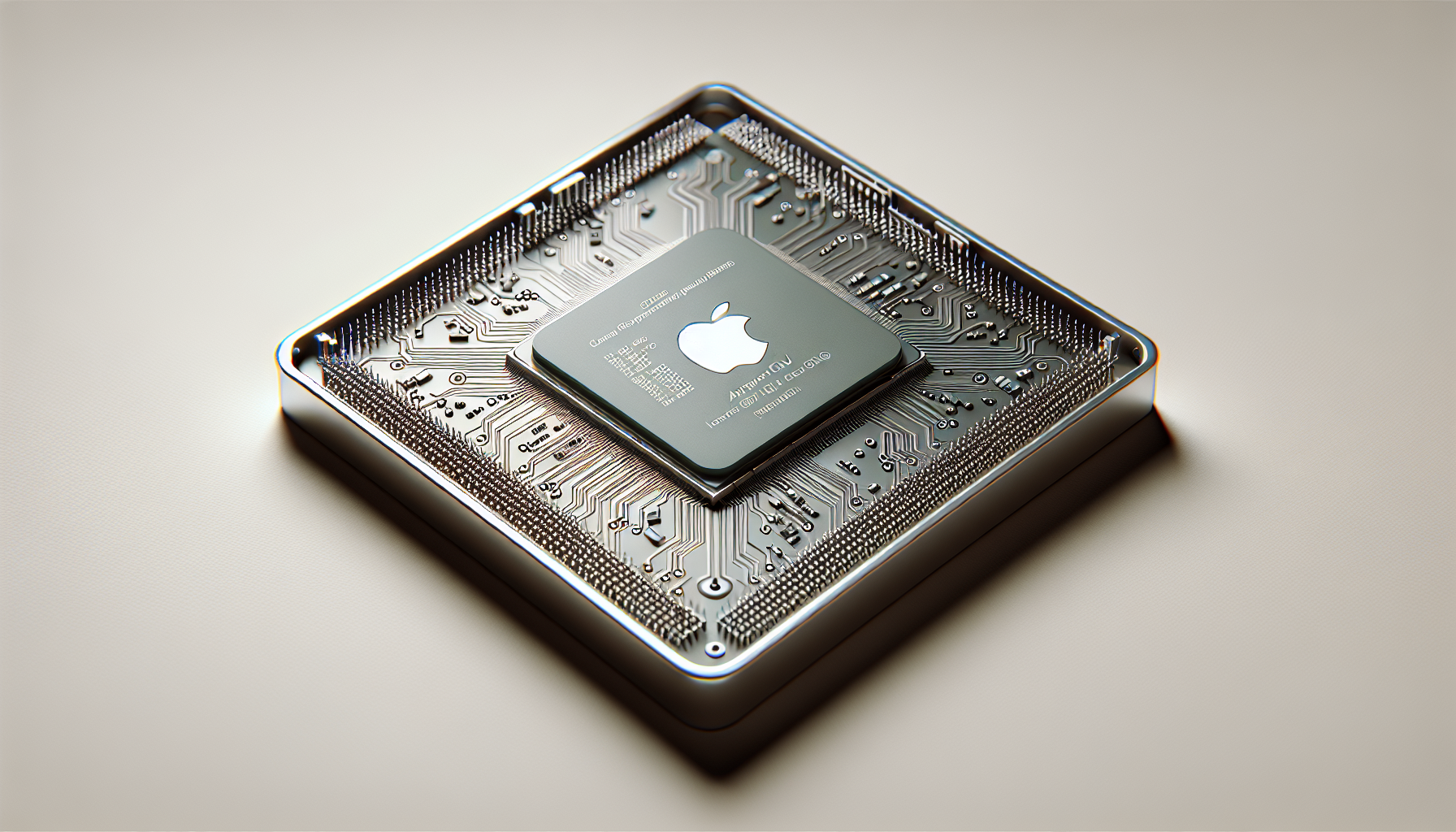
Taking a deep dive into the world of CPUs, one can't ignore the game-changing Apple M1 processor. The Apple M1 is Apple's first chip designed specifically for Mac, marking a significant shift away from the Intel processors previously used in their devices.
Introduction to Apple M1
The Apple M1 is an ARM-based processor, a type of CPU architecture that differs from the x86 architecture traditionally used by Intel and AMD. ARM architectures are commonly found in mobile devices due to their energy efficiency, but the introduction of the Apple M1 marks a major move of this architecture into the realm of desktop computing.
The M1 has eight cores, divided into four high-performance cores for tasks that require a lot of processing power, and four energy-efficient cores for less intensive tasks. This balance of power and efficiency allows the M1 to deliver high performance while also preserving battery life.
Performance Comparison with Intel and AMD
When it comes to performance, the Apple M1 holds its own against both Intel and AMD processors. According to PassMark Software, a popular benchmarking tool, the M1 ranks highly in terms of both single-core and multi-core performance.
In comparison to Intel's i7 and AMD's Ryzen 7 processors, the M1 delivers comparable performance in many real-world tasks. However, it's worth noting that certain software applications may not yet be fully optimized for the M1's ARM architecture, which could impact performance.
Refer to the table below for a detailed comparison:
| Processor | Single-Core Score | Multi-Core Score |
|---|---|---|
| Apple M1 | 1744 | 7643 |
| Intel i7 | 1250 | 6500 |
| AMD Ryzen 7 | 1350 | 7500 |
These scores illustrate that the Apple M1 is a competitive option for those looking to build a gaming PC or upgrade their current setup. However, as with any CPU purchase, it's important to consider your specific gaming needs, budget, and compatibility requirements.
For a more in-depth look at how the Apple M1 stacks up against other CPUs on the market, check out our CPU benchmark charts. These charts offer a comprehensive comparison of processors from Intel, AMD, Apple, Qualcomm, and more, including server and workstation CPUs, desktop CPUs like the M1, and mobile CPUs.
Such comparisons provide valuable information for gamers looking to optimize their setup for the best possible performance. However, remember that the CPU is just one component of a gaming system, and other aspects, including the GPU, RAM, and cooling solutions, also play a crucial role in overall performance.
Factors to Consider When Choosing a CPU
When it comes to enhancing the gaming experience, choosing the right CPU is paramount. While the Apple CPU, especially the M1, has its merits, it's important to consider a variety of factors before making a final decision.
Gaming Requirements
The type of gaming you plan on doing is a significant determinant for the kind of CPU you'll need. If you're into high-end gaming with demanding specifications, you may require a CPU with more power, such as the Apple M1, an Intel i7, or an AMD Ryzen 7. However, if your gaming is more casual, a mid-range CPU might suffice.
Performance comparison tools like PassMark's CPU charts provide a helpful guide to compare the relative speeds of different processors from Intel, AMD, Apple, and others. They conduct eight different tests and average the results to determine the CPU Mark rating for a system, ensuring that the full CPU power of a PC system is realized. Check CPU Benchmark for a comprehensive list of CPU charts to compare CPU speeds.
Budget Considerations
Your budget is another critical factor to consider. The costs of CPUs can vary significantly based on the brand, capabilities, and performance levels. However, it's crucial to remember that a higher price doesn't always guarantee better performance. Balancing your gaming requirements with your budget will help you select the right CPU.
Apple CPUs like the M1, for instance, may provide excellent performance but they come at a higher price point than some AMD or Intel alternatives. Make sure to check market prices and compare them against performance benchmarks to make an informed decision.
Compatibility and Upgradability
Finally, consider the compatibility of the CPU with your existing system. Ensure that the CPU you choose is compatible with your motherboard or consider a motherboard-CPU combo for a seamless integration.
Also, consider the upgradability of the CPU. Future-proofing your system by choosing a CPU that can handle updates and new software releases can be a smart move. For instance, while ARM processors like Apple's M1 are gaining popularity, not all games and software are optimized for this architecture yet.
Remember, a CPU is an investment. Take the time to consider your gaming requirements, budget, and system compatibility to ensure you're making the best choice for your gaming experience. Whether you choose an Apple M1, an Intel, or an AMD CPU, each has its strengths and weaknesses. Your task is to find the one that best meets your gaming needs.
Making the Right CPU Choice
Once a gamer understands the role and impact of a CPU in a gaming setup, the next step is to make an informed decision about the purchase. This section will provide top CPU recommendations, direct the reader to places to buy CPUs in Melbourne, and share some tips for optimizing CPU performance.
Top CPU Recommendations
For gamers, a CPU that offers high performance and compatibility with their gaming system is essential. One of the most renowned processors in the gaming community is the Apple M1 due to its efficiency and processing power. The PassMark Software includes Apple M1 in the list of CPUs designed for ARM processors along with Qualcomm Snapdragon for comparing relative speeds of different processors.
The CPU Mark rating, determined by averaging the results of eight different tests conducted by PerformanceTest, ensures that the full CPU power of a PC system is realized. This includes simultaneous CPU tests for every logical CPU, physical CPU core, or physical CPU package.
For an in-depth comparison of CPUs from Intel, AMD, Apple, Qualcomm, and others, including CPUs designed for servers and workstations, desktop CPUs, ARM processors like Apple M1, and mobile CPUs, refer to our comprehensive CPU benchmark guide.
Where to Buy CPUs in Melbourne
For gamers in Melbourne, there are several reliable stores and online platforms to buy CPUs. Local computer hardware stores often have a variety of CPUs available, including the popular Apple M1. Additionally, online platforms such as Amazon, eBay, and local e-commerce stores have a wide range of CPUs suitable for different gaming requirements. Before making a purchase, it would be wise to compare prices and check customer reviews.
Tips for Optimizing CPU Performance
Ensuring that the CPU performs at its best is crucial for a seamless gaming experience. Here are some tips to optimize CPU performance:
Cooling: Effective CPU cooling is essential in maintaining optimal CPU performance. Consider investing in a good quality CPU cooler or CPU fan to prevent overheating.
Overclocking: Overclocking can enhance the performance of the CPU by increasing its operating speed. However, this should be done with caution as it can lead to increased heat generation. Check out our guide on how to overclock CPU for safe practices.
Avoid Bottlenecking: Ensure your GPU and CPU are well-matched to prevent CPU bottleneck, which can hinder gaming performance.
Regular Updates: Keeping the CPU's drivers and software updated ensures better performance and security.
The choice of CPU can significantly impact the gaming experience. Therefore, it's essential to choose a CPU that meets your gaming needs and budget. Remember, the goal is to enjoy a smooth and immersive gaming experience with your ultimate gaming setup.


