


The Ultimate Gaming Arsenal: ATX Computer Cases for Australian Gamers
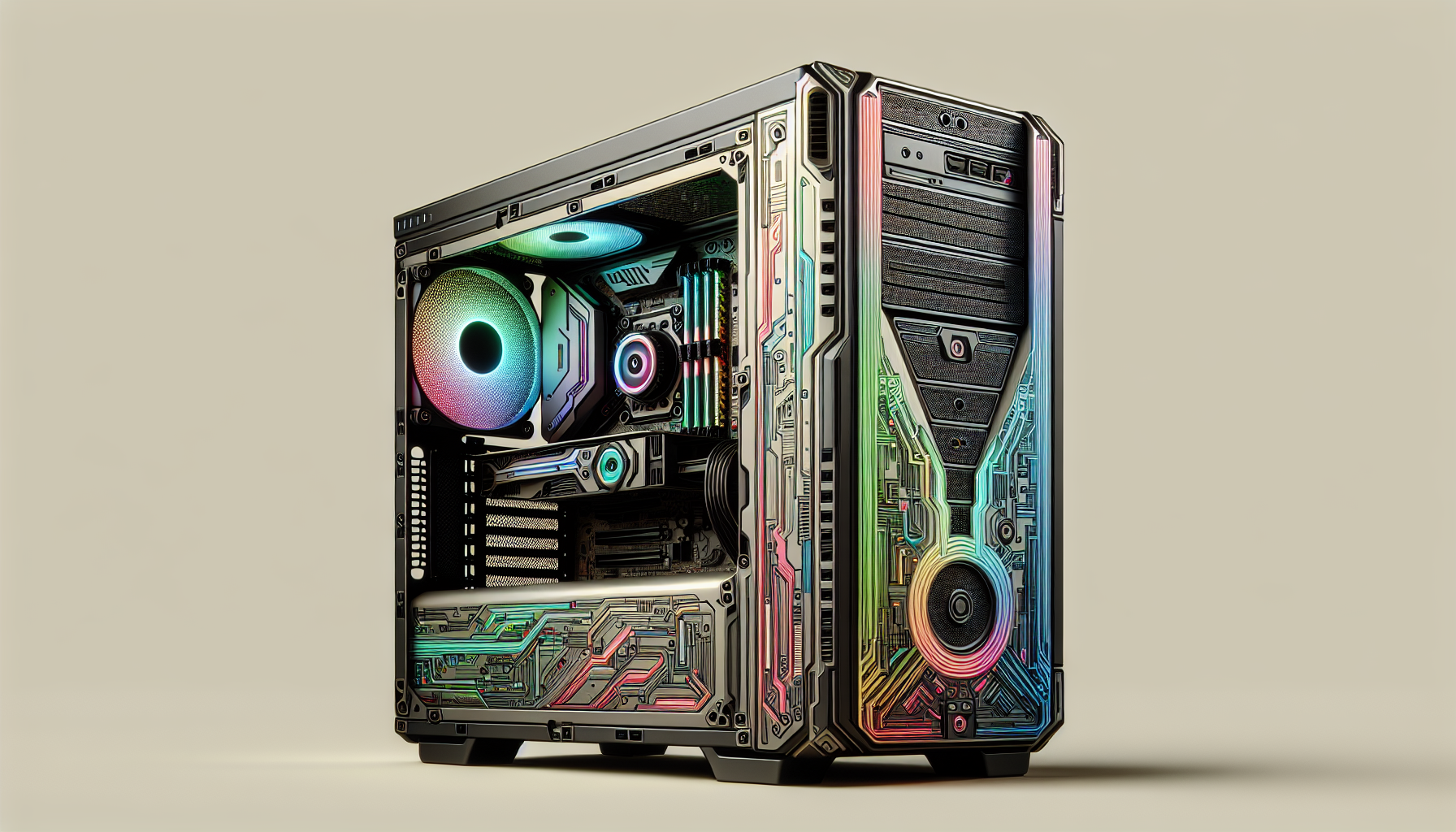
Introduction to ATX Computer Cases
When it comes to building a powerful gaming rig, one of the key components to consider is the ATX computer case. These cases play a crucial role in housing all the internal components of a computer and providing the necessary support and protection. In this section, we will explore what ATX computer cases are and why choosing the right case is important for gamers.
What Are ATX Computer Cases?
ATX, which stands for Advanced Technology eXtended, refers to a standard form factor for computer cases and motherboards. ATX computer cases are designed to accommodate ATX motherboards, which are larger in size compared to other form factors. These cases provide ample space for various components like the motherboard, graphics card, power supply, storage drives, and cooling systems.
ATX computer cases come in different sizes, ranging from mid-tower to full-tower, offering different levels of expandability and compatibility with hardware. They are typically made of steel or aluminum, providing durability and stability to the components housed within.
Importance of Choosing the Right Case
Selecting the right ATX computer case is essential for several reasons. Firstly, it determines the overall compatibility of the components you plan to install. The case must be able to accommodate the size and form factor of your chosen motherboard, graphics card, and cooling solutions. Choosing an incompatible case can result in a cramped and inefficient build, hindering performance and potentially causing overheating issues.
Secondly, the design and layout of the case impact airflow and cooling. A well-ventilated case with proper cooling options, such as fan mounts or liquid cooling support, helps dissipate heat efficiently, ensuring the longevity and stable performance of your components, especially during intense gaming sessions.
Furthermore, cable management is an important consideration when choosing an ATX computer case. A case with ample space behind the motherboard tray and strategically placed cable routing options allows for neater cable management. This not only improves airflow but also makes future upgrades or maintenance much easier.
Lastly, the aesthetic appeal of the case cannot be overlooked. Many gamers take pride in their setups and want their computer case to reflect their personal style. ATX computer cases come in various designs, colors, and lighting options, allowing gamers to create a visually appealing and customized gaming setup.
By carefully considering the size, cooling capabilities, compatibility, cable management, and aesthetics of an ATX computer case, gamers can ensure that their components are well-protected, their system runs smoothly, and their gaming experience is maximized.
Factors to Consider When Choosing an ATX Computer Case
When it comes to selecting an ATX computer case for your gaming setup, there are several important factors to consider. These factors will help ensure compatibility, cooling efficiency, and expandability. Let's explore three key factors: size and form factor, cooling and airflow, and expansion slots and drive bays.
Size and Form Factor
The size and form factor of an ATX computer case are crucial considerations. It determines the compatibility with different motherboard sizes and the overall dimensions of the case. Choosing the right size ensures that your components fit properly and allows for efficient cable management.
| Form Factor | Dimensions (mm) |
|---|---|
| Full Tower | 230 (W) x 650 (H) x 600 (D) |
| Mid Tower | 210 (W) x 460 (H) x 450 (D) |
| Mini Tower | 175 (W) x 350 (H) x 400 (D) |
The form factor determines the available space for components and the overall aesthetics of your build. Consider your requirements and available space when selecting the size and form factor of your ATX computer case.
Cooling and Airflow
Proper cooling and airflow are vital for maintaining optimal performance and preventing overheating in an ATX computer case. Look for cases with adequate fan mounts, ventilation options, and support for liquid cooling solutions.
Efficient cooling relies on well-designed fan placements, dust filters, and options for cable management. These features help ensure optimal airflow and temperature management within the case.
Expansion Slots and Drive Bays
Expansion slots and drive bays are essential for accommodating additional components and storage devices in an ATX computer case. It is important to ensure that the case offers enough expansion slots and drive bays to meet your current and future needs.
Expansion slots allow you to install additional graphics cards, sound cards, or other expansion cards. Drive bays provide space for hard drives, solid-state drives (SSDs), and optical drives. Consider the number of expansion slots and drive bays required for your desired configuration before making a decision.
By considering the size and form factor, cooling and airflow, as well as expansion slots and drive bays, you can select an ATX computer case that meets your gaming needs. Remember to assess your requirements, research different options, and choose a case that offers the right balance of functionality, compatibility, and aesthetics for your gaming setup.
Top ATX Computer Cases for Gamers in Australia
When it comes to choosing the perfect ATX computer case for gaming, Australian gamers have a range of options to consider. Here are three top choices that combine style, functionality, and performance:
Lian Li PC-O11 Dynamic
The Lian Li PC-O11 Dynamic is a popular choice among gamers in Australia. This case offers a sleek and modern design that is sure to impress. It features a dual-chamber layout, with a tempered glass side panel that showcases your gaming hardware.
| Specifications |
|---|
| Form Factor |
| Dimensions |
| Expansion Slots |
| Drive Bays |
| Cooling Support |
Lian Li PC-011 Air
Another excellent option from Lian Li is the PC-011 Air. This case focuses on providing optimal airflow to keep your gaming components cool during intense gaming sessions. It features a mesh front panel and multiple ventilation options.
| Specifications |
|---|
| Form Factor |
| Dimensions |
| Expansion Slots |
| Drive Bays |
| Cooling Support |
Lian Li Lancool II Mesh
For gamers who prioritize airflow and aesthetics, the Lian Li Lancool II Mesh is a fantastic choice. This case features a mesh front panel that allows for excellent airflow and dust filtration. It also offers extensive cable management options for a clean and organized build.
| Specifications |
|---|
| Form Factor |
| Dimensions |
| Expansion Slots |
| Drive Bays |
| Cooling Support |
These top ATX computer cases from Lian Li provide gamers in Australia with a range of options to suit their needs and preferences. Whether you prioritize airflow, aesthetics, or a combination of both, these cases offer the features and specifications to enhance your gaming experience.
Features and Specifications of Lian Li ATX Computer Cases
When it comes to ATX computer cases, Lian Li has established a reputation for producing high-quality and feature-rich options. Let's explore some of the key features and specifications that make Lian Li ATX computer cases stand out from the crowd.
Design and Aesthetics
Lian Li prioritizes sleek and modern designs in their ATX computer cases. These cases often feature clean lines, tempered glass panels, and RGB lighting options to enhance the overall aesthetics of your gaming setup. The combination of premium materials and thoughtful design elements makes Lian Li cases visually appealing and a great addition to any gaming enthusiast's arsenal.
Cable Management and Build Quality
One of the standout features of Lian Li ATX computer cases is their focus on cable management and build quality. These cases often come with well-designed cable routing options, strategically placed cable cutouts, and ample space behind the motherboard tray for easy cable organization. This not only helps to improve airflow and cooling efficiency but also provides a clean and clutter-free interior for your components.
In terms of build quality, Lian Li sets high standards. Their cases are constructed using sturdy materials, ensuring durability and longevity. The attention to detail and precision in manufacturing result in robust cases that can withstand the rigors of frequent component upgrades and transportation.
Compatibility and Accessibility
Lian Li ATX computer cases are designed with compatibility and accessibility in mind. These cases offer ample space for high-performance components, including large graphics cards, multiple storage drives, and liquid cooling solutions. They also provide easy access to the internal components, making installation and upgrades a breeze.
Additionally, Lian Li cases often feature removable dust filters for convenient cleaning, tool-less drive bays for hassle-free installation, and front I/O panels with a range of ports for easy connectivity. These features enhance the overall user experience and ensure that your gaming system is both functional and user-friendly.
While the Lian Li models mentioned in this article, such as the PC-O11 Dynamic, PC-011 Air, and Lancool II Mesh, have their unique features and specifications, they all share the common traits of exceptional design, efficient cable management, solid build quality, compatibility, and accessibility.
Investing in a Lian Li ATX computer case not only provides a visually appealing addition to your gaming setup but also offers practical features that enhance the overall performance and longevity of your system.
Benefits of Lian Li ATX Computer Cases
Lian Li is a renowned brand in the world of computer cases, offering a range of ATX cases that are highly sought after by gamers in Australia. These cases come with several benefits that enhance the gaming experience and provide a reliable foundation for your gaming setup.
Enhanced Cooling Performance
One of the key benefits of Lian Li ATX computer cases is their exceptional cooling performance. These cases are designed with optimal airflow in mind, featuring well-placed vents, fans, and the option for liquid cooling solutions. The effective cooling system helps to dissipate heat generated by high-performance gaming components, ensuring that your system remains at an optimal temperature during intense gaming sessions. This helps to prevent overheating and maintain the longevity of your hardware.
Customization and Modularity
Lian Li ATX computer cases offer a high degree of customization and modularity, allowing you to personalize your gaming setup to suit your preferences. These cases often feature removable panels, modular drive cages, and ample space for cable management, making it easier to create a clean and organized interior. The customizable nature of these cases enables you to easily accommodate various hardware configurations, including multiple graphics cards, storage drives, and cooling solutions. This flexibility ensures that you can adapt your gaming system to meet your evolving needs.
Durability and Longevity
Lian Li is renowned for its commitment to quality and durability. Their ATX computer cases are built using premium materials and undergo rigorous testing to ensure long-lasting performance. The sturdy construction and attention to detail make these cases highly durable, capable of withstanding the rigors of frequent transportation or reconfigurations. Investing in a Lian Li ATX computer case not only provides a reliable housing for your gaming components but also offers peace of mind knowing that your case is built to last.
In conclusion, Lian Li ATX computer cases offer a range of benefits that cater to the needs of gamers in Australia. From enhanced cooling performance to customization options and durability, these cases provide a solid foundation for your gaming arsenal. Whether you prioritize efficient airflow, personalized aesthetics, or long-term reliability, Lian Li ATX computer cases are an excellent choice for gamers looking to elevate their gaming experience.
Tips for Choosing and Installing an ATX Computer Case
When it comes to choosing and installing an ATX computer case for your gaming setup, there are a few important factors to consider. By assessing your needs and budget, ensuring proper installation and cable management, and planning for maintenance and upgrades, you can optimize your gaming experience and get the most out of your ATX computer case.
Assessing Your Needs and Budget
Before diving into the world of ATX computer cases, it's important to assess your specific needs and budget. Consider the following factors:
Size and Form Factor: Determine the size and form factor of the case based on your available space and the components you plan to install. ATX cases come in various sizes, such as mid-tower and full-tower, offering different levels of expandability and compatibility.
Cooling and Airflow: Evaluate your cooling requirements. Look for cases with adequate airflow and support for additional fans or liquid cooling solutions if needed. Keep in mind that efficient cooling is essential for maintaining optimal performance during intense gaming sessions.
Expansion Slots and Drive Bays: Consider the number of expansion slots and drive bays required for your gaming setup. Ensure that the case offers enough room for your graphics card, storage drives, and other components you plan to install.
By assessing your needs and setting a budget, you can narrow down your options and find an ATX computer case that meets your requirements without breaking the bank.
Proper Installation and Cable Management
Proper installation and cable management are crucial for a clean and efficient gaming setup. Follow these tips:
Read the Manual: Familiarize yourself with the case's manual to understand the installation process and any specific instructions provided by the manufacturer.
Organize Cables: Plan your cable routing before installing components. Use cable ties, Velcro straps, or cable management solutions to keep your cables organized and minimize clutter. This not only improves airflow but also makes future upgrades or maintenance tasks easier.
Ensure Proper Ventilation: Install fans or liquid cooling solutions strategically to ensure proper airflow within the case. Place intake fans at the front or bottom and exhaust fans at the rear or top to create a balanced airflow pattern.
Proper installation and cable management not only enhance the aesthetics of your gaming setup but also contribute to optimal airflow and cooling performance.
Maintenance and Upgrades
To keep your gaming rig running smoothly, it's important to plan for maintenance and future upgrades:
Dust Management: Regularly clean your case and components to prevent dust buildup, which can hinder airflow and cause overheating. Use compressed air or a soft brush to remove dust from fans, filters, and other surfaces.
Future Upgrades: Consider the future expansion and upgrade possibilities of your chosen ATX computer case. Look for cases that offer ample space, additional drive bays, and convenient features such as tool-less drive installation or removable panels for easy access.
Compatibility: Before making any upgrades, ensure that your new components are compatible with the case in terms of size, cooling requirements, and mounting options.
By planning for maintenance and future upgrades, you can extend the lifespan of your gaming rig and adapt it to meet your evolving gaming needs.
By following these tips for choosing and installing an ATX computer case, you can make an informed decision and create a well-organized and efficient gaming setup. Remember to prioritize your needs, properly manage cables, and plan for future maintenance and upgrades to get the most out of your ATX computer case.


