


The Gamers Gem: Unlocking the Potential of M.2 SSDs
Understanding M.2 SSDs
Introduction to M.2 SSDs
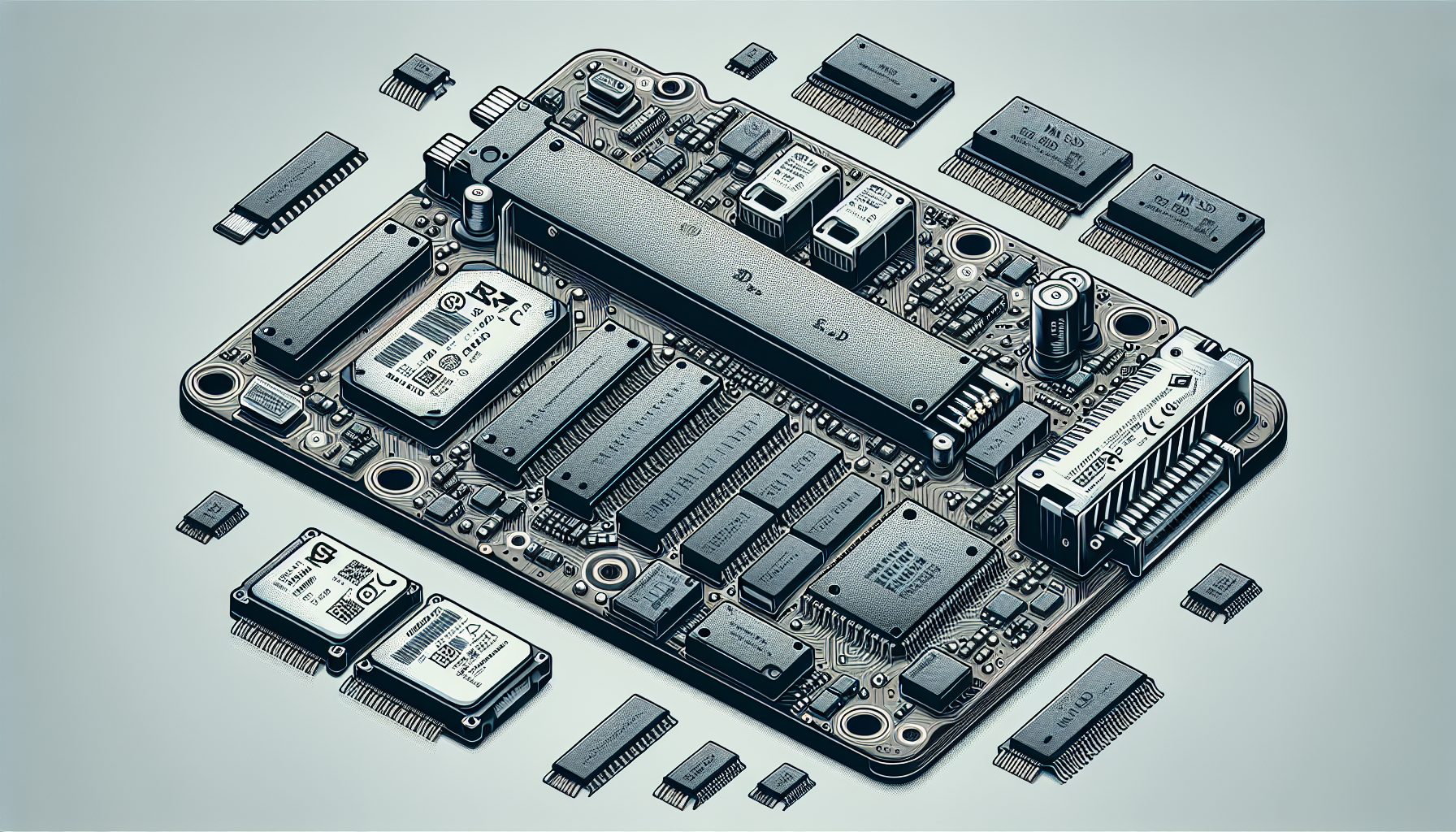
M.2 SSDs are a type of solid-state drive designed for high-performance storage solutions, particularly in portable devices such as laptops and tablets. Recognisable by their gumstick-like form factor, M.2 SSDs eliminate the need for the traditional bulky 2.5-inch format, making them ideal for lightweight devices. They save persistent data on solid-state flash memory and, unlike hard disk drives (HDDs), have no moving parts, resulting in faster data access and improved reliability.
M.2 SSDs come in multiple sizes, with the standard width being 22 mm and lengths of 60 mm or 80 mm, indicated by four- or five-digit numbers, such as 2260 (22 mm x 60 mm) and 2280 (22 mm x 80 mm). The longer drives can accommodate more NAND chips, which allows for increased storage capacity (TechTarget).
Types of M.2 SSDs
M.2 SSDs can be classified into two main types: SATA and NVMe.
| Type | Description | Speed |
|---|---|---|
| SATA | Limited by the SATA III interface, typically reaching speeds of 600 MB/s. Ideal for general use. | Up to 600 MB/s |
| NVMe | Utilises the PCIe interface, enabling significantly faster data transfer rates. Best suited for gaming and high-performance applications. | Up to 7,000 MB/s depending on the number of lanes (x1, x2, x4) |
M.2 SSDs are only a form factor; their performance depends on whether they are SATA-based or NVMe-based. Therefore, it's crucial to check the motherboard’s compatibility with the relevant SSD communication driver to ensure optimal performance (Kingston).
M.2 SSDs’ ability to fit into compact spaces while providing substantial storage options is advantageous, particularly for gamers seeking the best system performance without sacrificing portability. For further details on M.2 SSDs, visit our article on what is an M.2 SSD.
Performance Benefits
Understanding the performance benefits of M.2 SSDs, particularly in gaming, is essential for gamers looking to enhance their setup.
Speed Comparison: M.2 vs. SATA
When it comes to speed, M.2 SSDs significantly outpace traditional SATA SSDs. M.2 SSDs leverage the PCIe interface, which provides much higher bandwidth for data transfer compared to SATA connections.
| Type | Maximum Speed |
|---|---|
| SATA III SSD | Up to 600 MB/s |
| M.2 SATA SSD | 6 Gb/s (750 MB/s) |
| M.2 NVMe SSD | Up to 3,500 MB/s |
M.2 SSDs are faster than SATA SSDs, offering greater speed and performance benefits for real-world applications (Source). The advanced technology not only provides faster boot times but also enhances data transfer speeds significantly.
Gaming Performance with M.2 NVMe SSDs
M.2 NVMe SSDs provide a drastic improvement in gaming performance. Games stored on these SSDs exhibit vastly better performance compared to traditional storage options. This includes reduced load times, quicker asset streaming, and overall smoother gameplay (Juiced Systems).
With the NVMe protocol specifically designed for SSDs, these drives communicate directly with the system CPU via the PCIe bus, achieving speeds up to 3,500 MB/s (Kingston). In gaming, this results in smoother experiences, especially with large, open-world games where loading textures and assets quickly is critical.
M.2 SSDs can support multiple protocols and applications such as PCIe, SATA, USB, and more, enhancing flexibility for various gaming and computing needs (TechTarget). The improved bandwidth allows for efficient handling of game files, contributing to a noticeable enhancement in gaming performance.
Installation and Configuration
Installing and configuring an M.2 SSD is essential for enhancing system performance, especially for gamers seeking quicker load times and improved gameplay. Below are the steps for installing an M.2 SSD, along with guidance on formatting a Seagate FireCuda 510 SSD.
Installing an M.2 SSD
The installation process of an M.2 SSD involves the following steps:
- Power Off the Host: Ensure the computer is turned off and unplugged to avoid any electrical hazards.
- Remove the External Power Source: If using a laptop, remove the battery if possible. For desktops, ensure that the power supply is disconnected.
- Locate the M.2 SSD Slot: Open the case and find the M.2 slot on the motherboard. Most motherboards clearly label the M.2 slots.
- Insert the M.2 SSD: Align the M.2 SSD with the slot, ensuring that the notch on the drive matches the key in the slot. Insert the M.2 SSD at a slight angle, then gently press it down until it is secured.
- Reassemble the System: If applicable, put the case back together, plug in the power source, and turn on the system.
Following these steps helps ensure the SSD functions correctly. For detailed visual guidance, refer to our article on how to install m.2 ssd.
Formatting a Seagate FireCuda 510 SSD
Once the M.2 SSD is successfully installed, it must be formatted before it can be used. Here are the steps to format a Seagate FireCuda 510 SSD:
- Access Disk Management: Right-click on the Start menu and select 'Disk Management'.
- Find the Seagate FireCuda 510: In the Disk Management window, locate the newly installed SSD. If it shows as 'unallocated', it needs to be initialized.
- Initialize the Disk: Right-click the unallocated space and select 'Initialize Disk'. Choose the appropriate partition style (MBR or GPT), then click 'OK'.
- Create a New Volume: Right-click the unallocated space again and select 'New Simple Volume'. Follow the wizard instructions, assigning a drive letter and formatting it to NTFS.
- Completing the Format: Once the format is complete, the Seagate FireCuda 510 SSD will be ready for use.
This process prepares the SSD for optimal performance. For more detailed instructions on formatting an M.2 SSD, visit our guide on how to format m.2 ssd windows 11.
By following these steps, users can effectively install and set up their M.2 SSD, leading to improved system performance suitable for gaming and intensive tasks.
Advantages and Applications
Benefits of M.2 SSDs
M.2 SSDs deliver several advantages that make them a top choice among gamers and tech enthusiasts. Their compact design, high-performance capabilities, and versatility in applications set them apart from traditional storage solutions.
Compact Size: M.2 SSDs have a small form factor, resembling a stick of chewing gum. This design makes them ideal for lightweight and portable devices like laptops, notebooks, and ultrabooks. They occupy less space compared to 2.5-inch SSDs or hard drives, enabling more efficient use of available space in crowded PC cases.
Speed and Performance: M.2 SSDs can utilize different interfaces, namely SATA and NVMe. NVMe-based M.2 SSDs can achieve remarkable speeds, with potential transfer rates up to 31.5 Gb/s depending on the PCIe lane configuration (ATP Electronics). This translates into quicker boot times, reduced loading times for games, and faster file transfers.
Increased Capacity: With capacities reaching up to 2TB, M.2 SSDs provide ample storage space for gamers, accommodating large game libraries and applications without the need for additional drives (Kingston).
Power Efficiency: As solid-state devices, M.2 SSDs consume less power than traditional hard drives, prolonging battery life in portable devices and reducing heat generation during prolonged use.
| Advantage | Description |
|---|---|
| Compact Size | Ideal for space-constrained devices |
| Speed and Performance | High transfer rates, especially with NVMe |
| Increased Capacity | Up to 2TB in a small form factor |
| Power Efficiency | Lower power consumption compared to HDDs |
Varied Applications of M.2 SSDs
M.2 SSDs are not only beneficial for gamers but also serve diverse applications in the tech field:
Gaming: M.2 SSDs dramatically enhance gaming performance by reducing game load times and enabling smooth gameplay. NVMe drives are particularly valued for intensive gaming setups.
Content Creation: Photographers, videographers, and graphic designers benefit from the high read and write speeds of M.2 SSDs, allowing for swift handling of large files and rendering tasks.
Fitness and Data Analysis: Professionals dealing with big data analytics find M.2 SSDs advantageous due to their speed when accessing databases and running simulations, leading to improved efficiency.
Lightweight Laptops: Due to their small size and power efficiency, M.2 SSDs are increasingly used in ultrabook laptops, ensuring faster performance without hindering portability.
High-Performance Computing: In workstations designed for simulation, modeling, or other data-intensive tasks, M.2 SSDs provide the necessary speed for optimal performance.
For additional insights on M.2 SSDs and their applications, explore our article on what is an M.2 SSD. These drives are pivotal in modern computing, catering to a wide range of users and scenarios while enhancing overall effectiveness and performance.
M.2 SSD Specifications
Understanding the specifications of M.2 SSDs is key for gamers looking to optimise their systems. This section will explore M.2 sizes and specifications, as well as the interface options available.
M.2 Sizes and Specifications
M.2 SSDs come in various sizes, with a standard width of 22 mm and lengths of 60 mm or 80 mm, identified by a four- or five-digit number. The most common sizes are 2242, 2260, and 2280, where the numbers represent the width and length in millimeters. Longer M.2 drives can hold more NAND chips, increasing their storage capacity.
Here’s a table displaying common M.2 sizes:
| M.2 Size | Width (mm) | Length (mm) | Typical Capacity |
|---|---|---|---|
| 2242 | 22 | 42 | Up to 1TB |
| 2260 | 22 | 60 | Up to 1TB |
| 2280 | 22 | 80 | Up to 2TB |
M.2 SSDs, originally known as the Next Generation Form Factor (NGFF), were renamed in 2013 to address limitations of mSATA SSDs, offering more options for small form factor cards. The compact design is ideal for laptops, ultrabooks, and powerful gaming rigs (ATP Electronics, Kingston).
Interface Options: SATA vs. NVMe
M.2 SSDs can connect to a host via either a SATA interface or a PCI Express (PCIe) lane. While both interfaces support M.2 format, they do not operate simultaneously, meaning users need to verify compatibility with their motherboard’s socket prior to installation (ATP Electronics).
Comparison Table: SATA vs. NVMe
| Feature | SATA | NVMe |
|---|---|---|
| Protocol | AHCI | PCIe |
| Maximum Speed | 600 MB/s | Up to 7000 MB/s |
| Latency | Higher | Lower |
| Ideal For | Basic storage needs | High-performance tasks like gaming |
For gamers in Australia looking for the best performance, NVMe SSDs are usually the superior choice due to their faster speeds, making them more effective for gaming and resource-intensive applications. For further insights into selecting the right M.2 SSD, visit our article on best M.2 SSD.
Choosing the Right M.2 SSD
When selecting an M.2 SSD, several key factors should be considered to ensure optimal performance and compatibility with a gaming rig. Understanding the differences between M.2 SSDs, particularly SATA and NVMe, can significantly impact gaming experiences.
Key Factors for Selection
Form Factor: M.2 SSDs come in various sizes (e.g., 2230, 2242, 2260, 2280). Most common for gaming is the 2280 size, which fits standard motherboard slots.
Interface Type: It's crucial to check whether the motherboard supports SATA or NVMe interfaces. This will affect both compatibility and performance.
Capacity: Storage capacities vary from 256GB up to 4TB. Gamers should consider how many large games or files they plan to store when selecting capacity.
Speed Ratings: Look for read and write speeds. NVMe SSDs typically offer higher speeds compared to SATA SSDs, which can enhance loading times significantly—especially in gaming.
Warranty and Endurance: Warranty lengths and endurance ratings (TBW—Terabytes Written) denote how long the SSD might last under heavy use. Selecting an SSD with a longer warranty can provide peace of mind.
| Feature | Description |
|---|---|
| Form Factor | 2230, 2242, 2260, 2280 |
| Interface Type | SATA vs. NVMe |
| Capacity | 256GB, 512GB, 1TB, 2TB, 4TB |
| Speed Ratings | Up to 4GB/s for NVMe, < 600MB/s for SATA |
| Warranty | 3 to 5 years typically |
SATA vs. NVMe Speed and Performance
SATA and NVMe are two interface types for M.2 SSDs. The differences in speed and performance can significantly influence gaming and system responsiveness.
SATA M.2 SSDs: These drives are limited by the SATA III interface, which offers a maximum transfer speed of about 600MB/s. While still faster than traditional hard drives, SATA SSDs do not perform as well as NVMe drives.
NVMe M.2 SSDs: Utilising the PCIe (Peripheral Component Interconnect Express) interface, NVMe drives can achieve speeds of up to 4GB/s, or even higher with newer PCIe generations. They are designed for high-performance computing applications, providing faster load times and better overall performance in gaming environments (TechTarget).
| Type | Maximum Transfer Speed |
|---|---|
| SATA | ~600 MB/s |
| NVMe | Up to 4 GB/s |
In summary, while both SATA and NVMe M.2 SSDs are useful, NVMe drives provide superior speed and performance benefits that are particularly noticeable in gaming (Juiced Systems). Gamers should consider NVMe SSDs for an upgrade that maximises performance, allowing for faster load times and improved gaming experiences. Understanding these differences will help in making an informed decision when choosing the best M.2 SSD for gaming systems.


