


The Gamers Essential: Discovering the Best 2TB SSD M.2 Options
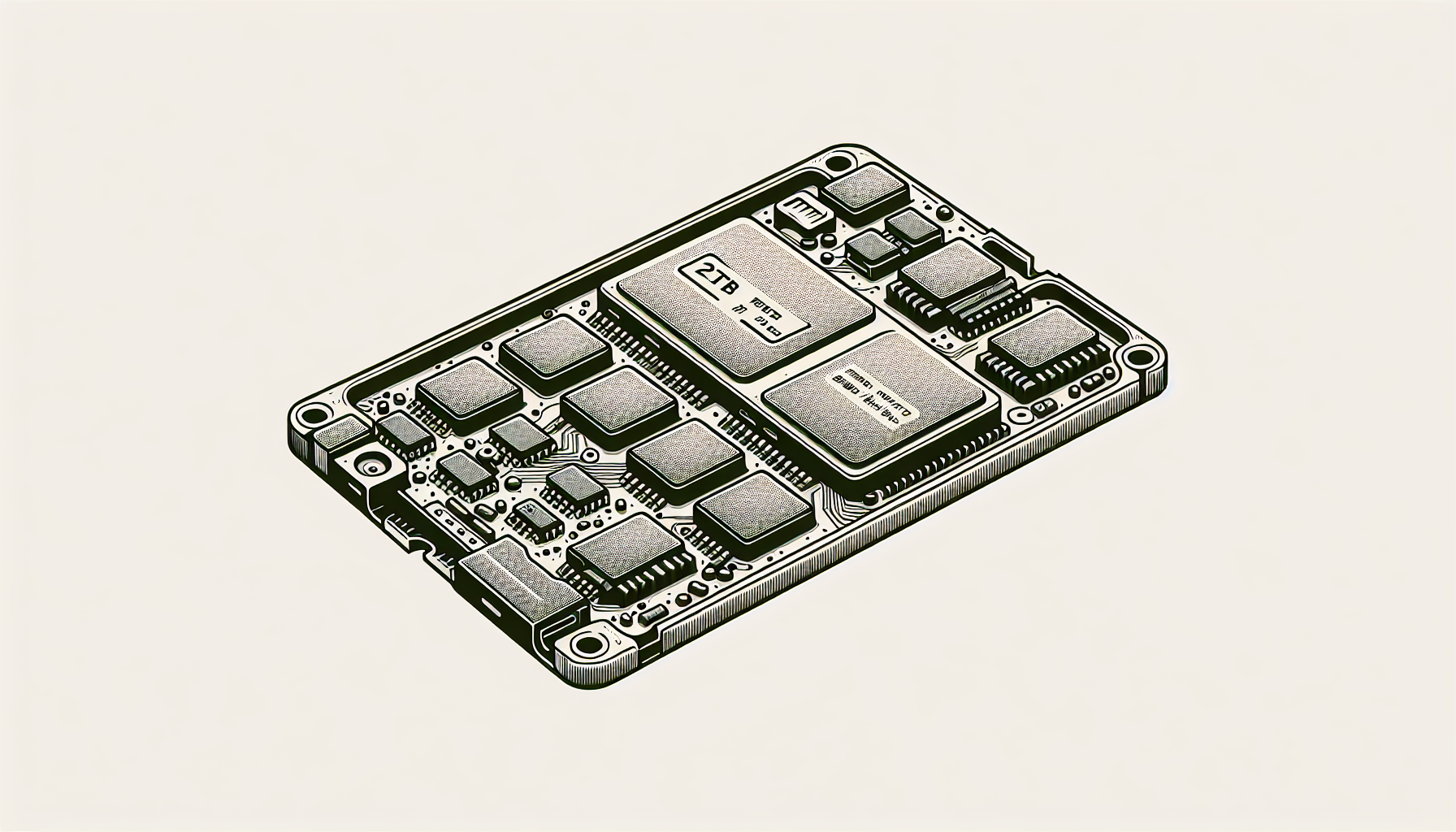
Top 2TB M.2 SSD Picks
For gamers looking to enhance their gaming experience with optimal storage solutions, the following M.2 SSDs stand out in the market for their performance, reliability, and speed.
Samsung Pro 980
The Samsung Pro 980 2TB NVMe drive is notable for its exceptional speed and durability. This SSD can achieve read speeds of up to 7,000 MB/s and write speeds of up to 5,100 MB/s, making it perfect for power users who require top-tier performance and rapid data access. Its endurance rating is impressive, boasting up to 600 Terabytes Written (TBW), ensuring reliable performance even during intensive read and write operations over extended periods Coding Academy.
| Feature | Specification |
|---|---|
| Read Speed | 7,000 MB/s |
| Write Speed | 5,100 MB/s |
| Endurance | 600 TBW |
The Samsung Pro 980's compact form factor allows for easy installation directly to the motherboard via an M.2 slot without the need for extra power or data cables, enhancing its appeal for gamers and tech enthusiasts alike.
WD Black SN850X
The WD Black SN850X has emerged as one of the best choices for gamers in 2024, combining formidable performance with affordability. This 2TB SSD offers read speeds of up to 7,300 MB/s and write speeds of 6,600 MB/s, positioning it as an excellent option for PC gaming. Its competitive pricing makes it a popular choice among gamers seeking high-capacity storage without breaking the bank PC Gamer.
| Feature | Specification |
|---|---|
| Read Speed | 7,300 MB/s |
| Write Speed | 6,600 MB/s |
The WD Black SN850X is recognised not only for its high capacity but also for delivering remarkable performance, making it a top contender for those looking to upgrade their gaming setups with fast, reliable storage.
Both the Samsung Pro 980 and the WD Black SN850X offer superior performance and are ideal for anyone seeking to optimise their gaming or computing experience. For further insights on installation and performance, refer to articles such as how to install m.2 ssd and what is m.2 ssd.
Performance and Speed
The performance of a 2TB M.2 SSD is a critical consideration for gamers looking to enhance their gaming experience. Key factors include read and write speeds, as well as endurance and reliability.
Read and Write Speeds
Read and write speeds determine how quickly data can be accessed and stored on an SSD, directly impacting load times and overall system responsiveness. Below is a comparison of the top 2TB M.2 SSDs and their performance metrics:
| SSD Model | Read Speed (MB/s) | Write Speed (MB/s) |
|---|---|---|
| Samsung Pro 980 | 7,000 | 5,100 |
| WD Black SN850X | 7,300 | 6,600 |
| Nextorage NEM-PA | 7,300 | 6,900 |
| Silicon Power XS70 | 7,100 | 6,600 |
The Samsung Pro 980 is designed for power users, achieving impressive read speeds of up to 7,000 MB/s and write speeds of 5,100 MB/s (Coding Academy). For gamers seeking high performance, the WD Black SN850X stands out with a read speed of 7,300 MB/s and write speed of 6,600 MB/s (PC Gamer). Another strong contender is the Nextorage NEM-PA, matching the SN850X's read speed and slightly surpassing it in writing at 6,900 MB/s. Additionally, the Silicon Power XS70 presents a solid option for PS5 users with read speeds of 7,100 MB/s and write speeds of 6,600 MB/s (PC Gamer).
Endurance and Reliability
Endurance is crucial in determining how much data can be written to the SSD before its performance degrades. The following table illustrates the endurance ratings of some top 2TB options:
| SSD Model | Endurance (TBW) |
|---|---|
| Samsung Pro 980 | 600 |
| WD Black SN850X | Not explicitly listed, but noted for high performance |
| Nextorage NEM-PA | Not explicitly listed, but competitive |
| Silicon Power XS70 | Not explicitly listed, but suitable for gaming |
The Samsung Pro 980 boasts a robust endurance rating of up to 600 Terabytes Written (TBW), ensuring reliability during extensive use (Coding Academy). While other models like the WD Black SN850X, Nextorage NEM-PA, and Silicon Power XS70 do not have specific TBW ratings listed, they are recognized for their durability and suitability for gaming applications.
For further insights on installing a 2TB M.2 SSD, check out our guide on how to install m.2 ssd.
The combination of exceptional read/write speeds and high endurance makes these M.2 SSD options ideal for gamers looking to enhance their systems.
Form Factor and Connectivity
The form factor and connectivity of a 2TB SSD M.2 play vital roles in its integration into gaming setups. Understanding these aspects can greatly enhance performance and usability.
Compact Design
M.2 SSDs are renowned for their compact design, allowing them to fit snugly into laptops and desktops without occupying much space. This small footprint is especially beneficial for gamers who often seek to maximise their system's internal components. The Samsung Pro 980 2TB NVMe drive, for example, not only provides tremendous storage capacity but also achieves read speeds of up to 7,000 MB/s and write speeds of up to 5,100 MB/s, making it a powerful choice for power users (Coding Academy).
| Feature | Description |
|---|---|
| Size | Compact, ideal for tight spaces |
| Storage Capacity | Up to 2TB |
| Read Speeds | Up to 7,000 MB/s |
| Write Speeds | Up to 5,100 MB/s |
Connection to Motherboard
M.2 SSDs connect directly to the motherboard through dedicated M.2 slots, which eliminates the need for additional power or data cables, thereby reducing clutter in the system. This direct connection enhances data transfer speeds significantly and lowers latency compared to traditional hard drives. NVMe drives like the Samsung Pro 980 model offer superior performance due to their connection type, drastically improving overall system responsiveness (Coding Academy).
| Connection Type | Description |
|---|---|
| M.2 Slot | Direct slot on the motherboard, no cables needed |
| Speed Benefits | Reduced latency and improved responsiveness |
Understanding the compact design and connection features of 2TB M.2 SSDs is crucial for gamers looking to upgrade their systems. For those interested in how to install these drives, there are detailed guides available on how to install m.2 ssd. If you encounter any issues, such as the drive not appearing in BIOS, tips can be found in our guide on why is my m.2 ssd not showing up in bios.
Technology and Efficiency
Understanding the technological advancements of 2TB M.2 SSDs is crucial for gamers seeking optimal performance and efficiency. Two significant aspects of this technology are V-NAND technology and energy efficiency.
V-NAND Technology
V-NAND technology, also known as Vertical NAND, represents a significant evolution in memory storage. This innovation involves stacking memory cells vertically, which enables manufacturers to increase storage capacity without extending the physical size of the drive. The Samsung Pro 980, for instance, utilises this technology, allowing for exceptional performance and durability, while also improving energy efficiency (Coding Academy).
The benefits of V-NAND technology include:
- Increased Density: More memory cells can be packed into a smaller space.
- Improved Performance: Faster read/write speeds, benefiting gamers during gameplay and loading times.
- Enhanced Durability: Improved resistance to wear and tear, contributing to a longer lifespan of the SSD.
Energy Efficiency
Energy efficiency is a vital consideration for gamers who wish to optimise not only performance but also power consumption. 2TB M.2 SSDs that employ advanced technologies are designed to consume less power while delivering high-speed performance. This is particularly beneficial for gaming setups, ensuring that power consumption remains low even during hours of intensive gaming.
Energy-efficient M.2 SSDs help to reduce heat generation and extend battery life on laptops. For example, drives featuring V-NAND technology typically require less energy than traditional NAND structures without sacrificing speed or performance.
| Feature | V-NAND Technology | Energy Efficiency |
|---|---|---|
| Storage Density | Higher | N/A |
| Speed | Faster read/write speeds | Reduced power consumption |
| Durability | Enhanced lifespan | Lower heat generation |
For gamers wanting to maximise their systems, understanding these technologies is fundamental. Evaluating options based on V-NAND technology and energy efficiency helps ensure an optimal gaming experience. Learn more about the performance qualities of M.2 SSDs in our article on what is an M.2 SSD.
Gaming Specific Recommendations
Best SSDs for Gaming
For gamers seeking a reliable and high-performance storage solution, the following 2TB M.2 SSDs stand out as excellent options:
| SSD Model | Read Speed (MB/s) | Write Speed (MB/s) | Features |
|---|---|---|---|
| Samsung Pro 980 | 7,000 | 5,100 | Optimal for power users; exceptional performance (Coding Academy) |
| WD Black SN850X | 7,300 | 6,600 | Best for gaming; great performance and affordability (PC Gamer) |
| Nextorage NEM-PA | 7,300 | 6,900 | High capacity with competitive pricing (PC Gamer) |
These SSDs offer an impressive combination of speed and reliability, making them ideal for enhancing gaming performance.
PS5 and Steam Deck Options
For console gaming, specifically for the PS5 and Steam Deck, these 2TB M.2 SSDs are recommended:
| SSD Model | Device Compatibility | Read Speed (MB/s) | Write Speed (MB/s) |
|---|---|---|---|
| Silicon Power XS70 | PS5 | 7,100 | 6,600 |
| Lexar Play 2230 | Steam Deck | 5,400 | 4,700 |
The Silicon Power XS70 is noted as the best option for PS5, offering excellent speeds for expanding storage. The Lexar Play 2230 provides a balance of performance and capacity for Steam Deck users looking to upgrade.
Investing in a top-quality 2TB SSD M.2 can significantly enhance gaming experiences on both PCs and consoles, ensuring quick load times and ample storage for games. For installation guidance, refer to our guide on how to install M.2 SSD.
User Reviews and Feedback
Mixed Customer Opinions
User reviews provide insight into the range of experiences that gamers have had with different 2TB M.2 SSD options. For instance, the INLAND 2TB SSD has attracted mixed feedback regarding its functionality and durability. While some users report that their SSD works flawlessly, others have faced issues, including random failures after several months and concerns about longevity (Amazon).
Here’s a summary of customer opinions:
| Feedback Type | Positive Comments | Negative Comments |
|---|---|---|
| Performance | Fast performance, excellent speed for gaming | Random failures reported after several months |
| Reliability | Sleek operation; works smoothly | Concerns regarding longevity and potential durability |
| Value for Money | Great price for the performance offered | N/A |
Installation and Value Feedback
Installation of M.2 SSDs is a crucial factor for many users, particularly those who may not be tech-savvy. The INLAND 2TB SSD is praised for its straightforward installation process, with many customers describing it as user-friendly, effortless, and quick to set up (Amazon).
In terms of value for money, the INLAND SSD receives commendations for its affordability and performance. Users express satisfaction with its cost-effectiveness, suggesting that it offers impressive speed and reliability at a reasonable price. This makes it an attractive option for gamers seeking to maximise their performance without overspending.
| Review Aspect | Positive Feedback | Notes |
|---|---|---|
| Installation Ease | Easy and quick installation process | Ideal for users of all experience levels |
| Value for Money | Well worth the purchase | Offers high performance relative to cost |
By considering user feedback, it's evident that while some models may elicit varying levels of satisfaction, installation ease and overall value continue to resonate positively among many gamers. For further guidance on improving your SSD experience, check resources like how to install m.2 ssd or troubleshoot issues with why is my m.2 ssd not showing up in bios.


