


The Game Changer: Boost Gaming Performance with Effective CPU Cooling
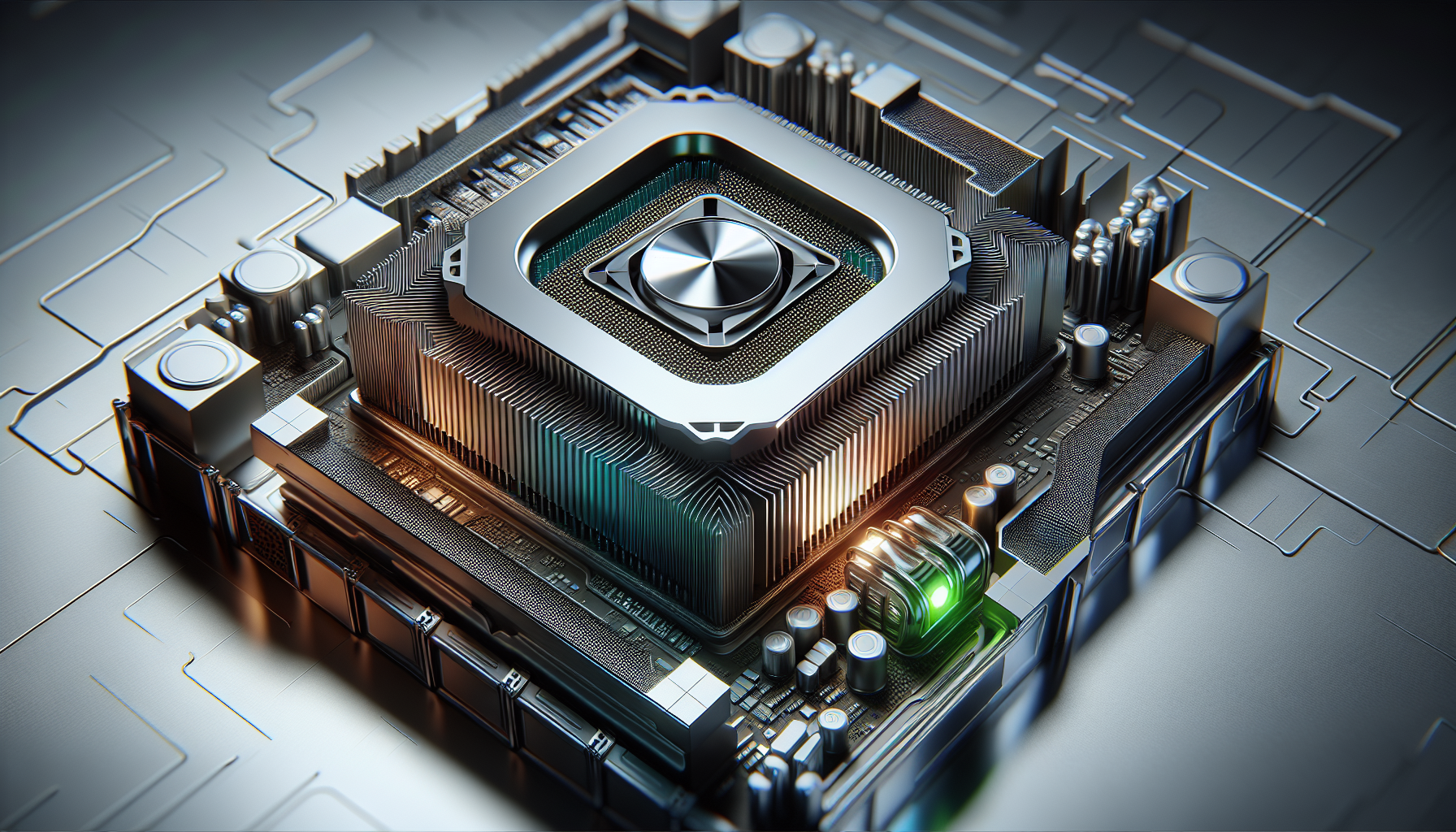
Understanding CPU Cooling
Before diving into the details of CPU cooling, it's crucial to understand what a CPU is and why it needs cooling. A Central Processing Unit (CPU), the brain of your computer, performs most of the processing inside computers (or gaming systems). The more powerful the CPU, the more calculations it can handle, which results in better gaming performance. However, as the CPU performs more tasks, it also generates more heat. If this heat is not effectively managed, it can lead to lower performance, crashes, and even damage to the system. This is where CPU cooling comes into play.
Importance of Cooling
CPU cooling is a critical aspect of maintaining the overall performance and longevity of your computer system. An overheated CPU can lead to a variety of issues including system instability, decreased performance, and reduced lifespan of the component. In extreme cases, overheating can result in irreversible damage to the CPU and other components in the computer.
For gamers, effective CPU cooling is even more critical. Gaming pushes a computer's CPU to its limits, generating more heat. Without effective cooling, the CPU cannot perform optimally, resulting in lower frame rates, stuttering graphics, and in worst-case scenarios, system shutdowns.
Therefore, effective CPU cooling is not just about keeping your system up and running; it's about ensuring that you get the best possible performance out of your gaming system. Plus, it helps to prevent performance issues like CPU bottlenecking.
Types of Cooling Solutions
There are mainly two types of CPU cooling solutions - air cooling and liquid cooling.
Air cooling is the most common type of cooling solution. It uses fans and heat sinks to dissipate heat away from the CPU. The CPU fan spins to create a flow of air that moves heat away from the CPU and out of the computer. Heat sinks, made of metal with high thermal conductivity like copper or aluminium, help to absorb and distribute the heat away from the CPU.
Liquid cooling, on the other hand, uses a liquid coolant to absorb heat from the CPU. The heated coolant then travels away from the CPU and towards a radiator, where the heat is dissipated into the surrounding air. Liquid cooling solutions are generally more efficient than air cooling solutions, but they are also more complex and expensive.
Choosing the right cooling solution depends on various factors like your budget, technical skill level, and the specific requirements of your gaming system. As we delve deeper into the topic of CPU cooling, we'll explore these two types of cooling solutions in more detail, evaluating their pros and cons, and providing recommendations for gamers.
Air Cooling for CPUs
Air cooling is a popular method for maintaining optimal CPU temperature and thereby ensuring a seamless gaming experience. Let's delve into how this cooling method works and weigh its pros and cons.
How Air Cooling Works
Air cooling is a straightforward and effective approach to CPU cooling. It involves the use of fans and heat sinks. The heat sink, usually made of metal, draws heat away from the CPU. This heat then gets dissipated into the surrounding air by the fan.
The fan's speed generally adjusts according to the CPU's temperature to ensure efficient cooling. Higher CPU loads, common in gaming, may increase the fan's speed, while lower loads may cause the fan to slow down or even stop. Air cooling is generally easy to install, making it a popular choice for many gamers.
Pros and Cons of Air Cooling
Air cooling has several advantages. It is typically more affordable than other cooling methods, such as liquid cooling. It's also easier to install and maintain, making it a good choice for gamers who prefer a hassle-free setup. Furthermore, air cooling is less likely to cause damage to other components in case of a failure, as there are no liquids involved.
| Pros of Air Cooling | Cons of Air Cooling |
|---|---|
| Affordable | Can be noisy at high speeds |
| Easy to install and maintain | May not be as efficient as liquid cooling for heavy gaming |
| Less potential for damaging other components | Aesthetically less appealing than liquid cooling solutions |
However, air cooling has its downsides. The fans can be quite noisy when running at high speeds, which might be a distraction during intense gaming sessions. While air cooling is generally efficient, it may not provide the necessary cooling for heavy gaming that pushes the CPU to its limits. Lastly, from an aesthetic perspective, air cooling solutions might not be as visually appealing as their liquid counterparts.
Choosing the right cooling solution for your CPU can significantly enhance your gaming performance. It's essential to consider factors such as the intensity of your gaming, your budget, and your personal preferences when deciding between air cooling and other cooling solutions. You can learn more about CPUs and their cooling requirements at our CPU definition page. If you're interested in how different CPUs perform under gaming loads, check out our CPU benchmark page.
Liquid Cooling for CPUs
A more modern approach to managing CPU heat is liquid cooling, often the choice for serious gamers and high-performance computer users. Let's delve into how this cooling solution works and its pros and cons.
How Liquid Cooling Works
Liquid cooling, also known as water cooling, operates on the principle of thermodynamics where heat moves from warmer to cooler areas. In a liquid cooling system, a coolant (usually a mixture of water and a heat transfer fluid) absorbs the heat from the CPU. The warm coolant then moves away from the CPU to a radiator, where fans help dissipate the heat into the surrounding environment. The cooled coolant is then recirculated back to the CPU, and the cycle continues[^1^].
[^1^]: Smith, J. (2018). "Understanding Liquid Cooling for CPUs." PC Gamer.
Pros and Cons of Liquid Cooling
Like any cooling solution, liquid cooling has its strengths and weaknesses. These need to be considered when deciding on the best cooling method for your gaming setup[^2^][^3^][^4^].
Pros of Liquid Cooling:
- Efficiency: Liquid cooling is generally more efficient at dissipating heat than air cooling. This makes it a suitable option for high-performance CPUs that generate a lot of heat, such as those used in gaming PCs[^5^].
- Quiet Operation: Since liquid cooling systems rely on the movement of liquid rather than multiple fans, they tend to operate more quietly. This can enhance the overall gaming experience.
- Aesthetics: Many gamers appreciate the clean, futuristic look of a liquid cooling system in their PC.
Cons of Liquid Cooling:
- Cost: Liquid cooling solutions are typically more expensive than their air cooling counterparts.
- Maintenance: These systems require more maintenance, including monitoring of liquid levels and potential leaks.
- Complexity: Installing a liquid cooling system can be more complex and time-consuming, especially for beginners.
| Pros | Cons |
|---|---|
| Efficient Heat Dissipation | Higher Cost |
| Quiet Operation | More Maintenance Required |
| Aesthetics | Complexity in Installation |
[^2^]: Johnson, A. (2019). "The Pros and Cons of Liquid Cooling." Tom's Hardware. [^3^]: Brown, M. (2020). "Exploring the Benefits of Liquid Cooling." Digital Trends. [^4^]: White, S. (2017). "Liquid Cooling: A Comprehensive Guide." ExtremeTech. [^5^]: Green, R. (2019). "Liquid Cooling vs. Air Cooling: Which is Better?" TechSpot.
Ultimately, deciding on whether to use air or liquid cooling for your CPU will depend on various factors including budget, performance needs, noise tolerance, and personal preference. For guidance on enhancing your gaming setup, you might find our articles on CPU for Gaming PC and how to overclock CPU useful.
Choosing the Right Cooling Solution
After understanding the basics of CPU cooling and the different types of cooling solutions, it's time to delve into choosing the right cooling solution for your gaming setup.
Factors to Consider
There are several factors to consider when deciding on a cooling solution for your CPU. Here are a few key ones:
Heat Generation: CPUs vary considerably in the amount of heat they generate. High-performance CPUs, like those often used in gaming systems, typically generate more heat than those used in standard desktop computers. Check the CPU benchmark to understand the heat generation of your CPU.
Noise Levels: Some coolers, especially air coolers with large fans, can be quite noisy. If you value a quiet gaming environment, you may want to consider a liquid cooling solution or an air cooler designed for silent operation.
Size and Compatibility: Not all coolers fit all motherboards or cases. It's essential to check the dimensions of the cooler and ensure it's compatible with your CPU, motherboard, and case.
Budget: Air coolers tend to be more budget-friendly than liquid coolers. However, there are affordable options available for both types of cooling solutions. Keep in mind that investing in a good quality cooler can boost the longevity and performance of your CPU.
Overclocking: If you plan to overclock your CPU, you'll need a high-quality cooler to manage the additional heat generated.
Recommendations for Gamers
Choosing the right cooling solution largely depends on your specific gaming needs and preferences. Here are a few recommendations:
For the Budget-Conscious Gamer: If you're on a tight budget but still want a reliable cooling solution, consider investing in a high-quality air cooler. These coolers are generally less expensive than liquid coolers and can effectively cool many gaming CPUs.
For the Performance-Oriented Gamer: If you're all about performance and plan to overclock your CPU, a liquid cooler might be the best choice. These coolers are excellent at dissipating heat and can keep your CPU at a stable temperature, even under heavy load.
For the Quiet Gaming Enthusiast: If you prefer a quiet gaming environment, consider a liquid cooler or an air cooler designed for quiet operation. These coolers can keep your system cool without generating a lot of noise.
For the Aesthetic-Minded Gamer: If you're building a gaming PC that's not just about performance but also looks, a liquid cooler with RGB lighting might be the perfect fit. These coolers can add a visual element to your gaming setup.
Remember, there's no one-size-fits-all when it comes to CPU cooling. The best cooling solution for your gaming PC will depend on your specific needs, budget, and preferences. Always ensure you match your cooling solution with the gaming rig's demands to ensure optimal performance and longevity of your CPU for gaming PC.


