


The Fatal Five: Understanding Major Causes of Computer System Failure
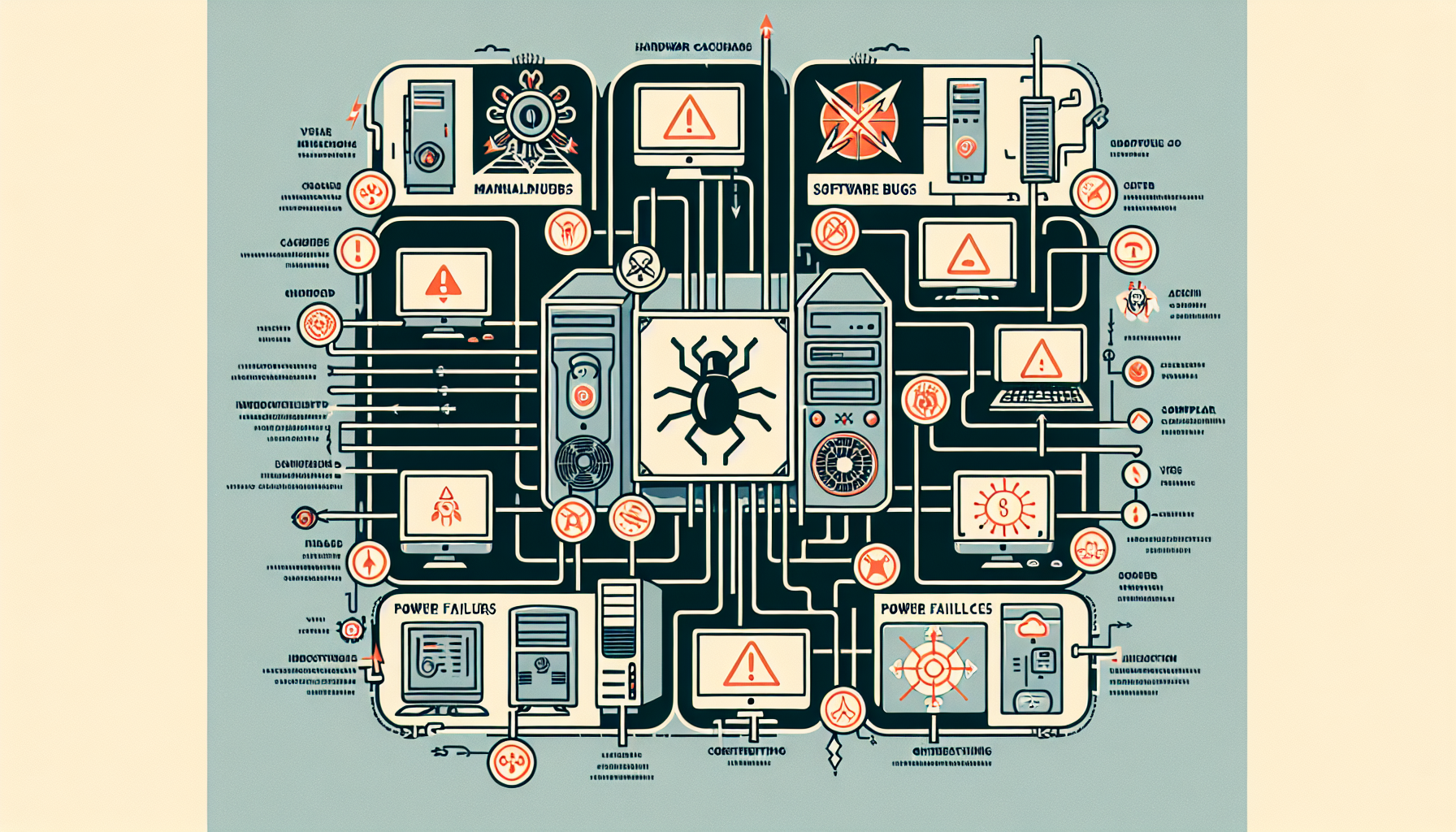
Common Computer Failures
Understanding the primary causes of computer system failure is essential for IT managers and business owners. Two major categories of failures are hardware issues and software glitches, both of which can significantly impact business operations.
Hardware Issues
Hardware problems are often at the forefront when diagnosing system failures. These issues can stem from various sources, such as component wear and tear, electrical surges, or physical damage. Below are some common hardware issues:
| Hardware Issue | Description |
|---|---|
| Hard Drive Failure | Mechanical or electronic faults leading to data inaccessibility. |
| RAM Issues | Faulty memory modules causing system crashes or slow performance. |
| Motherboard Malfunctions | Damage or failure affecting the communication between components. |
| Power Supply Problems | Inadequate power supply leading to system instability. |
Identifying hardware-related failures is crucial as they can lead to common computer faults that may require immediate attention. Regular maintenance and monitoring of hardware components can help prevent these failures. For further insights on how to fix computer faults, refer to our detailed guide.
Software Glitches
Software glitches represent another significant cause of computer system failure. These can arise from coding errors, compatibility issues, or corruption of system files. Common software-related problems include:
| Software Glitch | Description |
|---|---|
| Application Crashes | Programs unexpectedly closing due to bugs or incompatibilities. |
| Operating System Errors | System malfunctions leading to freezes or blue screens. |
| Driver Conflicts | Issues arising from outdated or incompatible drivers. |
Such software issues can disrupt business operations and lead to downtime. Identifying the signs of software malfunction is crucial for timely intervention. For more information on this topic, consider exploring the signs of computer malfunction and how to diagnose computer faults. Regular updates and patches are essential to maintain software integrity and reduce the likelihood of glitches.
Impact on Business Operations
Computer system failures can have significant consequences on business operations, primarily through downtime costs and data loss risks. Understanding these impacts is essential for IT managers and business owners who seek to implement effective preventative maintenance strategies.
Downtime Costs
Downtime can lead to substantial financial losses for businesses. According to a study by Gartner, the average cost of network downtime is around £5,600 per minute. This staggering figure illustrates how quickly costs can accumulate when systems are not operational.
The Ponemon Institute highlights that the average cost of a data center outage has surged by 38% over the past five years, emphasizing the growing financial burden associated with such incidents. Furthermore, IDC estimates that businesses incur an average loss of £100,000 for every hour of downtime.
| Source | Cost of Downtime |
|---|---|
| Gartner | £5,600 per minute |
| IDC | £100,000 per hour |
| Aberdeen Group | £260,000 per hour |
In addition to direct financial losses, the National Archives & Records Administration reports that 93% of companies experiencing significant data loss go out of business within five years. This statistic underlines the critical nature of maintaining operational continuity to safeguard business longevity.
Data Loss Risks
Data loss presents a severe risk to businesses, often resulting from system failures. The implications of losing vital data can extend beyond immediate financial losses, affecting customer trust and operational efficiency. Companies that do not have robust data recovery plans are particularly vulnerable.
In the wake of a data loss incident, businesses may face legal repercussions, damage to their reputation, and the costs associated with data recovery efforts. The importance of regular data backups and effective data backup protocols cannot be overstated.
Implementing preventative measures and understanding the common causes of computer malfunction can help mitigate these risks. IT managers should prioritise regular system checks and consider professional support services to ensure the stability and reliability of their computer systems.
Preventative Maintenance Strategies
Implementing preventative maintenance strategies is essential for reducing the risk of computer system failure. Two key strategies are regular system updates and effective data backup protocols.
Regular System Updates
Regular system updates are vital for maintaining the security and efficiency of computer systems. According to a study by the Ponemon Institute, 57% of data breaches occur due to vulnerabilities that could have been patched with timely updates. The National Institute of Standards and Technology (NIST) strongly recommends regular software updates to mitigate security risks and protect sensitive information.
Failure to update systems can have dire consequences. The Microsoft Security Intelligence Report indicates that systems not kept up-to-date are 5.5 times more likely to be infected by malware. This statistic underscores the importance of prioritising software maintenance to prevent potential attacks and ensure a secure computing environment.
| Update Frequency | Recommended Action |
|---|---|
| Monthly | Check for operating system and application updates |
| Quarterly | Review security patches and updates |
| Annually | Perform comprehensive system audits to ensure all software is current |
Data Backup Protocols
Data backup protocols are another critical aspect of preventative maintenance. The Federal Emergency Management Agency (FEMA) stresses the importance of regular data backups to prevent data loss during unforeseen disasters. Effective backup strategies can save businesses from significant financial and operational setbacks.
The Cybersecurity and Infrastructure Security Agency (CISA) recommends maintaining multiple copies of backups in different locations to ensure data recovery. This practice minimises the risk of losing critical data due to hardware failures, cyberattacks, or natural disasters.
The World Economic Forum highlights data backup protocols as a fundamental component of cybersecurity resilience. Businesses should implement a structured data backup plan that includes the following elements:
| Backup Type | Description |
|---|---|
| Full Backup | A complete copy of all data; typically done weekly |
| Incremental Backup | Copies only the data that has changed since the last backup; performed daily |
| Offsite Backup | Backing up data to a separate location or cloud service for enhanced security |
By integrating regular system updates and robust data backup protocols into their IT maintenance routines, businesses can significantly reduce the likelihood of encountering the causes of computer system failure and ensure smoother operations.
Importance of Professional IT Support
In the realm of IT management, having reliable support is essential for maintaining the health of computer systems. Professional IT support plays a crucial role in identifying and addressing potential issues before they escalate into significant problems. This section focuses on two key aspects of IT support: proactive monitoring services and timely troubleshooting solutions.
Proactive Monitoring Services
Proactive monitoring services are essential for minimising downtime and enhancing system performance. According to a study by Gartner, organisations that implement these services can reduce downtime by up to 60%. This proactive approach allows IT teams to identify potential issues before they disrupt business operations.
A report by IDC highlights that companies with proactive IT support experience 50% fewer incidents compared to those without. This reduction in incidents not only saves time but also reduces costs associated with unexpected failures. Furthermore, research from the Ponemon Institute found that proactive monitoring can decrease security breaches by 40%, providing an additional layer of protection for sensitive data.
| Benefit of Proactive Monitoring | Impact |
|---|---|
| Reduced Downtime | 60% reduction |
| Fewer Incidents | 50% decrease |
| Decreased Security Breaches | 40% decrease |
Timely Troubleshooting Solutions
In addition to proactive monitoring, timely troubleshooting solutions are vital for maintaining productivity. Research from Forrester indicates that effective troubleshooting can improve productivity by as much as 30%. When issues are resolved quickly, employees can return to their work without prolonged interruptions.
A survey by CompTIA revealed that quick troubleshooting leads to 70% faster issue resolution. This swift response not only enhances overall efficiency but also fosters a more reliable IT environment. For businesses facing frequent issues, investing in professional IT support that offers timely troubleshooting can significantly mitigate the impact of computer system failures.
| Benefit of Timely Troubleshooting | Impact |
|---|---|
| Improved Productivity | 30% increase |
| Faster Issue Resolution | 70% quicker |
By leveraging professional IT support with a focus on proactive monitoring and timely troubleshooting, businesses can effectively manage the causes of computer system failure and ensure smoother operations.


