


The Dusty Dilemma: What Happens If You Don't Dust Your Office PCs?
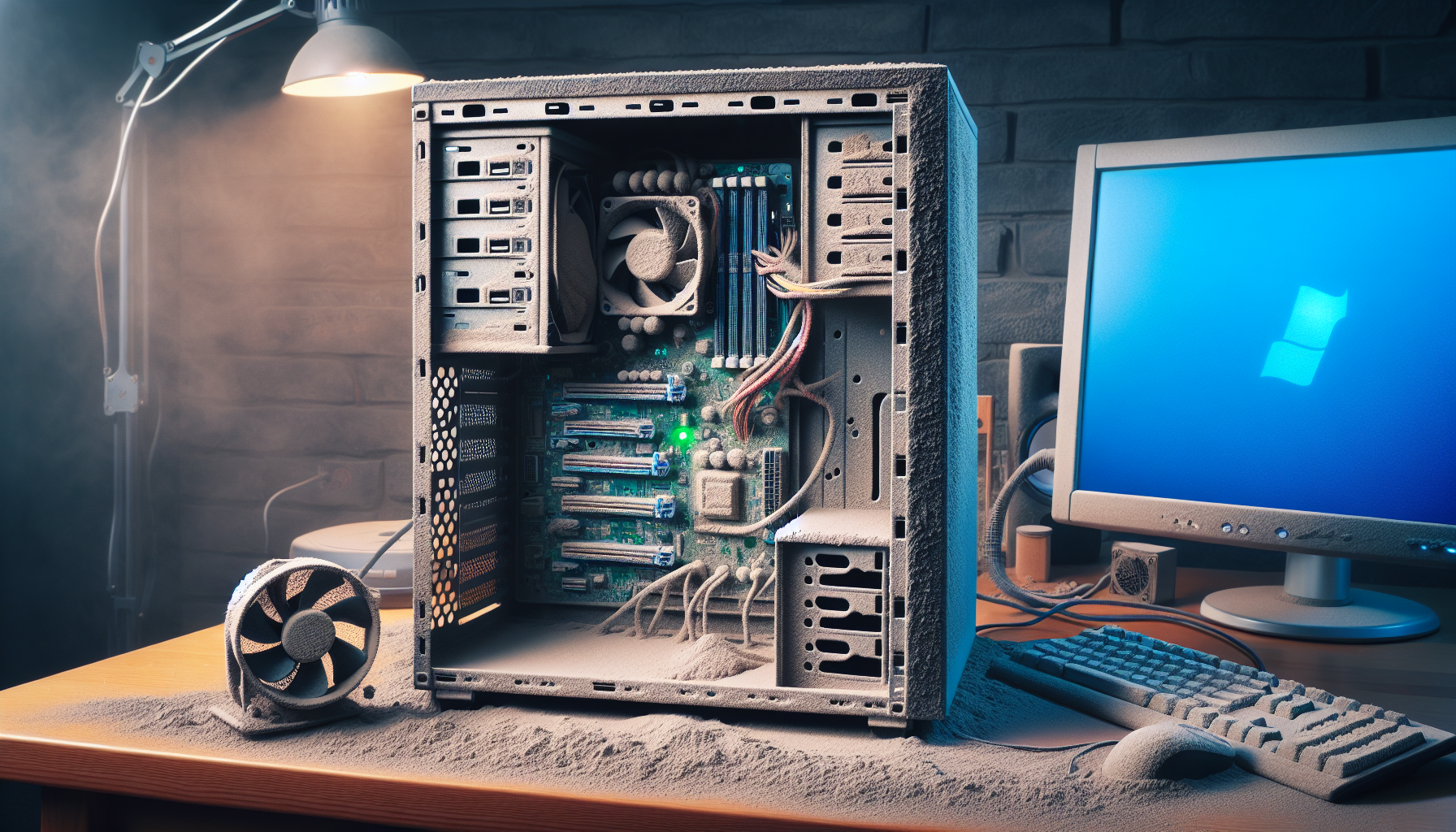
The Impact of Neglecting PC Dusting
Importance of Regular Dusting in Office PCs
Regular dusting of office PCs is vital for maintaining optimal performance and longevity. Dust and debris can accumulate in various components, leading to overheating and reduced efficiency. Keeping PCs clean not only enhances their functionality but also helps in preserving the investment made in technology.
By implementing a routine dusting schedule, IT managers and business owners can ensure that their systems remain free from harmful particles. This practice not only improves performance but also contributes to a healthier work environment.
Risks and Consequences of Ignoring Dust Build-Up
Neglecting to dust office PCs can result in several negative consequences. The following table outlines key risks associated with dust accumulation:
| Consequence | Description |
|---|---|
| Overheating | Dust can block ventilation, causing components to overheat and fail. |
| Reduced Lifespan | Accumulated dust can lead to premature wear and tear on internal components. |
| Performance Decrease | Dust build-up can slow down system operations, leading to frustration. |
| Health Issues | Dust can contribute to allergies and respiratory problems among users. |
| Fire Hazards | Excess dust can pose a fire risk, particularly in older equipment. |
Ignoring the need for regular dusting not only affects the performance of PCs but also creates potential health hazards for users. For more information on the performance impacts of cleaning, refer to pc cleaning performance impact.
By understanding the consequences of not dusting PCs, IT managers can take proactive measures to maintain their equipment. Regular cleaning is essential for ensuring that office technology operates efficiently and safely.
Consequences for PC Performance
Neglecting the dusting of office PCs can have significant consequences for overall performance. Dust accumulation affects not only the operational efficiency of the machines but also the longevity of their components.
Overheating Issues
One of the most immediate effects of dust build-up is overheating. Dust can block air vents and fans, restricting airflow and leading to excessive heat within the computer. Overheating can cause the following:
| Issue | Description |
|---|---|
| Increased Temperature | Dust can raise the internal temperature of the PC by as much as 20°C. |
| Thermal Throttling | To protect itself, the PC may automatically reduce performance when temperatures exceed safe levels. |
| Component Failure | Prolonged exposure to high temperatures can damage critical components such as the CPU and GPU. |
Overheating not only impacts performance but can also lead to unexpected shutdowns, causing disruption in work and potential loss of data. To mitigate this risk, regular cleaning is essential. For more insights on how cleaning affects performance, consider visiting our article on pc cleaning performance impact.
Reduced Lifespan of Components
Dust accumulation can significantly reduce the lifespan of a PC's components. When components such as fans, power supplies, and motherboards are consistently exposed to dust, the following can occur:
| Component | Average Lifespan Reduction |
|---|---|
| Cooling Fans | Reduced from 5 years to 2-3 years |
| Power Supply Units | Reduced from 7 years to 4-5 years |
| Hard Drives | Reduced from 6 years to 3-4 years |
Dust can create an environment conducive to overheating and mechanical failure, which ultimately leads to premature component degradation. IT managers and business owners should be proactive in establishing a routine cleaning schedule to ensure the longevity of their hardware. For best practices on cleaning frequency, check our article on pc cleaning frequency.
The consequences of neglecting to dust PCs extend beyond immediate performance issues. By maintaining a clean environment, organisations can enhance system reliability, improve user productivity, and significantly reduce maintenance costs.
Effects on Health and Safety
Neglecting to dust office PCs can have serious implications not only for the equipment but also for the health and safety of users. This section explores the potential health risks associated with dust accumulation and the associated fire hazards.
Potential Health Risks for Users
Dust build-up inside and around computer systems can lead to various health issues for users. The particles in dust can contribute to respiratory problems, allergies, and skin irritations. For individuals with pre-existing conditions, such as asthma or other respiratory disorders, the effects can be particularly severe.
| Health Issue | Symptoms |
|---|---|
| Allergies | Sneezing, runny nose, itchy eyes |
| Respiratory Problems | Coughing, wheezing, shortness of breath |
| Skin Irritations | Rashes, redness, itching |
Maintaining a clean computer environment can help mitigate these health risks. Regular dusting and cleaning can create a healthier workplace, reducing the likelihood of allergy-related absences and enhancing overall productivity. For more insights on how keeping computers clean can improve performance, visit our article on clean computer for faster performance.
Fire Hazard Concerns
Dust accumulation within PCs can also pose significant fire hazards. Dust acts as an insulator, trapping heat in critical components such as power supplies and processors. Over time, this can lead to overheating, which increases the risk of electrical fires.
The table below highlights the potential fire hazards associated with different levels of dust accumulation:
| Dust Accumulation Level | Fire Risk |
|---|---|
| Low | Minimal risk |
| Moderate | Increased risk of overheating |
| High | Significant fire hazard |
Regular maintenance, including dust removal, is essential to ensure the safe operation of office PCs. For best practices on PC cleaning, refer to our article on best pc cleaning practices. Addressing these health and safety risks through proactive maintenance can protect both the equipment and the individuals using it.
Preventive Measures and Best Practices
Establishing effective preventive measures is essential for maintaining the performance and longevity of office PCs. Implementing a regular cleaning schedule and using the right techniques and tools can significantly reduce the dust build-up, thereby mitigating the consequences of not dusting PC.
Establishing a Routine Cleaning Schedule
A structured cleaning schedule is vital for keeping office PCs dust-free. IT managers and business owners should consider the following frequency for dusting and cleaning tasks:
| Task | Frequency |
|---|---|
| External Dusting | Weekly |
| Internal Dusting | Every 3 to 6 months |
| Cleaning Keyboards and Mice | Bi-weekly |
| Deep Cleaning (including fans and components) | Annually |
Regular adherence to this schedule can help in maintaining optimal performance and preventing overheating issues. For more details on the importance of a cleaning schedule, refer to our article on pc cleaning frequency.
Proper Tools and Techniques for Dusting
Using the right tools and techniques is crucial for effective dust removal. Here are some recommended tools and methods:
| Tool/Technique | Purpose |
|---|---|
| Microfiber Cloth | For wiping surfaces and screens |
| Compressed Air | For blowing dust out of tight spaces and components |
| Soft Brushes | For gently cleaning fans and vents |
| Vacuum Cleaner with Brush Attachment | For cleaning around the PC without causing static damage |
When performing internal dusting, it is essential to follow safety protocols. Ensure that the PC is powered off and unplugged before opening the case. For detailed instructions on internal cleaning, check our guide on internal PC dusting.
Consulting Professional IT Support for Maintenance
For businesses lacking the resources or expertise to manage regular cleaning, consulting professional IT support can be a wise choice. Professional technicians can ensure thorough cleaning and maintenance while identifying potential issues before they escalate. This proactive approach can save both time and money in the long run.
Regular consultations with IT support can also lead to improved strategies for maintaining office PCs, such as implementing better airflow solutions and selecting appropriate cleaning products. To learn more about how professional support can benefit your IT infrastructure, explore our article on pc cleaning performance impact.
By establishing a routine cleaning schedule, using the right tools and techniques, and consulting with professional IT support, office environments can significantly enhance the performance and lifespan of their PCs, ultimately leading to a more efficient workplace.


