


Stay Cool, Stay Gaming: Top Computer Cases with Efficient Fans
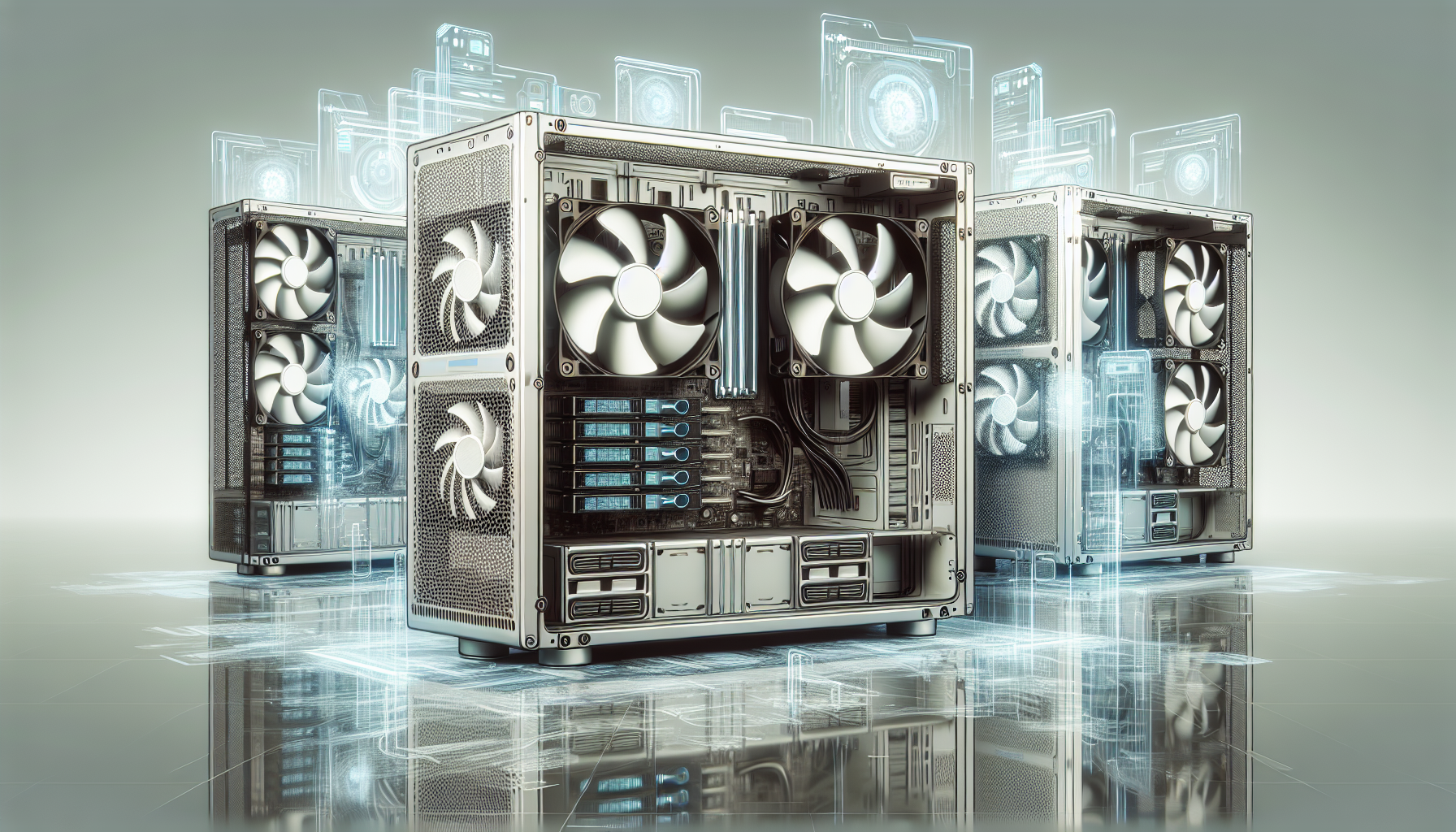
The Importance of Cooling in Gaming PCs
A gaming PC's performance is heavily influenced by its ability to manage heat. With today's high-performance components generating considerable amounts of heat, efficient cooling systems are not just a luxury—they're essential.
Heat: The Enemy of Performance
Heat is a by-product of electrical energy and, within the realm of gaming PCs, it's the adversary of stability and efficiency. Excessive heat can lead to hardware throttling, where components like CPUs and GPUs reduce their clock speeds to prevent overheating. This, in turn, can cause a drop in frame rates and overall performance, potentially ruining the gaming experience.
Moreover, prolonged exposure to high temperatures may reduce the lifespan of computer components, leading to earlier-than-expected failures and the need for costly replacements. Keeping heat in check is therefore vital to maintain both the immediate and long-term performance of a gaming PC.
How Computer Cases Contribute to Cooling
Computer cases play a pivotal role in the cooling process, housing the components and fans that drive airflow. A well-designed case can significantly enhance a computer's cooling efficiency, leading to better performance and component longevity.
One of the main functions of a computer case is to facilitate airflow throughout the system. It achieves this by strategically positioning fans and vents to create an effective path for cool air to enter and hot air to exit. The case design also often includes features such as cable management systems to minimize obstructions and maximize the flow of air around critical components.
Additionally, cases are designed with various mounting points for fans and other cooling solutions like liquid cooling radiators. The layout and number of these mounting points can greatly influence the cooling potential of a case.
To illustrate the impact of a computer case's design on airflow and cooling, consider the following table:
| Feature | Impact on Cooling |
|---|---|
| Number of Fan Mounts | Increased mounts provide options for higher air intake and exhaust volumes. |
| Fan Size Compatibility | Larger fans move more air at lower speeds, reducing noise while maintaining airflow. |
| Cable Management | Well-managed cables prevent airflow blockage, allowing for more efficient cooling. |
| Vent Placement | Strategically placed vents support optimal air intake and exhaust paths. |
By understanding the importance of cooling and how computer cases contribute to it, gamers can make informed decisions when choosing their gaming rig's housing. The right case can be the difference between a PC that stays cool under pressure and one that succumbs to the heat of intense gaming sessions.
Anatomy of a Computer Case
The computer case, often referred to as a chassis, serves as the protective shell for the most critical components of a gaming PC. Beyond protection, it plays a significant role in system cooling, which is vital for maintaining performance levels during gaming sessions.
Case Size and Its Impact on Airflow
The size of a computer case is a primary factor that affects airflow, which is essential for cooling. Cases are typically classified into three main categories: full tower, mid tower, and mini tower.
| Case Size | Dimensions (HxWxD) | Airflow Potential |
|---|---|---|
| Full Tower | Above 56 cm x 20 cm x 45 cm | High |
| Mid Tower | 45 cm - 56 cm x 20 cm - 22 cm x 45 cm - 48 cm | Moderate |
| Mini Tower | Below 45 cm x 20 cm x 40 cm | Low |
Larger cases, such as full towers, have more space for air to circulate, which can support more fans and larger components that require more cooling. Conversely, smaller cases may have restricted airflow due to their compact size, which limits the number of fans and the volume of air that can move through the system.
Materials Used in Case Construction
The materials from which a computer case is constructed not only determine its durability but also its thermal properties. Common materials include steel, aluminium, plastic, and tempered glass.
| Material | Thermal Conductivity | Durability | Weight |
|---|---|---|---|
| Steel | Low | High | Heavy |
| Aluminium | High | Moderate | Light |
| Plastic | Low | Low | Light |
| Tempered Glass | Low | Moderate | Varies |
Steel is robust and offers a good balance between cost and durability, but it does not dissipate heat as effectively as aluminium. Aluminium, being a better thermal conductor, can help remove heat from the case more efficiently, though it is typically found in higher-end cases due to its cost. Plastic is often used in budget-friendly cases and provides versatility in design but is less effective at dissipating heat. Tempered glass is used for aesthetic appeal and allows gamers to showcase their components, though it has little impact on cooling.
When selecting computer cases with fans, one must consider both the size and the materials to ensure optimal airflow and cooling performance. These factors directly influence the ability of the fans to maintain lower internal temperatures, ensuring that the gaming PC runs efficiently and effectively.
Fans and Airflow Optimization
For gaming enthusiasts, ensuring that their PC runs cool is a priority. The right computer cases with fans are instrumental in achieving this by providing optimal airflow.
The Role of Fans in Computer Cases
Fans are the heart of a computer's cooling system, driving hot air out and allowing cool air to flow over the components. They are essential for preventing overheating and maintaining system stability, which can directly impact gaming performance.
The basic function of fans within computer cases is to create an airflow loop. Intake fans pull cool air in, while exhaust fans push warm air out. This constant exchange of air keeps internal temperatures at safe levels during intense gaming sessions.
| Fan Type | Function |
|---|---|
| Intake Fans | Pull cool air into the case |
| Exhaust Fans | Push hot air out of the case |
The number of fans and their placement can be tailored to the user's needs, with some configurations prioritizing silent operation and others maximizing airflow.
Case Design Features for Improved Airflow
Computer cases are designed with certain features to enhance airflow and cooling efficiency. These features ensure that the fans work effectively and contribute to the overall thermal management of the system.
| Design Feature | Benefit |
|---|---|
| Mesh Panels | Allow air to flow freely into and out of the case |
| Cable Management Systems | Reduce clutter inside the case for better air circulation |
| Multiple Fan Mounts | Provide options for customizing airflow patterns |
| Vented Side Panels | Increase air intake or exhaust capacity |
By selecting a case with these airflow-optimized features, gamers can ensure that their system remains cool, even under heavy load. The proper configuration of fans, combined with strategic case design, can significantly reduce heat build-up and enhance the longevity and performance of the gaming PC.
Types of Computer Cases with Fans
When it comes to building a gaming PC, the case is not just a housing for components but a crucial element in cooling performance. Fans play a significant role in maintaining an optimal temperature for the system. There are various types of computer cases, each accommodating fans in different configurations to cater to gamers' needs.
Full Tower Cases
Full tower cases are the largest standard size for computer cases and are well-suited for gamers who require extensive cooling solutions. These cases can house multiple graphics cards, hard drives, and have ample room for several fans and liquid cooling radiators.
| Feature | Full Tower Cases |
|---|---|
| Height Range | Above 22 inches |
| Motherboard Compatibility | E-ATX, ATX, Micro-ATX, Mini-ITX |
| Fan Mounting Points | 6+ |
| Cooling Potential | High |
The spacious interior of full tower cases allows for significant airflow, which is crucial for high-performance gaming rigs that generate considerable heat. The size also offers versatility in fan placement, enabling users to create an efficient airflow path that prevents heat accumulation.
Mid Tower Cases
Mid tower cases strike a balance between size and functionality, making them a popular choice among gamers. They are designed to fit the majority of gaming setups and provide a good amount of space for airflow and additional cooling systems.
| Feature | Mid Tower Cases |
|---|---|
| Height Range | 17 to 21 inches |
| Motherboard Compatibility | ATX, Micro-ATX, Mini-ITX |
| Fan Mounting Points | 3 - 5 |
| Cooling Potential | Moderate to High |
Mid tower cases can typically accommodate multiple fans, with placements often found at the front, rear, top, and sometimes on the side panel. This allows for a dynamic airflow that can be tailored to the gamer's specific hardware configuration.
Mini Tower Cases
Mini tower cases are the smallest standard case size and are suitable for gamers with limited space or those who require a more portable setup. Despite their compact size, they can still offer effective cooling with a well-configured fan system.
| Feature | Mini Tower Cases |
|---|---|
| Height Range | Under 17 inches |
| Motherboard Compatibility | Micro-ATX, Mini-ITX |
| Fan Mounting Points | 1 - 3 |
| Cooling Potential | Moderate |
While mini tower cases have fewer fan mounting points, they are still capable of keeping the system cool if the fans are positioned strategically. These cases often focus on maximizing the efficiency of available space and may incorporate features such as mesh panels to aid in airflow.
Each type of case caters to different gaming setups and preferences. Full tower cases are ideal for gamers who need maximum cooling and have the space to accommodate them. Mid tower cases offer a versatile option with good cooling potential for most gaming systems. Mini tower cases are for those who prefer a compact setup but still prioritize efficient cooling. Gamers should consider their specific requirements, including component size, cooling needs, and available space, when selecting a computer case with fans.
Key Features in Computer Cases for Gamers
For gamers, having a computer case that supports optimal performance is essential. Features such as fan configuration, dust filters, and noise reduction play significant roles in maintaining a cool and efficient gaming system.
Fan Configuration and Placement
Effective fan configuration and placement are vital for creating an airflow pattern that cools critical components evenly. The standard fan setup includes intake fans located at the front and bottom of the case, which draw cool air in, and exhaust fans at the rear and top, expelling warm air. Gamers should look for cases that offer flexibility in fan mounts, allowing for adjustments and additions to suit their specific cooling needs.
| Fan Placement | Purpose |
|---|---|
| Front/Bottom | Intake - Draws cool air in |
| Rear/Top | Exhaust - Expels warm air out |
In addition to the number of fans, their size is also important. Larger fans can move more air through the case at a lower RPM (revolutions per minute), which can reduce noise – a feature that is particularly appealing to gamers who value a quiet gaming environment.
Dust Filters and Their Importance
Dust filters are a crucial element in maintaining a clean gaming system. They prevent dust particles from entering the case and clogging the components, which can lead to overheating and reduced efficiency. Gamers should ensure their computer cases are equipped with easily accessible and cleanable dust filters to prolong the lifespan of their system.
| Filter Location | Function |
|---|---|
| Intake Areas | Prevent dust from entering with incoming air |
| Exhaust Areas | Optional, trap dust inside before leaving the case |
It's imperative that these filters are regularly cleaned to maintain proper airflow. Some high-end cases come with magnetic or slide-out filters for easy maintenance.
Noise Reduction Features
Noise can be a distracting factor for gamers, and as such, computer cases with features designed to minimize noise are highly desirable. Cases with sound-dampening materials, rubber grommets, and anti-vibration fan mounts can significantly reduce the noise emitted during operation.
| Noise Reduction Feature | Effectiveness |
|---|---|
| Sound-dampening Materials | High - Absorbs vibrations and sound |
| Rubber Grommets | Moderate - Reduces vibration noise from fans |
| Anti-vibration Fan Mounts | Moderate - Isolates fan vibrations |
By combining these features, gamers can enjoy a quieter gaming experience, allowing them to focus on the gameplay without the distraction of loud fans.
Overall, when selecting computer cases with fans, gamers should consider these key features that not only enhance cooling efficiency but also ensure a clean and quiet gaming setup. Regular maintenance and a keen eye on the temperature will keep the gaming experience smooth and uninterrupted by hardware overheating issues.
Maintaining Your Computer Case and Fans
Maintaining the integrity of a computer case and its fans is essential for ensuring that gaming PCs run smoothly and efficiently. Proper maintenance can help prevent overheating, which is critical for gamers who demand peak performance from their systems.
Regular Cleaning and Maintenance
Dust and debris accumulation is one of the main culprits that can hinder the performance of computer cases with fans. It's vital to regularly clean the interior and exterior of the case, including all fans and filters, to maintain optimal airflow.
| Maintenance Task | Frequency |
|---|---|
| Visual Inspection | Weekly |
| Dusting External Vents | Bi-weekly |
| Cleaning Internal Components | Quarterly |
| Replacing Thermal Paste | Annually |
| Checking Cable Management | Bi-annually |
To clean the fans, one should power down the system and carefully remove any accumulated dust using a soft brush or compressed air. It's also advisable to check that all fans are functioning correctly and replace any that are not performing to standard.
Monitoring Temperature for Optimal Performance
Monitoring the internal temperature of the gaming PC is crucial to determine if the cooling system is effective. Various software tools are available that allow gamers to keep track of their system's temperature in real-time.
| Component | Ideal Temperature Range (°C) |
|---|---|
| CPU | 30 - 60 |
| GPU | 30 - 70 |
| HDD/SSD | 30 - 50 |
If temperatures exceed these ranges, it may indicate that the cooling system is not functioning correctly. In such cases, one should check the fans for blockages or failures and consider improving airflow through better cable management or adjusting the fan configuration.
Maintaining a computer case and its fans is not just about cleaning; it's about vigilance and proactive management. By regularly attending to these tasks, gamers can ensure their systems remain cool, even during the most intense gaming sessions.


