


Spot Be Gone: Effective Methods to Remove Stains from Computer Hardware
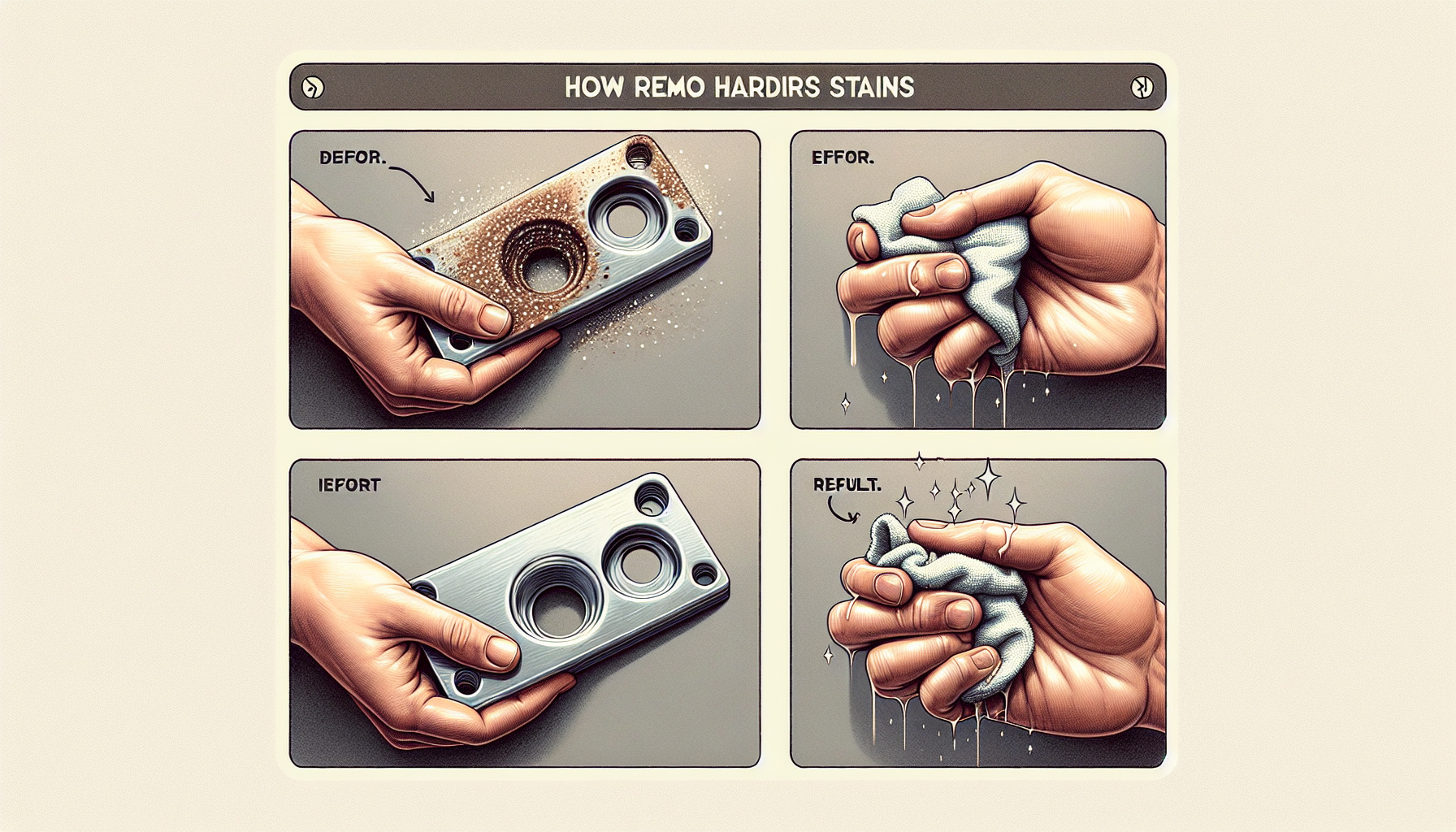
Understanding Hardware Stains
Common Causes of Stains on Computer Hardware
Computer hardware can accumulate stains from various sources. Identifying these causes is the first step in effective maintenance. The most prevalent reasons for stains include:
| Cause | Description |
|---|---|
| Dust and Dirt | Particles settling on surfaces over time. |
| Grease and Oil | Transfer from hands while using devices. |
| Food and Beverages | Spills occurring during usage. |
| Moisture and Humidity | Environmental factors leading to water damage. |
| Age and Wear | Natural deterioration of materials over time. |
Understanding these causes can help IT managers and business owners take preventative measures to maintain their equipment.
Importance of Removing Stains for Maintenance
Regularly addressing stains on computer hardware is crucial for several reasons. Keeping hardware clean not only enhances its appearance but also contributes to its longevity and performance. Here are some key benefits of stain removal:
| Benefit | Explanation |
|---|---|
| Improved Aesthetics | Clean hardware looks more professional and appealing. |
| Enhanced Performance | Dust and grime can affect functionality, leading to slower operation; cleaning computers for faster performance can help. |
| Prevention of Damage | Stains, particularly from liquids, can cause corrosion and other types of damage over time; learn how to remove hardware corrosion. |
| Extended Hardware Life | Regular maintenance can prolong the lifespan of devices; consider hardware cleaning frequency for best results. |
By prioritising the removal of stains, IT professionals can ensure that their hardware continues to perform optimally while maintaining a professional appearance.
Safe Methods to Remove Stains
Maintaining the cleanliness of computer hardware is essential for performance and longevity. Various safe methods exist to effectively remove stains without causing damage. Below are some reliable techniques.
Using Isopropyl Alcohol
Isopropyl alcohol is an effective cleaning agent for removing stains from computer hardware. It evaporates quickly and leaves no residue, making it ideal for electronic components. When using isopropyl alcohol, it is recommended to choose a concentration of 70% to 90% for optimal effectiveness.
| Concentration | Recommended Use |
|---|---|
| 70% | General cleaning of surfaces and non-sensitive components |
| 90% | Stubborn stains and more sensitive areas |
To clean, apply isopropyl alcohol to a lint-free cloth and gently wipe the stained area. This method is particularly beneficial for screens and keyboards. For further information on using alcohol for cleaning, refer to our article on alcohol for cleaning hardware.
Cleaning with Distilled Water and Mild Soap
For a gentler approach, a solution of distilled water and mild soap can be used to clean hardware. This method is safe for most surfaces and effectively removes light stains and dirt. It is crucial to use distilled water to avoid mineral deposits that can occur with tap water.
| Ingredients | Ratio | Purpose |
|---|---|---|
| Distilled Water | 1 cup | Base for cleaning solution |
| Mild Soap | 1 teaspoon | Cleaning agent |
To use this method, mix the ingredients, dampen a cloth with the solution, and wipe the affected areas. Ensure that the cloth is not overly wet to prevent moisture from entering electronic components. For more tips on maintaining a clean workspace, read our article on clean computer for faster performance.
Avoiding Harsh Chemicals
It is essential to avoid harsh chemicals when cleaning computer hardware. Many cleaning agents contain substances that can damage sensitive electronic components. Instead, stick to the methods mentioned above, as they provide safe and effective cleaning options.
| Chemicals to Avoid | Reasons |
|---|---|
| Ammonia | Can cause discoloration and damage screens |
| Bleach | Harsh on materials, may cause corrosion |
| Acetone | Can dissolve plastic and rubber parts |
Using safe cleaning methods ensures that hardware remains in good condition while effectively removing stains. For more information on cleaning frequency and best practices, check our article on perfect computer cleaning.
Targeted Stain Removal Techniques
When it comes to maintaining computer hardware, addressing specific types of stains effectively is essential. This section outlines targeted techniques for removing dust, grease, and stubborn stains, ensuring that IT managers and business owners can keep their equipment in optimal condition.
Removing Dust and Dirt Build-Up
Dust and dirt accumulation can significantly affect the performance and aesthetics of computer hardware. Regular cleaning is necessary to prevent build-up.
| Cleaning Method | Materials Needed | Frequency |
|---|---|---|
| Dry Dusting | Microfiber cloth | Weekly |
| Compressed Air | Compressed air canister | Monthly |
| Vacuuming | Vacuum with brush attachment | Monthly |
Using a microfiber cloth, IT staff can gently wipe surfaces to remove dust. Compressed air is effective for cleaning hard-to-reach areas, such as vents and fans. Regular maintenance can also improve overall performance, as detailed in our article on pc cleaning performance impact.
Dealing with Grease and Oil Stains
Grease and oil stains can occur from fingerprints, food residue, or spills. Removing these stains requires a careful approach to avoid damaging the hardware.
| Cleaning Method | Materials Needed | Effectiveness |
|---|---|---|
| Isopropyl Alcohol | Isopropyl alcohol (70% or higher) | High |
| Distilled Water & Mild Soap | Distilled water, mild liquid soap | Moderate |
For greasy stains, a solution of isopropyl alcohol on a microfiber cloth is effective. It evaporates quickly and reduces the risk of moisture damage. Alternatively, a mix of distilled water and mild soap can also be used. Be sure to apply the solution to the cloth and not directly onto the equipment. For more details on safe cleaning practices, refer to our article on clean computer hardware guide.
Addressing Stubborn Stains on Keyboards and Mice
Keyboards and mice can accumulate stubborn stains that require special attention.
| Cleaning Method | Materials Needed | Recommended Action |
|---|---|---|
| Cleaning Wipes | Pre-moistened electronic wipes | Wipe surfaces |
| Cotton Swabs | Cotton swabs and cleaning solution | Clean crevices |
Using pre-moistened electronic wipes can effectively remove stubborn stains without introducing excess moisture. For tighter spaces, such as between keyboard keys, cotton swabs dipped in a cleaning solution can help reach and clean those areas. Regular maintenance of these components can lead to better hygiene and functional performance. For additional tips, explore our article on sanitize computer hardware.
By employing these targeted techniques, IT managers and business owners can ensure that their computer hardware remains clean and functional, contributing to a more efficient workplace environment.
Prevention and Maintenance Tips
Maintaining computer hardware is essential for ensuring longevity and optimal performance. Implementing a few key practices can significantly reduce the occurrence of stains and overall wear and tear.
Regular Cleaning Schedule
Establishing a routine cleaning schedule can help in preventing the build-up of stains and dirt on computer hardware. IT managers and business owners should consider the following frequency for cleaning various components:
| Component | Cleaning Frequency |
|---|---|
| Monitors | Weekly |
| Keyboards | Bi-weekly |
| Mice | Bi-weekly |
| CPU Cases | Monthly |
| Cables | Monthly |
By adhering to this schedule, one can effectively manage the cleanliness of their equipment and reduce the need for extensive cleaning sessions. For tips on how a clean computer can enhance performance, refer to our article on clean computer for faster performance.
Proper Handling and Storage of Hardware Components
Proper handling and storage of computer components can prevent physical damage and stains. When transporting or storing hardware, consider the following tips:
- Use padded bags or cases for transport.
- Store hardware in a cool, dry environment to avoid moisture-related stains.
- Keep components away from food and drink to prevent spills.
By taking these precautions, one can significantly reduce the likelihood of stains and damage. For more details on the impact of dust on performance, check out our article on pc dust cleaning benefits.
Best Practices for Maintaining a Clean Work Environment
A clean work environment contributes to the cleanliness of computer hardware. Implement these best practices to maintain a tidy workspace:
- Encourage regular desk cleaning among employees.
- Use coasters for drinks and designated areas for food.
- Implement a policy for keeping cables and cords organized.
Maintaining an orderly environment not only helps in preventing stains but also promotes a more efficient work atmosphere. For further insights into the effects of clutter on productivity, refer to our article on identify computer slowdown causes.
By incorporating these maintenance tips, IT managers and business owners can ensure their hardware remains in excellent condition, reducing the need to frequently remove hardware stains.


