


Small but Mighty: Exploring the Power of ITX Computer Cases
Understanding ITX Computer Cases
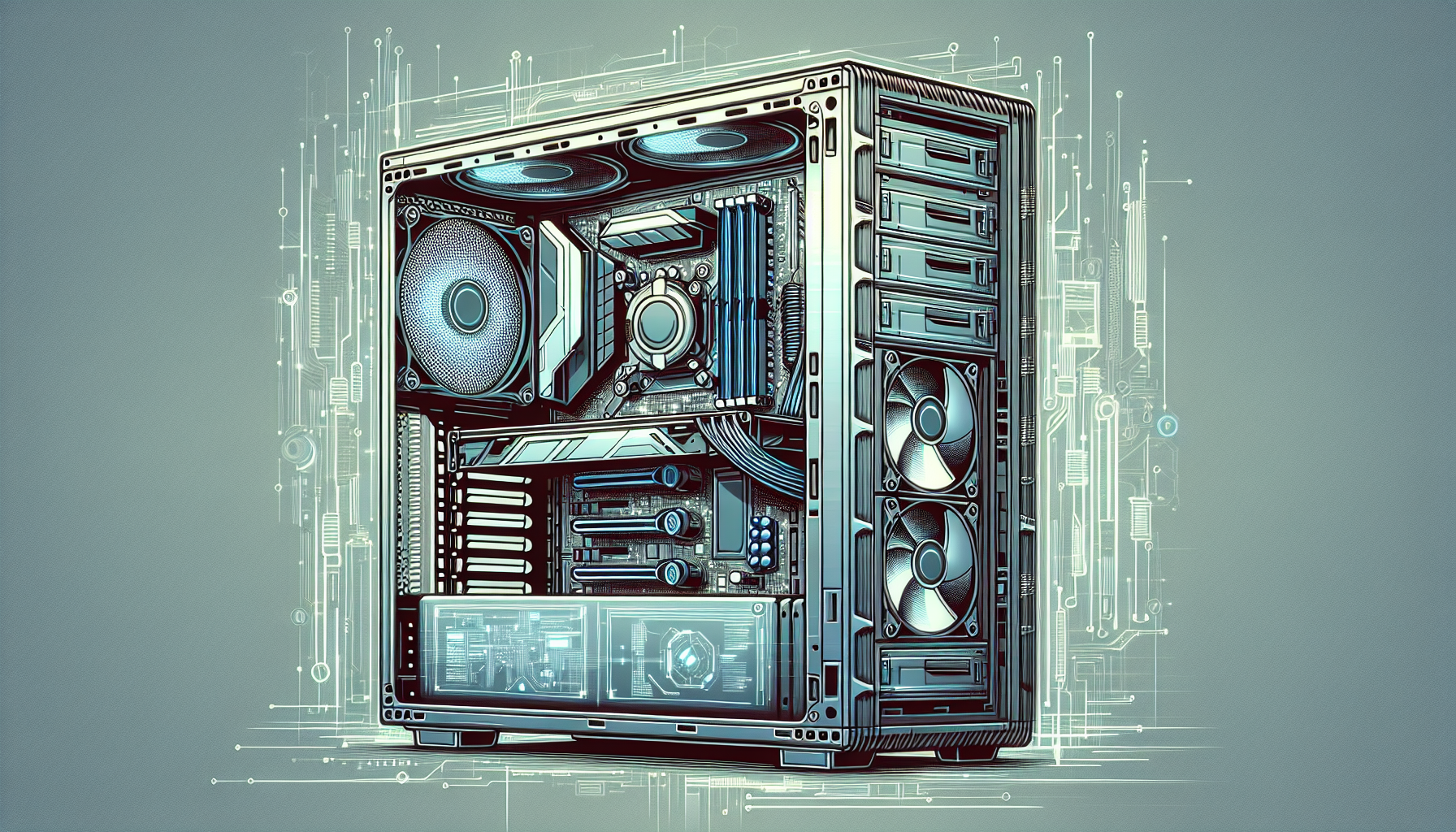
In the world of computer gear, ITX computer cases represent a compact and efficient option for building powerful systems. These cases are particularly appealing to the gaming community who often face the challenge of balancing performance with space constraints.
Why Choose an ITX Case
ITX cases are a popular choice for gamers and enthusiasts who prioritize compactness and portability. Their small form factor allows for easier transportation, making them an excellent choice for those attending LAN parties or for gamers with limited space. According to www.gamingscan.com, the portability of these cases is one of their key selling points.
Moreover, the ITX form factor is also beneficial for those living in smaller environments where space is at a premium. As reported by www.tomshardware.com, these cases can save significant space without compromising on the capability to host powerful hardware.
Beyond the practical benefits, ITX cases also offer a range of aesthetic options, from sleek and minimalist designs to unique and eye-catching styles that can complement any gamer's setup (Source: www.gamingscan.com). Some models even include built-in handles or carrying straps, adding to the convenience factor for gamers on the go (Source: www.tomshardware.com).
Dimensions and Form Factor
The ITX case is specifically designed to fit mini-ITX motherboards, which typically measure around 6.7 x 6.7 inches. These cases are significantly smaller than their ATX counterparts, with dimensions that are more compact and easier to handle. According to www.pcworld.com, the standard dimensions for ITX cases are approximately 6.7 x 6.7 x 3.3 inches.
Despite their small size, ITX cases are engineered to make the most of the available space. They often feature innovative internal designs that optimize airflow and cooling efficiency, ensuring that even high-performance components can operate effectively within the limited space (Source: www.tomshardware.com).
| Dimensions (inches) | Motherboard Compatibility | Expansion Slots |
|---|---|---|
| ~6.7 x 6.7 x 3.3 | Mini-ITX | 1 |
The single expansion slot design is a hallmark of the ITX form factor, aligning with the need for compact builds (Source: www.gamingscan.com). While the size may limit component options, advancements in technology have made it possible to construct formidable gaming systems within these constraints (Source: www.pcworld.com).
ITX cases are widely available through online retailers and local computer stores, ensuring that Australian gamers have easy access to a variety of models to suit any budget (Source: www.gamingscan.com). Whether one is looking for a budget-friendly solution or a high-end case with premium features, the ITX market offers a diverse range of options (Source: www.pcworld.com).
Key Features of ITX Cases
The prowess of ITX computer cases lies in their compact size coupled with their ability to house powerful gaming systems. This section will explore the essential characteristics that make ITX cases a popular choice for building compact gaming rigs.
Cooling and Airflow
Despite their small size, ITX cases are designed to provide efficient cooling and airflow to maintain optimal temperatures for high-performance components. Manufacturers often incorporate innovative solutions to maximize airflow through strategic vent placements and support for multiple cooling fans or liquid cooling systems.
| Feature | Description |
|---|---|
| Fan Support | Accommodates multiple fans; sizes vary by case model |
| Radiator Support | Space for liquid cooling radiators, typically up to 240mm |
| Vent Design | Mesh panels or vents to facilitate air intake and exhaust |
Cooling and airflow are paramount in ITX cases, as the condensed space can lead to higher temperatures. Gamers must ensure that their chosen case can accommodate the necessary cooling apparatus to prevent thermal throttling during intense gaming sessions.
Component Compatibility
ITX cases are engineered to fit the mini-ITX motherboard form factor while also considering the need to house other essential components such as GPUs, PSUs, and storage drives. The compatibility of these cases with various components is critical for creating a powerful yet compact system.
| Component | Compatibility Considerations |
|---|---|
| Graphics Card | Maximum length and width supported by the case |
| Power Supply | PSU form factor (SFX or ATX) and cable management space |
| Storage | Number and type of drive bays (2.5", 3.5", and M.2 slots) |
When selecting components for an ITX build, one must consider the dimensions and layout of the case to ensure a snug fit without compromising performance.
Design and Aesthetics
The design and aesthetics of ITX cases are diverse, offering gamers an array of choices from sleek, minimalistic styles to RGB-lit showpieces. The exterior design often reflects the gaming identity of the user, while also serving practical functions such as ease of access for maintenance and upgrades.
| Design Aspect | Details |
|---|---|
| Material | Aluminum, steel, tempered glass, and plastic variations |
| Color Options | Wide range of colors and finishes to match personal style |
| Lighting | Built-in RGB lighting or LED strips for added visual appeal |
The aesthetic appeal of ITX cases can enhance the overall gaming experience, making the selection process not just about functionality but also about personal expression. With the right design, an ITX case can serve as both the heart of a gaming setup and a centerpiece of a gaming station.
Popular ITX Case Models
For gamers and PC enthusiasts in Australia, the market offers a variety of ITX computer case options to suit different preferences and budgets. These compact cases are designed to fit small form factor (SFF) motherboards, such as the Mini-ITX, without compromising on performance or aesthetics. Below, we explore some budget-friendly options as well as high-end picks currently popular in the gaming community.
Budget-Friendly Options
When it comes to selecting a computer case ITX that is wallet-friendly, there are several models that stand out for their value and features. These cases cater to gamers who are looking for a compact solution without a hefty price tag.
| Model | Price (AUD) | Key Features |
|---|---|---|
| Thermaltake Core V1 | $69 | Interchangeable side panels, excellent air cooling support |
| Cooler Master Elite 110 | $59 | Ultra-small form factor, supports full-size power supplies |
| SilverStone Sugo SG13 | $65 | Mesh front panel for improved airflow, fits larger graphics cards |
These options are not only affordable but also offer features like good airflow, space for essential components, and ease of assembly, making them excellent choices for building a gaming rig on a budget.
High-End Picks
For the discerning gamer who desires premium features and the best that design and technology have to offer, the high-end segment of ITX cases provides some impressive options.
| Model | Price (AUD) | Key Features |
|---|---|---|
| NZXT H210i | $159 | Smart device V2 for RGB lighting and fan control, USB-C compatible |
| Corsair Crystal Series 280X RGB | $199 | Stunning RGB lighting, dual-chamber layout for cooling efficiency |
| Lian Li TU150 | $169 | Retractable handle for portability, elegant aluminium finish |
These high-end models come with additional features such as advanced cooling systems, built-in RGB lighting, superior build quality, and innovative designs that not only cater to performance needs but also add to the visual appeal of the setup.
Whether opting for a budget-friendly ITX case or investing in a high-end model, Australian gamers have a range of choices to find the perfect housing for their gaming components. It is essential to consider the individual needs of one's system, such as cooling requirements and the size of components, to make the most suitable choice for an ITX build.
ITX Cases for Australian Gamers
For Australian gamers looking to build a compact, powerful gaming rig, ITX computer cases are a popular choice. These small form factor cases are designed to accommodate gamers' needs for space efficiency without compromising on performance.
Availability and Retailers
ITX cases are readily available across Australia, from both brick-and-mortar stores and online retailers. Gamers have a variety of options when it comes to purchasing an ITX case, including specialized computer hardware stores and larger, general electronics outlets.
| Retailers | Type | Locations |
|---|---|---|
| PLE Computers | Specialized Computer Store | Multiple locations across Australia |
| Scorptec Computers | Specialized Computer Store | Online and in-store |
| JB Hi-Fi | General Electronics Outlet | Nationwide |
| Mwave | Online Retailer | Online only |
Additionally, Australian gamers have access to international retailers that ship to Australia, which expands the range of available ITX case options. When purchasing from local retailers, individuals benefit from consumer protection under Australian law, as well as potentially faster shipping times.
Considerations for Shipping
Shipping can be a significant consideration when purchasing an ITX computer case in Australia. The size and weight of the package, the distance from the retailer's warehouse to the customer's location, and the chosen shipping method all influence the final cost and delivery time.
Gamers should be aware of the following when ordering ITX cases:
- Shipping Costs: These will vary depending on the retailer, the size of the case, and the shipping method. Some retailers may offer free shipping as part of a promotion or for orders over a certain amount.
- Delivery Times: Depending on location, delivery times can range from next-day delivery in metropolitan areas to several days for rural locations.
- International Orders: When ordering from international retailers, additional factors such as customs duties, longer shipping times, and higher shipping costs may apply.
It is advisable for gamers to review the shipping policies of retailers before making a purchase to ensure they are aware of any additional costs and estimated delivery times. By doing so, they can make an informed decision and select the best retailer for their ITX case needs.
Building Tips for ITX Rigs
Creating a compact gaming rig using an ITX computer case requires careful planning and precision. Given their smaller footprint, ITX cases present unique challenges and opportunities for gamers looking to maximize space without compromising on performance.
Cable Management
One significant challenge when building in an ITX case is managing cables. Proper cable management is crucial as it not only affects the appearance but also the airflow and cooling performance of the PC. Here are some tips for effective cable management in an ITX setup:
- Use Modular Power Supplies: Opt for a modular power supply unit (PSU) that allows you to connect only the cables you need, reducing clutter.
- Plan Your Route: Before installing components, plan the route for each cable. This ensures every cable is neatly tucked away and doesn't obstruct airflow.
- Cable Ties and Clips: Utilize the cable ties and clips provided with the ITX case to secure cables to the chassis and keep them out of the way.
- Custom Cable Lengths: Consider custom cables that are the perfect length for your build, eliminating excess that needs to be hidden.
Choosing Components
Selecting the right components that fit within the confines of an ITX case is essential. Here's a guide to help you pick compatible parts:
- Motherboard: Ensure you select an ITX motherboard that will fit the case. Check the case's specifications for maximum motherboard dimensions.
- Cooling Solutions: Choose low-profile CPU coolers or liquid cooling solutions designed for small form factor builds.
- Graphics Card: Verify the maximum graphics card length and width the case can accommodate. Some ITX cases may not support high-end, full-sized GPUs.
- Storage: Check for the number of 2.5" or 3.5" drive bays. Many ITX cases also support M.2 SSDs, which save space.
- RAM: While most ITX motherboards support standard-sized RAM, opting for low-profile memory modules can make for an easier fit and better airflow.
When building in an ITX case, it's not just about choosing the smallest components, but the ones that offer the best performance within the physical constraints. Always refer to the case specifications and measure twice before purchasing components. Gamers in Australia should consider local availability and the possibility of having to source parts internationally, which can affect both cost and shipping time.
ITX Case Maintenance
Maintaining an ITX computer case is crucial for optimal performance and longevity of the components housed within. Given the compact nature of ITX cases, regular maintenance becomes even more important to prevent overheating and dust accumulation, which can impact system efficiency and stability.
Cleaning and Dust Management
The smaller volume of ITX cases often means that dust and debris can have a more pronounced effect on system temperatures and airflow. As such, regular cleaning is essential. Here are some recommended steps for keeping an ITX case clean:
- Power down the computer and unplug all cables.
- Open the case by removing the side panels.
- Use compressed air to blow out dust from hard-to-reach areas, including fan blades and heatsinks. Always hold the can upright to avoid moisture release.
- Wipe down the interior surfaces with a microfiber cloth. Avoid using liquid cleaners unless they are specifically designed for electronic components.
- Clean the exterior with the same cloth, paying special attention to ventilation grills and dust filters.
- Check and clean any dust filters, which may be more prevalent in ITX cases to combat the smaller internal volume and its propensity to gather dust.
An example schedule for cleaning might look like the following:
| Component | Cleaning Frequency |
|---|---|
| Dust Filters | Every 1-2 months |
| Interior Surfaces & Fans | Every 3-6 months |
| External Surfaces | As needed |
Upgrading Your ITX Case
Upgrading an ITX case can be a way to improve cooling, aesthetics, or to accommodate new components. When considering an upgrade, it is important to keep the following in mind:
- Check compatibility with existing components, especially the motherboard size, power supply unit (PSU), and GPU dimensions.
- Look for cases with better airflow designs or more fan mounts to enhance cooling efficiency.
- Consider the ease of cable management in the new case, as ITX builds can quickly become cluttered with poor management.
- Assess the quality of materials and construction for durability and long-term use.
- Look for cases that offer easy access to components for future upgrades or maintenance.
When selecting a new ITX case, the following table can serve as a guide for key considerations:
| Upgrade Consideration | Details |
|---|---|
| Size Compatibility | Ensure the case fits the motherboard and GPU dimensions. |
| Cooling Potential | Look for cases with more fan mounts and better airflow design. |
| Cable Management | Seek out cases with built-in cable management solutions. |
| Material Quality | Prefer cases made from durable materials like steel or aluminium. |
| Access to Components | Choose cases that allow easy installation and upgrades of internal components. |
Maintaining and upgrading an ITX case requires attention to detail and a proactive approach. By keeping the case clean and considering thoughtful upgrades, gamers can ensure that their compact systems continue to run smoothly and efficiently.


