


Silent and Powerful: The Best 120mm PC Cooling Fans for Gaming Enthusiasts
Understanding PC Cooling Fans
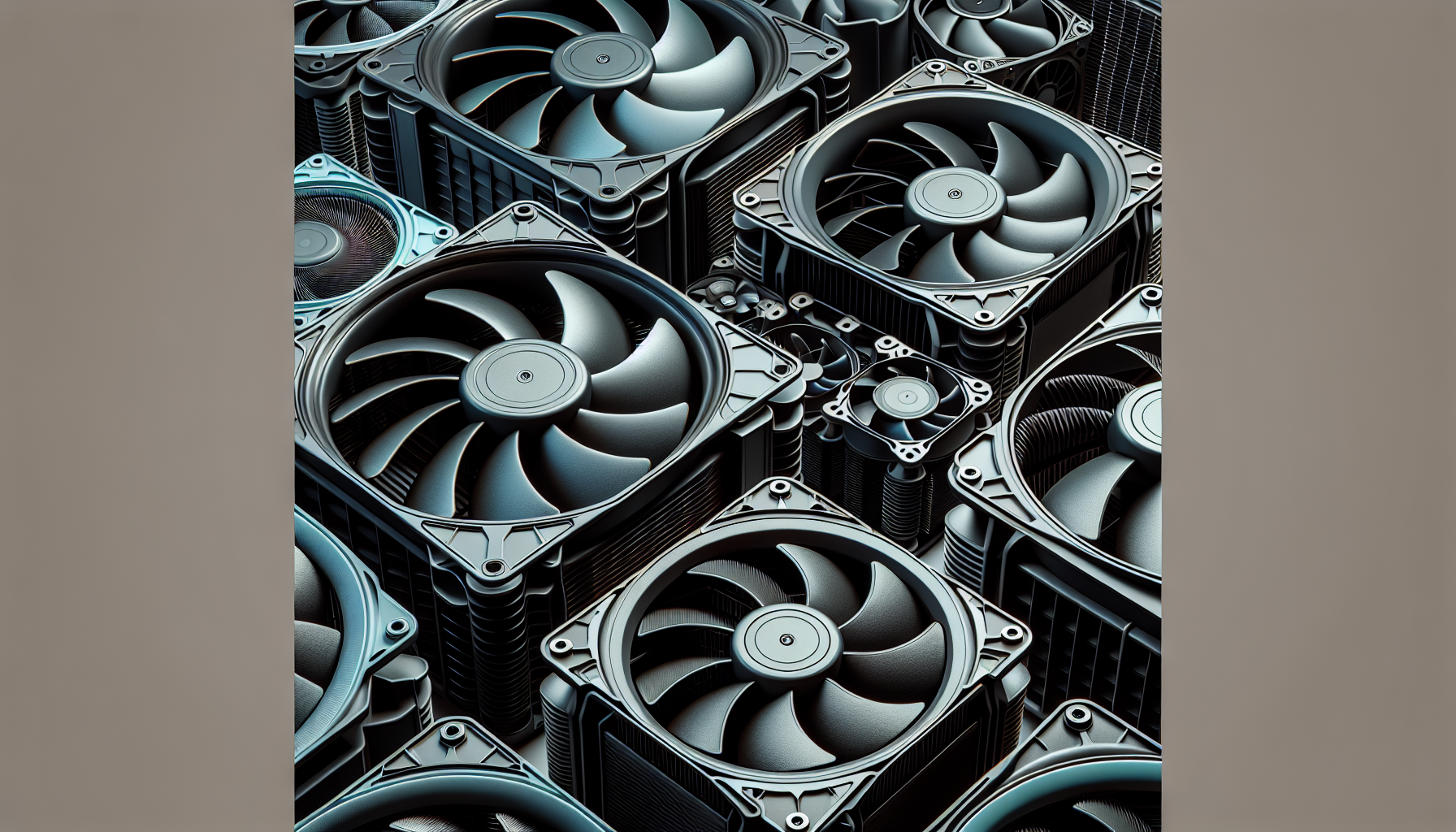
Cooling fans are an integral component of any gaming PC, working to maintain optimal temperatures and ensure that the hardware performs efficiently. For gaming enthusiasts, understanding the mechanics and significance of cooling can make a substantial difference in their gaming experience.
Importance of Cooling in Gaming PCs
Gaming PCs are high-performance machines that require effective cooling systems to prevent overheating, which can lead to throttled performance or hardware damage. As gamers often push their systems to the limit, the cooling solution must be capable of dissipating heat quickly and maintaining a stable temperature within the case.
The choice of cooling fans, particularly 120mm pc cooling fans, is crucial for gamers who want to maintain peak performance during intense gaming sessions. Adequate cooling not only extends the lifespan of the PC components but also ensures that the system runs quietly, adding to the overall gaming atmosphere.
Factors Influencing Cooling Fan Performance
Several factors affect the performance and efficiency of PC cooling fans:
Airflow: The amount of air that a fan can move, measured in cubic feet per minute (CFM), is critical for effective cooling. High airflow fans can circulate more air through the case, aiding in heat dissipation.
Static Pressure: Fans with high static pressure can push air more effectively through tight spaces and obstacles like heat sinks or radiator fins. This is especially important for systems with high static pressure pc fans and liquid cooling fans for pc.
Noise Level: Gamers often prefer quiet pc cooling fans that operate silently without compromising on cooling efficiency. Manufacturers like Noctua are renowned for producing fans that offer impressive airflow while maintaining nearly silent operation.
Build Quality: The durability and build quality of a fan determine its longevity. For example, some 120mm cooling fans priced at $1.99 have been running continuously for more than 8 years (Quora).
Aesthetics: Visual appeal is also a consideration for many gamers. However, cheap RGB fans can sometimes diminish the appearance and sound of a high-end system, making it seem of lower quality (Quora). On the other hand, rgb pc cooling fans from reputable brands can add to the aesthetic without compromising performance.
Size: The size of the fan is another crucial consideration. While 120mm fans are popular for their balance of size and performance, larger 140mm pc cooling fans may offer increased airflow in spacious cases.
Case Configuration: The size and configuration of the PC case influence the effectiveness of cooling fans. A well-designed case with proper ventilation supports better air circulation, enhancing the performance of installed fans (Quora).
By considering these factors, gamers can make informed decisions when selecting the best pc cooling fans for their gaming rigs. Proper cooling is not just about installing fans; it's about understanding how these components work together to create an efficient cooling ecosystem within the PC case.
Choosing the Right Cooling Fans
Selecting the proper cooling fans is pivotal to maintaining an optimal temperature within a gaming PC, ensuring performance remains high and components last longer. When choosing cooling fans, it's essential to consider the reputation of the brand and the price, as well as the size and configuration that will best suit the PC's requirements.
Brand Reputation and Price
The brand of a cooling fan can significantly impact both its price and perceived quality. Reputed brands like Noctua, Corsair, and Arctic are often more expensive due to their market standing and history of producing reliable, high-performance products. For example, Noctua fans are celebrated for their superior airflow and near-silent operation. However, this quality comes at a premium; equipping a PC with multiple Noctua fans could cost as much as a high-quality PC case itself.
On the other hand, more affordable options are available that can offer satisfactory performance, especially if they possess features tailored to specific needs. It's crucial to evaluate whether the price corresponds with the fan's performance and the added value it brings to a gaming setup. Cheap RGB fans, for instance, may detract from the overall aesthetics and acoustics of a high-end system, potentially making it appear of lower quality.
Here's a simplified comparison of fans based on brand reputation and price:
| Brand | Price Range | Notable Features |
|---|---|---|
| Noctua | High | Excellent airflow, quiet operation |
| Corsair | Moderate to High | Good performance, RGB options |
| Arctic | Moderate | Value for money, efficient cooling |
It's important for gamers to assess pc cooling fans based on both brand reputation and the balance between cost and quality, to ensure they're making an informed decision.
Size and Configuration Considerations
The size and configuration of a PC case play a pivotal role in determining the effectiveness of a cooling fan. For instance, smaller cases or those packed with components might require cooling fans with higher revolutions per minute (RPMs) to maintain adequate airflow, which could mean opting for more expensive models.
When discussing size, the 120mm pc cooling fans are a standard and widely compatible option for many gaming PCs, balancing airflow and noise levels effectively. However, the configuration of the fans, such as whether they are intended for high static pressure pc fans environments or liquid cooling fans for pc, must also be considered.
Here's a brief guideline on factors influencing fan size and configuration choice:
- PC Case Size: Smaller cases may have less room for air circulation, requiring fans with higher RPMs.
- Component Density: More components can obstruct airflow, necessitating more powerful fans.
- Cooling Needs: High-performance gaming PCs might need additional cooling, such as liquid cooling fans for pc, to prevent overheating.
- Noise Levels: For a quieter experience, quiet pc cooling fans might be preferred, balancing performance with noise reduction.
- Aesthetics: RGB pc cooling fans can enhance the visual appeal of a gaming setup but consider the potential noise and airflow implications.
Gamers must carefully evaluate these factors alongside their personal preferences and gaming PC's specific needs to select the best 120mm pc cooling fans. While larger 140mm pc cooling fans might be an option for more spacious cases, the 120mm fans are often the go-to for their versatility and balance in performance.
Performance vs. Price
When it comes to choosing 120mm pc cooling fans for a gaming rig, the balance between performance and price is a critical consideration. PC gamers, particularly those in Australia between 20-35 years old, often face a conundrum: should they invest in expensive, high-quality fans or opt for more budget-friendly options? This section will delve into the quality versus cost of expensive fans and evaluate the effectiveness of affordable alternatives.
Expensive Fans: Quality vs. Cost
Premium cooling fans, such as those offered by Noctua, are known for their exceptional airflow and quiet operation. They often come with a high price tag; for instance, outfitting a system with three Noctua fans might cost as much as a good PC case (Quora). Despite the cost, these fans are lauded for their durability and cooling efficiency, making them a long-term investment for serious gamers who demand the best performance.
It's important to note that while the initial investment is significant, the longevity and reliability of these fans can offer value for money over time. In addition, they can improve the overall aesthetic and sound quality of a high-end system, which may be a priority for some users.
| Brand | Price Range | Notable Features |
|---|---|---|
| Noctua | High | Superior airflow, quiet operation |
| Corsair | Mid to High | Customizable RGB, high RPM |
| Arctic | Mid | Efficient cooling, low noise |
For a comprehensive list of premium fans, visit our guide to the best pc cooling fans.
Affordable Options: Effectiveness Evaluation
On the other end of the spectrum, there are more affordable cooling fan options that can still provide satisfactory performance. Some budget-friendly 120mm fans, priced as low as $1.99, have been known to run continuously for over 8 years, ensuring adequate air circulation with only slightly warm air being expelled (Quora). While they may not offer the advanced features of their pricier counterparts, such as customized lighting or near-silent operation, they can be quite effective for standard gaming setups.
It is crucial, however, to consider brand reputation as it can influence the reliability and efficiency of the fan. While some lesser-known brands may offer fans at lower prices, they might not always match the performance of reputable brands like Noctua or Corsair.
| Brand | Price Range | Notable Features |
|---|---|---|
| Brand X | Low | Basic cooling, standard noise levels |
| Brand Y | Low to Mid | Moderate cooling, basic design |
| Brand Z | Mid | Decent airflow, minimal features |
For those looking to optimize their gaming PC without breaking the bank, exploring affordable pc cooling fans that strike a balance between cost and performance is key.
In conclusion, the decision between expensive and affordable cooling fans should be based on individual needs and budget constraints. Gamers should weigh the benefits of superior quality and longevity against the immediate savings of cost-effective solutions. For a more in-depth analysis of cooling fan options, gamers can explore articles on quiet pc cooling fans, rgb pc cooling fans, and high static pressure pc fans.


