


Safety First: What to Avoid When Cleaning Your Company's PCs
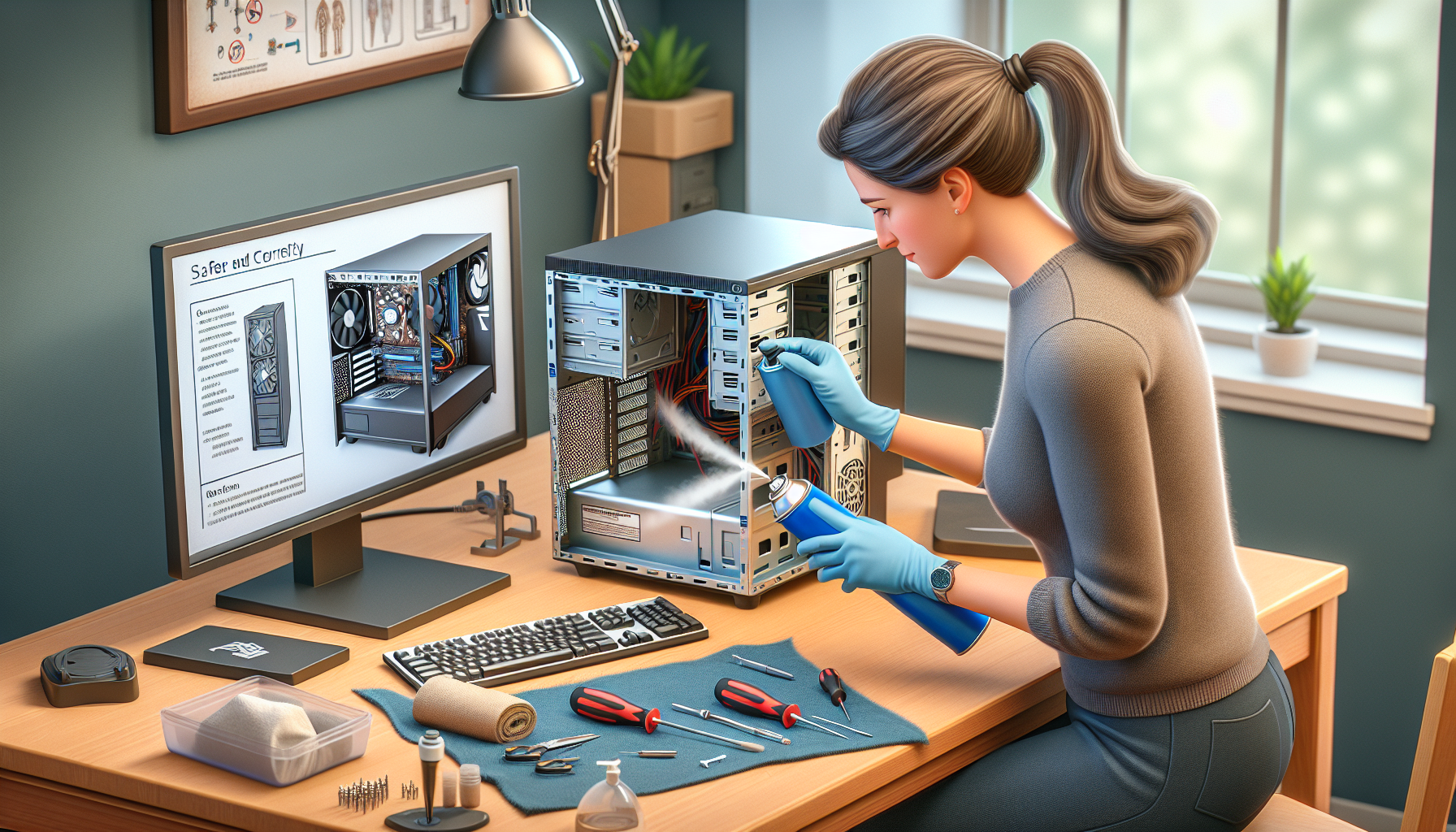
Importance of Proper PC Cleaning
Maintaining cleanliness in a company's PCs is essential for optimal performance and longevity. Regular cleaning not only enhances the user experience but also prevents potential issues that may arise from neglect.
Enhancing Performance and Longevity
A clean PC operates more efficiently, which can significantly enhance its performance. Dust and debris can accumulate inside the hardware, leading to overheating and slower processing speeds. By regularly cleaning the internal and external components, IT managers can ensure that the computers run smoothly.
| Benefit | Description |
|---|---|
| Improved Speed | A clean system can process tasks faster. |
| Extended Lifespan | Regular maintenance can prolong hardware life. |
| Reduced Noise | Dust-free fans operate more quietly. |
Keeping computers clean can also help avoid slow performance issues. For more information on how cleaning impacts performance, refer to our article on pc cleaning performance impact.
Preventing Damage and Malfunctions
Neglecting PC cleaning can lead to serious damage and malfunctions. Dust buildup can obstruct airflow, causing overheating and potential hardware failures. Moreover, spills or liquid intrusion can lead to electrical shorts, resulting in costly repairs.
To prevent these issues, it is advisable to establish a regular cleaning schedule according to the pc cleaning frequency guidelines. This proactive approach helps in detecting problems early and reducing repair costs.
| Risk | Consequence |
|---|---|
| Overheating | Damage to internal components |
| Liquid Damage | Malfunction of electronic parts |
| Dust Accumulation | Reduced airflow and system performance |
Establishing proper cleaning protocols can safeguard against these risks. For methods to clean and maintain PCs effectively, consider reviewing our guide on best pc cleaning practices.
Common Mistakes to Avoid
Cleaning a company's PCs is essential for maintaining performance and longevity. However, there are several common mistakes that IT managers and business owners should avoid to ensure safe and effective cleaning.
Using Harsh Chemicals
One of the most significant mistakes made during PC cleaning is the use of harsh chemicals. Many cleaning products contain solvents or abrasive agents that can damage sensitive components, such as screens and plastic casings. Instead, it is advisable to use gentle, non-toxic cleaners specifically designed for electronics.
| Cleaning Product Type | Safe for PC Cleaning? |
|---|---|
| Abrasive cleaners | No |
| Solvent-based cleaners | No |
| Non-toxic electronic cleaners | Yes |
| Isopropyl alcohol (in moderation) | Yes |
For more guidance, refer to our article on alcohol for cleaning hardware.
Getting Liquid Inside Components
Another critical error is allowing liquid to seep into the internal components of the PC. This can lead to short circuits and irreversible damage. When cleaning, it is essential to avoid spraying or applying liquid directly onto any part of the computer. Instead, dampen a microfiber cloth with the cleaner and wipe surfaces carefully.
| Common Areas to Avoid Liquid | Recommended Cleaning Method |
|---|---|
| Keyboard | Use compressed air or a dry cloth |
| Inside the case | Use a vacuum designed for electronics |
| Screen | Use a microfiber cloth dampened with water |
For more tips on proper cleaning methods, check our article on best pc cleaning practices.
Applying Excessive Force
Applying excessive force while cleaning can lead to physical damage to components. Many parts, especially keyboards and connectors, are delicate and can break or become dislodged if too much pressure is applied. It is important to clean gently, allowing the tools and products to do the work rather than relying on brute strength.
| Component | Recommended Cleaning Force |
|---|---|
| Keyboard keys | Light pressure |
| Screen surfaces | Gentle wiping |
| Internal fans | Soft brushing or air |
For effective cleaning strategies, visit our article on perfect computer cleaning.
Avoiding these common mistakes can help ensure that the PC cleaning process is safe and effective, ultimately prolonging the life of the equipment and optimising performance. For further insights on maintaining your PCs, refer to our articles on pc cleaning frequency and pc dust cleaning benefits.
Safe Cleaning Practices
Maintaining computers in a safe and effective manner is essential for IT managers and business owners. Implementing proper cleaning practices ensures longevity and optimal performance of computer systems. This section details recommended cleaning tools, the importance of maintaining proper ventilation and environment, and the necessity of a regular maintenance schedule.
Recommended Cleaning Tools
Using the right tools can make a significant difference in the effectiveness of PC cleaning. Below is a table outlining essential cleaning tools and their purposes.
| Tool | Purpose |
|---|---|
| Microfiber Cloth | Ideal for wiping screens and surfaces without scratching. |
| Compressed Air Canister | Useful for removing dust from hard-to-reach areas and vents. |
| Soft-Bristled Brush | Effective for cleaning keyboards and other delicate components. |
| Isopropyl Alcohol (70% or less) | Safe for disinfecting surfaces and cleaning hardware without residue. |
| Vacuum Cleaner with Brush Attachment | Helps to remove debris from around PCs without causing damage. |
For more detailed advice on cleaning methods, refer to our article on best pc cleaning practices.
Proper Ventilation and Environment
Ensure that the cleaning process takes place in a well-ventilated area. Proper airflow minimizes the risk of inhaling dust and chemicals used during cleaning. Additionally, maintaining a clean environment reduces the accumulation of dust and debris on the computer components.
Consider these tips for creating a suitable cleaning environment:
- Clean the area around the PC regularly to prevent dust buildup.
- Avoid using cleaning products with strong fumes in confined spaces.
- Allow for adequate airflow by keeping windows or doors open during cleaning.
For insights on how dust affects performance, explore our article on pc dust removal performance impact.
Regular Maintenance Schedule
Establishing a regular maintenance schedule is critical for sustaining the performance of PCs. Regular cleaning helps prevent issues related to dust buildup and internal component failure. A suggested maintenance schedule is outlined below.
| Frequency | Task |
|---|---|
| Weekly | Wipe down surfaces and keyboards with a microfiber cloth. |
| Monthly | Use compressed air to clean vents and internal components. |
| Quarterly | Conduct a deep clean, including internal dusting and using isopropyl alcohol on hardware. |
| Annually | Review and clean all hardware thoroughly; consider professional services if needed. |
For further information on how often to clean your PC, check our article on pc cleaning frequency.
By following these safe cleaning practices, IT managers and business owners can ensure their computers remain in optimal condition, thus supporting overall business productivity.
Professional Cleaning Services
Maintaining the cleanliness of PCs in a business environment is essential for optimal performance. For many companies, outsourcing cleaning tasks to professional services can provide numerous advantages.
Benefits of Outsourcing Cleaning
Outsourcing PC cleaning offers several key benefits:
| Benefit | Description |
|---|---|
| Expertise | Professional cleaners have the knowledge and experience necessary to handle different computer components safely. |
| Time Efficiency | IT managers can focus on core business functions rather than spending time on cleaning tasks. |
| Consistency | Regularly scheduled professional cleanings ensure that PCs are maintained at optimal levels without neglect. |
| Reduced Risk | Professionals are trained to avoid common mistakes, such as using harsh chemicals or getting liquid inside components. |
For more insights into the impact of cleaning on performance, refer to our article on pc cleaning performance impact.
Finding Reliable IT Support Providers
When seeking professional cleaning services, it is vital to find reliable IT support providers. Consider the following criteria:
| Criterion | Importance |
|---|---|
| Reputation | Look for providers with positive reviews and testimonials from other businesses. |
| Certification | Ensure the provider has relevant certifications that demonstrate expertise in PC maintenance. |
| Service Offerings | Select a provider that offers comprehensive cleaning services tailored for PCs. |
| Customer Support | Assess the availability and responsiveness of the provider's customer support team. |
IT managers should conduct thorough research and possibly request references before finalising a service provider.
Ensuring Safe and Effective Cleaning Services
To ensure that the cleaning services are safe and effective, it is essential to:
- Discuss cleaning methods with the provider, ensuring they use appropriate techniques to avoid damage.
- Verify that technicians are trained in proper cleaning practices, including the use of safe products.
- Establish a clear communication line regarding any specific needs or concerns about the PCs being cleaned.
Implementing these steps can help businesses reap the full benefits of professional cleaning, ultimately leading to improved performance and longevity of their PCs. For more details on maintaining computer speed and performance, explore our article on optimize computer speed.


