


Revolutionize Your Gaming Setup: 4K Monitors with USB-C Connectivity
Understanding 4K Monitors
As the world of gaming continues to evolve, one technology that's been steadily gaining traction is 4K resolution. But what exactly are 4K monitors, and what benefits do they bring to a gaming setup?
What are 4K Monitors?
4K monitors are display devices that offer a screen resolution of 3840 x 2160 pixels, which is four times the pixel count of Full HD (1920 x 1080). This increase in pixel density results in sharper, crisper images with more detail, making 4K monitors an ideal choice for gamers seeking to enhance their gaming experience.
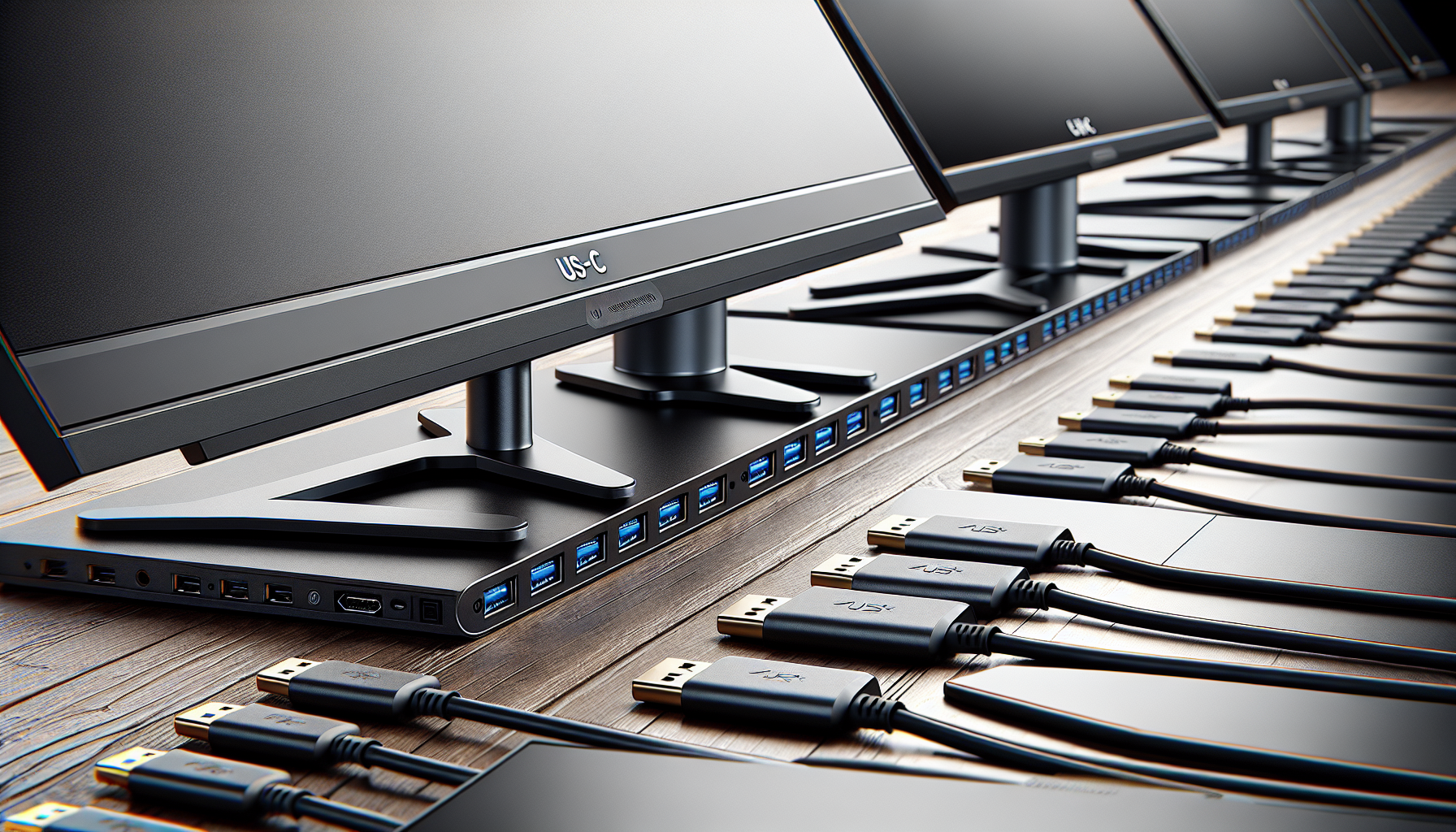
One key feature of 4K monitors is their compatibility with newer connection standards like USB-C, which allows for the transmission of data, video, and power over a single cable. This is particularly beneficial for gamers who use laptops or consoles that support USB-C output, as it simplifies the setup process and reduces cable clutter.
There is a wide range of 4K monitors available in the market, from OLED 4K monitors and curved 4K monitors to ultrawide 4K monitors and 4K monitors with high refresh rates. Each type of monitor offers its own unique set of benefits, making it important for gamers to understand their individual needs and preferences before making a purchase.
Benefits of 4K Resolution
The main advantage of 4K resolution is the increased level of detail it provides. With four times the number of pixels as Full HD, 4K monitors can display much finer details, making in-game graphics appear sharper and more realistic. This can enhance the overall gaming experience, particularly in graphic-intensive games where the quality of visuals plays a crucial role.
Another benefit of 4K resolution is the larger workspace it offers. With more pixels to work with, gamers can have multiple windows open at the same time without sacrificing readability. This can be especially useful in strategy games, where having access to multiple information panels simultaneously can provide a tactical advantage.
It's worth noting that while 4K monitors offer numerous benefits, they also require more powerful hardware to run games smoothly at such high resolutions. Therefore, gamers considering a 4K monitor should also ensure their PC or console is capable of handling the increased demands.
In conclusion, 4K monitors with USB-C connectivity offer a host of benefits for gamers, from enhanced visual detail to simplified setup. While they may require a significant investment, the improved gaming experience they offer can be well worth the cost.
Features to Look for
When shopping for 4k monitors with USB-C connectivity, there are several features to look for that will enhance your gaming experience.
USB-C Connectivity
USB-C connectivity is becoming increasingly popular in modern 4K monitors, and for good reason. This type of connection offers a range of benefits. It allows for the transmission of high-speed data, video, and even power through a single cable. This can reduce clutter on your desk and simplify your gaming setup. When looking for a 4K monitor, ensure it has a USB-C port that supports DisplayPort Alt Mode, which allows the USB-C port to deliver high-definition video and audio.
USB-C connectivity is not just about convenience, it's also about performance. Gaming systems that support USB-C often provide better framerate delivery, ensuring that your gaming experience is as smooth and immersive as possible. So, if you're looking for a clean and modern gaming setup, a monitor with USB-C connectivity is a must.
Refresh Rate Capabilities
The refresh rate of a monitor is another key feature to consider. The refresh rate, measured in hertz (Hz), refers to the number of times the screen updates with new information per second. A higher refresh rate leads to smoother, less choppy images, which is crucial for fast-paced games.
Most 4K monitors offer a refresh rate of 60Hz, but if you're a serious gamer, you might want to look for monitors that offer even higher refresh rates. Monitors with a refresh rate of 120Hz or even 240Hz are becoming more common and can provide a significant edge in competitive gaming scenarios.
To fully take advantage of these high refresh rates, ensure that your gaming system's graphics card can deliver the necessary performance. Consider 4k monitors with high refresh rate if your gaming system is capable of pushing high framerates at 4K resolution.
In conclusion, when you're in the market for a new 4K monitor, don't forget to consider the benefits of USB-C connectivity and the importance of refresh rates. Other features like panel type, HDR support, and the presence of features like FreeSync or G-Sync are also worth considering. By keeping these factors in mind, you'll be well on your way to choosing the best 4K monitor for your gaming setup.
Top 4K Monitors with USB-C
When it comes to enhancing your gaming setup, the introduction of 4k monitors with USB-C connectivity has been a game-changer. Here are three top models that are currently popular in the Melbourne gaming community.
Model 1
The first model to consider is the Acer Predator X27. It boasts a 27-inch IPS panel, ensuring stunning color accuracy and wide viewing angles. With a refresh rate of 144Hz and Nvidia G-Sync compatibility, this monitor offers a smooth, tear-free gaming experience. The inclusion of USB-C port enables fast data transfer and charging capabilities.
| Features | Acer Predator X27 |
|---|---|
| Panel Type | IPS |
| Screen Size | 27-inch |
| Refresh Rate | 144Hz |
| Connectivity | 1 x USB-C, 1 x HDMI, 1 x DisplayPort |
For gamers interested in an OLED alternative, check out our list of OLED 4k monitors.
Model 2
Next, we have the LG 27UK850-W. This 27-inch monitor features an IPS panel, HDR10 support, and AMD FreeSync technology. The addition of a USB-C port ensures convenient connectivity with your devices.
| Features | LG 27UK850-W |
|---|---|
| Panel Type | IPS |
| Screen Size | 27-inch |
| Refresh Rate | 60Hz |
| Connectivity | 1 x USB-C, 2 x HDMI, 1 x DisplayPort |
For a comprehensive list of 4k monitors suitable for gaming, visit our 4k monitors for gaming page.
Model 3
Lastly, the Dell UltraSharp U2720Q is a standout choice. It has a 27-inch 4K IPS panel, delivering sharp and vibrant visuals. It also features a USB-C port that supports DisplayPort, data, and power delivery.
| Features | Dell UltraSharp U2720Q |
|---|---|
| Panel Type | IPS |
| Screen Size | 27-inch |
| Refresh Rate | 60Hz |
| Connectivity | 1 x USB-C, 1 x HDMI, 1 x DisplayPort |
Check out our guide on 4k monitors with high refresh rate for monitors that can deliver even smoother gameplay.
Choosing the best 4K monitor with USB-C connectivity greatly depends on your specific gaming needs and preferences. Always consider factors such as panel type, screen size, refresh rate, and other features that matter most to you. Happy gaming!


