


Revolutionize Your Gaming Rig: Best Computer Cases for Gamers
Types of Gaming Computer Cases
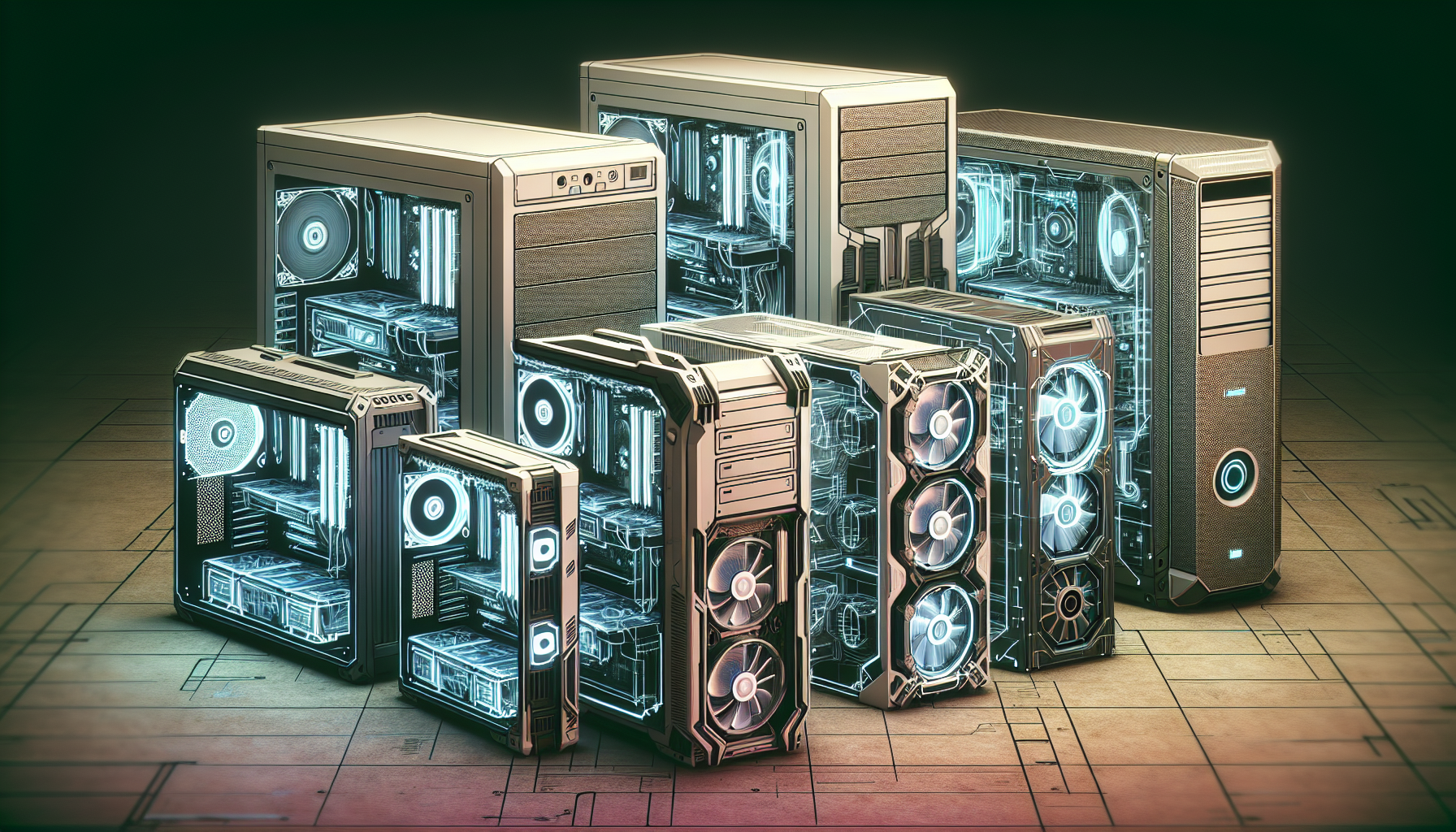
When it comes to choosing a gaming computer case, there are several options available to suit different preferences and requirements. Let's explore the three main types of gaming computer cases: full tower cases, mid tower cases, and mini-ITX cases.
Full Tower Cases
Full tower cases are the largest and most spacious option available. These cases provide ample room for high-end components, multiple graphics cards, and extensive cooling systems. If you're a gamer who values expandability and wants to accommodate a vast array of hardware, a full tower case is an excellent choice.
The extra space in a full tower case allows for better cable management, making it easier to keep your gaming rig organized and free from clutter. Additionally, full tower cases often have more drive bays and expansion slots, allowing for future upgrades and customization.
While full tower cases offer excellent flexibility and space, it's important to consider the size and dimensions of these cases. They require a larger footprint and may not be suitable for those with limited desk or floor space.
Mid Tower Cases
Mid tower cases strike a balance between functionality and size. They are smaller than full tower cases, making them a popular choice among gamers who want a compact yet capable gaming rig. Despite their smaller size, mid tower cases still offer sufficient space for most gaming components and cooling solutions.
Mid tower cases are versatile and can accommodate a wide range of hardware configurations. They often feature multiple drive bays and expansion slots, allowing for future upgrades. With their more compact form factor, mid tower cases are suitable for gamers who desire a balance between performance and desk space efficiency.
Mini-ITX Cases
For gamers looking for the smallest form factor possible, mini-ITX cases are the way to go. These cases are incredibly compact and are designed to accommodate mini-ITX motherboards, which are smaller than standard ATX or micro-ATX motherboards. While mini-ITX cases have limited space for components and may require careful consideration when selecting compatible hardware, they offer a compact and portable gaming solution.
Mini-ITX cases are ideal for gamers who value portability and want to build a gaming rig that can be easily transported for LAN parties or gaming events. They are also popular among gamers who want a minimalist setup or have limited desk space.
When choosing a gaming computer case, consider your specific needs and preferences, as well as the available space and compatibility with your chosen hardware. Whether you opt for a full tower, mid tower, or mini-ITX case, each type has its own advantages and considerations to ensure you have the best gaming experience possible.
Features to Consider in Gaming Computer Cases
When it comes to choosing a gaming computer case, there are several important features to consider. These features can enhance the aesthetics, customization options, and functionality of your gaming rig. Let's explore three key features to look out for: RGB lighting, tempered glass panels, and spacious interiors.
RGB Lighting
RGB lighting has become increasingly popular in gaming computer cases, offering gamers the ability to customize lighting effects and create an immersive gaming experience. With RGB lighting, you can choose from a wide range of colors and lighting patterns to match your personal style or game theme.
Not only does RGB lighting add a visually appealing element to your gaming setup, but it can also enhance gameplay by providing ambient lighting that syncs with in-game events. Many gaming computer cases come with built-in RGB lighting strips or RGB fans, while others offer compatibility with RGB lighting systems that allow for more extensive customization.
Tempered Glass Panels
Tempered glass panels have become a sought-after feature in gaming computer cases due to their sleek and modern look. These panels provide a clear view of the components inside the case, allowing you to showcase your high-performance hardware and stylish cable management.
In addition to aesthetics, tempered glass panels offer practical benefits as well. They are more durable and resistant to scratches compared to traditional acrylic panels. Tempered glass also helps to reduce noise and vibration, ensuring a quieter gaming experience.
Spacious Interiors
A gaming computer case with a spacious interior is essential for easy installation of components and efficient cable management. Ample space allows you to accommodate larger graphics cards, multiple storage drives, and other peripherals without feeling cramped.
A well-designed interior layout not only makes the installation process smoother but also improves airflow within the case. Sufficient airflow is crucial for keeping your components cool during intense gaming sessions, preventing overheating and potential performance issues.
By having enough room to arrange cables neatly, you can also achieve better cable management. This not only improves the overall aesthetics of your build but also helps with airflow and maintenance in the long run.
Considering these features in your gaming computer case selection can greatly enhance your gaming experience. Whether you prioritize RGB lighting for a vibrant setup, tempered glass panels for a sleek look, or spacious interiors for easy customization, finding the right combination of features will ensure that your gaming rig stands out both visually and functionally.
Popular Gaming Computer Case Brands
When it comes to gaming computer cases, there are several popular brands that gamers trust for their quality, durability, and innovative designs. Let's take a closer look at some of the top brands in the industry: Cooler Master, Corsair, NZXT, and Thermaltake.
Cooler Master
Cooler Master is a well-known brand in the gaming industry, offering a wide range of high-quality computer cases specifically designed for gamers. Their cases are known for their excellent cooling capabilities, spacious interiors, and customizable features. Cooler Master strives to provide innovative solutions that cater to the needs of gamers, ensuring optimal performance and aesthetics for their gaming rigs.
Corsair
Corsair is a popular brand among gamers, known for its durable and stylish computer cases. Corsair's cases are designed with gamers in mind, offering excellent cooling and customization options. With features like RGB lighting, tempered glass panels, and spacious interiors, Corsair cases not only provide a functional solution but also enhance the visual appeal of any gaming setup.
NZXT
NZXT is a reputable brand that specializes in designing sleek and innovative computer cases for gaming enthusiasts. Their cases combine aesthetics with functionality, featuring unique designs, RGB lighting, and tempered glass panels. NZXT understands the importance of customization and provides gamers with the tools to create a visually stunning gaming rig.
Thermaltake
Thermaltake is a trusted brand that offers a diverse selection of gaming computer cases catering to different gaming needs. They provide options for full tower, mid tower, and mini-ITX cases, ensuring that gamers can find the perfect fit for their requirements. Thermaltake cases are known for their durability, cooling efficiency, and attention to detail.
By choosing a gaming computer case from one of these reputable brands, gamers can trust that they are investing in quality and reliability. Each brand offers unique features and designs, allowing gamers to find the perfect case that suits their preferences and enhances their gaming experience.
Factors to Consider When Choosing a Gaming Computer Case
When selecting a gaming computer case, there are several important factors to consider. These factors can greatly impact the performance, aesthetics, and overall functionality of your gaming rig. Let's explore three key factors that should be taken into account: size and compatibility, cooling and airflow, and cable management.
Size and Compatibility
Computer cases come in different sizes, such as full tower, mid tower, and mini-ITX, to accommodate different gaming needs. Choosing the right size and compatibility is crucial when selecting a gaming computer case. It's important to ensure that the case can accommodate all the components you plan to install, including the motherboard, graphics card, power supply, and storage devices.
| Case Size | Motherboard Compatibility |
|---|---|
| Full Tower | ATX, E-ATX, XL-ATX |
| Mid Tower | ATX, Micro-ATX |
| Mini-ITX | Mini-ITX |
Ensure that the case has enough drive bays and expansion slots to support your storage and upgrade needs. Additionally, consider the dimensions of the case to ensure it fits within the space you have available for your gaming setup.
Cooling and Airflow
Proper cooling and airflow are important factors to consider in a gaming computer case. Efficient cooling is essential to prevent overheating and maintain optimal performance during intense gaming sessions. Look for cases that provide adequate fan support or liquid cooling options.
Good airflow is achieved through well-designed ventilation systems, including front, rear, and top fans or vents. This allows for proper intake and exhaust of cool air, keeping your components at optimal temperatures. Consider the number and size of fan mounts available in the case and ensure they align with your cooling requirements.
| Case | Front Fans | Rear Fans | Top Fans |
|---|---|---|---|
| Case A | 2 x 140mm | 1 x 120mm | 2 x 140mm |
| Case B | 3 x 120mm | 1 x 120mm | 2 x 140mm |
| Case C | 2 x 120mm | 1 x 120mm | 1 x 140mm |
Cable Management
Good cable management is essential for a clean and organized setup in a gaming computer case. It not only improves the aesthetics but also enhances airflow by reducing obstructions. Look for cases that offer ample space behind the motherboard tray or dedicated cable management channels to route and hide cables.
Cases with built-in cable management features, such as rubber grommets and tie-down points, make it easier to keep cables organized and prevent tangling. This not only improves the overall look of your build but also makes future upgrades or maintenance tasks more manageable.
By considering the size and compatibility, cooling and airflow, and cable management features of gaming computer cases, you can make an informed decision that aligns with your gaming needs and preferences. Remember to research different options, read customer reviews, and compare specifications to find the best gaming computer case for your setup.
How to Select the Right Gaming Computer Case
When it comes to selecting the right gaming computer case, there are a few key steps you should follow to ensure you make an informed decision. By considering your needs and preferences, researching and comparing specifications, and reading customer reviews and feedback, you can find the perfect gaming computer case for your setup.
Determine Your Needs and Preferences
The first step in selecting a gaming computer case is to determine your specific needs and preferences. Consider factors such as the size of your components, the number of storage drives you require, and any specific features you desire. Additionally, think about the aesthetics you prefer, such as the overall design and the presence of RGB lighting. By identifying your needs and preferences, you can narrow down your options and find a case that suits your gaming style.
Research and Compare Specifications
Before making a purchase, it is essential to research and compare the specifications of different gaming computer cases. Look for details such as the dimensions of the case, the number and type of expansion slots, the availability of front panel ports, and the cooling options. Pay attention to features like tempered glass panels, cable management systems, and removable dust filters. By comparing these specifications, you can find a case that meets your requirements and offers the functionality you need.
One reliable source for detailed specifications and descriptions of gaming computer cases is the BPCTech website. They provide comprehensive information to help customers make informed decisions based on their specific requirements and preferences.
Read Customer Reviews and Feedback
In addition to researching specifications, reading customer reviews and feedback can provide valuable insights into the performance and quality of a gaming computer case. Customers who have already purchased and used a particular case can offer valuable information about its durability, ease of installation, and overall satisfaction. By reading these reviews, you can gain a better understanding of the pros and cons of each case and make a more informed decision.
BPCTech, for instance, provides a platform where customers can find reviews and ratings for various gaming computer cases. These reviews can help you gauge the experiences of other gamers and assist you in finding a case that aligns with your expectations.
By following these steps—determining your needs and preferences, researching and comparing specifications, and reading customer reviews and feedback—you can select the right gaming computer case that meets your requirements, enhances your gaming experience, and complements your gaming rig.


