


Revolutionize Your Gaming Experience: SSD M.2 Choices for Gamers
Understanding M.2 SSDs
Introduction to M.2 Drives
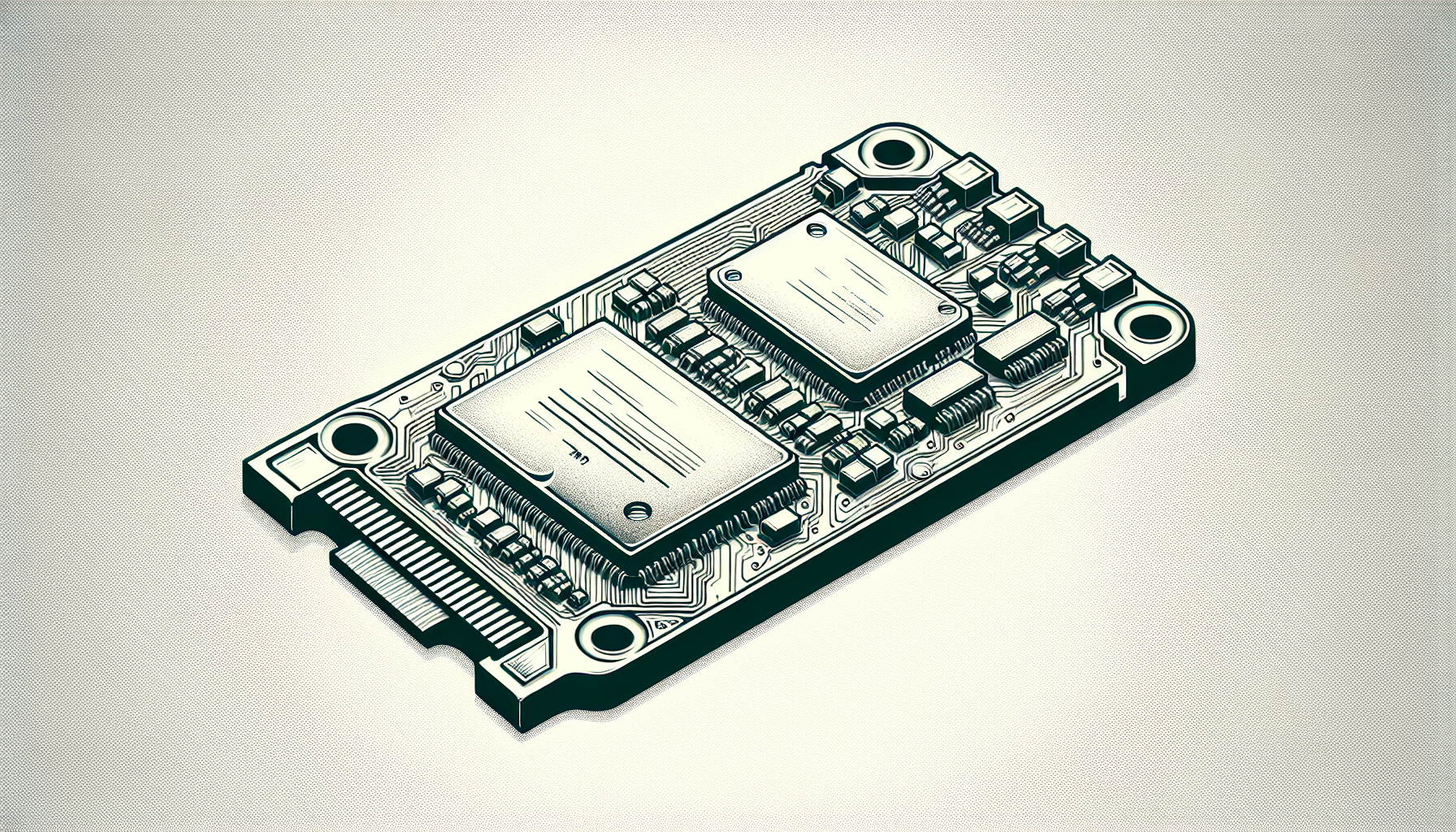
M.2 SSDs have emerged as a preferred storage solution in modern computing, especially for gamers. These compact devices, often compared to a stick of gum, attach directly to the motherboard without the need for additional cables. This design allows for a more efficient and neater setup compared to traditional SSDs or HDDs (Tom's Guide). M.2 drives also allow varying lengths, accommodating different storage capacities, which has contributed to their popularity among gamers seeking optimal performance.
| Feature | Description |
|---|---|
| Size | Compact, resembling a stick of gum |
| Installation | Plugs directly into the motherboard |
| Storage Capacity | Ranges up to 8TB |
M.2 drives are categorized under the Next Generation Form Factor (NGFF), optimizing the connection interface to leverage faster data transfer rates and lower latency. This performance is crucial for gaming, where quick data access can significantly enhance the experience.
Benefits of M.2 SSDs
The advantages of M.2 SSDs over traditional storage solutions are numerous. Firstly, they are more energy-efficient because they have no moving parts, which translates to lower power consumption. This is especially beneficial in portable devices, where battery life is vital. Compared to classic 2.5-inch SATA SSDs and spinning hard drives, M.2 SSDs are both smaller and faster, making them an ideal choice for gaming PCs and laptops.
Some key benefits include:
- Speed: M.2 SSDs provide faster load times and improved system responsiveness compared to HDDs.
- Power Efficiency: The lack of moving parts allows for lower power usage, crucial for mobile devices and long gaming sessions.
- Space-saving Design: Their compact form factor is perfect for slim laptops and notebooks, maximizing internal space without compromising performance.
The top-rated M.2 SSDs like the Crucial P3 exhibit a balance of speed, capacity, and price, making them suitable for both casual and competitive gamers (PCMag). As gaming technologies evolve, M.2 SSDs will continue to play a vital role in enhancing user experiences.
Types of M.2 SSDs
Understanding the different types of M.2 SSDs is essential for gamers looking to upgrade their systems. The two key types are NVMe and SATA SSDs, along with U.2 SSD technology.
NVMe vs. SATA SSDs
M.2 SSDs can connect via two main protocols: NVMe and SATA. The major difference lies in their speed and performance capabilities.
| Feature | NVMe SSDs | SATA SSDs |
|---|---|---|
| Speed | 3 to 10 times faster | Generally slower |
| Bandwidth | Higher bandwidth for heavier tasks | Limited bandwidth |
| Connection Type | PCIe interface | SATA interface |
| Ideal For | Gaming, video editing, large files | Basic tasks, older systems |
NVMe SSDs offer significantly more bandwidth, enhancing performance in demanding applications like gaming and video editing. Their speed makes them ideal for larger file transfers and multitasking NVMe M.2 SSD.
In comparison, SATA SSDs are slower but may still provide a noticeable improvement over traditional hard drives. These drives are typically more compatible with older systems but are not the best choice for gamers seeking the highest performance.
U.2 SSD Technology
U.2 SSD technology, which resembles a 2.5” drive but is thicker, is primarily reserved for high-end workstations and servers. It offers advantages in terms of heat and thermal performance, making it suitable for enterprise applications requiring substantial storage and higher operating temperatures.
| Feature | U.2 SSDs |
|---|---|
| Form Factor | 2.5” with thicker profile |
| Temperature Handling | Better at high temperatures |
| Use Case | Workstations, servers, enterprises |
While U.2 drives may not be popular among the average gamer, they serve a vital role in tasks that demand reliability and efficiency under continuous load.
Choosing the right M.2 SSD form factor will greatly impact the gaming experience. For installation details, visit our guide on how to install M.2 SSD and ensure you select a model compatible with your system.
Installation and Compatibility
Understanding the installation and compatibility of M.2 SSDs is essential for ensuring optimal performance and functionality in gaming systems. Below are key points regarding the installation process and how to check motherboard compatibility.
Installing an M.2 SSD
Installing an M.2 SSD can greatly enhance a gaming rig's performance. Here is a simple guide to help with the installation process:
- Gather Tools: Typically, only a Philips screwdriver is required.
- Power Off the Computer: Ensure the system is completely shut down and unplugged.
- Open the Case: Remove the side panel of the PC case to access the motherboard.
- Locate the M.2 Slot: Find the M.2 slot on the motherboard, which will be identified in the manual or visual indicators on the board.
- Keying: Ensure the SSD's keying matches the M.2 slot. M.2 SSDs come in different configurations, typically labeled with B, M, or B+M keys (ATP Electronics).
- Insert the SSD: Align the notch on the SSD with the M.2 slot and insert it at a slight angle.
- Secure the SSD: Push down gently and secure it with the screw provided, ensuring it is tightly fixed in place.
- Close the Case: Replace the side panel and connect the power.
For a more detailed guide, check out our resource on how to install m.2 ssd.
Checking Motherboard Compatibility
Before purchasing an M.2 SSD, it's crucial to verify compatibility with the motherboard to ensure it can support the specific type and size of the drive. Consider the following factors:
- M.2 Interface: Confirm if the motherboard supports SATA or PCIe interface for the M.2 slot, as M.2 drives can utilize either (Tom's Guide).
- Keying: Make sure the motherboard M.2 slot matches the keying of the SSD (B, M, B+M) to prevent incompatible insertion (ATP Electronics).
- Physical Size: Check the supported M.2 length sizes that the motherboard accommodates; common sizes include 2242, 2260, and 2280, where "22" indicates the width in millimeters and the rest denotes the length (Backblaze).
| M.2 Size | Width (mm) | Length (mm) |
|---|---|---|
| 2242 | 22 | 42 |
| 2260 | 22 | 60 |
| 2280 | 22 | 80 |
- Check Manual or Manufacturer’s Website: For precise details on supported SSDs, refer to the motherboard manual or the manufacturer's website.
By ensuring the proper installation and compatibility, gamers can effectively integrate M.2 SSDs into their systems for an enhanced gaming experience.
Performance and Specifications
Understanding the performance and specifications of M.2 SSDs is crucial for gamers looking to enhance their gaming experience. This section will cover speed and bandwidth comparison as well as storage capacities and form factors of these solid-state drives.
Speed and Bandwidth Comparison
When selecting an M.2 SSD, speed is a primary consideration. NVMe (Non-Volatile Memory Express) SSDs offer substantial performance advantages over SATA (Serial Advanced Technology Attachment) SSDs.
| SSD Type | Maximum Read Speed | Maximum Write Speed | Bandwidth |
|---|---|---|---|
| NVMe | Up to 4.0 GB/s | Up to 3.0 GB/s | Varies by PCIe lane (e.g., PCIe 3.0 x4 offers ~32 Gb/s) |
| SATA | 600 MB/s | 550 MB/s | 6 Gb/s |
NVMe SSDs can be three to ten times faster than their SATA counterparts, dramatically improving performance in demanding applications, such as gaming and high-resolution video editing (Kingston, Backblaze). While NVMe drives are typically more costly, their speed is crucial for intensive tasks that require high data throughput.
Storage Capacities and Form Factors
M.2 SSDs are available in various storage capacities, ranging up to 8TB. The available sizes are indicated by numbers (for example, 2242, 2260, and 2280), where "22" represents the width in millimetres, and the following two digits indicate the length.
| M.2 Size | Width (mm) | Length (mm) | Storage Capacity |
|---|---|---|---|
| 2242 | 22 | 42 | Up to 2TB |
| 2260 | 22 | 60 | Up to 2TB |
| 2280 | 22 | 80 | Up to 8TB |
The longer the drive, the more NAND flash chips can be mounted, allowing for greater storage capacity (ATP Electronics). M.2 drives also take up significantly less space than traditional 2.5-inch SATA SSDs, making them a popular option for modern laptops and desktops (PCMag).
M.2 SSDs, especially those with NVMe support, provide enhanced performance and are worth considering when building or upgrading a gaming PC. For installation guidance, refer to our article on how to install m.2 ssd.
Best M.2 SSDs in the Market
For gamers seeking the best performance in their gaming rigs, selecting the right SSD M.2 drive is essential. Below are three top contenders in the market that cater specifically to gamers' needs.
Crucial P3 SSD
The Crucial P3 SSD has earned its place as the top-rated M.2 SSD for most users. This drive strikes an impressive balance of speed, storage capacity, and cost, making it a favourite among gamers looking for performance without breaking the bank. It supports PCIe Gen3 and provides excellent read and write speeds ideal for gaming and multi-tasking.
| Specification | Details |
|---|---|
| Capacity | Up to 4TB |
| Read Speed | Up to 3500 MB/s |
| Write Speed | Up to 3000 MB/s |
| Interface | PCIe Gen3 x4 |
For more information on installation, refer to our guide on how to install M.2 SSD.
WD Black SN850X SSD
The WD Black SN850X is a high-performance PCIe Gen4 NVMe SSD that is a step up from Western Digital's previous models. This SSD is aimed at gamers who demand extreme speed and responsiveness from their storage. It features advanced thermal management that ensures consistent performance even under heavier gaming loads.
| Specification | Details |
|---|---|
| Capacity | Up to 2TB |
| Read Speed | Up to 7300 MB/s |
| Write Speed | Up to 5300 MB/s |
| Interface | PCIe Gen4 x4 |
For troubleshooting issues, such as why the drive might not appear in BIOS, check our article on why is my M.2 SSD not showing up in BIOS.
Micron’s Crucial T705 SSD
The Micron’s Crucial T705 is currently recognised as the fastest internal SSD ever tested, setting the benchmark for speed with impressive results in various benchmarks. This drive is tailored for pro gamers seeking top-notch performance when loading games or streaming content.
| Specification | Details |
|---|---|
| Capacity | Up to 2TB |
| Read Speed | Up to 7500 MB/s |
| Write Speed | Up to 3200 MB/s |
| Interface | PCIe Gen4 x4 |
To learn more about data transfer methods and upgrades, refer to our articles like how to transfer data from one M.2 SSD to another or how to upgrade M.2 SSD without reinstalling Windows.
Overall, these SSD options provide excellent performance for gaming needs, allowing gamers to enjoy rapid load times and seamless experiences. Choosing the right SSD M.2 can significantly impact the efficiency and enjoyment of gaming sessions. For insights on more options, visit our guide on best M.2 SSD.
Recommendations and Considerations
When selecting the right SSD M.2 for a gaming PC, there are several crucial factors to consider to ensure optimal performance and compatibility.
Choosing the Right M.2 SSD
Gamers often face a choice between NVMe and SATA M.2 SSDs, with NVMe drives generally being the superior option for performance-oriented tasks. NVMe drives deliver sustained read-write speeds of approximately 4.0 GB/s, making them especially advantageous for high-performance applications like gaming and data analytics, compared to SATA SSDs, which are limited to around 600 MB/s.
For a cleaner and more efficient installation, M.2 SSDs offer a significant advantage over traditional SSDs. They are easier to install, which contributes to their increasing popularity in modern laptops and desktops (Tom's Guide). Here’s a summary of key specifications to keep in mind while choosing an M.2 SSD:
| Feature | NVMe SSD | SATA SSD |
|---|---|---|
| Maximum Speed | Up to 4.0 GB/s | Up to 600 MB/s |
| Power Efficiency | High | Moderate |
| Installation Ease | Easy | Easy |
Heatsinks and Cooling Options
To maintain high performance during extended gaming sessions, it is essential to consider heatsinks and cooling options for M.2 SSDs. Some M.2 SSDs come with pre-installed heatsinks, which are crucial for preventing thermal throttling. If an M.2 drive does not come with a heatsink, users are encouraged to purchase one for approximately $25 or less (Tom's Guide).
Effective cooling helps ensure that the SSD maintains optimal speeds over long periods, and dissipating heat can significantly extend the lifespan of the drive. Gamers with intense usage patterns should look into SSDs that integrate robust cooling solutions to enhance their overall system performance.
For further insights on installation and setup, readers can refer to our guide on how to install M.2 SSD. This ensures a smooth addition of M.2 storage in their gaming setup.


