


Powering Corporations: Discover the Versatility of Universal Computer Systems
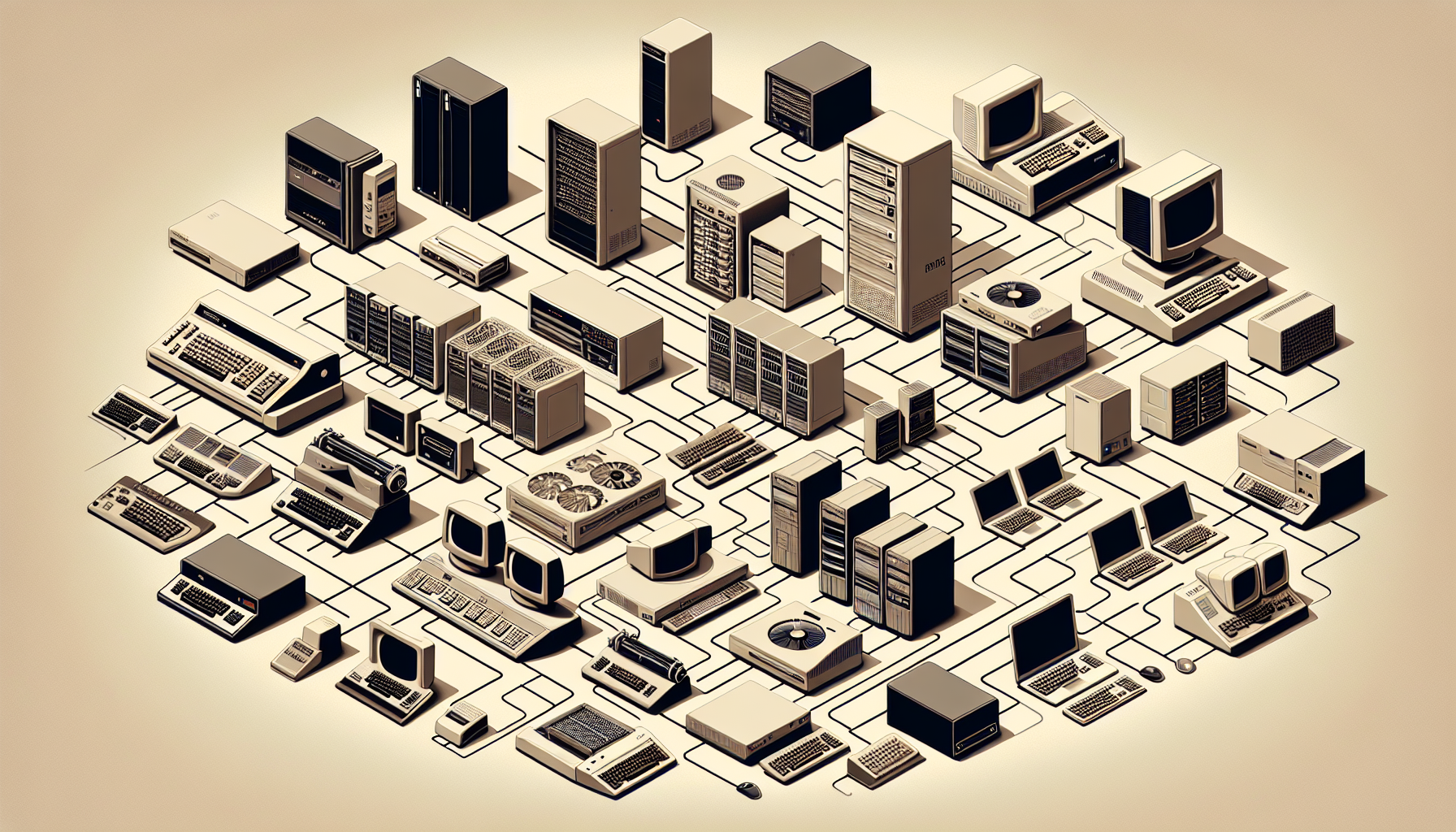
Introduction to Universal Computer Systems
Within the dynamic landscape of corporate IT, universal computer systems have emerged as a cornerstone of modern business technology. Their versatility and adaptability make them an essential asset for corporations looking to thrive in today's digital economy.
Defining Universal Computer Systems
Universal computer systems are comprehensive IT solutions that serve a wide array of business functions across different industries. They are characterised by their ability to support various software applications and hardware configurations, making them highly adaptable to the specific needs of any corporation. At their core, these systems are designed to be flexible, allowing for seamless modifications and upgrades as business requirements evolve.
The term "universal" reflects the system's capacity to work across multiple platforms and environments, whether it's on-premises infrastructure or cloud-based services. For an in-depth exploration of what constitutes a universal computer system, readers may find value in the article what are computer systems.
The Importance of Versatility in Corporate IT
Versatility in IT infrastructure is no longer a luxury but a necessity for corporations that must navigate a rapidly changing technological landscape. Universal computer systems empower businesses to adapt to new challenges, such as market shifts, regulatory changes, and evolving consumer demands, without the need for extensive overhauls of their IT ecosystem.
This adaptability also ensures that corporations can leverage the latest technological advancements, from advanced computer systems technologies to emerging software applications, without compatibility issues. Moreover, such versatility facilitates the integration of associated computer systems, allowing for a more cohesive and efficient IT strategy.
Furthermore, the scalability of universal computer systems makes them a prudent choice for businesses of all sizes. Whether a corporation is expanding its operations or adjusting to downsizing, these systems can be tailored to fit the current and future states of the organisation. For insights into scaling business IT infrastructure, the computer systems technology article offers a wealth of information.
In conclusion, the versatility of universal computer systems is instrumental in providing corporations with the agility required to stay competitive and responsive in today's fast-paced business environment. As corporations in Australia and beyond continue to evolve, the role of flexible and adaptable IT solutions becomes increasingly critical to their success.
Core Features of Universal Computer Systems
Universal computer systems are fundamental to corporate IT due to their flexibility and adaptability to various business needs. Let's explore their core features that make them an essential asset for corporations.
Scalability and Customisation
One of the critical characteristics of universal computer systems is their scalability. They cater to businesses of all sizes, from small startups to large enterprises, and can grow with the organisation. As the company expands, the computer system can be scaled up to accommodate increased workloads and additional users without compromising on performance.
Customisation is another significant feature, allowing businesses to tailor the systems according to their specific requirements. This means that a universal computer system can be configured with the necessary hardware and software to meet the unique demands of the corporation.
| System Type | Scalability | Customisation Level |
|---|---|---|
| Small Business | Low to Moderate | High |
| Medium Enterprise | Moderate to High | High |
| Large Corporation | High | High |
For detailed insights on scalability and customisation options in computer systems, refer to associated computer systems.
Compatibility with Diverse Software
The ability to operate with a wide range of software is a defining feature of universal computer systems. They are designed to be compatible with various software platforms, whether it's for accounting, CRM, or project management. This compatibility ensures that businesses can use their preferred applications and tools without being restricted by hardware limitations.
A universal system's compatibility also extends to different operating systems, which is vital for businesses that use a mix of Windows, MacOS, or Linux. This flexibility is crucial for seamless operations and integration across different departments within the corporation.
To understand more about the diverse software compatibility of computer systems, check out advanced computer systems.
Integration Capabilities
Integration capabilities are paramount in universal computer systems. They allow various applications and systems within a corporation to communicate with each other, streamlining business processes and improving efficiency. With robust integration features, data can be shared and synchronised across the organisation, aiding in better decision-making and reporting.
Effective integration also supports automation of workflows, reducing manual intervention and the potential for errors. These systems can connect with external services, like cloud storage and third-party tools, providing a comprehensive solution for all business needs.
For more information on the integration capabilities of computer systems and how they can benefit your business, visit computer systems technology.
Universal computer systems are the backbone of modern corporations, offering scalability, extensive software compatibility, and robust integration capabilities. These features combine to create a versatile and efficient IT environment that can adapt to the changing landscape of business requirements. Whether your corporation is looking to enhance existing infrastructure or deploy a new setup, understanding these core features is crucial in selecting the right computer systems for your needs.
Advantages of Universal Computer Systems for Corporations
Universal computer systems offer a multitude of benefits that are essential for modern corporations. They provide a robust infrastructure that can adapt to the evolving needs of businesses, ensuring that operations remain efficient and competitive.
Streamlining Business Operations
Universal computer systems are designed to streamline various business operations. They allow for the automation of routine tasks, which reduces the need for manual intervention and minimizes the potential for human error. This automation leads to increased productivity and allows employees to focus on more strategic tasks that contribute to business growth.
Integration capabilities of universal systems enable different software and applications to communicate seamlessly, further simplifying business processes. This integration reduces the complexity of IT environments and can lead to significant cost savings.
| Benefit | Impact on Business Operations |
|---|---|
| Automation | Increased productivity and efficiency |
| Integration | Simplified IT environment and cost savings |
For further insights into how integration capabilities can enhance your business operations, explore our article on advanced computer systems.
Facilitating Remote Work and Collaboration
In today's globalized world, the ability to work remotely is crucial. Universal computer systems support remote access technologies, making it possible for teams to collaborate from various locations. These systems offer secure and reliable access to corporate resources, ensuring that employees can work effectively, irrespective of their physical location.
Collaboration tools integrated within these systems help in maintaining team cohesion and streamlining communication. This is particularly important when team members are spread across different time zones.
| Feature | Benefit |
|---|---|
| Remote Access | Enables work from any location |
| Collaboration Tools | Maintains team cohesion and communication |
Learn more about the technology that supports remote work by visiting our article on computer systems technology.
Enhancing Data Security
Data security is a paramount concern for any corporation. Universal computer systems often come with advanced security features that protect sensitive information from unauthorized access and cyber threats. These systems can be updated regularly to combat the latest security vulnerabilities, providing an added layer of protection against potential breaches.
Encryption, secure user authentication, and access controls are standard features that safeguard data integrity and prevent data loss. This ensures that corporations can maintain the trust of their clients and comply with data protection regulations.
| Security Feature | Function |
|---|---|
| Encryption | Protects data during transmission |
| User Authentication | Ensures only authorized access |
| Access Controls | Regulates who can view or edit data |
For a deeper understanding of data security in corporate environments, refer to our article on computer systems servicing.
Universal computer systems provide corporations with the tools needed to adapt to the changing business landscape. They offer streamlined operations, enable remote work, and fortify data security. As corporations continue to evolve and expand, these systems will play an increasingly critical role in maintaining operational efficiency and securing competitive advantage.
Key Considerations When Choosing Computer Systems
Selecting the most suitable computer systems for a corporation involves careful consideration of various factors to ensure alignment with business objectives and operational efficiency. Here, we explore essential elements to consider during the decision-making process.
Assessing Business Needs and Goals
The first step in choosing the right computer systems is to assess the specific needs and goals of the business. This assessment should encompass:
- The size and scope of the organisation
- The nature of the work processes and the workflows to be supported
- The volume of data to be processed and stored
- Short-term and long-term business objectives
- Budget constraints and financial planning
Understanding these elements helps in selecting a system that is tailored to the organisation's demands. This tailored approach ensures that the chosen computer systems are neither underpowered for demanding tasks nor overpriced for simple operations.
Evaluating System Performance and Reliability
Performance and reliability are the cornerstones of effective computer systems. It is important to evaluate:
- Processor speed and core count
- Memory (RAM) capacity and speed
- Storage type (HDD vs SSD) and capacity
- Graphics processing capabilities (if relevant)
- System uptime and reliability statistics
A table summarising system specifications can help in comparing the performance of different computer systems.
| Specification | Minimum Requirement | Recommended Requirement |
|---|---|---|
| Processor Speed | 2.5 GHz | 3.5 GHz or higher |
| Core Count | 4 | 6 or more |
| RAM | 8 GB | 16 GB or more |
| Storage Type | SSD | SSD |
| Storage Capacity | 256 GB | 512 GB or more |
Choosing systems with a proven track record in advanced computer systems can lead to enhanced productivity and fewer disruptions due to technical failures.
Understanding Support and Maintenance Implications
The lifecycle of computer systems is not limited to their purchase and initial deployment. It is essential to understand:
- Warranty periods and what they cover
- Availability of technical support and response times
- Scheduled maintenance requirements
- Costs associated with upgrades or repairs
- End-of-life support and disposal policies
Ensuring that the systems chosen come with comprehensive support and maintenance plans can greatly reduce downtime and keep operations running smoothly. Businesses should look for service providers with robust computer systems servicing options.
By taking these key considerations into account, corporations can make informed decisions that not only meet their current operational requirements but also position them well for future growth and technological advancements. Whether the focus is on computer systems technology, computer systems hardware, or overall associated computer systems, the right choice can empower a business to succeed in today's competitive landscape.
Implementation of Universal Computer Systems in the Workplace
Implementing universal computer systems within a corporate environment is a multifaceted process that requires careful planning, staff training, and ongoing performance evaluations to ensure successful adoption and maximized efficiency.
Planning and Deployment Strategies
A strategic plan for the deployment of universal computer systems is essential to minimize disruptions and ensure a smooth transition. Key steps in the planning phase should include:
- Conducting a thorough needs assessment to determine specific requirements and goals for the new systems.
- Mapping out a detailed deployment timeline to manage expectations and keep the project on track.
- Consulting with various department heads to understand the unique needs of each team.
- Selecting a dedicated project manager to oversee the deployment process and serve as a point of contact.
During deployment, corporations should consider:
- Prioritizing the order of deployment based on business criticality and readiness.
- Setting up a pilot program to test the systems in a controlled environment before full-scale roll-out.
- Working with reputable vendors to source hardware and software that aligns with business objectives.
For insights on choosing the right systems, refer to our articles on associated computer systems and computer systems technology.
Training Staff for Maximum Efficiency
Training is a critical component to ensure staff can effectively use the new universal computer systems. The training program should:
- Be tailored to the different proficiency levels of employees.
- Include hands-on workshops and training sessions to familiarize staff with the new systems.
- Provide resources such as manuals and online tutorials for self-learning.
| Training Phase | Objective | Methodology |
|---|---|---|
| Initial | Introduction to new systems | Workshops/Online Tutorials |
| Intermediate | Building proficiency | Practical exercises |
| Advanced | Mastery and troubleshooting | Simulation/Peer training |
Ongoing support should be available for employees who require additional assistance, including a helpdesk or a dedicated support team. More information on training can be found in our computer systems lab article.
Monitoring and Evaluating System Performance
After the deployment of universal computer systems, it's important to monitor their performance to ensure they meet the corporation's needs. This includes:
- Setting up key performance indicators (KPIs) to measure system efficiency and effectiveness.
- Regularly reviewing system usage and soliciting feedback from end-users.
- Conducting periodic audits to identify areas for improvement.
A table to monitor system performance could include:
| KPI | Baseline | Target | Current Performance |
|---|---|---|---|
| System Uptime | 99% | 99.5% | 99.2% |
| User Satisfaction | 80% | 90% | 85% |
| Support Ticket Resolution | 48 hrs | 24 hrs | 36 hrs |
For further guidance on performance monitoring and system evaluation, visit our computer systems servicing article.
Implementing universal computer systems involves a significant investment of time and resources. By following a structured approach to planning and deployment, offering comprehensive training, and conducting ongoing performance monitoring, corporations can ensure that their IT infrastructure effectively supports their business operations and adapts to future demands.


