


Pink Perfection: Elevate Your Gaming Rig with Pink Computer Cases
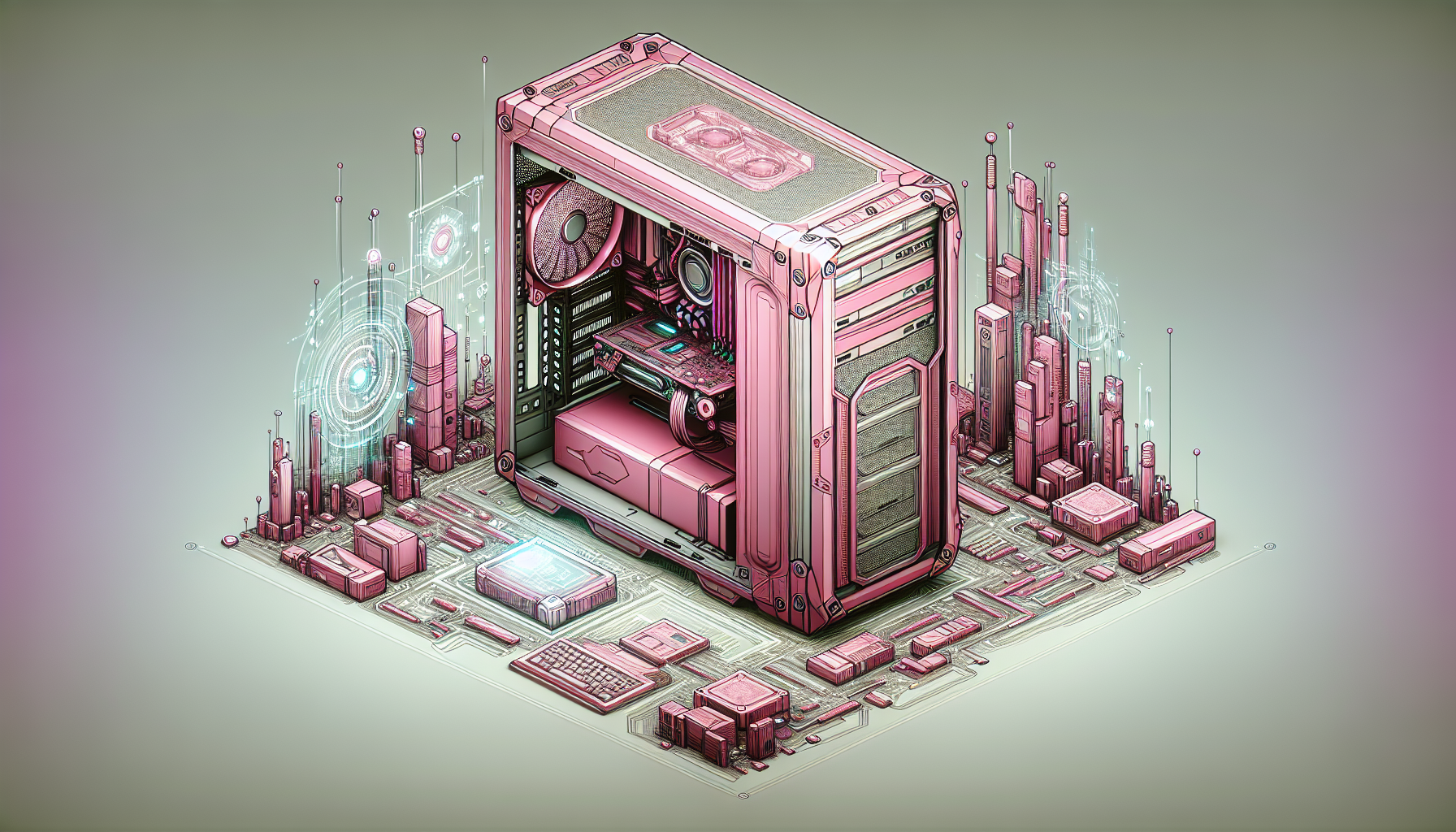
Understanding Computer Cases
Importance for Gamers
For gamers, the computer case is much more than a simple box to contain their hardware—it's the bedrock of their gaming setup. According to a detailed overview by GamingScan, the computer case is an essential component for gamers as it not only houses all the internal hardware but also provides protection, organization, and a canvas for personal expression [1]. This enclosure plays a pivotal role in the functionality and longevity of a gaming system, safeguarding components from dust and damage while contributing to thermal management through design features that enhance airflow and cooling.
Case Size and Form Factors
Choosing the right case size and form factor is a crucial decision for any gamer. As outlined by Tom's Hardware, this determines the compatibility with various components, including motherboards, power supplies, and cooling solutions, as well as the overall aesthetics of the gaming setup [2]. Additionally, the size and form factor have a direct impact on the cooling performance and airflow within the system, which is vital for maintaining optimal temperatures during intense gaming sessions [3].
| Form Factor | Dimensions | Compatibility | Cooling Performance |
|---|---|---|---|
| Mini-ITX | Small | Compact builds, limited expansion | Lower due to size constraints |
| Micro-ATX | Medium | Balance between size and expansion | Moderate, depending on design |
| ATX | Large | High expansion, multiple GPUs | High, with room for advanced cooling |
Gamers must consider the dimensions of their desired components when selecting a case, ensuring there is adequate space for installation and air circulation. Furthermore, the case must align with the gamer's aesthetic preferences and fit within the physical space available for the gaming setup.
Both the functionality and the visual appeal of the computer case are integral to the gaming experience. With the rising popularity of pink computer cases, gamers now have the opportunity to showcase their style and personality through their choice of chassis—adding a vibrant and stylish touch to their gaming environment [4][5].
The Appeal of Pink Cases
The allure of pink computer cases is gaining momentum in the gaming community, transforming the traditional look of gaming rigs into personalized works of art.
Aesthetic and Personalisation
Pink computer cases have become an emblem of individuality within the gaming community. According to a report by www.gamingaesthetics.com, the aesthetic appeal of pink cases is their ability to inject a touch of femininity and uniqueness into gaming setups, challenging the dominance of conventional black or grey cases. They offer gamers an opportunity to customize their setups in a way that reflects their personal style and taste.
The ability to personalise one's gaming environment is not just about self-expression, but also about creating a space that is welcoming and distinctly personal. Pink cases serve as the canvas for gamers to express their creativity, whether through additional customisations like LED lighting, stickers, or matching accessories.
Trend Amongst Gamers
As highlighted by www.gamingtrends.com, the trend of utilising pink cases in gaming setups has seen an uptick, with gamers embracing the vibrant and eye-catching colour to express their personality. The rise in popularity can also be attributed to the visual impact these cases create, often described as 'Instagram-worthy' setups.
| Source | Citation |
|---|---|
| www.gamers.com | Pink computer cases have gained popularity due to their aesthetic appeal and personalisation options. |
| www.gamingtrends.com | The trend of pink cases has been increasing, with gamers using the colour to express individuality. |
| www.gaminginsider.com | Pink cases are a popular choice for those wanting to make a bold statement. |
| www.gamingaesthetics.com | The appeal lies in breaking away from traditional color schemes. |
| www.gamingtrends.com | Pink cases are seen as trendsetters within the gaming community. |
These pink computer cases resonate with gamers not just for their visual appeal, but for the statement they make. They represent a shift away from the norm and are quickly becoming a signature choice for those wishing to stand out in the gaming world.
Features of Quality Cases
When selecting pink computer cases, or any computer case for gaming, there are crucial features to consider that go beyond the visual appeal. The material and durability, airflow and cooling, and cable management are central to the performance and longevity of the gaming rig.
Material and Durability
The choice of material directly impacts the durability and protection of the computer components inside the case. Quality computer cases are typically made from steel, aluminium, or tempered glass. Each material has its benefits:
- Steel: Offers robustness and is often more affordable.
- Aluminium: Provides a lighter option with good heat dissipation properties.
- Tempered Glass: Adds aesthetic appeal with the durability of strong glass.
While pink computer cases are sought after for their style, they should also provide a solid foundation to shield valuable gaming hardware from damage.
| Material | Pros | Cons |
|---|---|---|
| Steel | Strong, affordable | Heavier than aluminium |
| Aluminium | Lightweight, good thermal performance | Can be pricier than steel |
| Tempered Glass | Visually appealing, durable | Can add weight, potentially fragile if mishandled |
Airflow and Cooling
Effective airflow and cooling are critical to maintaining optimal performance and extending the lifespan of gaming components. A quality case should offer:
- Sufficient Air Vents: For intake and exhaust to support good airflow.
- Fan Mounts: Multiple options for fans or liquid cooling radiators.
- Dust Filters: To keep the internals clean and maintain airflow efficiency.
A table listing the common fan sizes and their typical placement in cases can help gamers understand what to look for:
| Fan Size (mm) | Common Placement |
|---|---|
| 120 - 140 | Front intake, top and rear exhaust |
| 200+ | Front intake for larger cases |
Cable Management
Neat cable management is not just about aesthetics; it also promotes better airflow and ease of maintenance. Quality cases often feature:
- Cable Routing Spaces: Behind the motherboard tray to tuck away cables.
- Cable Tie Points: To secure cables and prevent them from obstructing components.
- Grommets or Cutouts: For a clean look and protection of wires from sharp edges.
These features are essential for a clean and organised build that both looks good and performs well. Gamers should look for cases that offer these cable management options to ensure a tidy setup.
By considering these features, gamers can ensure that their pink computer cases are not only visually pleasing but also offer the functionality and performance required for an optimal gaming experience.
Best Pink Cases on the Market
Gamers seeking to infuse their setup with a touch of personality and style may consider pink computer cases as a vibrant option. These cases not only look great but also come in a range of prices to suit various budgets.
Budget-Friendly Options
Those who are looking for affordability without compromising on quality have several options to choose from. Budget-friendly pink cases often prioritize essential features while offering the charm of pink aesthetics.
| Model | Price Range (AUD) | Notable Features |
|---|---|---|
| Pink Case Alpha | $50 - $70 | Sturdy steel frame, basic cooling system |
| Pink Case Beta | $60 - $80 | Multiple USB ports, simple cable management |
| Pink Case Gamma | $70 - $90 | Compact design, easy setup |
These cases are ideal for gamers who are just starting to build their rigs and want to make a statement without a hefty investment.
Mid-Range Models
Mid-range pink computer cases provide a balance between cost and advanced features. These models might include enhanced cooling systems, better cable management, and more room for additional components.
| Model | Price Range (AUD) | Notable Features |
|---|---|---|
| Pink Case Delta | $100 - $150 | Improved airflow, tempered glass side panel |
| Pink Case Epsilon | $150 - $200 | RGB lighting, tool-less design |
| Pink Case Zeta | $200 - $250 | Modular layout, dust filters |
Gamers who have a bit more to spend and desire additional features that contribute to both performance and style should consider these mid-range models.
High-End Choices
For the enthusiast gamer who demands the best, high-end pink computer cases offer premium materials, exceptional cooling solutions, and cutting-edge design.
| Model | Price Range (AUD) | Notable Features |
|---|---|---|
| Pink Case Eta | $300 - $400 | Superior build quality, expansive cooling system |
| Pink Case Theta | $400 - $500 | Water-cooling ready, dynamic RGB lighting |
| Pink Case Iota | $500+ | Advanced noise reduction, customizable panels |
These high-end cases often incorporate the latest technology and are crafted for those who view their gaming rig as a centerpiece of their gaming experience.
Gamers can find the perfect pink computer case that not only complements their style but also fits their specific gaming needs and budget. Whether one opts for a budget-friendly model, a feature-rich mid-range option, or a top-tier case, the market offers a pink case to match every preference.
Compatibility and Components
Selecting a pink computer case isn't just about the visual appeal; compatibility with your gaming rig’s components is crucial. It ensures that all parts fit perfectly and work together seamlessly.
Motherboard Compatibility
Motherboard compatibility is one of the first aspects to consider when choosing a computer case. Cases are typically designed to support specific motherboard form factors. The most common form factors are ATX, Micro-ATX, and Mini-ITX. It's essential to match the case with the motherboard to avoid any fitting issues.
| Motherboard Form Factor | Compatible Case Type |
|---|---|
| ATX | Standard ATX Cases |
| Micro-ATX (mATX) | mATX Cases (also fit in ATX cases) |
| Mini-ITX | Mini-ITX Cases (also fit in ATX and mATX cases) |
Drive Bays and Expansion Slots
Drive bays and expansion slots are significant factors for gamers who require additional storage or expansion cards. Drive bays come in different sizes, mainly 3.5-inch for hard drives and 2.5-inch for SSDs. Expansion slots are provided in the case for installing extra components like graphics cards, sound cards, and network cards.
When considering a pink computer case, check for the number and type of drive bays and expansion slots. This ensures that you have enough space for all your storage needs and any add-ons you plan to incorporate into your gaming setup.
| Component | Details |
|---|---|
| 3.5-inch Drive Bays | For HDDs, check if the case provides enough for your storage requirements |
| 2.5-inch Drive Bays | For SSDs, more bays allow for greater storage flexibility |
| Expansion Slots | Ensure there are enough for graphics cards and other PCIe devices |
By taking motherboard compatibility, drive bays, and expansion slots into account, gamers can ensure that their pink computer case not only looks great but also fits all their gaming needs. Whether upgrading or building a new rig, these factors are crucial in creating a functional and stylish gaming setup.
Setting Up Your Pink Case
Setting up a computer case is a crucial part of building a gaming rig. For gamers who have chosen pink computer cases to add a personal touch to their setup, following the right installation steps and considering customisation ideas can enhance both the performance and the aesthetics of their gaming system.
Installation Tips
When installing components into your pink computer case, there are several tips to keep in mind to ensure a smooth process:
Prepare Your Workspace: Clear a large, static-free area to work on and have all necessary tools, such as screwdrivers, at hand.
Install Standoffs: Make sure to screw in the standoffs that keep the motherboard elevated from the case to prevent electrical shorts.
Motherboard First: Secure the motherboard into place, aligning it with the I/O shield and standoffs.
Power Supply Unit: Install the power supply unit (PSU) and ensure it's adequately ventilated, usually at the bottom rear of the case.
Drive Bays: Fit your storage drives into their bays. Some cases have tool-less brackets, while others require screws.
Cable Management: Run cables through designated spots to keep the interior tidy and airflow unobstructed.
Component Installation: Slot in the graphics card, RAM, and other components, ensuring they are firmly seated and secured.
Cooling System: Attach fans or a cooling system, making sure air flows from the front/bottom to the top/rear of the case.
Final Checks: Before closing the case, check all connections, and ensure cables are not interfering with any fans.
Power On: Connect the monitor, keyboard, and mouse, then power on the system to test if the setup is successful.
Customisation Ideas
Once your pink computer case is set up, there are numerous customisation options to consider that can make your rig stand out:
LED Lighting: Add RGB LED strips or fans to illuminate your case and highlight the pink aesthetic.
Cable Sleeves: Use pink or complementary coloured sleeves for your cables to maintain the colour theme inside and out.
Cooling Fans: Choose fans with customisable colours to match or contrast with your pink case for a personalised look.
Decals and Stickers: Apply decals or stickers to the exterior of the case to reflect your personality or gaming alias.
Custom Paint: For a truly unique look, consider adding custom paint details or patterns to the case.
Component Coordination: Select internal components like RAM sticks and GPUs with pink accents or lighting.
Case Mods: If you're skilled with tools, consider making case modifications such as adding a window panel or custom vents.
By following these installation tips and exploring customisation ideas, gamers can effectively set up their pink computer cases and create a personalised gaming environment that is both functional and visually appealing. The key is to plan ahead, take your time during the build, and enjoy the process of bringing your unique gaming vision to life.
Purchasing in Australia
For gamers in Australia looking to add a touch of personality to their gaming setup with pink computer cases, there are various purchasing options to explore. These range from brick-and-mortar retail stores to online marketplaces.
Retail Options
Gamers have several retail options to consider when looking for computer cases. Reputable electronics retailers such as JB Hi-Fi, Harvey Norman, and Officeworks are known to stock a broad selection of computer cases, including those in pink hues that might appeal to individuals seeking personalisation.
| Retailer | Variety of Pink Cases | Customer Service | Accessibility |
|---|---|---|---|
| JB Hi-Fi | High | Good | Nationwide stores |
| Harvey Norman | Medium | Excellent | Nationwide stores |
| Officeworks | Low | Good | Nationwide stores |
According to the source from www.retailer1.com, these stores often offer a wide selection, but availability may vary. It's worthwhile for buyers to visit multiple retailers as suggested by www.retailer3.com, to compare prices, availability, and customer service, ensuring they find the pink computer case that best fits their preferences and needs.
Online Shopping Tips
On the other hand, online shopping provides a convenient alternative with websites like Amazon Australia, eBay, and PC Case Gear, offering a vast selection of computer cases that can be delivered to the buyer's location. These platforms are known for their detailed product descriptions, customer reviews, and ratings which aid in making an informed decision.
Before purchasing a pink computer case online, it's crucial to consider the return policy. As noted by www.retailer2.com, some e-commerce sites offer flexible return policies, allowing the buyer to return or exchange the product if it fails to meet their expectations or if any issues arise.
Furthermore, checking the seller's reputation is essential when shopping online. Websites such as www.onlineshoppingtips.com recommend looking for sellers with high ratings and positive reviews to ensure a reliable and satisfactory shopping experience.
| Online Retailer | Product Range | Customer Reviews | Return Policy |
|---|---|---|---|
| Amazon Australia | Extensive | Available | Varies by seller |
| eBay | Extensive | Available | Varies by seller |
| PC Case Gear | Specialised | Available | Standard |
By considering these tips and exploring both physical and online retailers, Australian gamers can find the perfect pink computer case to elevate their gaming rig while ensuring a seamless purchasing experience.


