


Network Nightmares: Most Prevalent Computer Connectivity Issues in Corporate Settings
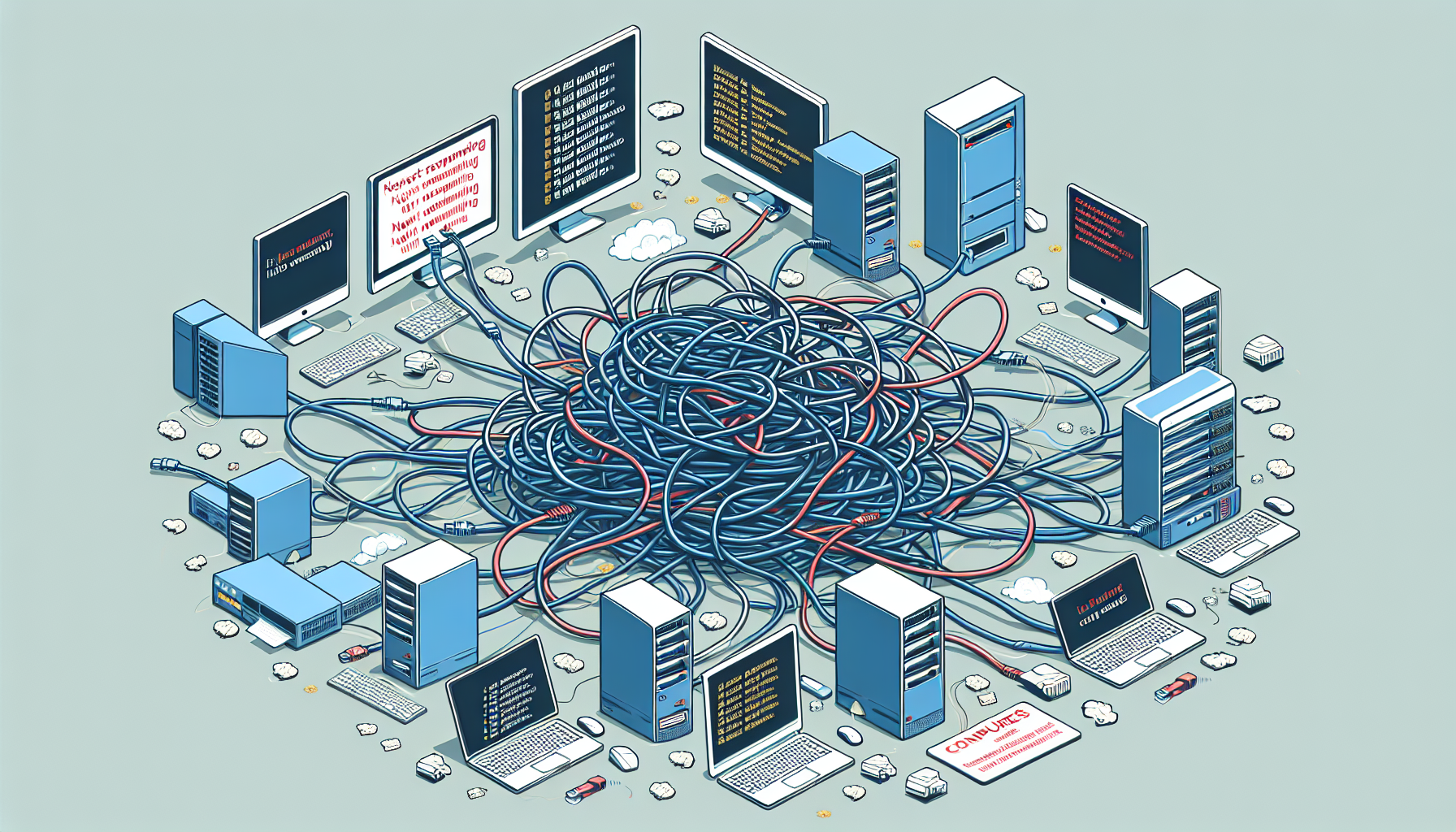
Identifying Common Issues
In corporate settings, recognising common computer network problems is crucial for maintaining operational efficiency. Two prevalent issues that often arise are network connectivity problems and slow performance.
Network Connectivity Problems
Network connectivity issues can severely disrupt business operations. According to a study by Cisco, 43% of network downtime is attributed to human error, highlighting the importance of user behaviour in troubleshooting connectivity problems. The Federal Communications Commission (FCC) identifies several common causes of these issues, including outdated hardware or software, signal interference, and misconfigured settings.
The impact of these problems can be significant. A report by Gartner indicates that network connectivity issues can lead to considerable financial losses for businesses. To mitigate these risks, the National Institute of Standards and Technology (NIST) recommends conducting regular network assessments to proactively identify potential issues before they affect operations.
| Common Causes of Network Connectivity Issues | Effect on Business |
|---|---|
| Outdated hardware or software | Increased downtime and inefficiency |
| Signal interference | Poor connection quality and reliability |
| Misconfigured settings | Inability to connect to the network |
For more information on identifying issues, refer to our guide on common computer faults.
Slow Performance
Another prevalent issue faced by IT managers and business owners is slow performance. This problem can stem from various factors, such as insufficient hardware resources, network congestion, or software conflicts. When systems operate slowly, it can hinder productivity and frustrate employees.
Identifying the root cause of slow performance is essential for effective troubleshooting. Regular maintenance, including checking for outdated drivers and limiting background applications, can help alleviate performance issues.
| Factors Contributing to Slow Performance | Resolution Strategies |
|---|---|
| Insufficient hardware resources | Upgrade hardware components |
| Network congestion | Implement Quality of Service (QoS) settings |
| Software conflicts | Regularly update software and check for compatibility |
To learn more about diagnosing these kinds of issues, consult our resource on how to diagnose computer fault. Addressing connectivity problems and performance issues promptly can significantly enhance business productivity and reduce operational disruptions.
Proactive Maintenance
Proactive maintenance is essential in preventing common computer network problems in corporate settings. This section discusses the importance of regular updates and effective data backup strategies.
Importance of Regular Updates
Regular updates are crucial for maintaining system security and stability. They not only enhance the performance of software but also patch vulnerabilities that could be exploited by cybercriminals. Failing to update software regularly can leave systems vulnerable to cyber attacks [Source B].
| Type of Update | Frequency | Purpose |
|---|---|---|
| System Updates | Monthly | Improve security and performance |
| Software Updates | As needed | Fix bugs and add features |
| Security Patches | Weekly | Protect against vulnerabilities |
By implementing a structured update schedule, IT managers can ensure that all systems operate smoothly and securely. This proactive approach minimizes the risk of unexpected downtime and enhances overall productivity.
Data Backup Strategies
Implementing a robust data backup strategy is essential for protecting against data loss. Regularly backing up data ensures that critical information can be recovered in case of system failures [Source D].
| Backup Method | Description | Frequency |
|---|---|---|
| Full Backup | Complete copy of all data | Weekly |
| Incremental Backup | Copies only the data that has changed since the last backup | Daily |
| Offsite Backup | Data stored at an external location to prevent loss from physical damage | Monthly |
Utilising cloud storage solutions can also enhance backup strategies, providing easy access to data while ensuring its safety. For more insights into fixing computer faults and ensuring operational continuity, refer to our article on common computer faults.
Troubleshooting Techniques
Troubleshooting computer network problems requires a systematic approach. Two essential techniques in this process include utilising diagnostic tools and addressing hardware failures.
Utilizing Diagnostic Tools
Diagnostic tools play a crucial role in identifying and resolving common computer network problems. These tools can help IT managers and business owners quickly pinpoint issues, saving time and resources. Various software and hardware solutions are available to assist in diagnosing network connectivity and performance problems.
| Diagnostic Tool | Functionality |
|---|---|
| PC Diagnostic Tool (/pc-diagnostic-tool) | Checks overall system health and identifies potential issues. |
| Windows Self Diagnostic Tool (/windows-self-diagnostic-tool) | Performs a series of tests on system components to find faults. |
| Run Full Windows Diagnostic (/run-full-windows-diagnostic) | Conducts comprehensive tests on hardware and software to determine failures. |
Using these diagnostic tools effectively can significantly streamline the troubleshooting process. They assist in performing checks such as check for PC errors and run diagnostic computer commands, allowing for a thorough examination of system performance.
Addressing Hardware Failures
When hardware failures occur, it is essential to follow best practices for effective resolution. IT managers should be familiar with strategies for addressing these issues to maintain a reliable network environment. Common hardware failures may include hard drive malfunctions, faulty RAM, or overheating components.
| Hardware Issue | Recommended Action |
|---|---|
| Hard Drive Failure | Check for errors using diagnostic tools and consider data recovery options. |
| Faulty RAM | Test memory modules using tools and replace any defective components. |
| Overheating Components | Ensure proper ventilation and consider replacing faulty cooling systems. |
Implementing a structured approach to identify computer problems can help mitigate the risks associated with hardware failures. Regular maintenance, including check faulty hardware, can also assist in preventing future issues. By being proactive in managing hardware, businesses can avoid significant downtime and maintain operational efficiency.
For further guidance on troubleshooting techniques, refer to resources on ways to troubleshoot computer and basic computer troubleshooting steps.
Outsourcing IT Support
Outsourcing IT support can significantly enhance the management of computer systems within a business. IT managers and business owners in Australia often seek reliable tech support to address common computer network problems. This section discusses the benefits of professional services and how to choose the right support provider.
Benefits of Professional Services
Engaging professional IT support offers various advantages for businesses. Here are some key benefits:
| Benefit | Description |
|---|---|
| Cost Savings | Outsourcing IT functions can provide cost savings and access to specialized expertise. [Source A] |
| Improved Efficiency | Professional IT support services can improve operational efficiency and reduce downtime. [Source B] |
| Focus on Core Activities | Outsourcing IT support allows businesses to focus on core activities and strategic initiatives. [Source C] |
These benefits highlight the importance of having a dedicated team that can manage IT issues efficiently, allowing businesses to maintain productivity and reduce the impact of technical problems.
Choosing the Right Support Provider
Selecting the right IT support provider is crucial for ensuring effective management of technology in the workplace. Here are some factors to consider:
| Factor | Description |
|---|---|
| Proven Track Record | Selecting an IT support provider with a proven track record can enhance overall business performance. [Source D] |
| Response Time | Consider the provider's response time to ensure timely assistance during critical issues. [Source E] |
| Service Level Agreements (SLAs) | Review the terms of SLAs to understand the support expectations and commitments. |
| Scalability | Choose a provider that can adapt to your business's changing needs as it grows. |
By carefully evaluating potential IT support providers based on these criteria, businesses can ensure they partner with a reliable service that meets their specific needs. Proper IT support can also help in identifying and addressing common causes of computer malfunction effectively.


