


Melbournes Gaming Arsenal: Choosing the Right CPU for Optimal Performance
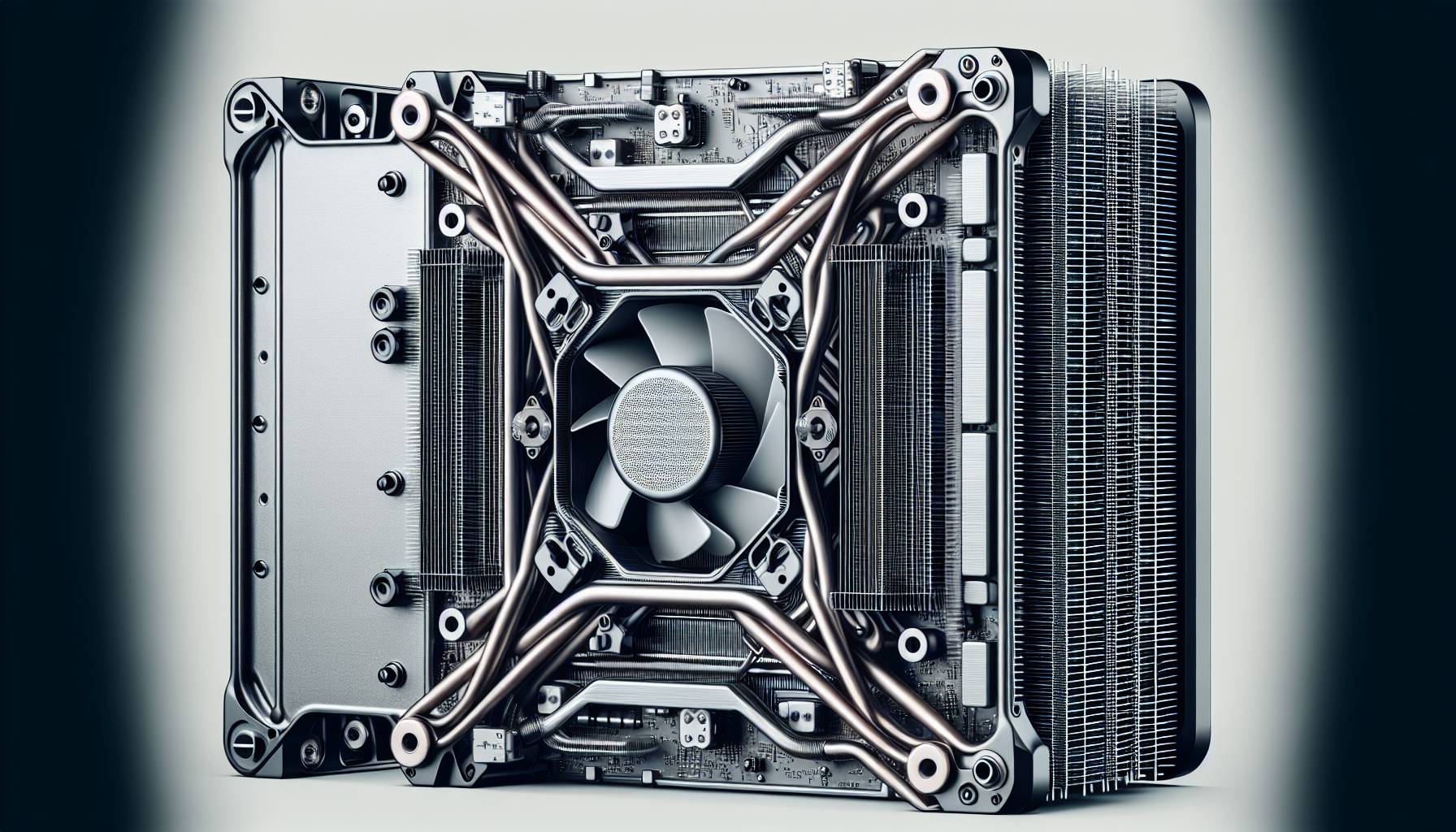
Understanding CPUs
Before diving into the world of gaming CPUs, it is important to understand what a CPU is and its significance in gaming.
What is a CPU?
A CPU, or Central Processing Unit, is the primary component of a computer that performs most of the processing inside the computer^1^. It is responsible for executing instructions and performing calculations^3^. In the simplest terms, it is the brain of the computer, where most calculations take place. For a more detailed explanation, check out our CPU definition page.
Importance of CPUs in Gaming
CPUs play a crucial role in gaming as they handle tasks such as game physics, AI calculations, and overall game performance[^2^]. The CPU's clock speed and the number of cores it has are important factors that determine how well a game runs[^4^].
A powerful CPU ensures that your game runs smoothly, with minimal lag or stuttering. This is particularly important in fast-paced, competitive games where every second counts. Additionally, the CPU's cache memory helps to store frequently accessed data, reducing the time it takes for the CPU to retrieve information[^5^].
Hyper-Threading and multi-threading technologies in CPUs also allow for better multitasking and improved performance in gaming^6^. These technologies help the CPU to process multiple tasks at once, which can lead to smoother gameplay and better overall performance.
Choosing the right CPU for your gaming needs is critical for optimal game performance. For more information on how to choose the right CPU, check out our guide on CPU for gaming pc.
[^2^]: PC Gamer[^4^]: Digital Trends[^5^]: How-To Geek
Factors to Consider
When selecting a CPU for computer gaming, several factors come into play. These include the clock speed, the number of cores, cache memory, and the abilities for hyper-threading and multi-threading.
Clock Speed and Cores
The clock speed, measured in gigahertz (GHz), refers to the speed at which a CPU can execute instructions. Higher clock speeds translate into faster and more efficient performance. However, it's important to note that a high clock speed in one CPU doesn't necessarily mean it will outperform a lower-speed CPU. The performance can also depend on other factors such as the architecture of the CPU.
Cores, on the other hand, are the individual processing units within the CPU. Each core can process data independently. The more cores a CPU has, the more tasks it can handle simultaneously. This is especially beneficial for gaming, where multiple tasks often need to be processed at once.
| Features | Description |
|---|---|
| Clock Speed | Measured in GHz, represents the speed of CPU |
| Cores | Individual processing units within CPU |
Cache Memory
Cache memory is a small amount of fast memory located on the CPU chip. It is used to temporarily hold data that the CPU is likely to reuse. A larger cache can enable faster data access and improve gaming performance.
Cache memory is typically divided into three levels: L1, L2, and L3. The L1 cache is the smallest and fastest, while the L3 cache is the largest and slowest. When choosing a desktop CPU, consider the size of the L3 cache, as it can have a significant impact on gaming performance.
Hyper-Threading and Multi-Threading
Hyper-threading is a technology that allows each core of the CPU to work on two tasks at the same time. This can dramatically increase the efficiency and performance of the CPU, especially in games that are designed to take advantage of multi-threading.
Similarly, multi-threading allows a single application to run multiple threads concurrently. This means that tasks can be split into smaller parts and processed simultaneously, improving overall game performance.
| Technologies | Description |
|---|---|
| Hyper-Threading | Allows each CPU core to work on two tasks simultaneously |
| Multi-Threading | Allows a single application to run multiple threads concurrently |
In summary, when looking for the best CPU for your gaming needs, consider the clock speed, number of cores, cache memory size, and whether it supports hyper-threading and multi-threading. These factors can significantly affect the performance of your games and the overall gaming experience. For a comprehensive list of CPUs and their performance benchmarks, visit our CPU benchmark page.
Choosing the Right CPU
Choosing the right central processing unit (CPU) can significantly enhance your gaming experience. This section will guide you through the top CPUs for gaming and budget-friendly options for gamers in Melbourne.
Best CPUs for Gaming
Selecting the best CPU for gaming involves considering factors such as clock speed, cores, cache memory, and hyper-threading capabilities. Here are some of the top CPUs that deliver exceptional performance for gaming:
Intel Core i9-10900K: Known as the world's fastest gaming processor, this CPU boasts a base clock speed of 3.70 GHz and can turbo up to 5.3 GHz. With ten cores and 20 threads, it guarantees smooth gameplay even for the most demanding games.
AMD Ryzen 9 5900X: This CPU is a great choice for gamers who also do content creation. With 12 cores, 24 threads, and a max boost clock speed of 4.8 GHz, it offers top-tier performance.
Intel Core i7-10700K: A more affordable option from Intel, this CPU still packs a punch with eight cores, 16 threads, and a turbo speed of up to 5.1 GHz. It's a great choice for high-end gaming on a budget.
For more detailed information and benchmark results, check out our CPU benchmark page.
| CPU | Cores | Threads | Base Clock Speed | Turbo Clock Speed |
|---|---|---|---|---|
| Intel Core i9-10900K | 10 | 20 | 3.70 GHz | 5.3 GHz |
| AMD Ryzen 9 5900X | 12 | 24 | 3.7 GHz | 4.8 GHz |
| Intel Core i7-10700K | 8 | 16 | 3.80 GHz | 5.1 GHz |
Budget-Friendly Options
For gamers on a budget, there are CPUs that offer good performance without breaking the bank:
AMD Ryzen 5 3600: This CPU is a favourite among budget-conscious gamers. It has six cores, twelve threads, and a max boost clock of 4.2 GHz. Despite its affordable price, it's capable of handling most modern games with ease.
Intel Core i5-10400F: This CPU provides decent performance for its price, with six cores, twelve threads, and a max turbo frequency of 4.3 GHz. It's a solid choice for gamers who mainly play eSports titles.
Visit our CPU for gaming PC page for more options and details.
| CPU | Cores | Threads | Base Clock Speed | Turbo Clock Speed |
|---|---|---|---|---|
| AMD Ryzen 5 3600 | 6 | 12 | 3.6 GHz | 4.2 GHz |
| Intel Core i5-10400F | 6 | 12 | 2.9 GHz | 4.3 GHz |
Whether you're building a high-end gaming rig or a budget-friendly setup, it's essential to choose a CPU that matches your needs. Remember, a more expensive CPU doesn't always mean better gaming performance. It's all about finding the right balance between price and performance.
Optimizing CPU Performance
After purchasing a CPU that meets your gaming needs, optimizing its performance can take your gaming experience to the next level. Two key methods to accomplish this include overclocking the CPU and implementing appropriate cooling solutions.
Overclocking for Gaming
Overclocking is the process of increasing your CPU's clock speed beyond its factory setting, effectively making it run faster. This can yield significant performance improvements in games that are CPU-intensive. However, it's essential to understand that overclocking can push your CPU to its limits, potentially causing it to generate more heat and shorten its lifespan if not done correctly.
Before overclocking, it's important to ensure your motherboard supports this feature. You should also monitor your CPU's temperature and performance during the process to avoid overheating or instability. Use a reliable CPU benchmark tool to assess the stability of your overclocked CPU.
For a detailed guide on how to safely and effectively overclock your CPU, check out our article on how to overclock a CPU
Cooling Solutions for CPUs
Keeping your CPU cool is crucial, especially if you plan on overclocking. Excessive heat can result in damage and reduced lifespan of your CPU. There are several cooling solutions available for CPUs:
- Air Cooling: This is the most common type of cooling solution and involves using a CPU fan to blow away the heat produced by your CPU.
- Liquid Cooling: This method uses water or another liquid coolant to absorb and dispel heat from your CPU. While more effective than air cooling, it's also more expensive and complex to set up.
- Heat Sinks: These devices are made of metal and work by absorbing heat from your CPU and dissipating it into the surrounding air.
Each cooling method has its advantages and disadvantages, and the best choice depends on your specific gaming needs and budget. For a deep dive into the different cooling solutions and tips on choosing the right one for your setup, check out our guide on CPU cooling.
In conclusion, optimizing the performance of your CPU can significantly enhance your gaming experience. Whether you're considering overclocking or looking for the best cooling solution, it's important to do your research and make informed decisions to protect the lifespan and performance of your CPU.


