


Maximize Your Gaming Potential: Unveiling the Best 4K Monitors for Console Gaming
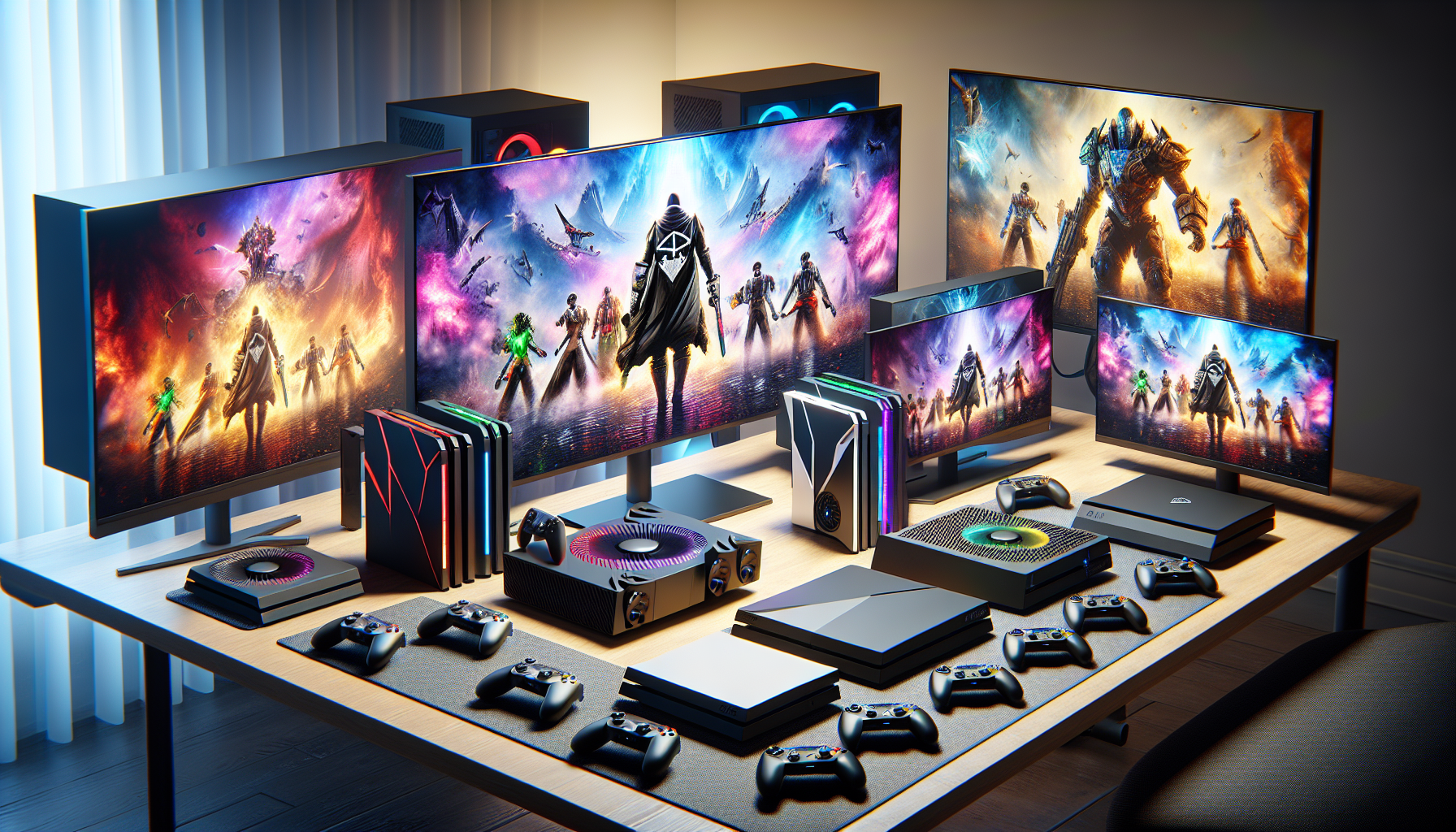
Understanding 4K Monitors
In the realm of console gaming, having the right monitor can make all the difference. This is where 4K monitors come into play, providing gamers with exceptional detail and clarity for an immersive gaming experience.
What are 4K Monitors?
4K monitors are display screens that feature a resolution of approximately 4000 pixels horizontally, hence the term '4K'. In precise terms, a 4K monitor has a resolution of 3840 x 2160 pixels, which is four times the pixel count of a traditional Full HD (1080p) monitor. This increased pixel count results in sharper, more detailed images. It's an essential feature for gamers who want to experience their games in high-definition, be it for competitive gaming or immersive single-player narratives.
There are various types of 4K monitors available in the market, catering to different gaming preferences. You can find OLED 4K monitors, curved 4K monitors, and even ultrawide 4K monitors that offer an expansive field of view.
Benefits of 4K Resolution
The primary benefit of 4K resolution is the enhanced image quality it provides. With four times as many pixels as a 1080p screen, a 4K monitor delivers incredibly sharp and detailed visuals. This increased clarity can bring game worlds to life, from the intricate details of character models to the expansive vistas in open-world games.
In addition to improved visual fidelity, 4K monitors also provide a larger workspace. This can be particularly beneficial for gamers who also use their setup for tasks such as content creation, video editing, or graphic design. A larger workspace allows you to have multiple windows open simultaneously, enhancing productivity and multitasking capabilities.
Moreover, 4K monitors are future-proof. As game developers continue to push the boundaries of graphical fidelity, having a 4K monitor ensures that you'll be able to enjoy these advancements in their full glory.
Investing in a 4K monitor for console gaming can significantly enhance your gaming experience. However, it's important to consider other factors, such as refresh rate and response time, when choosing the right monitor for your needs. In our section on the best 4K monitors, we delve into these aspects in more detail.
Choosing the Right 4K Monitor
When it comes to selecting the perfect monitor for console gaming, there are several important factors to consider. Understanding the technical specifications and how they impact your gaming experience can help you make an informed decision.
Panel Types
The type of panel used in a monitor can significantly affect the image quality and overall gaming experience. There are primarily three types of panels: IPS (In-Plane Switching), VA (Vertical Alignment), and TN (Twisted Nematic).
IPS Panels: These panels offer excellent colour accuracy and wide viewing angles, making them ideal for graphic-intensive games. However, they may not have the best response times compared to other types. Check out our collection of 4k monitors with IPS panel.
VA Panels: VA panels offer superior contrast and colour depth compared to IPS and TN panels. However, they may suffer from 'ghosting' due to slower response times. Visit our 4k monitors with VA panel page for more options.
TN Panels: These panels have the fastest response times, making them ideal for fast-paced, competitive gaming. However, they compromise on viewing angles and colour accuracy. Browse our selection of 4k monitors with TN panel.
Refresh Rates
The refresh rate of a monitor indicates how many times the screen is updated per second. A higher refresh rate results in smoother gameplay and less input lag, which is crucial for fast-paced, competitive gaming. While 60Hz is the standard refresh rate for most 4K monitors, higher refresh rates like 120Hz or even 144Hz provide a much smoother and responsive gaming experience. For monitors that support these higher refresh rates, refer to our 4k monitors with high refresh rate page.
Response Times
Response time signifies how quickly a pixel can change from black to white (or from one shade of grey to another for GTG response time). Lower response times are better, as they reduce ghosting and motion blur. This is especially important in fast-paced games where every millisecond counts. TN panels generally have the fastest response times, with some monitors achieving a 1ms response time. To find the fastest monitors for your gaming needs, take a look at our 4k monitors for competitive gaming options.
Keep these factors in mind as you peruse our assortment of 4k monitors for console gaming. By focusing on the key aspects that align with your gaming needs, you can ensure you pick a monitor that will heighten your gaming experience.
Best 4K Monitors for Gaming
Enhancing your gaming experience significantly, 4K monitors provide unparalleled clarity and detail. However, with a multitude of options available, making the right choice can be challenging. This section will guide you through some of the top 4K monitors in the market and discuss the key features to consider when buying a gaming monitor.
Top 4K Monitors in the Market
While the specific choice of a monitor depends on individual preferences and requirements, here are some options that have gained popularity for their superior performance and robust features.
Samsung U28E590D: Known for its superior picture quality, this monitor offers 1 billion colours for realistic and detailed images.
Acer Predator X27: This gaming monitor features a 144Hz refresh rate and NVIDIA G-SYNC technology for smooth gameplay.
Asus ROG Swift PG27UQ: This monitor stands out with its impressive 144Hz refresh rate and HDR technology, offering a premium gaming experience.
LG 27UK850-W: This model features an IPS display for accurate colour reproduction and wide viewing angles. It also offers USB-C connectivity.
BenQ EL2870U: This affordable option features a 1ms response time and FreeSync technology for smooth and enjoyable gaming.
For a detailed review of these monitors, you can visit our article on best 4k monitors.
Features to Look for in a Gaming Monitor
When shopping for 4K monitors for console gaming, it's important to consider several key features:
Panel Type: Monitors come with different panel types, including IPS, VA, and TN, each offering different advantages. IPS panels are known for their accurate colour reproduction and wide viewing angles, making them a great choice for gaming. You can read more about these panel types in our articles on 4k monitors with ips panel, 4k monitors with va panel, and 4k monitors with tn panel.
Refresh Rate: A higher refresh rate offers smoother images and can improve your gaming experience. Look for a monitor with a high refresh rate, especially if you're into competitive gaming. Check out our article on 4k monitors with high refresh rate for more information.
Response Time: A lower response time ensures that the monitor can update the display quickly, which is crucial for fast-paced games.
Adaptive Sync Technology: Monitors with NVIDIA's G-Sync or AMD's FreeSync technology can sync the monitor's refresh rate with the game's frame rate for a smoother gaming experience. You can learn more about these technologies in our articles on 4k monitors with g-sync and 4k monitors with freesync.
Connectivity Options: Look for a monitor with multiple connectivity options, including HDMI 2.1, DisplayPort 1.4, and USB-C, for maximum flexibility. You can read more about these connectivity options in our articles on 4k monitors with usb-c connectivity, 4k monitors with hdmi 2.1, and 4k monitors with displayport 1.4.
By understanding these features, you can make an informed decision and choose the best 4k monitor for your console gaming needs. Whether you're a casual gamer or a professional, a good 4K monitor can significantly enhance your gaming experience.
Optimizing Your Gaming Experience
As a gamer, you're always seeking ways to enhance your gaming experience. When using a 4K monitor, there are specific settings you can adjust to optimize visuals and performance. Furthermore, understanding how a 4K monitor can significantly enhance the visuals in your games will help you make the most out of your investment.
Settings for Console Gaming
When setting up your console for gaming on a 4K monitor, there are a few key settings to consider. First, make sure your console's output settings match the resolution of your monitor. This means selecting 4K output if your console supports it.
If your console and monitor both support HDR (High Dynamic Range), enable this setting for a more vibrant and lifelike gaming experience. Also, if your monitor has a game mode, be sure to activate it. Game mode typically reduces input lag and optimises the refresh rate for gaming. Always ensure that your console is connected to your monitor using a high-speed HDMI or DisplayPort cable to support 4K resolution and higher refresh rates.
It's also important to adjust the in-game settings for each game you play. Some games allow you to adjust the resolution, frame rate, and other graphical settings. Always aim for the highest settings your console and monitor can support for the best visual experience.
Enhancing Visuals with a 4K Monitor
A 4K monitor can significantly enhance your gaming visuals, providing a more immersive and detailed gaming experience. 4K resolution offers four times the pixel density of standard HD, resulting in sharper images, finer details, and more vibrant colours.
Choosing a 4K monitor with a high refresh rate can result in smoother and more fluid gameplay, particularly in fast-paced games. Monitors with HDR support can provide a wider colour range, more contrast, and brighter highlights, making your games look more lifelike.
Some 4K monitors also feature technologies like Nvidia's G-Sync or AMD's FreeSync, which can synchronise the monitor's refresh rate with your console's output for smoother gameplay without screen tearing.
To enhance your gaming visuals further, consider investing in a 4K monitor with additional gaming features. This could include a monitor with a fast response time to reduce motion blur, a larger screen size for a more immersive experience, or a curved monitor for a wider field of view. Check out our guides on the best 4K monitors and 4K monitors for gaming for more information.
Optimizing your console settings and understanding how to enhance visuals with a 4K monitor can significantly improve your gaming experience. Whether you're a casual gamer or a competitive player, investing in a 4K monitor can take your gaming to the next level.
Remember, the best gaming experience is one that suits your personal preferences and gaming style. So, experiment with different settings and monitor features until you find what works best for you. Happy gaming!


