


Level Up Your Gaming: The Advantages of a Custom Gaming PC
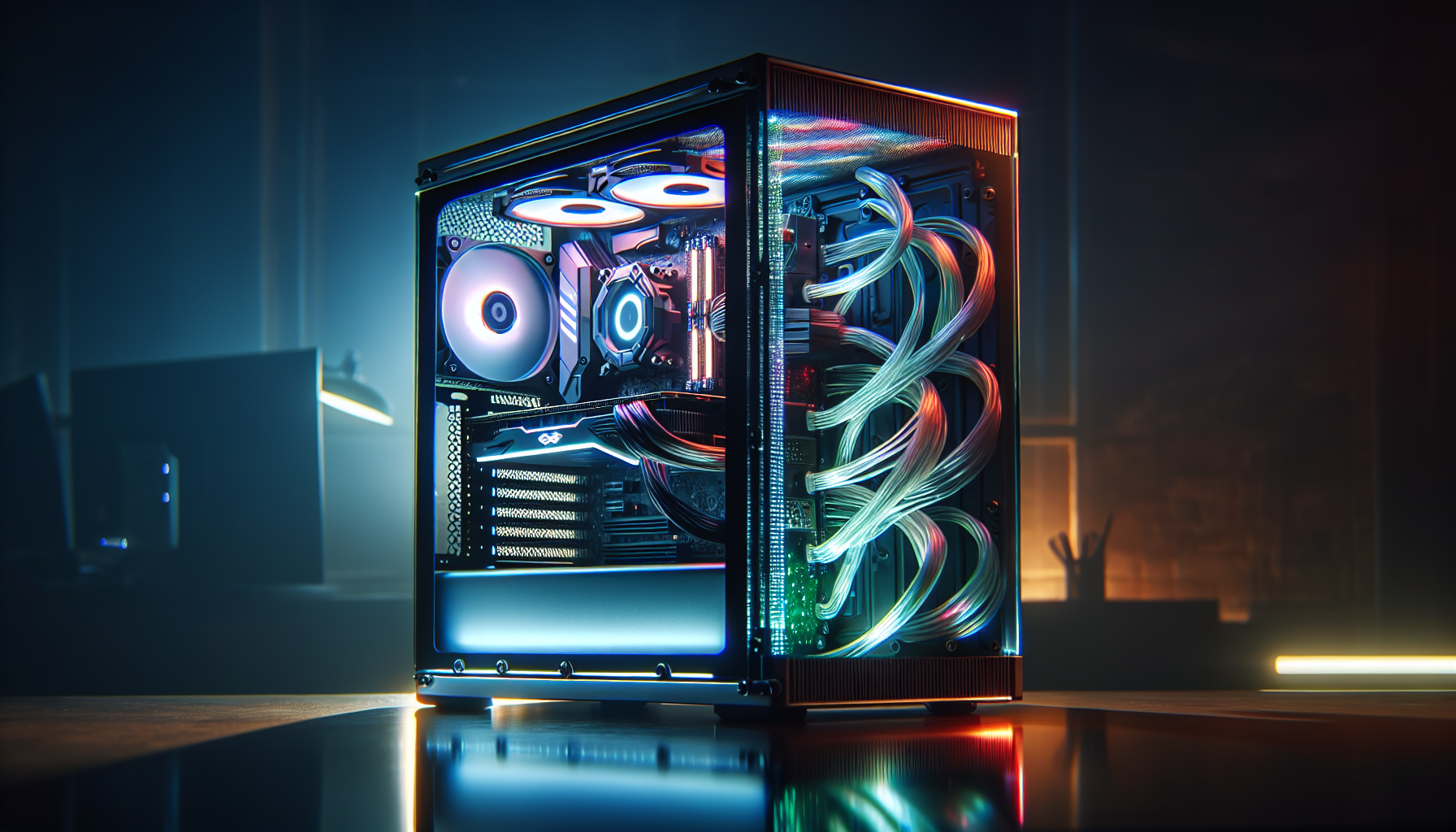
Understanding Custom Gaming PCs
Custom gaming PCs offer enthusiasts the freedom to tailor their system to their specific gaming needs and preferences. This section outlines the significance of custom builds and provides an overview of the key components that make up a gaming PC.
Significance of Custom Builds
Custom-built gaming PCs empower users to select each individual component based on performance requirements, aesthetics, and budget. Unlike pre-built systems, custom setups allow for future upgrades, ensuring that the PC remains relevant as new technologies emerge. Building a custom gaming PC also provides a deeper understanding of the hardware, which can be advantageous for troubleshooting and optimizing performance.
For many, the process of assembling a PC is a rewarding experience, offering a sense of accomplishment upon completion. Moreover, custom builds can be tailored to specific gaming genres or workloads, ensuring that every aspect of the system is optimized for the user's gaming style.
Key Components Overview
The performance and reliability of a custom gaming PC are determined by the quality and compatibility of its components. Here is an overview of the essential parts:
- Case: The enclosure that houses and protects the components. It plays a significant role in cooling and dictates the size and compatibility of other parts (gaming pc cases).
- Motherboard: The main circuit board that connects all components. It determines the PC's capabilities for future expansions and upgrades.
- Central Processing Unit (CPU): The heart of the computer, responsible for executing instructions and processing data (gaming pc processors).
- Graphics Processing Unit (GPU): Essential for rendering images and providing the visual output to monitors. A high-quality GPU is crucial for an immersive gaming experience (gaming pc graphics cards).
- Memory (RAM): Enables the PC to handle multiple tasks and run demanding games smoothly.
- Storage: Includes solid-state drives (SSDs) and hard disk drives (HDDs) for storing games, applications, and files.
- Power Supply Unit (PSU): Supplies power to the system and its components (gaming pc power supply).
- Cooling System: Ensures that components stay within safe operating temperatures. Can include air coolers, liquid cooling systems, and case fans.
- Peripherals: Devices such as monitors, keyboards, and mice that allow interaction with the PC (gaming pc monitors, gaming pc keyboards).
Selecting the right components involves balancing performance, aesthetics, and budget, while ensuring all parts are compatible. For guidance on building a custom setup, gamers can turn to resources like a gaming pc builder or look for the best gaming pc deals to get high-quality parts at competitive prices. Custom gaming PCs not only deliver superior gaming experiences but also reflect the personality and preferences of the gamer, making them a popular choice among PC gaming enthusiasts.
Choosing the Right Case
Selecting the proper case for a custom gaming PC is crucial. It houses all the components, ensures everything fits, and affects the system's thermal performance and expansion capabilities. Below are key considerations when choosing a case for a custom gaming PC.
Considering Motherboard Size
The motherboard is the foundation of your gaming PC, dictating the size and form factor of the case you'll need. With ATX motherboards being the standard for their size and expansion options, it's essential to ensure the case supports the motherboard's form factor. Smaller form factors like M-ATX or Mini-ITX offer a more compact build but may limit expansion (CDW).
| Motherboard Form Factor | Compatible Case Form Factor |
|---|---|
| ATX | Mid-Tower, Full Tower |
| M-ATX | Mid-Tower |
| Mini-ITX | Mini Tower |
For gamers looking to build a high-performance PC with numerous expansion cards or storage options, a larger case may be necessary. However, those who prioritize space-saving may prefer a compact case compatible with M-ATX or Mini-ITX boards.
Cooling Systems and Airflow
A well-ventilated case is essential for maintaining optimal temperatures and ensuring the longevity of PC components. A case that allows for multiple fans or includes a built-in cooling system can help keep the system cool during intense gaming sessions. When examining cases, look for those with sufficient space for air to circulate freely and for the installation of additional cooling solutions if needed.
Consideration should be given to both air cooling and liquid cooling setups. Some cases are designed to accommodate large radiators or have dedicated channels for complex cooling loops. It's also worth noting the placement and size of vents and fan mounts.
Case Form Factors
Cases come in various sizes and shapes, each with its own set of advantages:
- Full Tower: Ideal for gaming pc builders who need space for EATX motherboards, extensive cooling systems, or multiple graphics cards.
- Mid-Tower: The most versatile and commonly used, supporting ATX motherboards and providing a balance between size and expansion capability.
- Mini Tower: Great for portability and space-constrained setups but may have limitations on scalability and motherboard selection.
| Form Factor | Motherboard Support | Cooling Options | Scalability |
|---|---|---|---|
| Full Tower | EATX, ATX | Extensive | High |
| Mid-Tower | ATX, M-ATX | Moderate | Medium |
| Mini Tower | Mini-ITX | Limited | Low |
Before making a decision, ensure that the case also accommodates the length of the gaming PC graphics cards and has enough clearance for the power supply unit. Checking the dimensional specs of all components is key to avoid compatibility issues (CDW). Choosing the right case is a crucial step that impacts the overall performance, aesthetics, and future upgradability of your gaming PC.
Selecting a CPU
When building a custom gaming PC, the Central Processing Unit (CPU) serves as the heart of your machine, handling all the computations required to run games and applications. Selecting the right CPU can have a significant impact on the performance of your gaming setup.
Core and Thread Counts
The CPU's core and thread counts are pivotal factors to consider. Cores are individual processing units within the CPU, and they can perform tasks independently or in tandem to accelerate software performance. Threads, on the other hand, represent the number of tasks a PC can handle simultaneously. Modern CPUs can have multiple threads per core, which is a feature known as 'Hyper-Threading' in Intel processors and 'Simultaneous Multithreading' (SMT) in AMD processors.
| CPU Type | Core Count | Thread Count |
|---|---|---|
| Entry-Level | 2 - 4 | 4 - 8 |
| Mid-Range | 4 - 6 | 8 - 12 |
| High-End | 8+ | 16+ |
For gaming, a higher number of cores and threads can translate to better multitasking capabilities and improved performance in games and applications that are optimized to use them. You can explore a variety of gaming PC processors to find the one that fits your needs.
Understanding Clock Speed
Clock speed, measured in gigahertz (GHz), determines how many cycles a CPU can perform per second. It's one of the key indicators of a CPU's performance, with a speed between 3.5 to 4.0 GHz considered sufficient for running modern games effectively (CDW). It's important to note that while higher clock speeds can yield faster performance, they also lead to greater heat output, which must be managed with effective cooling solutions.
Here's a simplified view of the relationship between clock speed and gaming performance:
| Clock Speed (GHz) | Gaming Performance Level |
|---|---|
| Up to 3.0 | Basic |
| 3.0 to 3.5 | Moderate |
| 3.5 to 4.0 | High |
| 4.0+ | Very High |
Gaming enthusiasts should aim for a CPU with a balance between a high core count and a high clock speed to ensure an optimal gaming experience. Additionally, gamers should consider pairing their CPU with a high-quality gaming pc power supply to ensure stable and efficient power delivery for the best possible performance.
Investing in a GPU
When creating a custom gaming PC, the graphics processing unit (GPU) is a paramount component that dictates the visual output and overall gaming performance. Understanding the intricacies of VRAM, monitor compatibility, and the physical fit within the case and power supply is essential.
VRAM Requirements
VRAM, or Video RAM, is a critical factor in GPU performance, especially in terms of resolution and texture detail in games. For standard 1080p gaming, a minimum of 4GB of VRAM is advisable. However, for higher resolutions and more demanding games, 8GB or more is recommended to maintain optimal performance and visual fidelity (CDW).
| Resolution | Recommended VRAM |
|---|---|
| 1080p | 4GB |
| 1440p | 6GB |
| 4K | 8GB+ |
These recommendations are not absolutes but serve as a general guideline for gaming pc graphics cards selection.
Compatibility with Monitors
The GPU must align with the specifications of your monitor, particularly with respect to resolution and refresh rate. For monitors with a high refresh rate or ultrawide resolutions, a more powerful GPU may be necessary to harness the full potential of the display. Additionally, the GPU should provide the appropriate output ports that match the monitor's input options. For more information on selecting the right display, visit our guide on gaming pc monitors.
Power Supply and Case Fit
A GPU's physical dimensions and power requirements must be compatible with the chosen case and power supply. GPUs can vary significantly in size, and it's crucial to verify that the length of the card does not exceed the maximum GPU clearance of the case. Adequate power supply is also essential, as GPUs can have high power consumption. Checking the wattage requirements of the GPU and ensuring that the power supply can provide sufficient power, with some headroom, is vital for system stability.
| GPU Factor | Consideration |
|---|---|
| Length | Maximum GPU clearance of the case |
| Power | Power supply wattage and connectors |
Refer to the specifications of your gaming pc cases and gaming pc power supply to guarantee compatibility with the GPU.
Investing in the right GPU is a balance between performance, compatibility, and future-proofing. By prioritizing these key considerations, gamers can ensure that their custom gaming PC will deliver the immersive experiences they seek.
Motherboards and Compatibility
When constructing a custom gaming PC, the motherboard serves as the foundation, dictating the compatibility and scalability of all components. It's critical to choose a motherboard that not only meets current needs but also accommodates future upgrades.
Size and Form Factor
The size of the motherboard is a pivotal decision in the building process, influencing the choice of case and the potential for expansion. ATX motherboards are widely recognized as the industry benchmark, offering a balance between size and expansion capabilities. For those seeking a more compact custom gaming PC, M-ATX or Mini-ITX motherboards may be more appropriate, albeit with some compromises in scalability (CDW).
| Motherboard Type | Size (Width x Length) |
|---|---|
| ATX | 12 x 9.6 inches |
| M-ATX | 9.6 x 9.6 inches |
| Mini-ITX | 6.7 x 6.7 inches |
When selecting a case, it is essential to ensure that it supports the form factor of your chosen motherboard. Mid-tower cases are the most prevalent and are typically compatible with ATX motherboards. For those who desire additional cooling options or have plans for extensive upgrades, full tower cases are suitable as they can accommodate larger EATX motherboards. Conversely, mini tower cases are better suited for portability; however, they limit scalability and are generally only compatible with smaller motherboards (CDW). Discover more about the various gaming pc cases available and their compatibility with different motherboards.
Expansion Options
The motherboard's expansion capabilities are vital for future-proofing a gaming PC. Consider the number of PCI-Express slots for graphics cards, RAM slots for memory upgrades, and connectivity options for peripherals. ATX motherboards typically offer the most expansion slots, making them a preferred choice for gamers who may want to add more components later.
| Motherboard Type | PCI-Express Slots | RAM Slots |
|---|---|---|
| ATX | 4-7 | 4-8 |
| M-ATX | 3-4 | 2-4 |
| Mini-ITX | 1 | 2 |
When planning for expansion, it's also important to consider the number of USB ports, onboard storage connectivity such as SATA and M.2 slots, and additional features like integrated Wi-Fi or overclocking support. These elements contribute to a motherboard's versatility and ensure that the gaming PC can adapt to evolving technology and gaming needs.
In conclusion, selecting the right motherboard requires careful consideration of the form factor, case compatibility, and expansion options. By balancing these elements, gamers can build a custom gaming PC that not only delivers exceptional performance now but also continues to meet their gaming requirements in the future. For guidance on assembling your ideal gaming setup, explore the resources available through the gaming pc builder.
Memory and Storage Solutions
When crafting a custom gaming PC, memory and storage are pivotal components that shape the performance and experience of the system. Adequate RAM ensures smooth multitasking and gaming, while the right storage solution can significantly reduce load times and improve system responsiveness.
RAM Specifications
Random Access Memory (RAM) specifications are a critical factor in a gaming PC's ability to handle multiple tasks and demanding games. The recommended minimum amount of RAM for gaming is 8GB, but opting for 16GB or more can provide a more seamless performance and help future-proof the system. Below is a table outlining the suggested RAM amounts for different levels of gaming performance:
| Level of Performance | Suggested RAM (GB) |
|---|---|
| Minimum | 8 |
| Recommended | 16 |
| High-end | 32+ |
For detailed insights on RAM and how it impacts gaming, explore our guide on gaming pc processors.
Types of Storage Drives
Storage drives come in two main types: Solid-State Drives (SSD) and Hard Disk Drives (HDD). SSDs are renowned for their rapid data access and swift boot times, making them an excellent choice for the primary drive where the operating system and frequently played games reside. HDDs, conversely, offer more storage capacity per pound, serving well for archiving larger files and less frequently accessed games. Many gaming PCs harness the strengths of both, using an SSD for essential software and an HDD for expansive storage needs.
Here's a comparison of the two storage types:
| Storage Type | Speed | Capacity | Cost-Effectiveness |
|---|---|---|---|
| SSD | Fast | Lower | Higher per GB |
| HDD | Slower | Higher | Lower per GB |
For gamers looking to expand their storage or explore the latest in SSD technology, peruse our selection of gaming pc deals.
Choosing the right memory and storage solutions is paramount in a custom gaming PC build. Adequate RAM facilitates fluid gameplay and multitasking, while a strategic combination of SSD and HDD can balance speed with storage capacity. Make informed decisions to craft a gaming rig that not only meets the current demands but also stands ready for the evolving world of gaming.
Additional Considerations
While the technical specifications of a custom gaming PC are paramount, there are other vital factors to take into account. These include the aesthetic appeal and the delicate act of balancing performance with budget.
Aesthetics and Customization
For many PC gamers, their rig is not just a tool for gaming; it's a personal statement. Aesthetics and customization are pivotal considerations in the construction of a custom gaming PC. Players often desire their setup to mirror their individual style and preferences. Customization options range from RGB lighting and custom cooling loops to tempered glass panels and distinctive case designs, allowing for a unique and visually appealing gaming environment.
The following table illustrates common customization features that enthusiasts might consider:
| Customization Feature | Description |
|---|---|
| RGB Lighting | Adds colourful, dynamic lighting to the PC's interior and peripherals. |
| Tempered Glass Panels | Provides a clear view into the PC, showcasing the components and lighting. |
| Custom Cooling Loops | Enhances cooling efficiency and adds a visual element with coloured coolants. |
| Unique Case Designs | Offers distinctive shapes and themes for personal style expression. |
It's not just about looking good; these customizations can also have practical benefits. For example, effective cooling systems can improve performance and longevity of components. Gamers interested in aesthetics should also consider the availability of gaming pc cases that support their desired look and function.
Balancing Performance and Budget
Building a custom gaming PC requires a judicious balance between performance and expenditure. It is essential to prioritize components that will significantly influence gaming performance, such as the CPU and GPU. However, it is equally important to remain within financial limits. Gamers should first establish their budget and then distribute funds to ensure they acquire the finest performance without overspending.
To assist in this process, consider the following hierarchy of component importance, based on typical gaming needs:
- GPU (Graphics Processing Unit)
- CPU (Central Processing Unit)
- RAM (Random Access Memory)
- Storage (SSD/HDD)
- Motherboard
- Power Supply
- Cooling System
- Case
For those seeking the best value, keeping an eye on gaming pc deals can lead to substantial savings on high-impact components like gaming pc processors and gaming pc graphics cards. Additionally, gamers may choose to allocate more funds to components that offer future-proofing or better performance in their favourite games.
In conclusion, when assembling a custom gaming PC, it's not only about the power under the hood; the chassis and how much one is willing to invest are equally significant. By giving thought to both aesthetics and budget, gamers can build a machine that not only performs exceptionally but also resonates with their personal gaming identity.


