


Laptop as Lab: Using Portable PCs for Computer Diagnostics in Corporate Settings
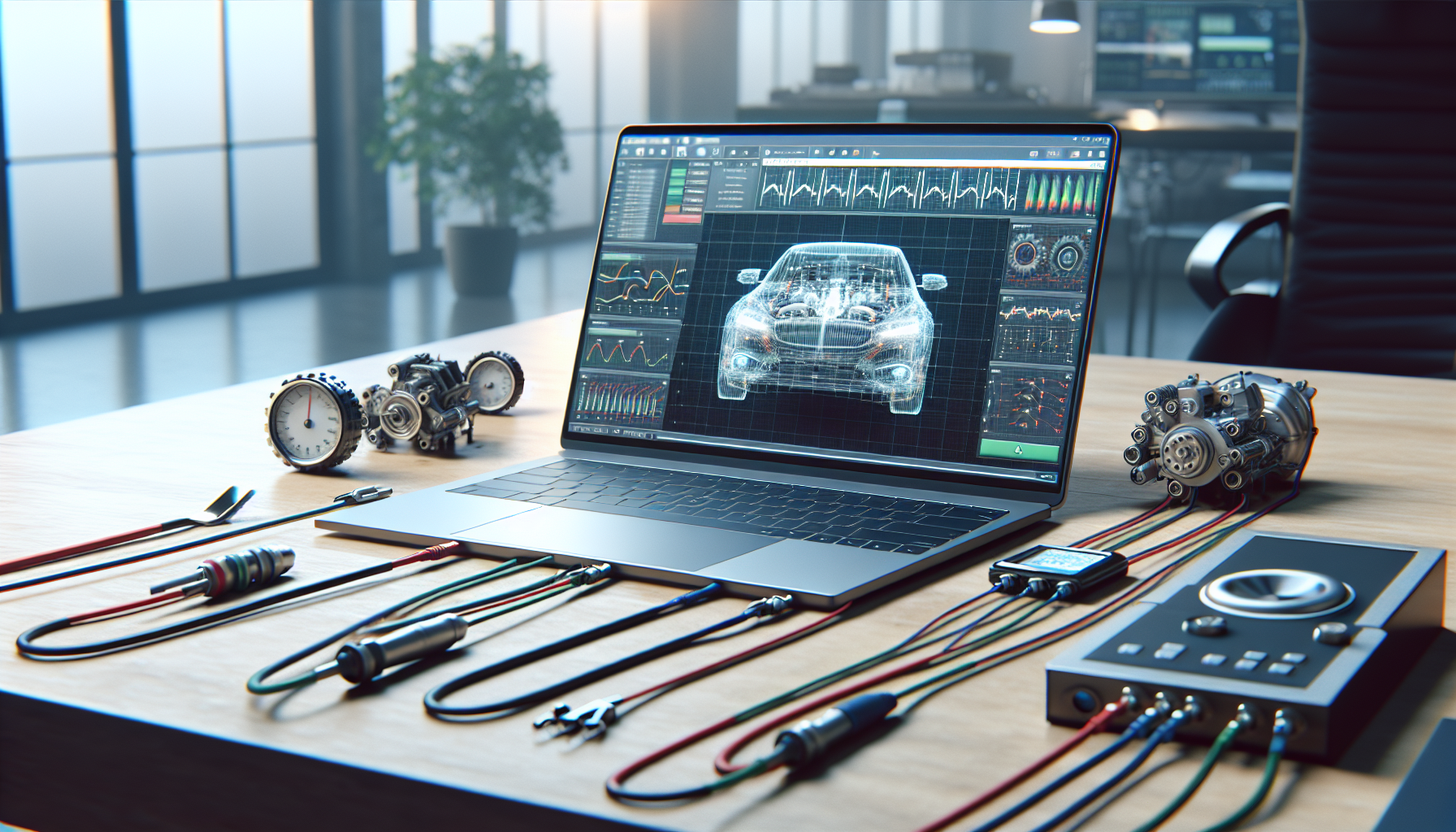
Using Laptops for Diagnostic Purposes
Laptops serve as effective diagnostic tools in corporate settings, providing IT managers and business owners with essential capabilities for maintaining system health. Among the various brands, Dell stands out due to its comprehensive diagnostic tools designed specifically for their laptops and desktops.
Dell Diagnostic Tools
Dell offers a range of diagnostic tools that are invaluable for assessing both hardware and software performance. Key tools include:
- Enhanced Pre-Boot System Assessment (ePSA): This tool runs a series of tests on the hardware components even before the operating system loads, ensuring early detection of potential issues.
- SupportAssist: This proactive tool monitors system health and performance, providing alerts for necessary actions and facilitating troubleshooting (Dell Support).
| Diagnostic Tool | Functionality |
|---|---|
| ePSA | Tests hardware components pre-boot |
| SupportAssist | Monitors and alerts for system health |
These diagnostic tools help identify problems that could lead to performance degradation or system failures. For instance, they can scan a computer's hard drive, check RAM for errors, and monitor CPU temperature, assisting in pinpointing issues that may affect system functionality (AngelCom).
Benefits of Laptop Diagnostics
Utilising laptops as diagnostic tools provides several advantages for corporate IT environments. The benefits include:
- Efficiency: Laptops allow for quick diagnostics and troubleshooting, reducing downtime and improving productivity.
- Portability: The ability to move laptops around makes it easier to conduct diagnostics on various machines without the need for extensive setups.
- Comprehensive Monitoring: Diagnostic software can track a variety of system metrics, such as CPU usage, memory load, and disk performance. Recommended tools include Windows Performance Monitor and Open Hardware Monitor, which help in monitoring hardware information and system performance (AngelCom).
| Benefit | Description |
|---|---|
| Efficiency | Reduces downtime and improves productivity |
| Portability | Facilitates easy diagnostics across devices |
| Comprehensive Monitoring | Tracks system performance metrics |
By leveraging laptops as diagnostic tools, businesses can proactively maintain system health, ensuring that any potential issues are addressed before they escalate into significant problems. For further insights, explore our articles on common computer faults and ways to troubleshoot computer.
Preventative Maintenance Strategies
Effective preventative maintenance strategies are essential for ensuring the longevity and performance of computer systems within a business setting. By implementing regular maintenance routines, IT managers and business owners can reduce the likelihood of system failures and enhance overall efficiency.
Importance of Regular Maintenance
Regular maintenance of computer systems is crucial for several reasons. It helps to identify and address potential issues before they escalate into more significant problems. According to studies, proactive checks can prevent system failures that might disrupt business operations. Tools such as Dell's Enhanced Pre-Boot System Assessment (ePSA) and SupportAssist can proactively check the health of both hardware and software, allowing for early detection of issues (Dell Support).
The following table illustrates common preventative measures and their impact on system health:
| Maintenance Activity | Frequency | Impact on System Health |
|---|---|---|
| Hardware diagnostics | Monthly | Early detection of hardware issues |
| Software updates | Bi-monthly | Security enhancements and performance boosts |
| Disk clean-up | Quarterly | Storage efficiency and speed improvement |
| System performance checks | Bi-monthly | Identification of performance bottlenecks |
| Backup data | Weekly | Data recovery readiness |
Proactive Measures for System Health
Proactive measures are necessary for maintaining system health and preventing downtime. Regularly scheduled diagnostics using various computer diagnostic tools can assist in this process. Tools such as Windows Performance Monitor and Open Hardware Monitor can track CPU, memory, and disk usage, providing critical insights into system performance (AngelCom).
Implementing a comprehensive preventative maintenance schedule should include:
- Routine System Checks: Regularly running diagnostics to scan for hard drive issues, check RAM for errors, and monitor CPU temperatures can help ensure optimal performance.
- Software Maintenance: Keeping software up to date is vital for security and performance. This includes applying system updates and patches.
- Hardware Monitoring: Using tools to monitor hardware components can assist in identifying potential failures before they occur, which can be crucial for maintaining critical business operations.
- Data Backup: Regularly backing up data protects against data loss and ensures quick recovery in case of hardware failure.
By prioritising these preventative maintenance strategies, businesses can enhance the reliability of their computer systems. For more information on identifying and fixing faults, refer to our articles on common computer faults and fix computer faults.
Business IT Support for Effective Diagnosis
Utilising efficient IT support is crucial for diagnosing and fixing computer faults. By leveraging computer diagnostic tools, IT managers and business owners can enhance their troubleshooting capabilities and ensure their systems operate smoothly.
Utilizing Computer Diagnostic Tools
Computer diagnostic tools are essential for identifying issues within a system. These tools can scan a computer's hard drive, check RAM for errors, monitor CPU temperature, and assess other connected devices. Such comprehensive diagnostics help pinpoint problems affecting performance. Various tools are available, including:
| Diagnostic Tool | Features |
|---|---|
| Dell SupportAssist | Proactively checks hardware and software health. (Dell Support) |
| Windows Performance Monitor | Monitors system performance metrics, including CPU and memory usage. (AngelCom) |
| Open Hardware Monitor | Tracks hardware information and sensor readings. (AngelCom) |
| Speccy | Provides detailed information about system components. (AngelCom) |
| HD Tune | Offers diagnostic features for HDD and SSD performance. (AngelCom) |
These tools facilitate effective diagnosis and can significantly reduce downtime by enabling swift identification of issues.
Enhancing Tech Support Efficiency
With the integration of diagnostic tools, tech support teams can work more efficiently. By having access to detailed system information, they can quickly diagnose faults, leading to faster resolution times. This is particularly beneficial in corporate environments where productivity is paramount.
Moreover, the proactive use of diagnostic tools helps in preventative maintenance. Regular checks can identify potential issues before they escalate into significant problems. For example, monitoring CPU temperature and RAM health can prevent overheating and crashes, which are common signs of computer malfunction.
Incorporating these strategies not only improves the effectiveness of tech support but also enhances overall system reliability. For more information on how to diagnose computer faults, explore our resources on common computer issues and ways to troubleshoot effectively.
Future Trends in Diagnostic Technology
As technology continues to advance, the role of computers and artificial intelligence (AI) in diagnostics is becoming increasingly significant. This section explores the impact of computers in healthcare and the advancements in AI for diagnostics.
Role of Computers in Healthcare
Computers play a vital role in the healthcare sector, serving various functions that enhance efficiency and improve patient care. They are crucial for tasks such as scheduling surgeries, processing insurance claims, and powering medical imaging machines. Additionally, computers guide robotic arms during surgeries and facilitate medical imaging for diagnostics with unmatched accuracy (Holoware).
The applications of computers in healthcare are extensive, including:
| Application | Description |
|---|---|
| Medical Imaging | Computers help capture and analyse images for accurate diagnoses. |
| EHR Management | Electronic Health Records (EHRs) are stored and processed using computer systems. |
| Telemedicine | Remote consultations are facilitated through computer technology, connecting patients with specialists. |
| Data Analysis | Computers analyze health data to predict potential health issues. |
These advancements ultimately enhance healthcare accessibility and outcomes, shifting the industry towards a more efficient and patient-centric approach.
Advancements in AI for Diagnostics
The integration of AI into diagnostics is revolutionising how healthcare professionals approach patient care. AI systems can quickly analyze vast amounts of data, identifying patterns and anomalies that may be missed by human eyes. This capability enhances the accuracy of diagnoses and treatment planning (Holoware).
Future innovations in AI-powered diagnostics include:
| Innovation | Description |
|---|---|
| AI-Powered Robots | These will assist in surgeries, improving precision and reducing recovery times. |
| Personalized Medicine | AI will enable tailored treatment plans based on a patient's genetic makeup. |
| Predictive Analytics | Advanced algorithms will forecast health issues before they arise, allowing for preventative measures. |
As AI technology continues to evolve, the healthcare sector can expect a significant shift towards more efficient diagnostics and treatment methodologies. The future of healthcare is intrinsically linked to these advancements, paving the way for groundbreaking innovations that will enhance patient outcomes and streamline processes. For more information on identifying and diagnosing computer faults, check our resources on how to diagnose computer faults and common computer faults.


