


Keeping It Cool: Unveiling the Top CPU Fans for Melbourne Gamers
Understanding CPU Fans for Gaming
Before delving into the specifics of CPU fans, it's essential to understand their role in gaming.
Importance of CPU Cooling
The performance of a gaming computer relies heavily on the CPU. As the 'brain' of the computer, the CPU processes all gaming data. When a game is running, the CPU works hard, generating a significant amount of heat. Without proper cooling, this heat can cause the CPU to overheat, leading to reduced performance, system instability, or even hardware failure.
A CPU fan plays a crucial role in preventing this. It cools down the CPU by dissipating the heat it generates, ensuring the system runs smoothly even during intense gaming sessions. To understand more about how heat affects CPU performance, refer to our article on CPU heat.
Types of CPU Fans
There are two primary types of CPU fans used for cooling gaming PCs:
Air Cooling Systems: These are the most common type of CPU fans and are often included as part of a standard desktop setup. As the name suggests, they work by using fans to blow air across a heat sink attached to the CPU, removing heat from the processor and dispersing it into the surrounding air. For more information about air cooling systems, visit our article on CPU cooling.
Liquid Cooling Systems: These systems, also known as water cooling systems, use a liquid coolant to absorb heat from the CPU. The heated liquid is then passed through a radiator and cooled by a fan before being recirculated back to absorb more heat. While typically more complex and expensive than air cooling systems, liquid cooling systems often provide superior cooling performance and can be quieter. You can find more details about liquid cooling systems in our article on CPU cooler.
Choosing between an air cooling system and a liquid cooling system depends on various factors, including the specific needs of your gaming setup, the available space in your PC case, and your budget. Understanding these factors can help you make an informed decision when choosing the right CPU fan for your gaming PC. For more insights on CPU fans and their role in gaming, check out our article on CPU for gaming PC.
Air Cooling Systems
Air cooling is one of the most common methods for managing the heat produced by the central processing unit (CPU) during intense gaming sessions. Let's delve into how air cooling CPU fans work and the pros and cons of air cooling systems.
How Air Cooling CPU Fans Work
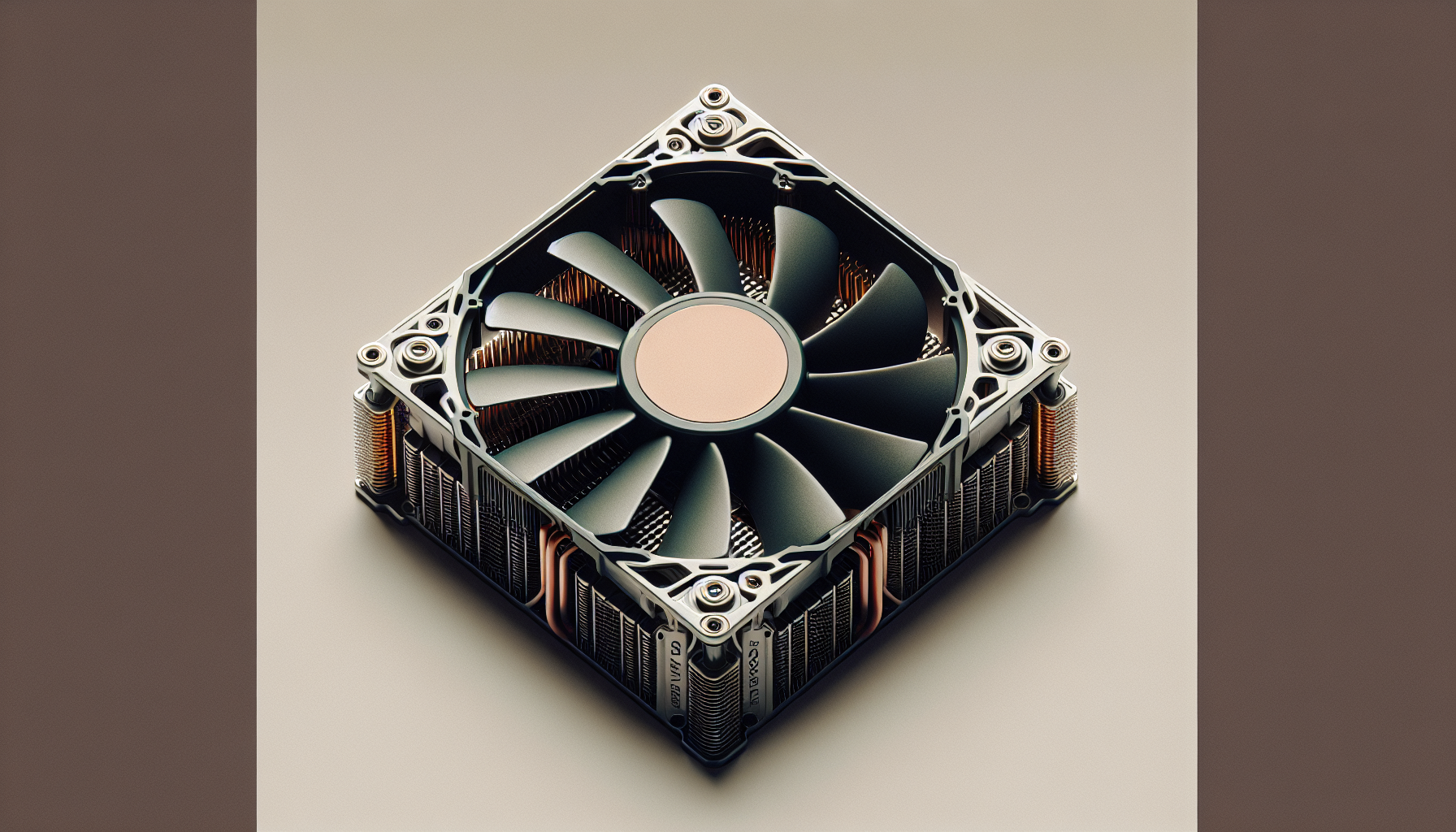
An air cooling system employs a fan and a heatsink to dissipate heat away from the CPU. When the CPU operates, it generates heat. This heat is absorbed by a metal heatsink that's typically made of aluminium or copper. The heatsink's design, which often consists of multiple fins, increases its surface area to expedite heat dissipation.
The CPU fan, sitting atop the heatsink, then blows air across these fins. This air movement carries the heat away from the heatsink, thereby cooling the CPU. The cooled air is then expelled out of the computer case, ensuring the CPU maintains a safe operational temperature. For an in-depth look at CPUs, check out our CPU page.
Pros and Cons of Air Cooling Systems
Air cooling systems come with their own set of advantages and disadvantages. Understanding these can help gamers make an informed decision when choosing the right CPU cooling solution.
Pros:
- Cost-Effective: Air coolers are generally less expensive than their liquid counterparts. They provide a cost-effective solution for gamers who are working within a budget.
- Easy Maintenance: Air coolers require less maintenance compared to liquid cooling systems. There's no need to worry about potential leaks or refilling coolant.
- Durability: Air coolers are robust and have a longer lifespan as there are fewer components that can fail.
Cons:
- Size: Air coolers can be quite large, which may not be suitable for compact gaming setups.
- Noise: Air coolers can get noisy, especially under heavy load. This could be a deterrent for gamers who prefer a quieter gaming environment.
- Cooling Capacity: While sufficient for most gaming needs, air coolers may struggle to keep up with the heat generated by serious overclocking. For more information on overclocking, see our article on how to overclock a CPU.
| Pros | Cons |
|---|---|
| Cost-effective | Can be large in size |
| Easy maintenance | Can be noisy |
| Durable | May struggle with extreme overclocking |
Choosing between an air cooler and a liquid cooler depends on various factors, including your budget, noise tolerance, case size, and the level of CPU performance you're aiming for. It's crucial to weigh these pros and cons against your gaming needs to select the right CPU cooler.
Liquid Cooling Systems
Liquid cooling systems, often referred to as water cooling systems, provide an alternative method of managing CPU heat for gaming enthusiasts. Understanding how these systems work and their advantages and disadvantages can help gamers make an informed decision about their CPU cooling solution.
How Liquid Cooling CPU Fans Work
Liquid cooling systems utilize a series of tubes, a radiator, a pump, and a liquid coolant to draw heat away from the CPU. The liquid coolant absorbs the heat from the CPU, and the pump directs it towards the radiator. The heat is then dissipated into the surrounding air through the fan attached to the radiator.
Unlike air cooling systems which rely on direct air flow over the CPU, liquid cooling systems leverage the superior heat transfer properties of liquid coolants. This makes them particularly effective for high-performance gaming setups where heat generation can be considerable.
Pros and Cons of Liquid Cooling Systems
Liquid cooling systems offer several advantages over traditional air cooling systems. They are generally more efficient at heat removal, especially in high-performance or overclocked systems. They also tend to operate more quietly than air cooling systems, which can be a significant advantage for gamers who value a quiet gaming environment.
However, liquid cooling systems also have their drawbacks. They are typically more complex to install and maintain than air cooling solutions, and there is always a risk, albeit small, of leaks that could damage other computer components. Additionally, they tend to be more expensive than air cooling systems.
| Pros of Liquid Cooling Systems | Cons of Liquid Cooling Systems |
|---|---|
| Better heat transfer efficiency | More complex to install and maintain |
| Quieter operation | Risk of leaks |
| Can handle high-performance systems | Generally more expensive |
For gamers who push their systems to the limit, a liquid cooling system can be a valuable investment. Those who prioritize quieter operation and are willing to deal with the additional complexity and cost will also find value in these systems. For more details on the other cooling solution, consider reading about air cooling systems.
As a gamer, it's crucial to carefully consider your needs, preferences, and budget when choosing a CPU cooling solution. Whether you go for liquid or air cooling, ensure it fits your gaming PC setup and will efficiently handle the heat generated by your CPU to provide the best gaming experience.
Factors to Consider When Choosing a CPU Fan
When it comes to maintaining the performance and longevity of your gaming setup, a quality CPU fan is crucial. There are several factors that need to be considered when choosing a CPU fan. In this section, we will discuss the importance of compatibility, noise level and cooling performance, and budget considerations.
Compatibility with Your CPU
The first and most important factor to consider is whether the CPU fan is compatible with your CPU. Every CPU has a specific socket type that must match the mounting hardware of the CPU fan. It's essential to check the specifications of both your CPU and the CPU fan to ensure they are compatible. Using an incompatible fan could lead to inefficient cooling or even damage to your CPU.
Additionally, it's important to consider the size of the CPU fan and whether it will fit inside your computer case. Some high-performance CPU fans can be quite large and may not fit in smaller cases. Always check the dimensions of the CPU fan and ensure there is enough clearance inside your case.
Noise Level and Cooling Performance
The noise level and cooling performance of the CPU fan are also important factors to consider. High-performance gaming often leads to increased CPU heat production, so a CPU fan with excellent cooling performance is essential.
However, increased cooling performance can sometimes result in higher noise levels. If noise is a concern for you, look for a CPU fan that balances cooling performance with quiet operation. Many CPU fans now come with features like rubber mounts or specially designed fan blades to reduce noise.
Budget Considerations
Lastly, your budget will play a significant role in your choice of CPU fan. High-end CPU fans often come with additional features like customizable RGB lighting and advanced fan control software, but they also come with a higher price tag.
It's important to find a balance between cost and performance. While it might be tempting to go for the cheapest option, a low-quality CPU fan could end up costing more in the long run due to reduced performance or potential damage to your CPU. On the other hand, unless you're running highly demanding games or doing professional-grade work on your computer, you might not need the most expensive CPU fan on the market.
In conclusion, when choosing a CPU fan, ensure it's compatible with your CPU and fits inside your case, consider the noise level and cooling performance, and find a balance between cost and performance that fits within your budget. For more information on CPUs and related topics, check out our articles on CPU cooling and how to overclock CPU.


