


How much should you spend on a gaming pc
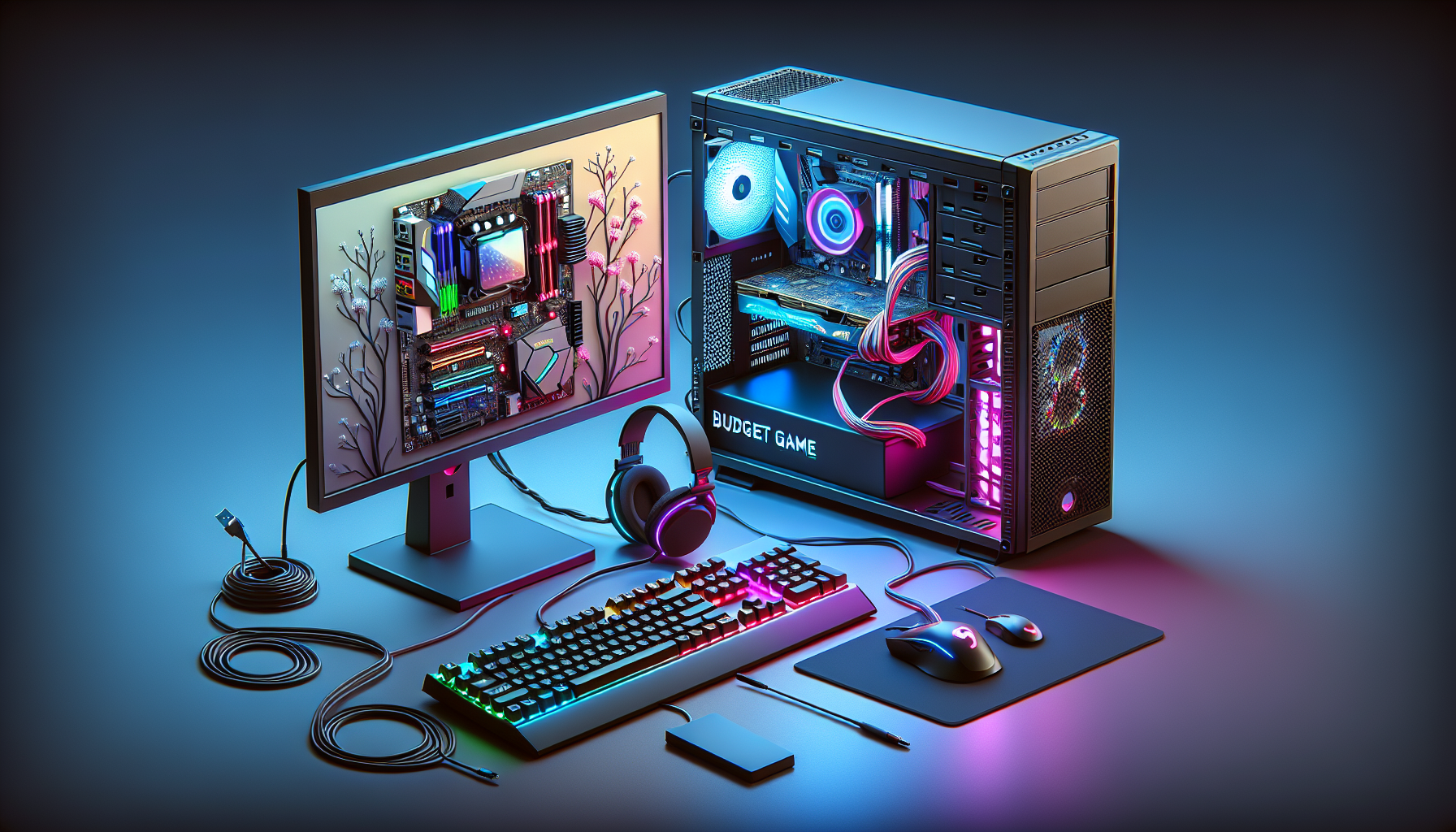
Understanding Gaming PC Budgets
Importance of Setting a Budget
Setting a budget is crucial when planning to purchase a gaming PC. A well-defined budget helps in managing finances and ensures that one gets the best value for their money. Additionally, it prevents overspending and helps in prioritising features and components based on individual gaming needs. For those looking to buy gaming pc in Australia, understanding the local market prices and setting a realistic budget is essential.
Factors Affecting Gaming PC Costs
Several factors influence the cost of a gaming PC. These include the quality and specifications of components, additional features, and the choice between custom-built and pre-built systems. The following table summarises the key factors affecting gaming PC costs:
| Factor | Description |
|---|---|
| CPU and GPU | The central processing unit (CPU) and graphics processing unit (GPU) are the core components of a gaming PC. Higher-end models offer better performance but come with a higher price tag. |
| RAM and Storage | More RAM and faster storage options like SSDs increase the overall cost but improve performance and load times. Learn more about gaming pc ram. |
| Cooling Systems | Advanced cooling solutions, including liquid cooling, can add to the cost but are essential for high-performance gaming rigs. See our article on gaming pc fans. |
| Motherboard | The motherboard determines the compatibility and potential for future upgrades. High-end motherboards come with additional features and better build quality. Read more about gaming pc components. |
| Power Supply | A reliable power supply unit (PSU) is crucial for the stability and longevity of the system. Understand more about gaming pc power usage. |
| Peripherals | Monitors, keyboards, and mice can significantly add to the overall cost. Learn how to plug monitor into gaming pc. |
| Additional Features | RGB lighting, custom cases, and advanced audio solutions are optional but can increase the cost. |
| Build Type | Custom-built PCs offer flexibility but can be more expensive than pre-built options. Explore the differences in build a gaming pc. |
By considering these factors, gamers can make informed decisions and allocate their budgets effectively. For those seeking to optimise their PCs for gaming, our guide on optimise pc for gaming provides valuable insights.
Understanding these elements helps in setting realistic expectations and ensures that gamers get the best performance within their budget constraints. For a detailed breakdown of the cost implications, refer to our article on gaming pc cost.
Entry-Level Gaming PCs
Features and Performance
Entry-level gaming PCs are designed for gamers who are new to the gaming world or those who have a limited budget. These systems may not boast the latest hardware, but they are capable of running popular games at decent settings. Key features of entry-level gaming PCs include:
- Processor (CPU): Typically, entry-level PCs come with mid-range processors that can handle most games without severe lag.
- Graphics Card (GPU): These systems often include budget-friendly GPUs that can deliver satisfactory performance on low to medium settings.
- Memory (RAM): Usually equipped with 8GB of RAM, which is sufficient for most games and general multitasking.
- Storage: A combination of a small SSD (for faster boot times) and a larger HDD (for more storage capacity) is common.
- Cooling System: Basic cooling solutions to prevent overheating during extended gaming sessions.
These features ensure that entry-level gaming PCs provide a reasonable gaming experience, though they might struggle with high-end gaming or the latest AAA titles on ultra settings.
Price Range for Entry-Level Gaming PCs
The cost of entry-level gaming PCs can vary based on the components and the brand. Here is a general price range for entry-level gaming PCs in Australia:
| Component | Price Range (AUD) |
|---|---|
| Processor (CPU) | 150 - 300 |
| Graphics Card (GPU) | 200 - 400 |
| Memory (RAM) | 50 - 100 |
| Storage (SSD + HDD) | 100 - 200 |
| Other Components | 200 - 300 |
| Total | 700 - 1300 |
When budgeting for an entry-level gaming PC, consider the individual cost of components. For those looking to build a gaming PC, buying components separately might offer better value. However, pre-built options are also available and can be convenient for those who prefer a ready-to-use system. It's important to evaluate your gaming needs and preferences when determining your gaming pc budget.
For more detailed insights on the cost of gaming PCs, visit our articles on cost of gaming pc and gaming pc price australia.
Mid-Range Gaming PCs
Features and Performance
Mid-range gaming PCs offer a balance between cost and performance, making them a popular choice for many gamers. These systems typically provide the following features:
- Processor: Often equipped with mid-tier CPUs, mid-range gaming PCs can handle most modern games smoothly. These processors strike a balance between speed and efficiency.
- Graphics Card: Mid-range PCs usually come with a decent graphics card capable of running games at medium to high settings. This ensures good visual quality without breaking the bank.
- RAM: Generally, these systems include 16GB of RAM, which is sufficient for gaming and multitasking.
- Storage: A combination of SSD and HDD storage is common, offering both speed and ample space. An SSD ensures faster boot times and quicker load times for games.
- Cooling: Adequate cooling solutions, including multiple fans or liquid cooling, help maintain optimal performance and prevent overheating during long gaming sessions.
These features ensure that mid-range gaming PCs can handle a wide variety of games, providing a good gaming experience without the need for frequent upgrades.
Price Range for Mid-Range Gaming PCs
The cost of mid-range gaming PCs can vary based on the specific components and additional features. In Australia, the price range typically falls between AUD 1,500 and AUD 2,500. Here’s a breakdown of the typical price range for mid-range gaming systems:
| Component | Estimated Price Range (AUD) |
|---|---|
| Processor | 300 - 500 |
| Graphics Card | 500 - 800 |
| RAM (16GB) | 100 - 200 |
| Storage (SSD + HDD) | 150 - 300 |
| Cooling System | 50 - 150 |
| Motherboard | 150 - 300 |
| Power Supply | 100 - 200 |
| Case | 100 - 200 |
| Additional Features (RGB, etc.) | 50 - 150 |
For those who prefer to build a gaming PC, these components can be individually selected based on preferences and budget constraints. Alternatively, opting for a pre-built gaming PC can save time and effort, though it might come at a slightly higher cost.
Mid-range gaming PCs offer a great mix of performance and value, making them ideal for gamers who want a reliable system without spending a fortune. For more information on optimising your gaming setup, check out our guide on optimise pc for gaming.
High-End Gaming PCs
High-end gaming PCs are designed for gamers who demand the best performance and are willing to invest significantly in their gaming setup. These machines offer top-tier features and unmatched performance, ensuring an immersive and seamless gaming experience.
Features and Performance
High-end gaming PCs come equipped with the latest and most powerful components available. These features ensure that the system can handle the most demanding games at the highest settings. Key features typically include:
- High-Performance CPUs: Often featuring the latest multi-core processors that deliver exceptional speed and efficiency.
- Advanced GPUs: Equipped with the newest graphics cards capable of running games at ultra-high resolutions and frame rates.
- Ample RAM: Generally, these systems have 16GB to 32GB of high-speed RAM, which supports multitasking and smooth gameplay.
- SSD Storage: Fast solid-state drives (SSD) for quick load times and improved overall system responsiveness.
- Cooling Solutions: Advanced cooling systems, including liquid cooling options, to maintain optimal temperatures during intense gaming sessions.
These features ensure that high-end gaming PCs not only deliver outstanding visuals and performance but also offer future-proofing for upcoming game releases. For more information on the components of gaming PCs, visit our article on gaming pc components.
| Component | Specification |
|---|---|
| CPU | Latest multi-core processor |
| GPU | High-end graphics card |
| RAM | 16GB - 32GB |
| Storage | SSD (512GB - 2TB) |
| Cooling | Advanced cooling solutions |
Price Range for High-End Gaming PCs
The cost of high-end gaming PCs can vary greatly depending on the components and customizations chosen. In Australia, the price range for these premium systems typically starts from AUD 2,500 and can go upwards of AUD 5,000 or more.
| Component | Price Range (AUD) |
|---|---|
| CPU | $500 - $1,500 |
| GPU | $700 - $2,000 |
| RAM | $150 - $400 |
| Storage (SSD) | $150 - $500 |
| Cooling | $100 - $300 |
| Total | $2,500 - $5,000+ |
For those looking to invest in a high-end gaming PC, it's essential to consider your specific gaming needs and preferences. Additionally, future-proofing your investment by selecting components that will remain relevant for years to come is crucial. For more detailed guidance on determining your gaming budget, visit our article on gaming pc budget.
Whether opting for a custom-built or pre-built system, high-end gaming PCs offer the performance and features necessary to enjoy the latest games at their best. For further insights into custom and pre-built options, refer to our section on custom vs. pre-built gaming PCs.
Custom vs. Pre-Built Gaming PCs
When considering how much to spend on a gaming PC, one significant factor to evaluate is whether to opt for a custom-built or a pre-built gaming PC. Each option has its own set of advantages and disadvantages, which can impact your overall gaming experience and budget.
Custom-Built Gaming PCs
Custom-built gaming PCs offer a high level of customization and control over the components used. This option allows gamers to handpick every part, from the processor to the graphics card, ensuring that the system meets their specific performance needs and budget constraints. Building a custom gaming PC can be a rewarding experience, providing a deeper understanding of the system's inner workings.
Advantages of Custom-Built Gaming PCs:
- Personalization: Tailor the PC to specific gaming requirements.
- Upgradability: Easier to upgrade individual components.
- Cost Efficiency: Potentially lower costs by choosing components based on performance needs.
Disadvantages of Custom-Built Gaming PCs:
- Time-Consuming: Building a PC from scratch requires time and effort.
- Technical Knowledge: Requires a good understanding of PC components and assembly.
- No Warranty: Individual parts may have warranties, but the entire system does not.
For a detailed guide on how to build your own gaming PC, check out build a gaming pc.
Pre-Built Gaming PCs
Pre-built gaming PCs are assembled by manufacturers and come ready to use out of the box. These systems are designed to offer a balanced performance and are often backed by comprehensive warranties. Pre-built PCs are ideal for those who prefer convenience and do not have the technical knowledge or time to build a custom system.
Advantages of Pre-Built Gaming PCs:
- Convenience: Ready to use immediately upon purchase.
- Warranty: Often come with a full-system warranty.
- Support: Technical support and customer service are available.
Disadvantages of Pre-Built Gaming PCs:
- Limited Customization: Fewer options to customize components.
- Higher Cost: Can be more expensive due to assembly and warranty costs.
- Components Quality: May include lower-quality parts to reduce costs.
To explore options for purchasing pre-built systems, visit buy prebuilt gaming pc.
Comparison Table
| Feature | Custom-Built PCs | Pre-Built PCs |
|---|---|---|
| Personalization | High | Low |
| Upgradability | Easy | Moderate |
| Cost Efficiency | Potentially lower | Generally higher |
| Time Requirement | High | Low |
| Technical Knowledge | Required | Not required |
| Warranty | Individual parts only | Full-system warranty |
| Convenience | Requires assembly | Ready to use |
Understanding the differences between custom-built and pre-built gaming PCs can help you make an informed decision based on your gaming needs and budget. Whether you choose to build a custom PC or buy a pre-built one, ensuring that you get the best components for your budget is crucial. For more information on gaming PC components, visit gaming pc components.
Considerations When Determining Your Budget
Gaming Needs and Preferences
When deciding on a budget for a gaming PC, it is essential to consider your gaming needs and preferences. Different types of games require varying levels of hardware performance. For instance, if you enjoy playing AAA titles with high-resolution graphics, you may need to invest in a more powerful system. Conversely, if you prefer indie games or less demanding titles, a mid-range or entry-level gaming PC may suffice.
| Game Type | Recommended Budget (AUD) |
|---|---|
| Indie Games | $800 - $1,200 |
| Esports Titles | $1,200 - $1,800 |
| AAA Titles | $1,800 - $3,000 |
| VR Gaming | $2,000 - $4,000 |
Future-Proofing Your Investment
Future-proofing your gaming PC involves investing in components that will remain relevant and efficient for several years. This can help you avoid frequent upgrades and additional expenses. Key areas to consider include the GPU, CPU, and RAM. Opting for higher-end components now can save you money in the long run.
| Component | Entry-Level (AUD) | Mid-Range (AUD) | High-End (AUD) |
|---|---|---|---|
| GPU | $300 - $500 | $500 - $800 | $800+ |
| CPU | $200 - $400 | $400 - $600 | $600+ |
| RAM | $100 - $200 | $200 - $300 | $300+ |
For more details on components, visit our article on gaming pc components.
Additional Costs to Consider
When planning your gaming PC budget, it's important to consider additional costs beyond the core components. These can include peripherals, software, and maintenance expenses.
- Peripherals: Monitors, keyboards, mice, and headsets are essential for a complete gaming setup.
- Software: Operating systems, gaming subscriptions, and necessary software licenses.
- Maintenance: Regular upkeep, including cleaning and potential repairs.
| Additional Costs | Estimated Budget (AUD) |
|---|---|
| Monitor | $200 - $800 |
| Keyboard and Mouse | $50 - $200 |
| Headset | $50 - $200 |
| Operating System | $100 - $200 |
| Gaming Subscriptions | $10 - $20/month |
| Maintenance | $50 - $100/year |
For a comprehensive guide on building and maintaining your gaming PC, check out our article on build a gaming pc.
By carefully considering your gaming needs, future-proofing your investment, and accounting for additional costs, you can set a realistic and effective gaming pc budget.


