


How much ram should a gaming pc have
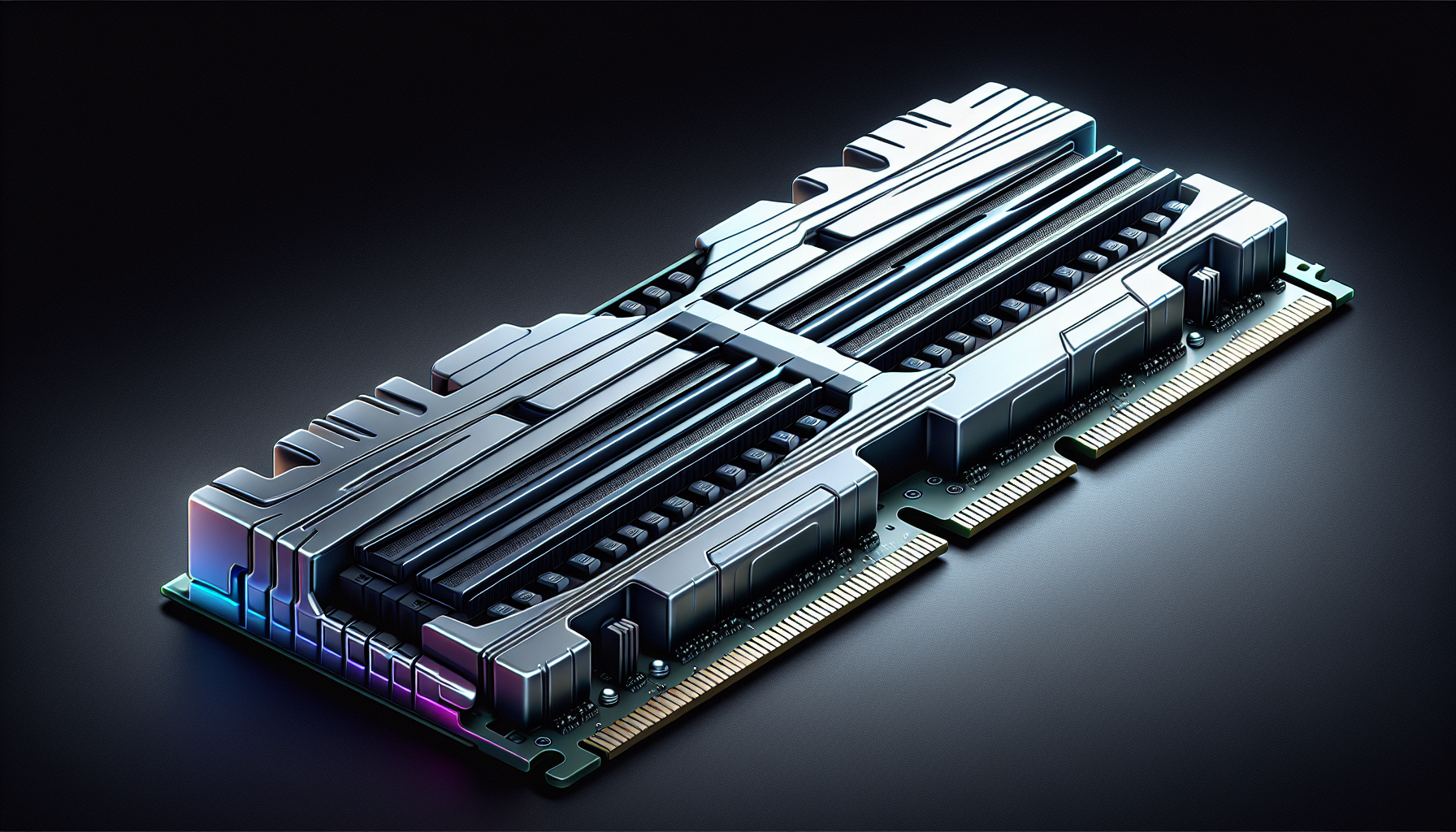
Understanding Gaming PC RAM
Role of RAM in Gaming PCs
Random Access Memory (RAM) is a crucial component of any Gaming PC, significantly influencing its performance. RAM serves as a temporary storage area that the computer uses to store data that is actively being used or processed. In the context of gaming, RAM holds the data required for running the game, such as textures, maps, and other game assets.
The more RAM a gaming PC has, the more data it can store and access quickly, leading to smoother gameplay. Insufficient RAM can result in slower loading times, reduced frame rates, and overall poorer performance. Gamers looking to build a gaming PC need to consider the role of RAM carefully to ensure an optimal gaming experience.
How RAM Impacts Gaming Performance
RAM directly impacts various aspects of gaming performance. Here’s how:
Loading Times: Adequate RAM can significantly reduce loading times for games. When a game is loaded, a lot of data needs to be read and stored temporarily. More RAM means more space to hold this data, resulting in faster loading.
Frame Rates: RAM affects the frame rate, which is the number of frames displayed per second. Higher frame rates lead to smoother gameplay. If the RAM is insufficient, the system may struggle to keep up with the game's demands, causing frame rate drops.
Multitasking: Gamers often run other applications simultaneously, such as streaming software or voice chat programs. More RAM allows the PC to handle these tasks without affecting the game's performance.
Texture Loading: High-resolution textures require more memory. With more RAM, these textures can be loaded quickly, enhancing the visual quality of the game.
| RAM Size | Performance Impact |
|---|---|
| 4 GB | Basic gaming, older titles |
| 8 GB | Moderate gaming, modern titles at lower settings |
| 16 GB | Optimal for modern gaming, high settings |
| 32 GB | Future-proofing, multitasking, high-end gaming |
For gamers in Australia looking to buy gaming PCs, understanding how RAM impacts performance is essential. Ensuring the right amount of RAM can make a significant difference in the overall gaming experience.
To delve deeper into optimising your PC for gaming, explore our article on optimise PC for gaming.
Determining the Right Amount of RAM
When building or upgrading a gaming PC, selecting the appropriate amount of RAM is crucial for optimal performance. This section delves into the minimum RAM requirements for gaming and the recommended amount for the best gaming experience.
Minimum RAM Requirements for Gaming
The minimum amount of RAM required for gaming depends on the types of games you plan to play. Entry-level games and older titles generally require less memory, while newer, more demanding games necessitate higher RAM capacity.
| Game Type | Minimum RAM Requirement |
|---|---|
| Entry-Level Games | 4GB |
| Older Titles | 4GB - 8GB |
| Modern Games | 8GB |
For gamers who are on a tight budget or play less demanding games, 8GB of RAM is usually sufficient. However, this amount may not provide the best experience for newer games and more complex tasks.
Recommended RAM for Optimal Gaming Experience
For a smoother and more immersive gaming experience, more RAM is often necessary. Modern games, especially those with high-resolution textures and complex environments, benefit significantly from additional memory.
| Game Type | Recommended RAM |
|---|---|
| Modern Games | 16GB |
| High-End Gaming | 16GB - 32GB |
| VR and 4K Gaming | 32GB |
Having 16GB of RAM is generally recommended for most modern games to ensure smooth gameplay and multitasking capabilities. For high-end gaming, VR, and 4K gaming, 32GB of RAM is advisable to handle the more demanding requirements of these applications.
When planning to build a gaming PC, it's essential to consider your future gaming needs. Investing in more RAM now can help future-proof your setup, ensuring that it remains capable of handling new and more demanding games as they are released.
For more information on optimising your gaming PC, check out our articles on optimise pc for gaming and gaming pc components.
RAM Types for Gaming PCs
When selecting RAM for a gaming PC, understanding the differences between DDR3, DDR4, and DDR5 is crucial. Each type has unique features that can impact your gaming experience.
DDR3, DDR4, DDR5: Differences and Compatibility
DDR (Double Data Rate) memory has evolved significantly over the years. The primary differences between DDR3, DDR4, and DDR5 lie in their speed, latency, and power consumption.
DDR3
DDR3 was widely used in gaming PCs before DDR4 became mainstream. It offers decent performance but is now considered outdated compared to newer standards.
| Feature | DDR3 |
|---|---|
| Speed | 800 - 2133 MHz |
| Voltage | 1.5V |
| Latency | CAS 9-11 |
| Max Capacity | 16GB per module |
DDR4
DDR4 is the current standard in most gaming PCs. It provides higher speeds, better efficiency, and lower power consumption than DDR3.
| Feature | DDR4 |
|---|---|
| Speed | 2133 - 3200 MHz |
| Voltage | 1.2V |
| Latency | CAS 15-19 |
| Max Capacity | 32GB per module |
DDR5
DDR5 is the latest evolution in RAM technology, offering significant improvements in speed and efficiency. It is becoming more popular as new motherboards and processors support it.
| Feature | DDR5 |
|---|---|
| Speed | 4800 - 8400 MHz |
| Voltage | 1.1V |
| Latency | CAS 20-40 |
| Max Capacity | 64GB per module |
Compatibility is a key consideration. Ensure that your motherboard supports the type of RAM you intend to use. Most modern motherboards are compatible with DDR4, while only the latest ones support DDR5.
Considerations When Choosing RAM Type
Choosing the right RAM for your gaming PC involves several considerations:
- Motherboard Compatibility: Verify that your motherboard supports the type of RAM you plan to install. Refer to your motherboard's specifications for compatibility details.
- Gaming Needs: Assess your gaming requirements. DDR4 is sufficient for most gamers, but if you're looking for the best performance and future-proofing, DDR5 may be worth considering. For more information on gaming performance, see our article on optimise pc for gaming.
- Budget: DDR5 is more expensive than DDR4. Evaluate your budget and decide whether the performance benefits justify the cost. Check our guide on gaming pc budget for more insights.
- Speed and Latency: Higher speeds and lower latency generally improve performance. However, the gains can be marginal for some games. Consider your specific gaming needs and read up on good gaming pc specs.
- Future-Proofing: Investing in the latest RAM technology can extend the lifespan of your gaming PC. Consider future game requirements when making your decision. For more on future-proofing, see gaming pc lifespan.
Choosing the right RAM type is essential for an optimal gaming experience. Understanding the differences between DDR3, DDR4, and DDR5, along with compatibility and performance considerations, helps in making an informed decision.
Overcoming RAM Challenges
In the realm of gaming PCs, addressing RAM challenges is crucial to ensure a smooth and enjoyable gaming experience. This section delves into the key aspects of upgrading RAM in existing systems and dealing with RAM bottlenecks.
Upgrading RAM in Existing Gaming PCs
Upgrading the RAM in a gaming PC can significantly enhance its performance, especially for modern games that demand higher memory capacities. Here are some steps to consider when upgrading RAM:
- Check Compatibility: Before purchasing additional RAM, verify the compatibility with your motherboard. This includes checking the type (DDR3, DDR4, DDR5), speed, and maximum capacity supported.
- Determine Current RAM: Identify the current amount of RAM installed. This can be done through the system settings or by physically inspecting the RAM modules.
- Select Appropriate RAM: Choose RAM that matches the specifications of your existing modules to avoid compatibility issues.
- Install RAM: Carefully install the new RAM modules into the appropriate slots on the motherboard. Make sure they are securely seated.
- Verify Installation: Once installed, power on the PC and check if the system recognizes the new RAM. This can be done through the system's BIOS or operating system settings.
For a comprehensive guide on building or upgrading a gaming PC, visit our article on build a gaming pc.
Dealing with RAM Bottlenecks
RAM bottlenecks can hinder the performance of a gaming PC, causing lag and reduced frame rates. Here are some strategies to address RAM bottlenecks:
Optimise Memory Usage: Close unnecessary applications and background processes to free up memory for gaming. For more tips, check out our article on optimise pc for gaming.
Upgrade to Higher Capacity RAM: If your current RAM is insufficient for modern games, consider upgrading to a higher capacity. This can alleviate memory constraints and improve overall performance.
Utilise Dual Channel Memory: Dual channel memory configuration can enhance memory bandwidth, leading to better performance. Ensure that RAM modules are installed in the correct slots to enable dual channel mode.
Monitor System Performance: Use system monitoring tools to track memory usage and identify potential bottlenecks. This can help in diagnosing and resolving memory-related issues.
Adjust In-Game Settings: Lowering in-game graphics settings can reduce memory usage and improve performance. This is particularly useful if upgrading RAM is not immediately feasible.
By addressing these RAM challenges, gamers can unlock the full potential of their gaming PCs and enjoy a seamless gaming experience. For further insights into gaming PC components and optimisation, explore our articles on gaming pc components and optimise pc for gaming.
Future-Proofing Your Gaming PC
Ensuring your gaming PC remains capable of handling future games is essential for a seamless gaming experience. With advancements in game graphics and mechanics, having the right amount and type of RAM can make a significant difference.
Considering Future Game Requirements
Modern games are increasingly demanding when it comes to system resources. This trend is expected to continue, making it crucial to anticipate future needs when deciding on the amount of RAM for your gaming PC.
| Year | Minimum RAM Requirement (GB) | Recommended RAM (GB) |
|---|---|---|
| 2021 | 8 | 16 |
| 2023 | 8-12 | 16-24 |
| 2025 | 12-16 | 24-32 |
Games released in the next few years will likely require more RAM to run smoothly, especially at higher settings. As such, opting for 16GB to 32GB of RAM can help ensure your system remains relevant and efficient for longer. For more insights on building a future-proof gaming PC, visit our guide on build a gaming pc.
Upgrading RAM for Longevity and Performance
Upgrading your gaming PC's RAM can greatly enhance its performance and extend its lifespan. Here are key considerations for upgrading:
- Compatibility: Ensure the new RAM is compatible with your motherboard and existing RAM modules.
- Capacity: Aim for a total of at least 16GB, with 32GB being ideal for future-proofing.
- Speed: Higher-speed RAM can improve game loading times and multitasking efficiency. Look for RAM modules with speeds of 3000MHz or higher.
When upgrading, it’s also beneficial to consider the type of RAM. DDR4 is currently the standard, but DDR5 is emerging and offers higher speeds and efficiency. For a deeper dive into RAM types, check our article on RAM Types for Gaming PCs.
By upgrading your RAM, you enhance your gaming PC's ability to handle more demanding games, support multitasking, and ensure smoother performance overall. For more tips on optimising your gaming setup, explore our resources on optimise pc for gaming and gaming pc features.
Investing in the right amount of RAM now can save you from frequent upgrades and provide a more enjoyable gaming experience in the long run. For detailed advice on upgrading your gaming PC, take a look at our comprehensive guide on build gaming pc.


