


How much ram does a gaming pc need
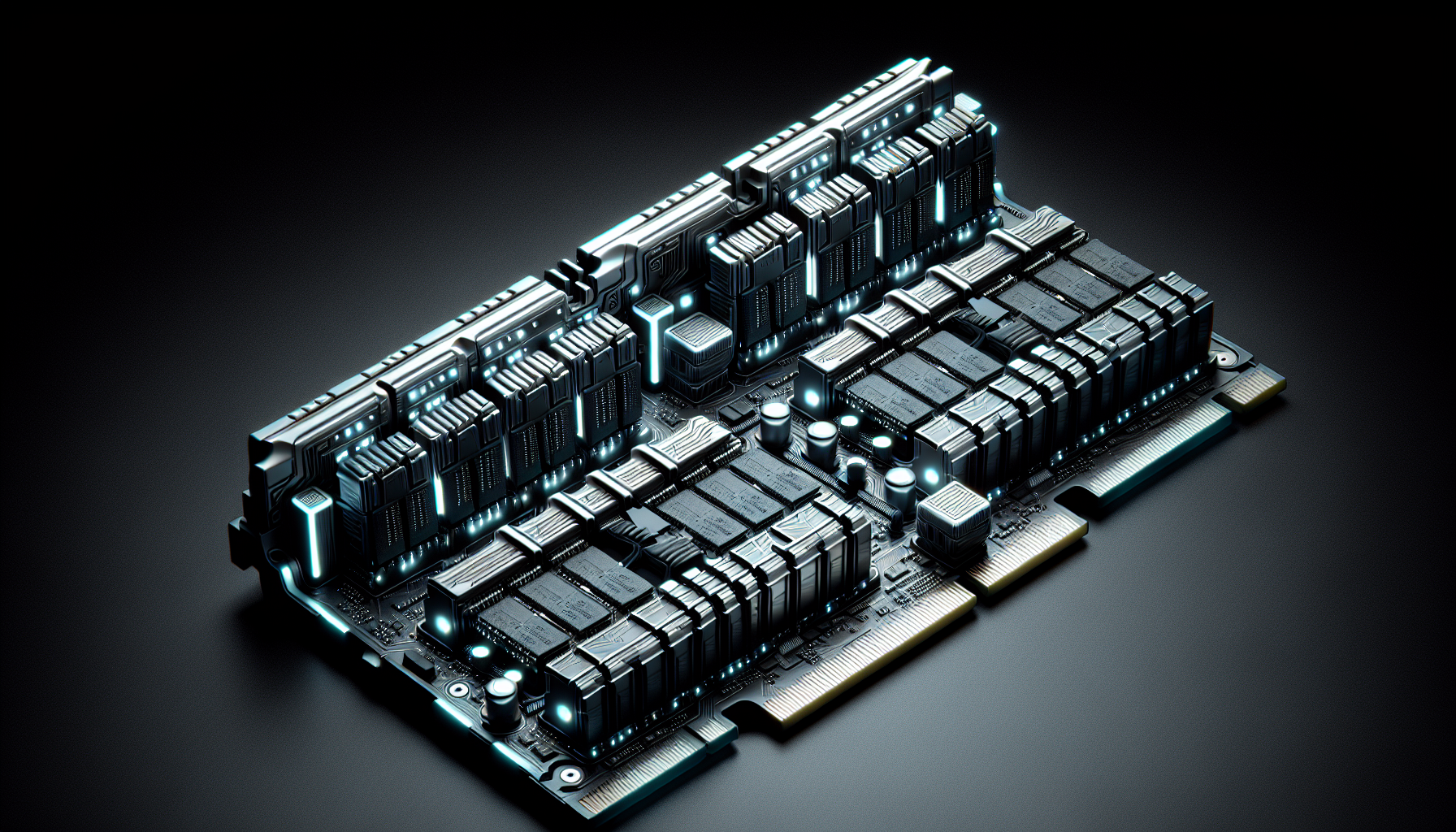
Understanding Gaming PC RAM
The Importance of RAM in Gaming PCs
RAM, or Random Access Memory, plays a crucial role in the performance of a gaming PC. It serves as the temporary storage space for data that the CPU needs to access quickly. When gaming, RAM stores essential game data, allowing for smooth and responsive gameplay. Insufficient RAM can lead to lag, slow load times, and a subpar gaming experience.
For gamers in Australia looking to build a gaming PC, understanding the importance of RAM is essential. High-demand games require more memory to run efficiently, and multitasking—such as streaming while gaming—also increases RAM usage.
How Much RAM Does a Gaming PC Need?
Determining the right amount of RAM for a gaming PC depends on several factors, including the types of games you play and your multitasking needs. While the minimum requirement for many games is 8GB, most modern gaming scenarios benefit from 16GB or more.
Here’s a general guideline for RAM requirements:
| Usage Scenario | Recommended RAM |
|---|---|
| Light Gaming (Older Titles, Indie Games) | 8GB |
| Moderate Gaming (AAA Titles at Medium Settings) | 16GB |
| Heavy Gaming (AAA Titles at High/Ultra Settings, VR Gaming) | 32GB |
For more information on gaming pc requirements, you can explore our detailed guide.
Choosing the right amount of RAM involves balancing your current gaming needs with future-proofing considerations. Investing in sufficient RAM ensures that your gaming PC can handle upcoming game releases and multitasking demands without performance issues.
To optimise the performance of your gaming PC, consider reading our article on optimise pc for gaming for additional tips and tricks.
Factors Influencing RAM Requirements
Several factors come into play when determining how much RAM a gaming PC needs. These include game requirements, multitasking needs, and future-proofing considerations.
Game Requirements
The specific requirements of the games you play significantly influence the amount of RAM needed. Modern games often have higher memory demands due to advanced graphics and complex gameplay mechanics. Below is a table illustrating the recommended RAM for various types of games.
| Game Type | Recommended RAM |
|---|---|
| Casual Games | 4 GB |
| Indie Games | 8 GB |
| AAA Titles | 16 GB |
| VR Games | 16 GB |
| High-Performance Games | 32 GB |
For a comprehensive guide on building a gaming rig, you can refer to our article on build a gaming pc.
Multitasking Needs
Gamers often engage in multitasking, such as streaming, running background applications, and using communication tools while playing. This additional workload can increase the RAM requirements.
| Activity | Additional RAM Needed |
|---|---|
| Playing a game | 8 GB |
| Playing a game + Streaming | 16 GB |
| Playing a game + Running multiple apps | 16 GB to 32 GB |
If you frequently multitask, you might need more RAM to ensure smooth performance. For further tips on optimising your PC, check out our article on optimise pc for gaming.
Future-Proofing Considerations
Future-proofing your gaming PC ensures it remains capable of handling upcoming games and applications. Investing in more RAM than currently needed can save you from future upgrades, offering a better long-term investment. Here’s a table summarising future-proofing recommendations:
| Current Usage | Future-Proofing RAM |
|---|---|
| Casual Gaming | 8 GB to 16 GB |
| Regular AAA Gaming | 16 GB to 32 GB |
| High-End Gaming | 32 GB or more |
For insights into the cost implications, visit our page on gaming pc cost.
Understanding these factors helps in making an informed decision about the RAM requirements for your gaming PC. For more detailed information, check out our resource on gaming pc ram.
Determining the Right Amount of RAM
When it comes to building or upgrading a gaming PC, the amount of RAM is a crucial consideration. The right amount of RAM ensures smooth gameplay, faster loading times, and the ability to run multiple applications simultaneously.
Minimum RAM Recommendations
For gamers looking to get started with their gaming PC, it's essential to know the minimum RAM requirements to ensure a decent gaming experience. Here are the minimum RAM recommendations for different gaming scenarios:
| Gaming Scenario | Minimum RAM |
|---|---|
| Casual Gaming | 8 GB |
| Mainstream Gaming | 16 GB |
| High-End Gaming | 32 GB |
Casual Gaming: For those engaging in casual gaming, 8 GB of RAM is typically sufficient. This amount allows for basic gaming needs and light multitasking.
Mainstream Gaming: For mainstream gaming, where the demands are higher, 16 GB of RAM is recommended. This ensures that most modern games run smoothly and provides some headroom for multitasking.
High-End Gaming: For high-end gaming, especially involving AAA titles and running multiple applications, 32 GB of RAM is recommended. This ensures optimal performance and future-proofing of the system.
Optimal RAM for Different Gaming Scenarios
Determining the optimal amount of RAM for your gaming PC depends on the type of games you play and your specific needs. Here are some scenarios with optimal RAM recommendations:
| Gaming Scenario | Optimal RAM |
|---|---|
| Indie Games | 8 GB |
| E-Sports Titles | 16 GB |
| VR and 4K Gaming | 32 GB |
Indie Games: For playing indie games, which are generally less demanding, 8 GB of RAM is optimal. This allows the games to run smoothly without any issues.
E-Sports Titles: For e-sports titles such as CS:GO, Fortnite, and Dota 2, 16 GB of RAM is optimal. This ensures high frame rates and smooth gameplay, which are crucial for competitive gaming.
VR and 4K Gaming: For VR and 4K gaming, where the demands on the system are significantly higher, 32 GB of RAM is optimal. This ensures that the games run smoothly, and you can enjoy an immersive gaming experience.
By understanding the minimum and optimal RAM requirements for different gaming scenarios, gamers can make informed decisions when building or upgrading their gaming PCs. For more detailed guidelines on building a gaming PC, visit our article on build a gaming pc. To optimise your gaming setup, check out optimise pc for gaming.
Effect of RAM on Gaming Performance
When discussing the performance of a gaming PC, the amount of RAM plays a significant role. RAM impacts various aspects of gaming, including game loading times and the overall smoothness of gameplay.
Impact on Game Loading Times
One of the key ways in which RAM affects gaming performance is through game loading times. Higher RAM capacity can lead to faster loading times, allowing gamers to jump into their favourite games quicker. This is because RAM serves as temporary storage for game assets, enabling rapid access to the data needed for smooth gameplay.
| RAM Capacity | Average Loading Time (Seconds) |
|---|---|
| 8GB | 30 - 40 |
| 16GB | 20 - 30 |
| 32GB | 10 - 20 |
From the table, it's evident that having more RAM can significantly reduce loading times. This is particularly beneficial for open-world games or those with large textures and complex environments.
Influence on Frame Rates and Smooth Gameplay
Another crucial aspect influenced by RAM is the frame rate and the overall smoothness of the gaming experience. Insufficient RAM can result in stuttering, lag, and lower frame rates, which can diminish the enjoyment of gaming. On the other hand, adequate RAM ensures that the game runs smoothly, providing a more immersive experience.
Frame rates, measured in frames per second (FPS), can be significantly impacted by the amount of RAM:
| RAM Capacity | Average Frame Rate (FPS) |
|---|---|
| 8GB | 30 - 50 |
| 16GB | 50 - 70 |
| 32GB | 70 - 100+ |
As the table shows, higher RAM capacities generally support higher frame rates, contributing to smoother gameplay. This is particularly important for fast-paced games where every frame counts.
For more information on optimising your PC for gaming, you can visit our article on optimise pc for gaming.
By understanding the impact of RAM on game loading times and frame rates, gamers can make more informed decisions when building or upgrading their gaming PCs. For those looking to build a gaming PC or buy a gaming PC in Australia, considering the right amount of RAM is essential for optimal gaming performance.
Upgrading RAM in Gaming PCs
Upgrading the RAM in a gaming PC can significantly enhance its performance, ensuring smoother gameplay and faster load times. Here is a comprehensive guide on how to upgrade RAM and some tips for choosing compatible modules.
How to Upgrade RAM
To upgrade the RAM in a gaming PC, follow these steps:
- Check Compatibility: Determine the type and amount of RAM your motherboard supports. Refer to the motherboard manual or manufacturer’s website for this information.
- Power Down and Unplug: Turn off the PC and disconnect all cables to ensure safety.
- Open the Case: Remove the side panel of the PC case to access the internal components.
- Locate RAM Slots: Identify the RAM slots on the motherboard. Typically, there are two or four slots.
- Remove Existing RAM (if necessary): If you are replacing existing RAM, gently push down on the clips at either end of the RAM sticks to release them.
- Insert New RAM: Align the notch on the RAM stick with the key in the RAM slot. Firmly press down until the clips click into place, securing the RAM stick.
- Close the Case: Replace the side panel of the PC case and secure it.
- Reconnect and Power Up: Plug in all cables and turn on the PC. The new RAM should be automatically detected.
Tips for Choosing Compatible RAM Modules
When selecting RAM for a gaming PC, consider the following factors to ensure compatibility and optimal performance:
- RAM Type: Ensure the RAM type (e.g., DDR4, DDR5) is supported by the motherboard.
- Capacity: Choose a capacity that meets your gaming needs. For most modern games, 16GB is recommended, while 32GB is ideal for future-proofing and multitasking.
- Speed: Higher RAM speeds can improve performance. Check the motherboard's supported RAM speeds and select accordingly.
- Latency: Lower latency RAM can offer better performance. Look for the CAS latency (CL) rating, with lower numbers indicating faster performance.
- Form Factor: Ensure the RAM sticks fit physically inside your case, especially if you have a compact build.
| Specification | Recommended Value |
|---|---|
| RAM Type | DDR4 or DDR5 |
| Capacity | 16GB or 32GB |
| Speed | 3000MHz or higher |
| Latency | CL16 or lower |
For more detailed information on building and optimizing a gaming PC, visit our articles on build a gaming pc, optimise pc for gaming, and gaming pc components.
By following these guidelines, gamers can ensure they choose the best RAM for their gaming PC, enhancing overall performance and gaming experience.


