


How much does it cost to build a gaming pc
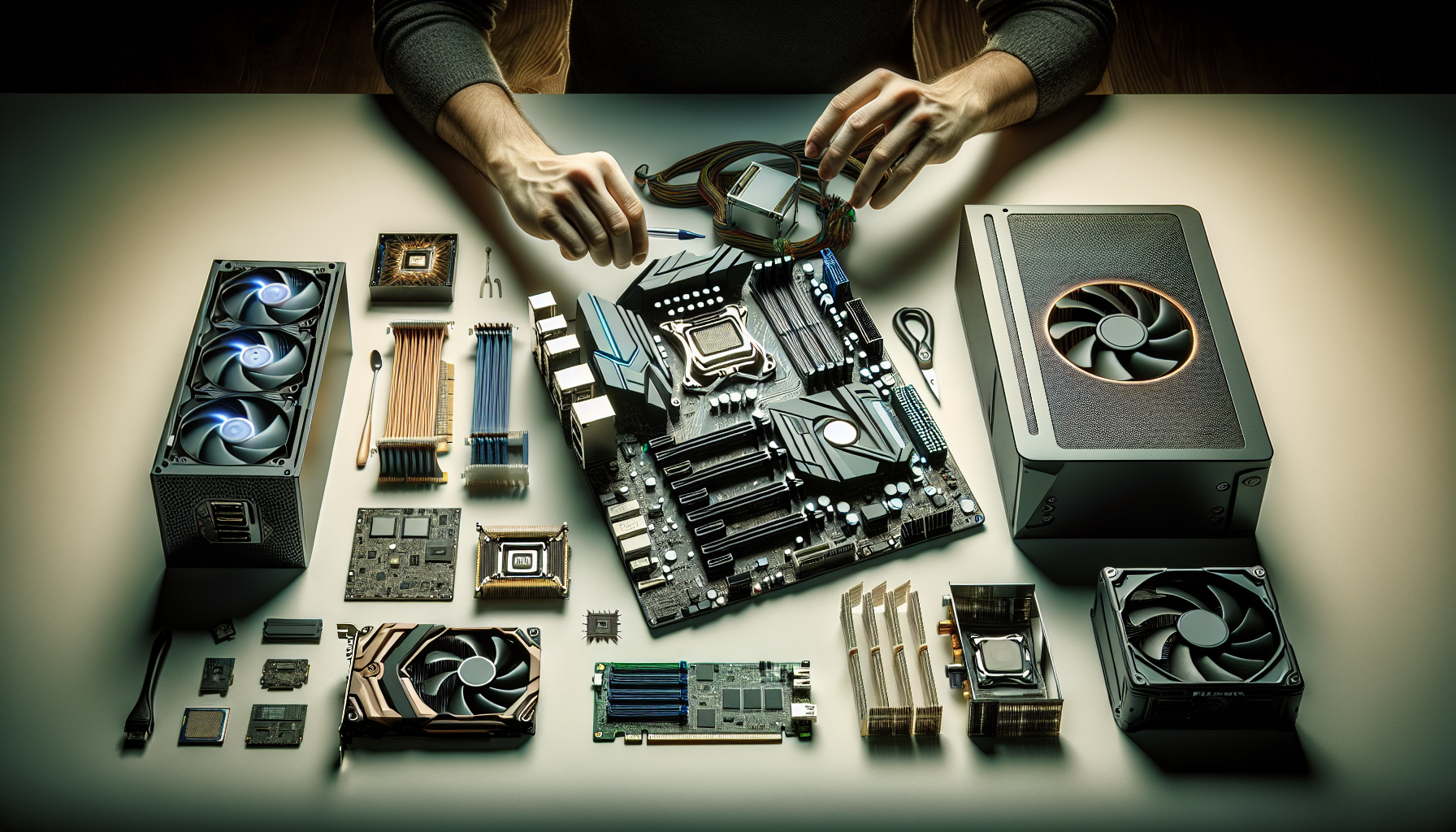
Understanding the Costs of Building a Gaming PC
Building a gaming PC involves various costs, and understanding these expenses can help individuals make informed decisions. This section will delve into the factors impacting the cost of a gaming PC and budget considerations.
Factors Impacting the Cost of a Gaming PC
Several factors influence the cost of building a gaming PC. These include:
- Component Quality: Higher quality components generally cost more but offer better performance and longevity.
- Performance Requirements: Gamers with higher performance needs will need more powerful (and expensive) hardware.
- Brand and Manufacturer: Different brands and manufacturers offer varying price points for similar components.
- Current Market Conditions: Prices can fluctuate based on supply and demand, especially for high-demand components like graphics cards.
- Location: Prices can vary based on geographical location. For instance, the cost to build a gaming PC in Australia might differ from other regions.
- Sales and Discounts: Taking advantage of sales, discounts, and deals can significantly reduce the overall cost.
Budget Considerations for Building a Gaming PC
When planning to build a gaming PC, it's crucial to consider various budget factors to ensure a smooth and cost-effective process.
- Setting a Realistic Budget: Determine how much you're willing to spend. This includes not only the initial build but also potential future upgrades.
- Prioritizing Components: Allocate more of your budget to critical components like the CPU and GPU, which have the most impact on gaming performance. Consider reading our article on gaming pc components for detailed insights.
- Finding Deals and Discounts: Look for sales, discounts, and bundles. This can help in reducing the overall cost.
- Considering Future Upgrades: Plan for future upgrades by choosing components that offer room for improvement. This helps in spreading out the cost over time.
| Component | Estimated Cost (AUD) |
|---|---|
| Processor (CPU) | $150 - $600 |
| Graphics Card (GPU) | $300 - $1500 |
| Memory (RAM) | $80 - $300 |
| Storage (SSD/HDD) | $50 - $300 |
| Motherboard | $100 - $400 |
| Power Supply Unit | $50 - $200 |
| Cooling System | $30 - $150 |
Understanding these factors and budget considerations can help gamers in Australia make informed decisions when planning to build a gaming PC. For a detailed cost comparison between building and buying, visit our article on cost comparison: building vs. buying.
Essential Components and Their Costs
Building a gaming PC involves selecting and investing in several key components. Each part plays a significant role in the overall performance of your system. Below, we break down the essential components and their typical costs.
Processor (CPU)
The central processing unit (CPU) is the brain of your gaming PC. It executes instructions from your games and other applications. The cost of a CPU can vary widely based on performance and brand.
| CPU Type | Cost (AUD) |
|---|---|
| Entry-Level | $100 - $200 |
| Mid-Range | $200 - $400 |
| High-End | $400 - $800 |
Graphics Card (GPU)
The graphics processing unit (GPU) is crucial for rendering images, animations, and video. It significantly impacts the gaming experience, especially in graphically intense games.
| GPU Type | Cost (AUD) |
|---|---|
| Entry-Level | $150 - $300 |
| Mid-Range | $300 - $600 |
| High-End | $600 - $1,200 |
Memory (RAM)
Random Access Memory (RAM) is vital for multitasking and running games smoothly. More RAM allows for better performance in games and other applications.
| RAM Capacity | Cost (AUD) |
|---|---|
| 8GB | $50 - $100 |
| 16GB | $100 - $200 |
| 32GB | $200 - $400 |
Storage (SSD/HDD)
Storage devices hold your operating system, games, and other files. Solid State Drives (SSDs) are faster but more expensive than Hard Disk Drives (HDDs).
| Storage Type | Cost (AUD) |
|---|---|
| 1TB HDD | $50 - $100 |
| 512GB SSD | $70 - $150 |
| 1TB SSD | $150 - $300 |
For more details on adding storage to your gaming PC, visit our article on add storage to gaming pc.
Motherboard
The motherboard is the backbone of your PC, connecting all components. The cost depends on the features and compatibility with other parts.
| Motherboard Type | Cost (AUD) |
|---|---|
| Entry-Level | $80 - $150 |
| Mid-Range | $150 - $300 |
| High-End | $300 - $500 |
Power Supply Unit (PSU)
The power supply unit (PSU) provides power to all components. It's essential to choose a reliable PSU to ensure stable performance and longevity.
| PSU Wattage | Cost (AUD) |
|---|---|
| 500W | $50 - $100 |
| 650W | $100 - $150 |
| 850W | $150 - $250 |
For more information on power usage, check out gaming pc power usage.
Cooling System
A cooling system keeps your PC from overheating, ensuring consistent performance. Options include air cooling and liquid cooling systems.
| Cooling Type | Cost (AUD) |
|---|---|
| Air Cooling | $30 - $100 |
| Liquid Cooling | $100 - $300 |
Selecting the right components is crucial for building an effective gaming PC. For further guidance on building, see our build gaming pc guide. Always consider your budget and performance needs when making your choices.
Optional Components and Accessories
When building a gaming PC, several optional components and accessories can enhance the gaming experience. These include the case, fans, lighting, and peripherals like the monitor, keyboard, and mouse. Understanding the costs and benefits of these elements will help you make informed decisions.
Case
The case houses all the internal components of your gaming PC. It is essential for protecting your hardware and ensuring adequate airflow. Cases come in various sizes and designs, each catering to different preferences and needs. The cost of a case can vary widely based on its features and build quality.
| Case Type | Cost (AUD) |
|---|---|
| Basic Mid-Tower | 50 - 100 |
| High-End Full-Tower | 150 - 300 |
| Compact Mini-Tower | 70 - 150 |
Choosing the right case involves considering factors like size compatibility with your components, cooling options, and aesthetic preferences. For more information on selecting the best case, refer to our guide on gaming pc components.
Fans
Cooling fans are essential for maintaining optimal temperatures within your gaming PC, especially during intense gaming sessions. They help to dissipate heat generated by the CPU, GPU, and other components, preventing overheating and ensuring stable performance.
| Fan Type | Cost (AUD) |
|---|---|
| Standard 120mm Fan | 10 - 20 |
| High-Performance 140mm Fan | 25 - 50 |
| RGB Fan | 30 - 60 |
Adding high-quality fans can improve airflow and reduce noise levels. Check out our article on gaming pc fans for detailed insights on choosing the right fans for your build.
Lighting
While not essential for functionality, lighting can enhance the aesthetic appeal of your gaming PC. RGB lighting is a popular choice among gamers, allowing for customizable and dynamic lighting effects. The cost of lighting solutions can vary based on their complexity and features.
| Lighting Type | Cost (AUD) |
|---|---|
| Basic RGB Strips | 20 - 40 |
| Advanced RGB Kits | 50 - 100 |
Lighting can be integrated into various components, such as fans, cases, and even motherboards. To explore more about adding lighting to your build, visit our guide on gaming pc parts.
Peripherals (Monitor, Keyboard, Mouse)
Peripherals play a crucial role in the overall gaming experience. While they are not part of the internal PC components, investing in high-quality peripherals can significantly enhance your gameplay.
| Peripheral | Cost (AUD) |
|---|---|
| Monitor | 200 - 800 |
| Keyboard | 50 - 200 |
| Mouse | 30 - 150 |
Choosing the right monitor involves considering factors like resolution, refresh rate, and screen size. For keyboards and mice, features such as mechanical switches, customizable keys, and ergonomic design can impact your gaming performance. For more details on selecting the best peripherals, refer to our article on pc gaming setup requirements.
Understanding the costs associated with these optional components and accessories will help you allocate your budget effectively and build a gaming PC that meets your needs and preferences. For more tips on building a gaming PC, explore our comprehensive guide on build gaming pc.
Building vs. Buying a Gaming PC
When considering the cost to build a gaming PC, it's important to evaluate whether building or buying a pre-built system is the better option. Each approach has its own set of advantages and drawbacks.
Cost Comparison: Building vs. Buying
Building a gaming PC can be cost-effective, allowing you to choose components that fit your budget and performance needs. However, buying a pre-built gaming PC can save time and effort. Below is a cost comparison between building and buying a gaming PC in Australia.
| Component | Building (AUD) | Buying (AUD) |
|---|---|---|
| Processor (CPU) | 300 - 600 | Included |
| Graphics Card (GPU) | 400 - 1,200 | Included |
| Memory (RAM) | 100 - 300 | Included |
| Storage (SSD/HDD) | 80 - 300 | Included |
| Motherboard | 150 - 350 | Included |
| Power Supply Unit (PSU) | 100 - 200 | Included |
| Cooling System | 50 - 150 | Included |
| Case | 50 - 200 | Included |
| Assembly & Warranty | 0 | 100 - 200 |
| Total Cost | 1,230 - 3,300 | 1,500 - 3,500 |
Pros and Cons of Building Your Own Gaming PC
Building your own gaming PC offers several benefits. You have full control over the components, ensuring that each part meets your specific requirements. This flexibility allows for future upgrades, making it easier to keep your system up-to-date. Additionally, building your own PC can be a rewarding experience, providing a deeper understanding of how your system works.
However, building a gaming PC also comes with challenges. The process can be time-consuming and requires a certain level of technical knowledge. Troubleshooting issues can be difficult, especially for beginners. There's also the risk of compatibility problems between components, which can lead to additional costs and frustration.
On the other hand, buying a pre-built gaming PC offers convenience and peace of mind. Pre-built systems come with a warranty, providing protection against hardware failures. They are also tested for compatibility and performance, ensuring a smooth gaming experience right out of the box. However, pre-built systems can be more expensive and may include components that don't meet your exact preferences.
For more information on the components needed to build a gaming PC and their costs, check out our detailed guide on gaming pc components. If you decide to go the pre-built route, explore our article on buying a gaming pc in Australia for additional insights.
By weighing the costs and benefits of building vs. buying, you can make an informed decision that aligns with your gaming needs and budget. Whether you choose to build or buy, understanding the cost to build a gaming pc will help you achieve the best gaming experience.
Budgeting Tips for Building a Gaming PC
Setting a Realistic Budget
Setting a realistic budget is the first step in building a gaming PC. It's crucial to have a clear understanding of how much you are willing to spend. The overall cost can vary significantly based on the desired performance and quality of components. For a basic setup, one might spend around AUD 800, while high-end builds can exceed AUD 3000.
| Budget Type | Estimated Cost (AUD) |
|---|---|
| Entry-Level | 800 - 1200 |
| Mid-Range | 1200 - 2000 |
| High-End | 2000+ |
Prioritizing Components
Prioritizing components is essential to ensure you get the best performance for your money. Focus on key components like the CPU and GPU, as they have the most significant impact on gaming performance. Other components like RAM, storage, and the motherboard can be selected based on the remaining budget.
| Component | Priority Level |
|---|---|
| Processor (CPU) | High |
| Graphics Card (GPU) | High |
| Memory (RAM) | Medium |
| Storage (SSD/HDD) | Medium |
| Motherboard | Medium |
| Power Supply Unit (PSU) | Low |
| Cooling System | Low |
Finding Deals and Discounts
Finding deals and discounts can help you save a substantial amount of money. Look for sales, bundle deals, and promotional offers from various retailers. Consider purchasing components during major sales events like Black Friday or Cyber Monday. Websites and forums dedicated to PC building often share information about current deals and discounts.
Considering Future Upgrades
Considering future upgrades can help you build a PC that remains relevant for longer. Opt for a motherboard with additional RAM slots and support for future CPU upgrades. A spacious case and a robust PSU can also accommodate future enhancements. This approach allows you to start with a more modest build and upgrade components over time.
| Upgrade Option | Benefit |
|---|---|
| Extra RAM Slots | Future Memory Upgrades |
| High Wattage PSU | Supports More Components |
| Spacious Case | Additional Cooling and Storage |
Final Thoughts
Building a gaming PC is a rewarding experience, especially when done within a well-planned budget. By setting a realistic budget, prioritizing components, finding deals, and considering future upgrades, one can build a powerful and cost-effective gaming machine. For more detailed guidance, visit our articles on build a gaming pc and gaming pc budget.


