


Get Lost in the Virtual World: Unveiling the Best VR-Ready Gaming PCs
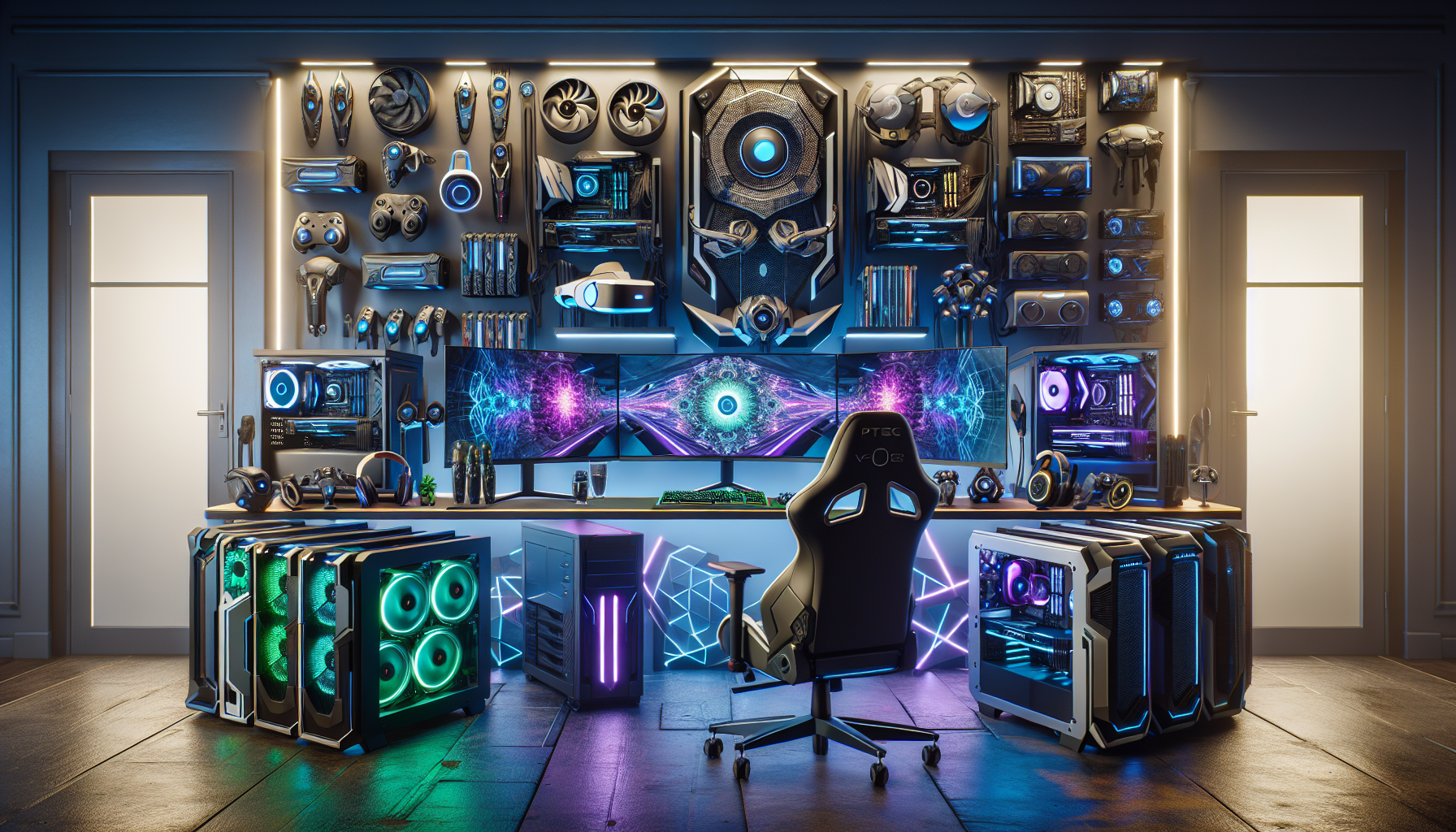
Introduction to VR-Ready Gaming PCs
The Evolution of Gaming PCs
Gaming PCs have undergone significant advancements over the years. From the early days of basic graphics and limited processing power, gaming systems have evolved into powerful machines capable of delivering immersive experiences. Modern gaming PCs are equipped with advanced components that can handle high-definition graphics, fast processing speeds, and complex gaming environments.
The evolution of gaming PCs has been driven by the demand for better performance and more realistic gaming experiences. Innovations in hardware, such as the development of more powerful CPUs and GPUs, have been pivotal in this evolution. The rise of online gaming and the need for seamless connectivity have also contributed to the advancements in gaming PC technology. For a look at the latest in gaming technology, check out our article on best gaming pcs of 2024.
The Rise of Virtual Reality in Gaming
Virtual reality (VR) has transformed the gaming landscape by offering an unparalleled level of immersion. VR technology allows players to step into a virtual world and interact with it in a way that traditional gaming cannot match. This has led to an increase in the popularity of VR gaming, with more gamers seeking out VR-ready systems.
The rise of VR in gaming has been facilitated by advancements in VR headsets, software, and hardware. High-resolution displays, precise motion tracking, and low-latency performance are essential for a smooth VR experience. As a result, VR gaming requires more powerful and specialised gaming PCs. For more on the hardware required, see our guide on top graphics cards for gaming.
Importance of a VR-Ready Gaming PC
Having a VR-ready gaming PC is crucial for anyone looking to dive into the world of virtual reality gaming. A VR-ready system ensures that the hardware is capable of supporting the demands of VR applications, providing a seamless and immersive experience.
Key components of a VR-ready gaming PC include a high-performance GPU, a strong CPU, ample RAM, and efficient cooling solutions. These components work together to deliver the high frame rates and low latency required for VR. For those considering building their own system, our guide on building your own gaming pc offers valuable insights.
Without a VR-ready system, gamers may experience lag, poor graphics quality, and other issues that can detract from the VR experience. Therefore, investing in the right hardware is essential for those serious about virtual reality gaming. For more on setting up and maintaining your system, explore our articles on gaming pc maintenance tips and gaming pc cooling solutions.
Key Components of VR-Ready Gaming PCs
When diving into the world of virtual reality gaming, having a VR-ready gaming PC is essential. The following sections outline the key components required to ensure your system can handle the demands of VR gaming.
Graphics Processing Unit (GPU)
The GPU is arguably the most critical component of a VR-ready gaming PC. It is responsible for rendering high-quality graphics and ensuring smooth gameplay. A powerful GPU can handle the high frame rates and resolutions required for an immersive VR experience. For more information on choosing the best GPU, check out our article on top graphics cards for gaming.
| GPU Model | VRAM (GB) | Performance Rating |
|---|---|---|
| Model A | 8 | Excellent |
| Model B | 6 | Good |
| Model C | 4 | Fair |
Central Processing Unit (CPU)
The CPU is another vital component for VR gaming. It handles the overall processing tasks and ensures that the system runs smoothly. A multi-core processor with a high clock speed is recommended for optimal performance. If you are considering building your own system, refer to our guide on building your own gaming pc.
| CPU Model | Cores/Threads | Clock Speed (GHz) |
|---|---|---|
| Model X | 8/16 | 3.6 |
| Model Y | 6/12 | 3.4 |
| Model Z | 4/8 | 3.0 |
Memory (RAM)
Sufficient RAM is crucial for VR gaming as it allows the system to handle multiple tasks simultaneously. A minimum of 16GB of RAM is recommended for VR-ready gaming PCs. However, more RAM can improve performance and future-proof your system. Check out the latest future trends in gaming pcs for more insights.
| RAM Capacity | Performance |
|---|---|
| 16GB | Recommended |
| 32GB | Optimal |
| 8GB | Minimum |
Storage Solutions
Fast and reliable storage is essential for loading games and reducing latency. Solid State Drives (SSDs) are preferred over traditional Hard Disk Drives (HDDs) due to their faster read and write speeds. For a balance between speed and storage capacity, consider using a combination of SSD and HDD.
| Storage Type | Speed (MB/s) | Capacity (GB) |
|---|---|---|
| SSD | 500 | 256 |
| SSD | 1000 | 512 |
| HDD | 150 | 1024 |
Connectivity Options
Having the right connectivity options ensures that your VR headset and accessories function seamlessly with your gaming PC. Key connectivity options include USB 3.0 ports, HDMI or DisplayPort outputs, and Bluetooth capabilities. Ensuring your system has these connectivity options can enhance your overall VR experience.
| Connectivity Option | Purpose |
|---|---|
| USB 3.0 Ports | VR Headset and Accessories |
| HDMI/DisplayPort | Visual Output |
| Bluetooth | Wireless Accessories |
Understanding these key components can help you make informed decisions when building or purchasing a VR-ready gaming PC. Whether you're exploring the best gaming pcs of 2024 or considering prebuilt vs. custom gaming pcs, ensuring your system meets these requirements will provide a seamless and immersive VR experience.
Performance Requirements for VR Gaming
When diving into the world of virtual reality, understanding the performance requirements for VR-ready gaming PCs is essential. Key performance factors include frame rates, resolution, and latency.
Frame Rates and Refresh Rates
Frame rates and refresh rates are crucial for an immersive VR experience. High frame rates ensure smooth gameplay, reducing motion sickness and enhancing the overall experience. For VR gaming, a minimum of 90 frames per second (FPS) is recommended. Refresh rates, measured in hertz (Hz), determine how often the display updates with new information. A refresh rate of 90 Hz or higher is ideal for VR.
| Component | Minimum Requirement | Recommended Requirement |
|---|---|---|
| Frame Rate | 90 FPS | 120 FPS |
| Refresh Rate | 90 Hz | 120 Hz |
Resolution and Visual Quality
Resolution and visual quality greatly impact the realism of the VR experience. Higher resolutions provide clearer and more detailed visuals, crucial for immersive gameplay. Common resolutions for VR headsets include 1080x1200 per eye, but higher resolutions like 1440x1600 per eye are becoming more prevalent.
| Resolution | Visual Quality |
|---|---|
| 1080x1200 per eye | Standard |
| 1440x1600 per eye | Enhanced |
| 2160x2160 per eye | High |
Latency and Responsiveness
Latency, the delay between an input and the corresponding action on screen, is another critical factor. Low latency is essential to ensure a responsive and immersive VR experience. Latency should be kept below 20 milliseconds (ms) to avoid motion sickness and provide a seamless interaction.
| Component | Ideal Latency |
|---|---|
| Input Lag | < 20 ms |
| Motion-to-Photon Latency | < 20 ms |
Meeting these performance requirements ensures a smooth and immersive VR gaming experience. For more information on hardware components that influence these factors, check out our top graphics cards for gaming and best gaming monitors. Additionally, understanding the balance between prebuilt vs. custom gaming pcs can help you decide the best approach for building your VR-ready setup.
Building or Buying a VR-Ready Gaming PC
Choosing between building your own VR-ready gaming PC or purchasing a pre-built system depends on various factors, including budget, technical expertise, and future-proofing requirements. This section explores the pros and cons of each approach and provides insights into budget considerations and future-proofing your system.
Custom-Building vs. Pre-Built Systems
Custom-building a VR-ready gaming PC offers flexibility and control over the components, allowing for tailored performance and aesthetics. On the other hand, pre-built systems provide convenience and often come with warranties and customer support.
| Aspect | Custom-Building | Pre-Built Systems |
|---|---|---|
| Flexibility | High | Limited |
| Cost | Potentially Lower | Higher |
| Time and Effort | High | Low |
| Technical Knowledge | Required | Not Required |
| Warranty and Support | Component-Based | Comprehensive |
For those interested in the intricacies of custom-building, check out our detailed guide on building your own gaming pc. If convenience is a priority, explore our list of the best prebuilt gaming pcs.
Budget Considerations
Your budget significantly influences your decision between custom-building and buying a pre-built system. Here’s a general breakdown of costs:
| Budget Level | Estimated Cost (AUD) | Recommendation |
|---|---|---|
| Entry-Level | $1,000 - $1,500 | Custom-Build |
| Mid-Range | $1,500 - $2,500 | Custom-Build or Pre-Built |
| High-End | $2,500+ | Pre-Built |
For those on a tighter budget, consider entry-level options that still offer decent VR performance. Explore more about budget gaming pcs to find the best deals. High-end systems, while more expensive, provide top-tier performance and future-proofing capabilities. For more information, see our guide on high-end gaming pcs.
Future-Proofing Your System
Future-proofing ensures your VR-ready gaming PC remains relevant and powerful as technology evolves. Consider the following aspects:
- Graphics Card: Invest in a high-performance GPU. Refer to our article on top graphics cards for gaming for recommendations.
- CPU: Opt for a multi-core processor with high clock speeds to handle future games and VR applications.
- RAM: Aim for 16GB or more to ensure smooth multitasking and gameplay.
- Storage: Choose SSDs for faster load times and consider hybrid storage solutions for capacity.
- Cooling Solutions: Proper cooling extends the lifespan of your components. Learn more about gaming pc cooling solutions.
- Upgradability: Ensure your system has room for future upgrades in terms of GPU slots, RAM slots, and storage bays.
For those interested in ensuring their system stays ahead of the curve, our article on future trends in gaming pcs provides valuable insights.
By carefully considering these factors, you can make an informed decision about whether to custom-build or purchase a pre-built VR-ready gaming PC, while keeping budget constraints and future-proofing in mind.
Setting Up Your VR-Ready Gaming PC
Setting up a VR-ready gaming PC involves several crucial steps to ensure optimal performance and compatibility. This section will cover the essential aspects, including software and drivers, VR platforms and compatibility, and optimising settings for the best experience.
Software and Drivers
Properly configuring software and drivers is vital for the seamless operation of a VR-ready gaming PC. Ensuring that the latest drivers are installed for your GPU, CPU, and other components can significantly impact performance.
- GPU Drivers: Regularly update the graphics card drivers to the latest version. This can be done through the GPU manufacturer's software or website.
- CPU Drivers: Ensure your CPU drivers are up-to-date to maintain optimal processing power.
- Motherboard Drivers: Update the BIOS and chipset drivers to ensure compatibility and stability.
- VR Software: Install the necessary VR software and platforms, such as SteamVR or Oculus.
For more tips on maintaining your gaming PC, refer to our guide on gaming pc maintenance tips.
VR Platforms and Compatibility
Choosing the right VR platform and ensuring compatibility with your gaming PC is crucial. Different VR headsets and platforms have varying requirements and features.
Popular VR Platforms
- SteamVR: Works with various headsets like HTC Vive and Valve Index.
- Oculus: Compatible with Oculus Rift and Oculus Quest.
- Windows Mixed Reality: Supports a range of headsets from different manufacturers.
| VR Platform | Compatible Headsets | Minimum GPU Requirement |
|---|---|---|
| SteamVR | HTC Vive, Valve Index | NVIDIA GTX 970 / AMD RX 480 |
| Oculus | Oculus Rift, Oculus Quest | NVIDIA GTX 1050Ti / AMD RX 470 |
| Windows Mixed Reality | Various | NVIDIA GTX 960 / AMD RX 460 |
For a comprehensive overview of gaming PC brands that support VR, check out best gaming pc brands.
Optimising Settings for the Best Experience
To maximise your VR gaming experience, optimising the settings on your VR-ready gaming PC is essential.
- Graphics Settings: Adjust in-game graphics settings to balance visual quality and performance. Lowering settings like shadows and textures can improve frame rates.
- Resolution: Set the resolution to match the capabilities of your VR headset. Higher resolutions provide better visual clarity but require more processing power.
- Refresh Rate: Ensure your VR headset's refresh rate is set to the highest supported value to reduce motion sickness and improve immersion.
- Latency: Minimise latency by using wired connections for your VR headset and peripherals.
For more ideas on setting up your gaming PC, visit our article on gaming pc setup ideas.
Following these steps will help ensure that your VR-ready gaming PC is set up correctly, providing a smooth and immersive virtual reality experience.
Tips for Maintaining Your VR-Ready Gaming PC
Maintaining a VR-ready gaming PC is essential for ensuring optimal performance and longevity. Proper upkeep can prevent common issues and keep your system running smoothly.
Regular Hardware Maintenance
Regular hardware maintenance is crucial for keeping your VR-ready gaming PC in top shape. Dust buildup can cause overheating and reduce the lifespan of components. It's important to clean your PC's internals periodically.
- Cleaning: Use compressed air to remove dust from fans, heatsinks, and other components.
- Cable Management: Organise cables to improve airflow and reduce heat.
- Checking Connections: Ensure all connections are secure to prevent hardware failures.
| Maintenance Task | Frequency |
|---|---|
| Dusting Components | Every 3 months |
| Reapplying Thermal Paste | Every 1-2 years |
| Inspecting Cables | Every 6 months |
For more detailed guidance, see our article on gaming pc maintenance tips.
Software Updates and Upgrades
Keeping your software up to date is equally important. This includes both the operating system and drivers for various components.
- Operating System Updates: Ensure your OS is updated to the latest version for security and performance improvements.
- Driver Updates: Regularly update drivers for the GPU, CPU, and other hardware to benefit from the latest enhancements and bug fixes.
- Game Patches: Install patches and updates for VR games to enjoy new features and optimisations.
| Software Component | Update Frequency |
|---|---|
| Operating System | Monthly |
| GPU Drivers | Every 1-2 months |
| Game Patches | As released |
Explore our guide on building your own gaming pc for more insights on software upgrades.
Troubleshooting Common Issues
Even with regular maintenance, issues can arise. Knowing how to troubleshoot common problems can save time and frustration.
- Overheating: If your PC overheats, check for dust buildup and ensure fans are operating properly. Consider upgrading your cooling system; see our article on gaming pc cooling solutions.
- Performance Drops: Slow performance can be caused by outdated drivers or insufficient RAM. Updating drivers and considering a RAM upgrade can help.
- Connectivity Problems: Issues with VR headsets can often be resolved by checking cable connections and updating firmware.
| Issue | Possible Solution |
|---|---|
| Overheating | Clean dust, check fans, upgrade cooling |
| Performance Drops | Update drivers, upgrade RAM |
| Connectivity Problems | Check connections, update firmware |
For more troubleshooting tips, visit our gaming pc maintenance tips page.
By following these maintenance tips, you can ensure your VR-ready gaming PC remains in excellent condition, providing a seamless and immersive virtual reality experience.


