


Gaming Revolution: Embrace the Best Gaming PCs of 2024
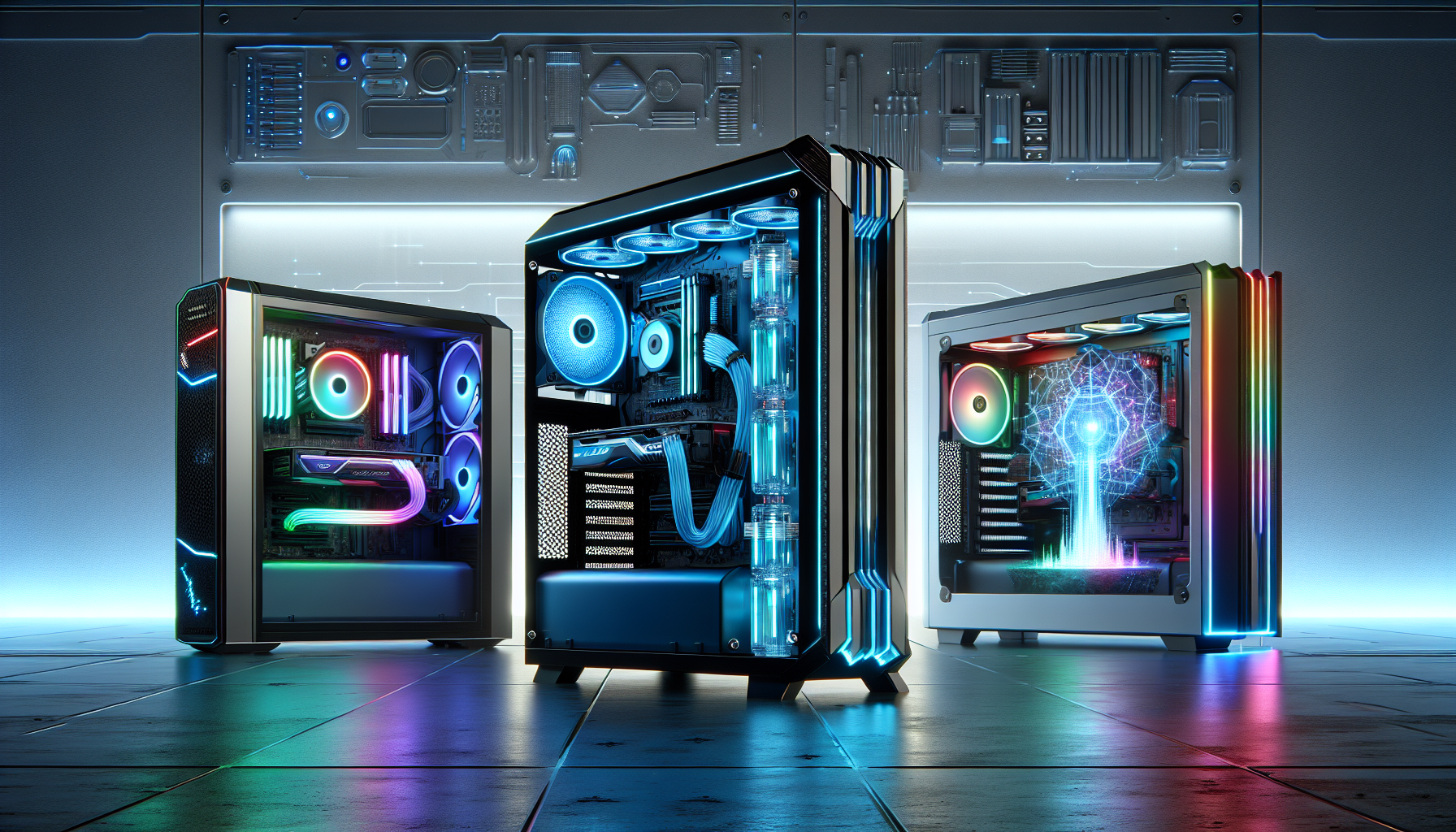
The Evolution of Gaming PCs
The Rise of Gaming PCs
The history of gaming PCs dates back to the early days of personal computing. Initially, gaming on a PC was a niche activity, with enthusiasts building their own systems to play basic games. Over the years, technological advancements transformed gaming PCs into powerful machines capable of delivering exceptional gaming experiences.
In the 1990s, the rise of 3D graphics cards marked a significant turning point. These cards allowed for more realistic graphics and smoother gameplay, elevating the overall gaming experience. Companies began to see the potential of the gaming market, leading to the development of dedicated gaming hardware.
The 2000s saw further advancements, with the introduction of multi-core processors and high-speed RAM. These components enabled more complex and visually stunning games, pushing the boundaries of what was possible. Fast forward to 2024, gaming PCs are now equipped with cutting-edge technology that caters to both casual gamers and professional eSports players.
What Makes a Gaming PC Special?
A gaming PC stands out due to its specialised components designed to handle the demanding requirements of modern games. Here are some key features that make a gaming PC unique:
- Graphics Card: The heart of any gaming PC, a high-quality graphics card ensures smooth rendering of game visuals. For more information on top graphics cards, visit our article on top graphics cards for gaming.
- Processor: A powerful CPU is essential for running games efficiently. Modern gaming PCs often feature multi-core processors that can handle multiple tasks simultaneously.
- RAM: High-speed RAM is crucial for quick data access, allowing games to load faster and run more smoothly. Most gaming PCs come with at least 16GB of RAM.
- Storage: SSDs (Solid State Drives) are preferred for their speed and reliability. They reduce loading times and improve overall system performance.
- Cooling System: Effective cooling systems prevent overheating, ensuring stable performance during extended gaming sessions. Learn more about gaming pc cooling solutions.
- Customisation: Many gaming PCs offer customisable RGB lighting and modular designs, allowing gamers to personalise their setups. Check out our guide on gaming pc setup ideas.
| Component | Importance |
|---|---|
| Graphics Card | Visual rendering and frame rates |
| Processor | Game performance and multitasking |
| RAM | Faster game loading and smooth gameplay |
| Storage | Reduced loading times and data access |
| Cooling System | Prevents overheating and maintains stability |
| Customisation | Personalisation and aesthetic appeal |
These features collectively contribute to the unique capabilities of gaming PCs, making them the preferred choice for serious gamers. Whether you're playing the latest AAA titles or engaging in competitive eSports, a well-equipped gaming PC can significantly enhance your gaming experience. For those considering building their own system, our article on building your own gaming pc provides valuable insights.
To stay updated on the latest trends and advancements in gaming PCs, visit our section on future trends in gaming pcs.
Key Features of the Best Gaming PCs of 2024
The best gaming PCs of 2024 come equipped with a range of advanced features that cater to the needs of serious gamers. These features ensure high performance, reliability, and an immersive gaming experience.
Cutting-edge Graphics Cards
Graphics cards are the heart of any gaming PC, delivering the visual fidelity necessary for an immersive experience. In 2024, top-tier gaming PCs are equipped with the latest graphics cards that offer exceptional performance, supporting 4K resolution and beyond. These GPUs provide smooth frame rates and detailed textures, making them ideal for demanding games and virtual reality applications. For more information on the latest GPUs, visit our article on top graphics cards for gaming.
| Graphics Card Model | VRAM (GB) | Core Clock (MHz) | Memory Type |
|---|---|---|---|
| Model A | 16 | 1800 | GDDR6X |
| Model B | 12 | 1700 | GDDR6 |
| Model C | 10 | 1600 | GDDR6 |
High-performance Processors
Processors play a crucial role in determining the overall performance of a gaming PC. In 2024, the best gaming PCs feature high-performance CPUs with multiple cores and high clock speeds. These processors handle complex calculations and multitasking with ease, ensuring that games run smoothly without any lag. For those interested in building their own gaming PC, our guide on building your own gaming pc provides valuable insights.
| Processor Model | Cores/Threads | Base Clock (GHz) | Turbo Clock (GHz) |
|---|---|---|---|
| Model X | 8/16 | 3.8 | 5.0 |
| Model Y | 6/12 | 3.6 | 4.8 |
| Model Z | 4/8 | 3.4 | 4.6 |
Advanced Cooling Systems
To maintain optimal performance, gaming PCs require efficient cooling solutions. Advanced cooling systems in 2024 include liquid cooling, multiple fans, and enhanced heat dissipation technologies. These systems prevent overheating during intense gaming sessions, thus prolonging the lifespan of the components. For more on this topic, read our article on gaming pc cooling solutions.
| Cooling System Type | Cooling Method | Noise Level (dB) |
|---|---|---|
| Liquid Cooling | Radiator and Liquid | 20 |
| Air Cooling | Multiple Fans | 30 |
| Hybrid Cooling | Liquid and Air | 25 |
High-speed RAM and Storage
High-speed RAM and ample storage are essential for gaming PCs to handle modern games' large files and complex data processing. In 2024, the best gaming PCs come with DDR5 RAM, offering faster speeds and better performance compared to previous generations. Additionally, NVMe SSDs provide rapid load times and efficient data transfer, ensuring that games run seamlessly.
| Component | Capacity | Speed (MHz) | Type |
|---|---|---|---|
| RAM | 32GB | 5200 | DDR5 |
| Storage | 1TB | 3500 MB/s Read | NVMe SSD |
| Storage | 2TB | 3000 MB/s Write | NVMe SSD |
These key features make the best gaming PCs of 2024 stand out in terms of performance, reliability, and user experience. For further reading on gaming setups and peripherals, explore our guides on best gaming keyboards and best gaming mice.
Gaming PC Trends in 2024
As technology advances, gaming PCs continue to evolve, offering new features and improved performance. In 2024, several trends are shaping the landscape of gaming PCs, making them more immersive and powerful than ever before.
Virtual Reality Integration
Virtual reality (VR) has become a significant component of modern gaming, and the best gaming PCs of 2024 are designed with VR integration in mind. These systems come equipped with high-end graphics cards and processors that can handle the demanding requirements of VR gaming. For those interested in exploring VR-ready options, check out our article on vr-ready gaming pcs.
4K and Beyond Gaming
The demand for higher resolution gaming continues to grow, with 4K gaming becoming the standard. The latest gaming PCs are equipped with cutting-edge graphics cards capable of delivering smooth 4K gameplay. Additionally, some systems even support resolutions beyond 4K, such as 8K, providing an incredibly detailed and immersive gaming experience.
| Resolution | Pixels | Typical Frame Rates |
|---|---|---|
| 1080p (Full HD) | 1920 x 1080 | 60 - 120 FPS |
| 4K (Ultra HD) | 3840 x 2160 | 30 - 60 FPS |
| 8K | 7680 x 4320 | 30 FPS |
For more information on the best displays for high-resolution gaming, visit our article on best gaming monitors.
Customisable RGB Lighting
Customisable RGB lighting has become a hallmark of gaming setups, and 2024 is no exception. Modern gaming PCs offer advanced RGB lighting features, allowing gamers to personalise their rigs with a wide range of colours and effects. This not only enhances the aesthetic appeal but also creates an immersive gaming environment.
Compact and Portable Designs
As gaming becomes more mainstream, there is a growing demand for compact and portable gaming PCs. Manufacturers are responding by developing sleek, space-saving designs without compromising on performance. These systems are perfect for gamers who need a powerful machine that can easily be transported or fit into smaller spaces.
| Feature | Description |
|---|---|
| Size | Compact and lightweight |
| Portability | Easy to transport |
| Performance | High-performance components |
For gamers considering the differences between various types of gaming systems, our article on gaming desktops vs. gaming laptops provides valuable insights.
By staying informed about these trends, gamers can make better decisions when selecting the best gaming PCs of 2024 to suit their needs. For more on future developments in gaming technology, visit our section on future trends in gaming pcs.
Considerations When Choosing a Gaming PC
When selecting one of the best gaming PCs of 2024, several factors should be taken into account to ensure that the investment meets your gaming needs and preferences.
Performance vs. Price
Balancing performance and price is crucial when choosing a gaming PC. High-performance components such as top-tier graphics cards and processors can significantly enhance gaming experiences but often come with a higher price tag. It's important to assess which features are essential for your gaming requirements and which ones can be compromised to stay within budget. For those seeking more budget-friendly options, our article on budget gaming PCs provides valuable insights.
| Component | Entry-Level Price (AUD) | Mid-Range Price (AUD) | High-End Price (AUD) |
|---|---|---|---|
| Graphics Card | 200 | 500 | 1500 |
| Processor (CPU) | 150 | 400 | 1000 |
| RAM (16GB) | 100 | 200 | 400 |
| Storage (SSD 1TB) | 150 | 300 | 500 |
Upgradability
The ability to upgrade components is a key consideration for gamers who want to keep their system up-to-date without purchasing a new PC. Check if the gaming PC allows easy access to components like RAM, storage drives, and graphics cards. This flexibility can extend the lifespan of your PC and accommodate future technology advancements. Learn more about the benefits and limitations of upgradability in our guide on prebuilt vs. custom gaming PCs.
Future-proofing Your Investment
Future-proofing your gaming PC ensures that it remains powerful enough to handle upcoming games and technologies. This involves selecting components that are slightly ahead of current requirements. For instance, opting for a graphics card that supports 4K gaming or a processor with multiple cores can help future-proof your investment. Explore our article on future trends in gaming PCs for insights into emerging technologies and trends that could impact your choice.
| Feature | Current Requirement | Future Requirement (Est.) |
|---|---|---|
| Graphics Resolution | 1080p | 4K |
| CPU Cores | 4-6 | 8-12 |
| RAM | 16GB | 32GB |
| Storage (SSD) | 1TB | 2TB |
By considering performance vs. price, upgradability, and future-proofing, you can make an informed decision when choosing the best gaming PC of 2024. For more detailed advice on specific components and configurations, visit our articles on top graphics cards for gaming and gaming pc cooling solutions.
Tips for Optimising Gaming Performance
Achieving peak performance from the best gaming PCs of 2024 requires a combination of regular maintenance, software tweaks, and keeping drivers up-to-date. These practices ensure that gaming rigs run smoothly and deliver an immersive experience.
Regular Maintenance
Regular maintenance is crucial for keeping a gaming PC in top condition. Dust and debris can accumulate inside the case, leading to overheating and potential hardware failure. Regular cleaning prevents these issues and extends the lifespan of components.
Consider the following maintenance tasks:
- Dust Removal: Use compressed air to clean dust from vents, fans, and components.
- Cable Management: Organize cables to improve airflow and reduce clutter.
- Thermal Paste Replacement: Replace thermal paste on the CPU every couple of years to ensure optimal heat transfer.
For more detailed tips on maintaining your gaming PC, visit our gaming pc maintenance tips article.
Software Tweaks
Optimising software settings can significantly enhance gaming performance. Adjusting in-game settings and system configurations can lead to smoother gameplay and higher frame rates.
Key software tweaks include:
- Graphics Settings: Adjust in-game graphics settings, such as resolution and texture quality, to balance performance and visual fidelity.
- Power Settings: Set the PC to 'High Performance' mode in the power settings to ensure the system utilises its full potential.
- Background Processes: Close unnecessary background applications to free up system resources.
| Software Tweak | Performance Impact |
|---|---|
| Lowering Resolution | High |
| Adjusting Texture Quality | Medium |
| Disabling Background Apps | Medium |
For a comprehensive guide on software tweaks, refer to our overclocking guide for gaming pcs.
Keeping Drivers Up-to-date
Up-to-date drivers are essential for maintaining compatibility and performance. Graphics card drivers, in particular, receive frequent updates that optimise performance for new games and fix bugs.
Steps to keep drivers current:
- Automatic Updates: Enable automatic updates for your operating system and graphics drivers.
- Manual Checks: Regularly check the manufacturer's website for the latest driver releases.
- Driver Management Software: Use software tools to manage and update drivers efficiently.
Visit our article on top graphics cards for gaming to learn more about the importance of driver updates.
By following these tips, gamers can ensure their PCs remain in optimal condition, delivering the best possible gaming experience. Whether you're using a budget gaming pc or a high-end gaming pc, these practices will help you get the most out of your investment.


