


Game-Changer Alert: Exploring m.2 SSD vs NVMe Differences
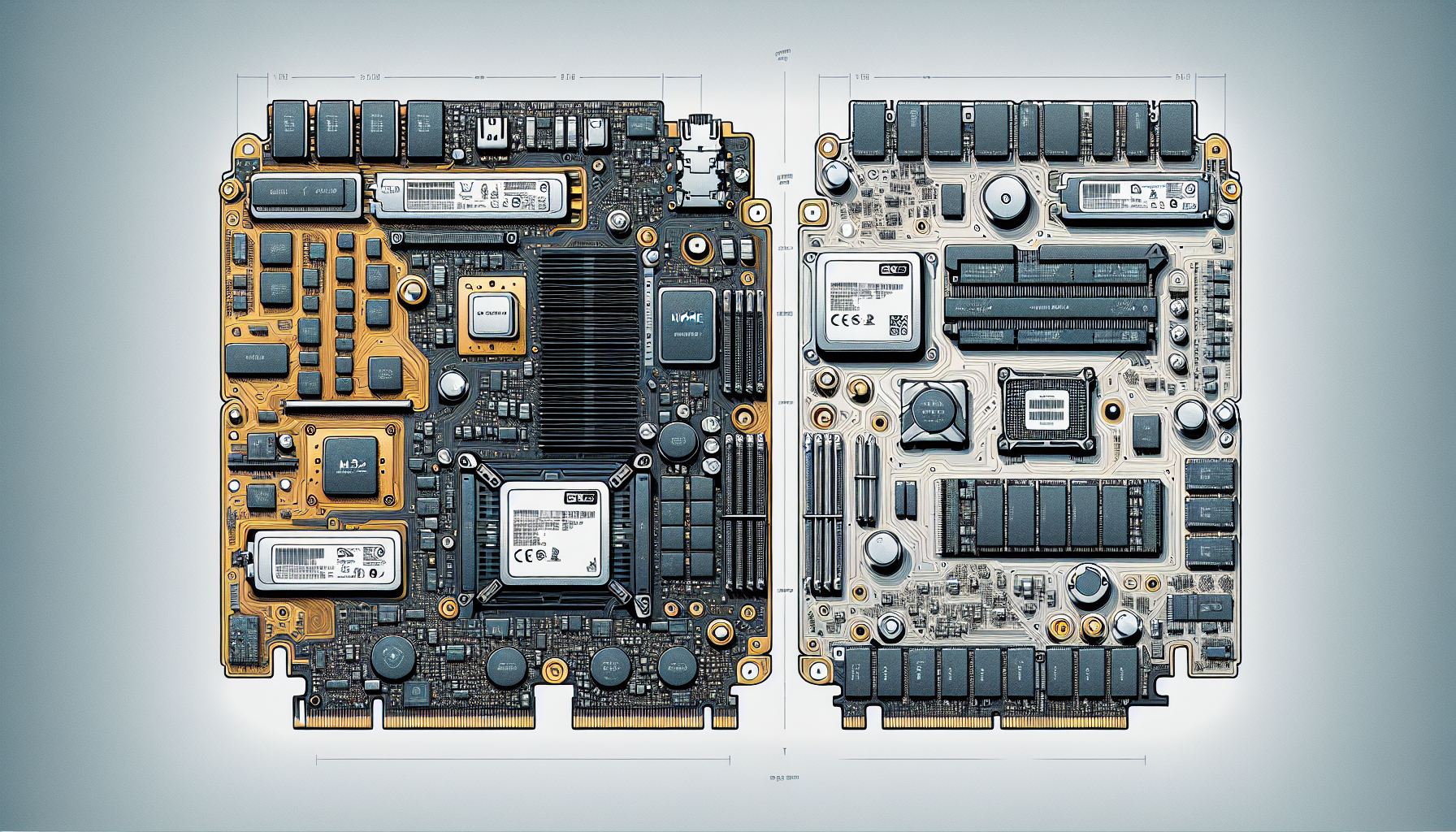
Understanding SSD Technology
In the realm of modern computing, understanding the differences between various storage technologies is crucial for gamers seeking optimal performance. One of the most common types of solid-state drives (SSDs) is the M.2 form factor, which can come in either SATA or NVMe configurations.
SATA vs. NVMe SSDs
M.2 SSDs can belong to two categories: SATA and NVMe. These variations differ significantly in terms of technology and performance levels. SATA M.2 SSDs employ the SATA interface, which has a maximum data transfer rate of 6Gbps. This limitation makes them slower than their NVMe counterparts. However, SATA SSDs are widely available and more affordable, making them a popular option for those on a budget.
On the other hand, NVMe M.2 SSDs utilise the NVMe protocol, designed specifically for SSDs, along with the PCIe bus for data transfer. This combination enables incredibly high performance levels, with NVMe drives capable of theoretical transfer speeds of up to 20Gbps (Kingston). The sustained read-write speeds for NVMe drives can reach as high as 4.0 GB/s, while SATA SSDs are limited to a maximum of 600 MB/s (Backblaze).
| SSD Type | Maximum Data Transfer Rate | Typical Use Cases |
|---|---|---|
| SATA M.2 SSD | 6Gbps | General storage, budget-friendly options |
| NVMe M.2 SSD | Up to 20Gbps | Gaming, video editing, data-intensive applications |
Interface and Performance Levels
The primary distinguishing feature of SATA and NVMe M.2 SSDs is their interface, which directly affects their performance levels. NVMe drives provide significantly faster data transfer speeds compared to traditional SATA interfaces. They have become increasingly popular among gamers and professionals needing high-performance storage solutions.
In summary, when considering M.2 SSDs, it is vital to understand the fundamental differences between SATA and NVMe options. For more detailed instructions on installation, refer to our guide on how to install m.2 ssd. Understanding these distinctions allows users to make informed choices about their gaming setups or computer builds, optimising performance to meet their needs. Furthermore, knowledge of these technologies aids in resolving common issues, such as why is my m.2 ssd not showing up in bios.
Differences in Speed and Performance
When comparing M.2 SSDs, it is essential to examine the speed and performance characteristics of both SATA and NVMe types. This understanding is particularly crucial for gamers in Australia looking to optimise their gaming experience and overall system performance.
SATA M.2 SSDs
SATA M.2 SSDs utilise the SATA interface, which limits their maximum data transfer rate to 6Gbps. This makes SATA SSDs slower compared to their NVMe counterparts. Despite their relatively lower speeds, SATA M.2 SSDs are often more accessible and cost-effective, making them a viable option for budget-conscious users or those with basic computing needs (Kingston).
| Metric | SATA M.2 SSD |
|---|---|
| Maximum Transfer Speed | 6 Gbps |
| Sustained Read Speed | 600 MB/s |
| Sustained Write Speed | 600 MB/s |
NVMe M.2 SSDs
On the other hand, NVMe M.2 SSDs offer a significant edge in terms of performance. They leverage the NVMe protocol, which is designed specifically for SSDs, and connect via the PCIe bus, allowing for theoretical transfer speeds of up to 20Gbps. This results in sustained read and write speeds of approximately 4.0 GB/s. These higher speeds make NVMe drives ideal for demanding applications, such as gaming, high-resolution video editing, and enterprise databases (Kingston; Backblaze).
| Metric | NVMe M.2 SSD |
|---|---|
| Maximum Transfer Speed | 20 Gbps |
| Sustained Read Speed | 4.0 GB/s |
| Sustained Write Speed | 4.0 GB/s |
Speed Comparisons
The difference in speed between SATA and NVMe M.2 SSDs is stark. While SATA SSDs top out at 600 MB/s, NVMe SSDs can achieve speeds that are more than six times faster. This makes NVMe SSDs an excellent choice for users who are focused on high-performance needs, especially in contexts requiring rapid data retrieval or intensive data processing.
| Type of SSD | Maximum Speed | Sustained Read Speed | Sustained Write Speed |
|---|---|---|---|
| SATA M.2 SSD | 6 Gbps | 600 MB/s | 600 MB/s |
| NVMe M.2 SSD | 20 Gbps | 4.0 GB/s | 4.0 GB/s |
Choosing between SATA and NVMe M.2 SSDs can significantly affect gaming performance and overall system responsiveness. For those who wish to enhance their gaming setup with the best M.2 SSDs for gaming, understanding these differences is crucial.
Factors Influencing Performance
Understanding the key factors that influence the performance of SSDs is essential when comparing M.2 SSD vs NVMe options. These factors include the SATA interface, the PCIe bus, and motherboard compatibility, which all play a crucial role in determining reading and writing speeds.
SATA Interface
The SATA interface limits the performance of traditional SSDs. SATA SSDs use an older interface technology that has a maximum transfer speed of up to 600 MB/s. This limitation significantly constrains the ability to perform high-speed data transfers, making them slower compared to NVMe SSDs. SATA-based M.2 SSDs still use this technology, meaning they do not benefit from the higher speeds offered by newer interfaces (Kingston).
| Type of Interface | Max Transfer Speed |
|---|---|
| SATA | 600 MB/s |
| NVMe (via PCIe) | Up to 4.0 GB/s |
PCIe Bus
On the other hand, NVMe drives attach directly to the PCIe bus on the motherboard, which are significantly faster. PCIe buses support varying lane configurations (1x, 4x, 8x, and 16x), with PCIe 3.0 offering effective transfer speeds of up to 985 MB/s per lane. An M.2 form factor combined with PCIe can provide maximum transfer speeds around 4GB/s when using x2 and x4 lanes. This leads to substantially faster performance for NVMe drives compared to SATA SSDs (Kingston).
Motherboard Compatibility
The compatibility of the motherboard with different types of M.2 and NVMe SSDs is also a crucial factor influencing performance. Not all motherboards support NVMe drives, particularly older models that only have SATA interfaces. Checking for PCIe lane availability is essential for gamers looking to squeeze the best performance from their SSD set-up. The motherboard’s specifications can provide details regarding supported interfaces, ensuring that users can fully benefit from the faster speeds provided by NVMe SSDs.
In summary, users should take into account the SATA interface, PCIe bus capabilities, and motherboard compatibility when comparing different types of M.2 SSDs. These factors directly impact the overall performance, and understanding them can help gamers make more informed decisions about their storage options. For further information on installation, formatting, or troubleshooting, refer to the relevant guides on how to install m.2 ssd and why is my m.2 ssd not showing up in bios.
Use Cases and Applications
The advancements in M.2 SSD technology, particularly in NVMe drives, have made significant impacts on various applications. Gamers in Australia aged 20-45, as well as professionals in video editing and enterprise environments, can greatly benefit from understanding how these storage devices perform in different use cases.
Gaming Performance
The speed advantage of NVMe drives plays a crucial role in gaming performance. With sustained read-write speeds of up to 4.0 GB/s, NVMe drives outpace SATA SSDs, which max out at 600 MB/s (Backblaze). This speed translates to faster load times and an overall smoother gaming experience. Gamers often notice reduced lag and quicker loading screens, which can be the difference between winning and losing in competitive situations.
| Gaming Attributes | SATA SSD | NVMe SSD |
|---|---|---|
| Max Read Speed | 600 MB/s | 4.0 GB/s |
| Load Times (Example Game) | 30 seconds | 10 seconds |
High-Resolution Video Editing
For professionals involved in high-resolution video editing, NVMe drives offer substantial benefits. The ability to handle large files efficiently allows for seamless editing and quicker rendering times. The high data transfer speeds support real-time editing of 4K and even 8K video footage. In contrast, SATA SSDs may struggle under the same conditions, resulting in potential slowdowns.
| Video Editing Attributes | SATA SSD | NVMe SSD |
|---|---|---|
| Max Read Speed | 600 MB/s | 4.0 GB/s |
| 4K Video Editing Capability | Limited | Excellent |
Enterprise Databases
In enterprise environments where databases require rapid access to data, NVMe drives shine with their capacity for high-speed data transfer. Their design allows for parallel data transfers, making them ideal for handling multiple queries simultaneously. This efficiency can lead to better performance in applications like data analytics and virtualization, where speed is paramount (Backblaze).
| Database Usage | SATA SSD | NVMe SSD |
|---|---|---|
| Max Read Speed | 600 MB/s | 4.0 GB/s |
| Query Handling | Slower | Faster |
By harnessing the advantages of NVMe over traditional SATA interfaces, users can significantly enhance their performance across gaming, video editing, and enterprise database applications. When considering an upgrade, it’s crucial to evaluate how these SSDs can meet specific needs, ensuring that gamers and professionals alike can optimise their workflows and gameplay. For more information on M.2 SSDs, consult our article on what is an M.2 SSD.
Considerations for Purchase
When considering which type of SSD to purchase, particularly when comparing M.2 SSD and NVMe, there are a few key factors to take into account. These include price comparison, available storage capacities, and compatibility checks.
Price Comparison
The cost of SSDs can vary significantly between SATA and NVMe models. As of June 2023, a 1TB Samsung SATA SSD (870 EVO) was priced around $90, whereas a 1TB Samsung NVMe drive (970 EVO) was available for about $98 on sale (Backblaze). This pricing trend shows that NVMe drives have become increasingly competitive with SATA SSDs, making them a worthwhile investment for users looking to enhance their system's performance.
| SSD Type | Capacity | Approx. Price |
|---|---|---|
| Samsung 870 EVO (SATA) | 1TB | $90 |
| Samsung 970 EVO (NVMe) | 1TB | $98 |
Storage Capacities
When selecting an M.2 SSD, it’s essential to consider the storage capacity that best meets your needs. M.2 SSDs are available in various capacities, which can accommodate diverse applications from gaming to video editing. Common options include:
| Capacity | Use Case |
|---|---|
| 250GB | Basic gaming and everyday tasks |
| 500GB | Moderate gaming and multitasking |
| 1TB | Heavy gaming and professional work |
| 2TB | Extensive game libraries and content creation |
| 4TB | High-end applications or enterprise use |
For more specific options based on user requirements, consider checking out the best M.2 SSD for gaming.
Compatibility Checks
Compatibility is vital when choosing an M.2 SSD. While NVMe drives can generally be used in M.2 slots, it is crucial to ensure that the specific M.2 slot on the motherboard supports the protocols necessary for the chosen SSD. Some M.2 slots are designed to support both SATA and NVMe, while others may only work with one type.
It’s advisable for users to consult their motherboard's specifications before purchasing an SSD to ensure it can leverage the advantages of high-speed data transfer capabilities associated with NVMe technology (Backblaze). For installation guidance, refer to our article on how to install M.2 SSD.
Future Developments in NVMe Technology
As the technology behind M.2 SSDs continues to evolve, significant advancements are being made in NVMe specifications and functionalities. This section highlights the future developments in NVMe technology, focusing on the NVMe 2.0 specifications, independent command sets, and backward compatibility.
NVMe 2.0 Specifications
The NVMe 2.0 specifications were released within the last two years by NVM Express, Inc. These specifications are designed to facilitate faster and more efficient development of NVMe solutions, providing support for a diverse range of devices. NVMe 2.0 also introduces enhanced features that aim to improve overall performance.
Key features include:
- Increased data transfer speeds with sustained read-write speeds reaching up to 2000MB per second, which is significantly faster compared to SATA SSDs that are limited to 600MB per second (ProMAX).
- Improved compatibility with various devices and operating systems, ensuring ease of use across different platforms.
Independent Command Sets
NVMe 2.0 introduces independent command sets, which include capabilities such as Zoned Namespaces (ZNS) and Key Value (KV) storage. These command sets allow for more efficient data management and can enhance the performance of applications by optimizing how data is accessed and stored.
- Zoned Namespaces (ZNS): This allows SSDs to manage data in zones, making operations more efficient by reducing write amplification and improving lifespan.
- Key Value (KV): Designed to simplify database and NoSQL workloads, KV optimises data access patterns, which can be beneficial for high-performance applications.
These advancements ensure that NVMe continues to stay ahead in meeting the demands of modern computing, particularly in gaming and high-performance computing environments.
Backward Compatibility
A notable feature of NVMe 2.0 is its backward compatibility. This means that newer NVMe devices can effectively communicate with existing systems, which enhances the value of upgrading to newer specifications without the need for an entire system overhaul.
- This compatibility extends to major operating systems, making it easier for users to adopt new technology without worrying about hardware limitations.
- It allows gamers and PC builders to incorporate cutting-edge storage solutions while utilising their current setups.
The continuous evolution of NVMe technology, particularly with the introduction of NVMe 2.0, reinforces its position as the leading choice for high-performance storage solutions, especially in the realm of gaming. For more information on installation and management of M.2 SSDs, refer to our guides on how to install m.2 ssd and how to migrate ssd to m.2.


