


Fuel Your Victory: Best m.2 SSD 1TB Selections for Gamers
Understanding M.2 SSDs
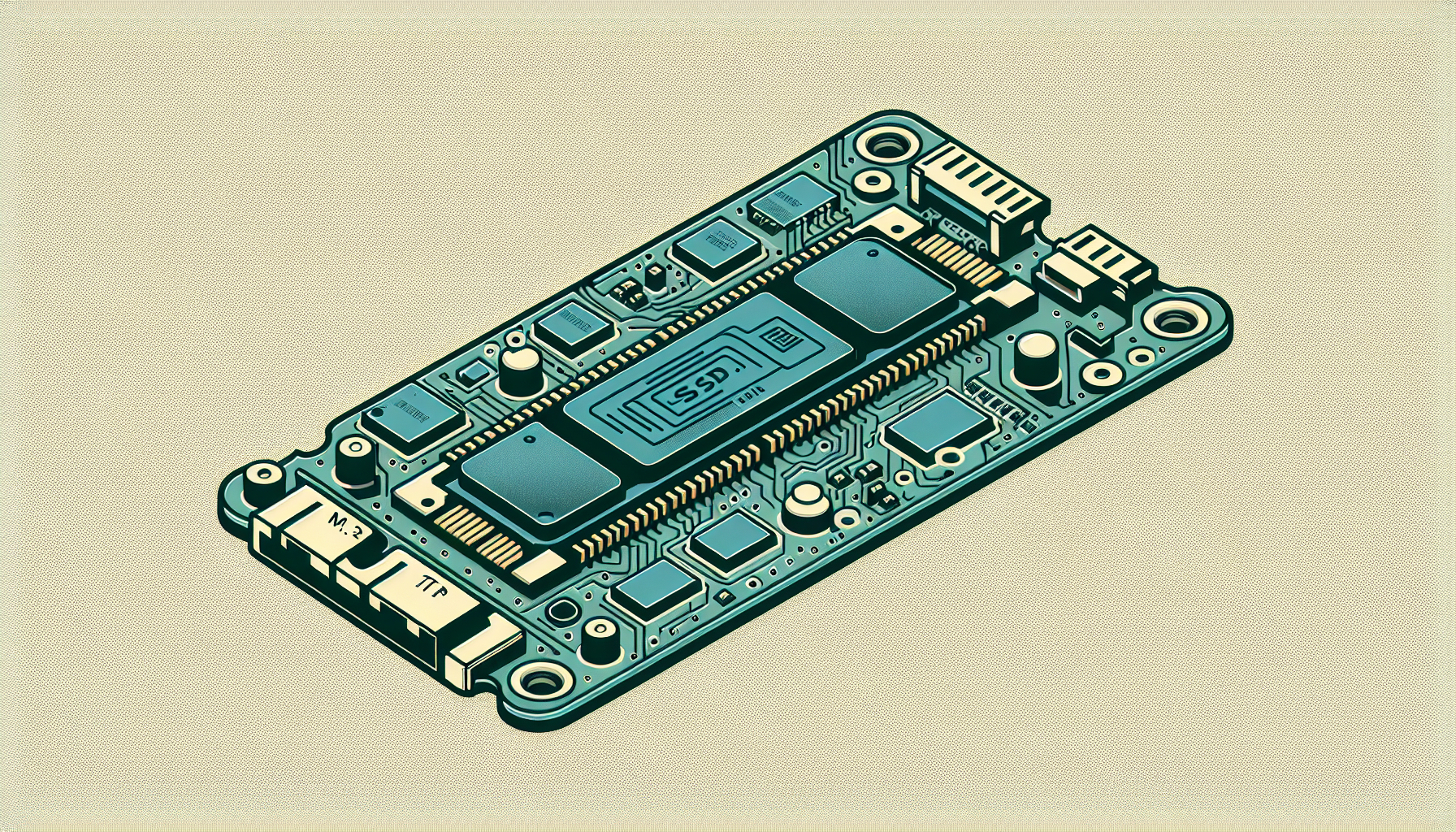
M.2 SSDs have revolutionised data storage solutions, especially for gamers seeking high-performance hardware. This section covers the evolution of M.2 technology and highlights the advantages these drives offer.
Evolution of M.2 Technology
M.2 SSDs have gradually gained prominence, primarily due to their compact size and impressive speed. Often referred to as "gumstick" drives, M.2 SSDs are significantly smaller than traditional 2.5-inch SATA SSDs and spinning hard drives (PCMag). Their design enables manufacturers to create slimmer and lighter laptops without compromising on performance.
The introduction of the M.2 format has seen the development of various types of SSDs that cater to different needs, with many gamers opting for these drives due to superior speed and reliability. In the tech landscape, M.2 has set a new standard for data storage, making it increasingly popular in gaming rigs and high-performance computers.
Advantages of M.2 SSDs
M.2 SSDs come with a variety of benefits that make them an ideal choice for gamers and power users.
Speed and Performance: M.2 drives can operate over both SATA and PCI Express interfaces. Most modern high-end M.2 SSDs support NVMe, a protocol designed specifically for fast storage. NVMe SSDs can provide up to five times more bandwidth than SATA models, significantly improving performance for tasks like large file transfers, video editing, and heavy productivity applications (Tom's Hardware).
Form Factor: The compact design of M.2 drives allows for better airflow within cases and provides more space for other components. Their small size is a game changer for those who need to maximise space without sacrificing speed.
Power Efficiency: M.2 SSDs generally consume less power than traditional drives, which is especially beneficial for laptops and portable devices, extending battery life during gaming sessions or intensive tasks.
Ease of Installation: M.2 SSDs are simple to install, typically requiring only a single screw to secure the drive into place. For more information on installation, check our guide on how to install m.2 ssd.
In summary, M.2 SSDs represent a significant advancement in storage technology, combining speed, efficiency, and compact design, making them a top choice for gamers seeking to enhance their system performance.
Latest Innovations in M.2 SSDs
As the technology behind M.2 SSDs continues to advance, new models are being introduced that push the boundaries of speed, capacity, and efficiency. Two notable innovations in the M.2 SSD space are the Samsung PM9E1 Gen 5 and the Intel Optane 905P 1.5TB SSD.
Samsung PM9E1 Gen 5
The Samsung PM9E1 Gen 5 represents a significant leap in performance, boasting speeds of up to 14.5 GB/s. This cutting-edge drive caters to gamers looking for rapid data access and minimal load times, ultimately enhancing the gaming experience. Its advanced technology allows for seamless multitasking and responsiveness during intense gaming sessions.
| Feature | Specification |
|---|---|
| Interface | PCIe Gen 5 |
| Maximum Speed | 14.5 GB/s |
| Capacity | Up to 1TB available |
| Form Factor | M.2 2280 |
For those interested in how to install M.2 SSDs, refer to our guide on how to install m.2 ssd.
Intel Optane 905P 1.5TB SSD
The Intel Optane 905P is another formidable option for gamers. Featuring a 1.5TB capacity, this SSD is designed for high-performance computing and gaming. It is known for its low latency and high endurance, allowing it to excel in demanding tasks. The Optane 905P is currently available at a price point of $299, making it a competitive choice for gamers seeking reliable performance (Tom's Hardware).
| Feature | Specification |
|---|---|
| Interface | PCIe Gen 3 |
| Maximum Speed | Variable (Optimal for workloads) |
| Capacity | 1.5TB |
| Form Factor | M.2 2280 |
Understanding the capabilities and specifications of these new SSD technologies can help gamers make informed decisions about their hardware upgrades. If you encounter issues with your M.2 SSD, you may refer to our article on why is my m.2 ssd not showing up in bios.
Both the Samsung PM9E1 Gen 5 and the Intel Optane 905P 1.5TB SSD offer unique benefits suited to the needs of any serious gamer. The choice ultimately depends on the specific gaming requirements and budget considerations. For a deeper exploration of m.2 options, consider checking out our sections on what is m.2 ssd and best m.2 ssd for gaming.
Choosing the Best M.2 SSD
Selecting the right M.2 SSD involves considering various aspects that can significantly enhance gaming performance. For gamers in Australia, particularly those aged 20-45, understanding these factors is crucial for making an informed purchase.
Factors to Consider
When evaluating M.2 SSDs, several key factors should influence the decision-making process:
Interface Type: M.2 SSDs can connect via SATA or PCI Express interfaces, with PCIe being the superior option in terms of speed. NVMe SSDs, which operate over the PCIe interface, provide remarkable performance improvements compared to SATA models due to greater bandwidth.
Sequential Speeds: Newer PCIe 4.0 M.2 SSDs dramatically surpass their PCIe 3.0 counterparts, offering nearly double the bandwidth and read/write speeds. This is particularly beneficial for gaming and multitasking (Tom's Hardware).
Motherboard Compatibility: To use PCIe 4.0 M.2 drives effectively, it is essential to have a compatible motherboard, such as the AMD X570 or B550, or Intel Z590 paired with Rocket Lake-S processors (Tom's Hardware).
Capacity: A 1TB M.2 SSD strikes a balance between storage space and cost-effectiveness. More storage can accommodate larger game libraries and applications without compromising performance.
| Feature | PCIe 3.0 M.2 SSD | PCIe 4.0 M.2 SSD |
|---|---|---|
| Max Read Speed | 3,500 MB/s | 7,000 MB/s |
| Max Write Speed | 3,000 MB/s | 5,000 MB/s |
| Bandwidth | 1GB/s | 2GB/s |
| Average Price (1TB) | $120 - $160 | $150 - $200 |
Best Value for Gamers
Finding the best value M.2 SSD for gaming hinges on balancing performance with budget.
Samsung 990 Pro: Renowned for its exceptional speed and reliability, this SSD utilises PCIe 4.0 technology, making it an excellent choice for serious gamers seeking top-tier performance.
Western Digital SN850X: Another strong contender, the SN850X offers impressive speeds and is often competitively priced, providing good value for gamers.
Crucial T705: This SSD offers a more budget-friendly option while still maintaining solid performance, making it a great starter SSD for new gamers.
TeamGroup MP44: Great for users looking for performance without breaking the bank, this SSD delivers respectable speeds at a lower price point.
| SSD Model | Read Speed | Write Speed | Price (Approx.) |
|---|---|---|---|
| Samsung 990 Pro | 7,000 MB/s | 5,000 MB/s | $199 |
| WD SN850X | 7,300 MB/s | 5,300 MB/s | $199 |
| Crucial T705 | 5,000 MB/s | 4,200 MB/s | $139 |
| TeamGroup MP44 | 5,000 MB/s | 4,000 MB/s | $115 |
By considering these factors and options, gamers can make a well-informed choice that enhances their gaming setup. For those looking to maximise their SSD experience, additional resources such as how to install m.2 ssd and what is m.2 ssd provide essential guidance on usage and setup.
Performance Comparison of M.2 SSDs
When selecting the best M.2 SSD for gaming, performance is paramount. This section compares speed tests and benchmarks between different SSD technologies, specifically focusing on the differences between PCIe 4.0 and PCIe 3.0.
Speed Tests and Benchmarks
M.2 SSDs have drastically improved performance, especially with the advent of NVMe technology. The speed capabilities of these drives are a significant aspect for gamers seeking fast load times and smooth gaming experiences.
| SSD Type | Read Speed (MB/s) | Write Speed (MB/s) |
|---|---|---|
| SATA SSD | Up to 550 | Up to 520 |
| NVMe PCIe 3.0 SSD | Up to 3500 | Up to 3000 |
| NVMe PCIe 4.0 SSD | Up to 7000 | Up to 5000 |
An NVMe M.2 SSD can exceed speeds of 5000 MB/s, surpassing traditional SATA SSDs and hard drives by a large margin (Tekie). The transition from PCIe 3.0 to PCIe 4.0 has virtually doubled the performance, with new models achieving significantly improved sequential speeds due to enhanced PCIe bus bandwidth (Tom's Hardware).
PCIe 4.0 vs. PCIe 3.0
The comparison between PCIe 4.0 and PCIe 3.0 is crucial for gamers looking to upgrade their storage. PCIe 4.0 technology offers a much broader bandwidth, thus allowing more data transfer at any given time.
- Bandwidth: PCIe 3.0 provides a maximum theoretical bandwidth of 1 GB/s per lane. With four lanes, this totals about 4 GB/s, while PCIe 4.0 effectively doubles this to 8 GB/s.
- Compatibility: It's important to note that PCIe 4.0 M.2 drives require motherboards compatible with this standard, such as AMD X570 or B550, to achieve maximum speed potential (Tom's Hardware).
In summary, gamers looking for the fastest read and write speeds should definitely consider investing in PCIe 4.0 M.2 SSDs if their setup allows. This technology not only enhances gaming experiences but also improves performance in other demanding applications like video editing and large file transfers. For more insights on installation and management, see our guides on how to install m.2 ssd and what is m.2 ssd.
Future Trends in M.2 SSDs
The landscape of M.2 SSDs is rapidly evolving, particularly with the advancements in interface technology and storage capacities. Gamers seeking the best performance can look ahead to some exciting developments.
PCIe 5.0 SSDs
The era of PCIe 5.0 SSDs has arrived, significantly enhancing storage performance. This new generation of M.2 SSDs, such as the Crucial T705, is capable of delivering up to a staggering 14.5 GB/s of sequential throughput, alongside 1.8 million random IOPS over the PCIe 5.0 interface (Tom's Hardware). This improvement in data transfer speeds is a game-changer for gamers who require rapid load times and seamless gameplay experiences.
Here's a quick overview of the upcoming PCIe technology trends:
| Feature | PCIe 4.0 | PCIe 5.0 |
|---|---|---|
| Maximum Throughput | Up to 7.0 GB/s | Up to 14.5 GB/s |
| Random IOPS | Standard for high-performance | 1.8 million IOPS |
| Ideal Use Case | Gaming, Graphics Editing | Next-gen Gaming, VR, Large Databases |
The impending rise of PCIe 5.0 SSDs will likely influence the choices of gamers looking for the best M.2 SSD 1TB options.
Capacity and Pricing Trends
As storage needs continue to grow, M.2 SSDs are now available in larger capacities, with options reaching up to 8TB. This caters to gamers and content creators who require vast amounts of storage without sacrificing performance. SSDs like the TeamGroup MP44 exemplify this trend, offering capacities up to 8TB along with a graphene heat spreader for enhanced durability and performance (PCMag).
The following table outlines the typical capacities and price ranges for M.2 SSDs currently available:
| Capacity | Estimated Price Range (AUD) |
|---|---|
| 1TB | $120 - $250 |
| 2TB | $250 - $450 |
| 4TB | $450 - $900 |
| 8TB | $900 - $1500 |
Prices may fluctuate based on market demand and product availability. As M.2 SSD technology continues to advance, gamers should stay informed about these trends to ensure they make wise investments, particularly regarding storage capacity needs. For those interested in learning more about the installation process, consider visiting our guide on how to install m.2 ssd. Also, if there are questions about storage recognition in BIOS, check out our article on why is my m.2 ssd not showing up in bios.
Top Picks for M.2 SSDs
When it comes to selecting the best M.2 SSD 1TB options for gamers, two standout comparisons can be made: the Samsung 990 Pro versus the Western Digital SN850X, and the Crucial T705 versus the TeamGroup MP44. Each of these SSDs offers unique features suitable for different gaming preferences and setups.
Samsung 990 Pro vs. Western Digital SN850X
The Samsung 990 Pro and Western Digital SN850X are powerful contenders in the 1TB segment, both benefiting from PCIe 4.0 technology. Let's look at the specifications side by side:
| Feature | Samsung 990 Pro | Western Digital SN850X |
|---|---|---|
| Interface | PCIe 4.0 | PCIe 4.0 |
| Sequential Read Speed | Up to 7,000 MB/s | Up to 7,000 MB/s |
| Sequential Write Speed | Up to 5,000 MB/s | Up to 5,300 MB/s |
| Endurance | 600 TBW | 500 TBW |
| Form Factor | M.2 2280 | M.2 2280 |
The Samsung 990 Pro is known for its superior endurance and reliability, making it a great choice for gamers who demand performance while playing intensive titles. On the other hand, the Western Digital SN850X offers slightly enhanced write speeds, which is beneficial for large file transfers and game installations. For more details on installation, check our guide on how to install m.2 ssd.
Crucial T705 vs. TeamGroup MP44
Next, we compare the Crucial T705 and the TeamGroup MP44, both addressing the need for speed and efficiency in modern gaming:
| Feature | Crucial T705 | TeamGroup MP44 |
|---|---|---|
| Interface | PCIe 5.0 | PCIe 4.0 |
| Sequential Read Speed | Up to 14,500 MB/s | Up to 5,000 MB/s |
| Sequential Write Speed | Up to 12,000 MB/s | Up to 4,400 MB/s |
| Endurance | 1,000 TBW | 400 TBW |
| Form Factor | M.2 2280 | M.2 2280 |
The Crucial T705 is recognised as the fastest internal SSD tested, achieving remarkable read and write speeds thanks to its PCIe 5.0 interface, ideal for gamers looking for the best performance and speed. In contrast, the TeamGroup MP44 provides solid value but at a lower performance level with PCIe 4.0. For those considering data transfer or cloning, our articles on how to transfer data from one m.2 ssd to another and how to clone m.2 ssd with only one slot are useful.
Selecting between these high-performance M.2 SSD 1TB options depends on budget and gaming needs, but each ensures improved load times and an overall enhanced gaming experience.


