


From Overheating to Outdated Software: Common Culprits Behind PC Malfunctions
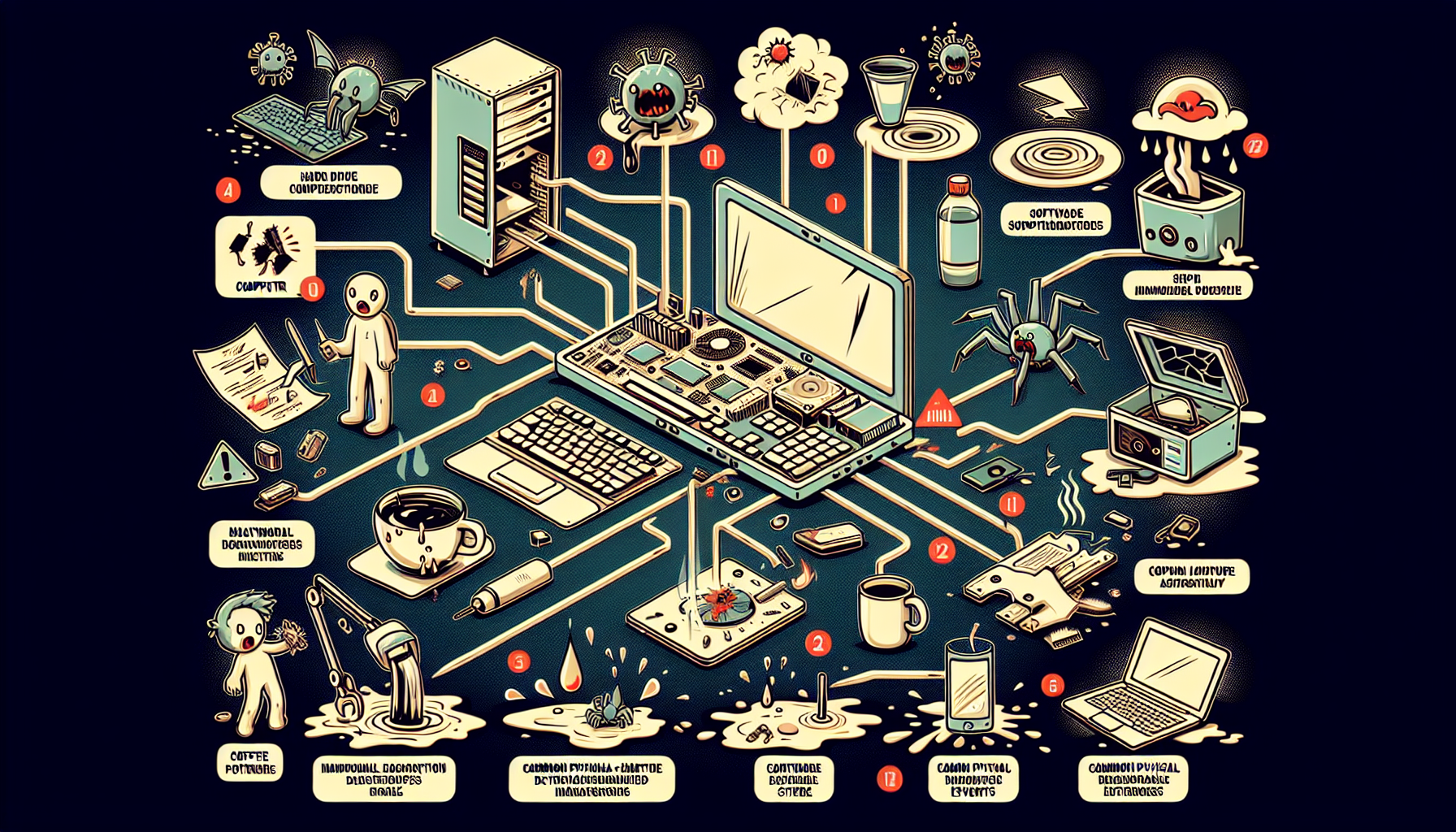
Identifying Computer Malfunctions
A crucial aspect of maintaining business IT systems is the ability to identify computer malfunctions accurately. This section discusses the symptoms of malfunction and the diagnostic tools available to assist in detecting issues.
Symptoms of Malfunction
Recognising the symptoms of a malfunctioning computer is the first step in addressing the problem. Common signs include:
| Symptom | Description |
|---|---|
| Slow Performance | The computer takes longer to respond to commands or open applications. |
| Frequent Crashes | The system unexpectedly shuts down or applications close without warning. |
| Unusual Noises | Strange sounds, such as clicking or grinding, may indicate hardware failure. |
| Overheating | Excessive heat can lead to performance issues and potential damage. |
| Error Messages | Pop-up messages indicating problems with software or hardware. |
For a deeper understanding of these issues, refer to our articles on signs of computer malfunction and common computer faults.
Diagnostic Tools
Utilising diagnostic tools can help IT managers and business owners effectively troubleshoot and resolve computer issues. Here are some recommended tools:
| Tool | Functionality |
|---|---|
| PC Diagnostic Tool | This software runs comprehensive checks on hardware and software components. Learn more here. |
| Windows Self-Diagnostic Tool | Built-in tool that can identify and resolve common issues in Windows operating systems. Read about it here. |
| Full Windows Diagnostic | A more extensive analysis that checks for system errors and performance issues. Explore this tool. |
| Self-Diagnostic for Computers | Allows users to perform checks on various components, helping to identify hardware failures. More information here. |
By keeping an eye out for the symptoms of malfunction and employing diagnostic tools, IT professionals can pinpoint issues effectively and implement solutions promptly. For further insights into diagnosing faults, visit our articles on diagnose computer fault and check for PC errors.
Common Causes of Malfunction
Understanding the common causes of computer malfunction is essential for IT managers and business owners seeking to maintain efficient operations. The issues can be broadly categorised into hardware and software problems.
Hardware Issues
Hardware failures can significantly disrupt business operations. Common hardware issues include:
| Hardware Problem | Description |
|---|---|
| Hard Drive Failure | Can result in data loss and system crashes. Regular checks can help identify potential failures. |
| Overheating | Often caused by dust buildup or inadequate cooling systems, leading to performance issues. |
| Power Supply Issues | Fluctuations or failures can prevent a computer from starting up. |
| Faulty RAM | Can lead to random crashes and application failures. |
Research shows that hardware problems are a leading cause of system malfunctions. According to Smith (2018), hardware failures can severely impact business productivity, while Johnson (2019) highlights the importance of regular hardware checks to mitigate risks. For additional insights into specific hardware issues, refer to our guide on common computer hardware problems.
Software Problems
Software issues can be equally detrimental to system performance. Common software-related problems include:
| Software Problem | Description |
|---|---|
| Outdated Software | Can lead to security vulnerabilities and compatibility issues, affecting overall productivity. |
| Software Bugs | Minor glitches can escalate into major performance issues, as noted by Lee (2017). |
| Malware Infections | Can compromise system integrity and lead to data loss. Regular updates and anti-virus software are essential. |
| Incompatible Applications | Running applications that do not work well together can cause system instability. |
Brown (2019) discusses the negative impact of outdated software on business productivity, emphasising the need for regular updates and maintenance. For more guidance on diagnosing software-related issues, visit our page on diagnosing computer faults. Understanding these common causes can help in implementing effective preventative maintenance strategies to ensure optimal system performance.
Business IT Support Strategies
Preventative Maintenance Tips
Implementing preventative maintenance is essential for minimising the occurrence of common causes of computer malfunction. Here are some effective strategies that IT managers and business owners can adopt:
| Tip | Description |
|---|---|
| Regular Maintenance | Regular maintenance can prevent up to 90% of common computer problems. |
| Scheduled Software Updates | Implementing scheduled software updates is crucial for preventing security breaches. |
| Cleaning Internal Components | Cleaning internal components regularly can extend the lifespan of hardware. |
| Data Backup | Regularly backing up data is a key preventative measure against data loss. |
| Employee Training | Training employees on basic IT troubleshooting can reduce the frequency of support calls. |
By following these tips, businesses can create a more reliable IT environment and significantly reduce the chance of unexpected malfunctions.
Importance of Regular Check-ups
Regular check-ups play a vital role in maintaining the health of IT systems. Here are several reasons why these evaluations are essential:
| Reason | Description |
|---|---|
| Identify Potential Issues | Regular IT check-ups can identify potential issues before they escalate. |
| Proactive Monitoring | Proactive monitoring of systems can minimise downtime and improve productivity. |
| Compliance Assurance | Annual IT audits help ensure compliance with industry regulations. |
| Optimize Performance | Regular check-ups can optimise system performance and prevent costly repairs. |
| Enhance Security | Scheduled maintenance can improve the overall security posture of a business. |
Incorporating regular check-ups into a business's IT strategy ensures a seamless operation and aids in identifying problems early on. For further insight on how to fix computer faults, consider exploring additional resources available.
Partnering with IT Professionals
Establishing a strong partnership with IT professionals is essential for effective business operations. To ensure a reliable and efficient tech support system, IT managers and business owners must consider how to find trustworthy tech support and understand the benefits of professional maintenance.
Finding Reliable Tech Support
The process of selecting a dependable IT support provider involves evaluating several critical factors. It is essential to research potential companies thoroughly, focusing on their reputation, experience, and client reviews. Engaging with other businesses in the industry can also yield valuable insights into their experiences with various IT support services.
| Key Factors to Consider | Description |
|---|---|
| Reputation | Look for IT support providers with positive reviews and testimonials. |
| Experience | Choose a company with a proven track record in handling similar IT needs. |
| Range of Services | Ensure the provider offers comprehensive services that meet specific business requirements. |
| Response Time | Consider the provider’s average response time for support requests. |
| Cost Structure | Assess pricing models to find a balance between cost and quality of service. |
By following these criteria, businesses can improve their chances of partnering with an IT support provider that can effectively address their needs. For further information on spotting issues, refer to common computer faults and signs of computer malfunction.
Benefits of Professional Maintenance
Investing in professional IT maintenance offers numerous advantages that contribute to overall business efficiency. Regular maintenance can prevent many common causes of computer malfunction, thereby enhancing productivity and reducing downtime.
Some key benefits include:
- Increased Efficiency: Regular maintenance helps keep systems running smoothly, reducing the likelihood of unexpected failures.
- Cost Savings: Preventative measures can save businesses money in the long run by avoiding costly repairs and replacements.
- Enhanced Security: IT professionals ensure that systems are up to date with the latest security patches, protecting against potential threats.
- Expertise and Support: Having access to knowledgeable technicians means businesses can rely on expert advice and support when needed.
According to studies, companies that engage in regular IT maintenance experience fewer disruptions and greater overall productivity. For more detailed insights, consider exploring fixing computer faults and diagnosing computer faults.
By prioritising a partnership with reliable IT professionals and recognising the benefits of routine maintenance, businesses can safeguard their operations against potential malfunctions and enhance their overall IT infrastructure.


