


Enhance Your Gaming Setup: The Ultimate Guide to RGB Cooling Fans
Understanding PC Cooling
To ensure the longevity and optimal performance of a gaming PC, proper cooling is crucial. Cooling systems play a vital role in dissipating the heat generated by the components inside the PC, preventing overheating and potential damage. There are two main types of cooling systems for PCs: air cooling and liquid cooling.
Importance of Cooling Systems
Proper cooling is essential to maintain the longevity and performance of a PC. When components such as the CPU and GPU operate at high temperatures, it can lead to decreased performance, system instability, and even permanent damage. Cooling systems help dissipate the heat generated by these components, ensuring they operate within safe temperature limits.
Overheating can cause various issues, such as reduced lifespan of components, thermal throttling (when the system reduces performance to prevent overheating), and even system crashes. By implementing an effective cooling system, PC gamers can enjoy extended gaming sessions without worrying about excessive heat affecting their gameplay experience.
Types of Cooling Systems
There are two main types of cooling systems for PCs: air cooling and liquid cooling.
Air Cooling Systems
Air cooling systems utilize fans to circulate air and cool down the components inside a PC. These fans are typically mounted on heat sinks, which are designed to draw heat away from the components. The hot air is then expelled from the PC through exhaust fans.
Air cooling systems are generally more affordable and easier to install compared to liquid cooling systems. They are also suitable for most gaming setups and provide adequate cooling for standard usage. However, the cooling performance of air cooling systems can be affected by factors such as ambient temperature, case airflow, and the efficiency of the fans.
Liquid Cooling Systems
Liquid cooling systems, also known as water cooling systems, use a liquid coolant to transfer heat away from the components. These systems consist of a pump, radiator, tubing, and a water block or cooling plate that makes direct contact with the components.
Liquid cooling systems are often preferred by overclockers and enthusiasts for their superior cooling capabilities. They can efficiently dissipate heat from high-performance components, allowing for more stable and higher overclocks. Liquid cooling systems are generally more efficient at cooling than air cooling systems, as the liquid coolant can absorb and dissipate heat more effectively.
While liquid cooling systems offer excellent cooling performance, they can be more expensive and require more complex installation compared to air cooling systems. Additionally, regular maintenance is necessary to ensure the system remains free of leaks and the coolant levels are adequate.
Understanding the different types of cooling systems is the first step in creating an effective cooling setup for your gaming PC. Factors such as budget, cooling requirements, and personal preferences will help determine which type of cooling system is most suitable for your needs. For more information on top-rated cooling fans and the latest cooling solutions, check out our article on top-rated cooling fans.
Benefits of RGB Cooling Fans
RGB cooling fans have become a popular choice among PC gamers for various reasons. In this section, we will explore two key benefits of RGB cooling fans: aesthetics and customization, as well as cooling performance.
Aesthetics and Customization
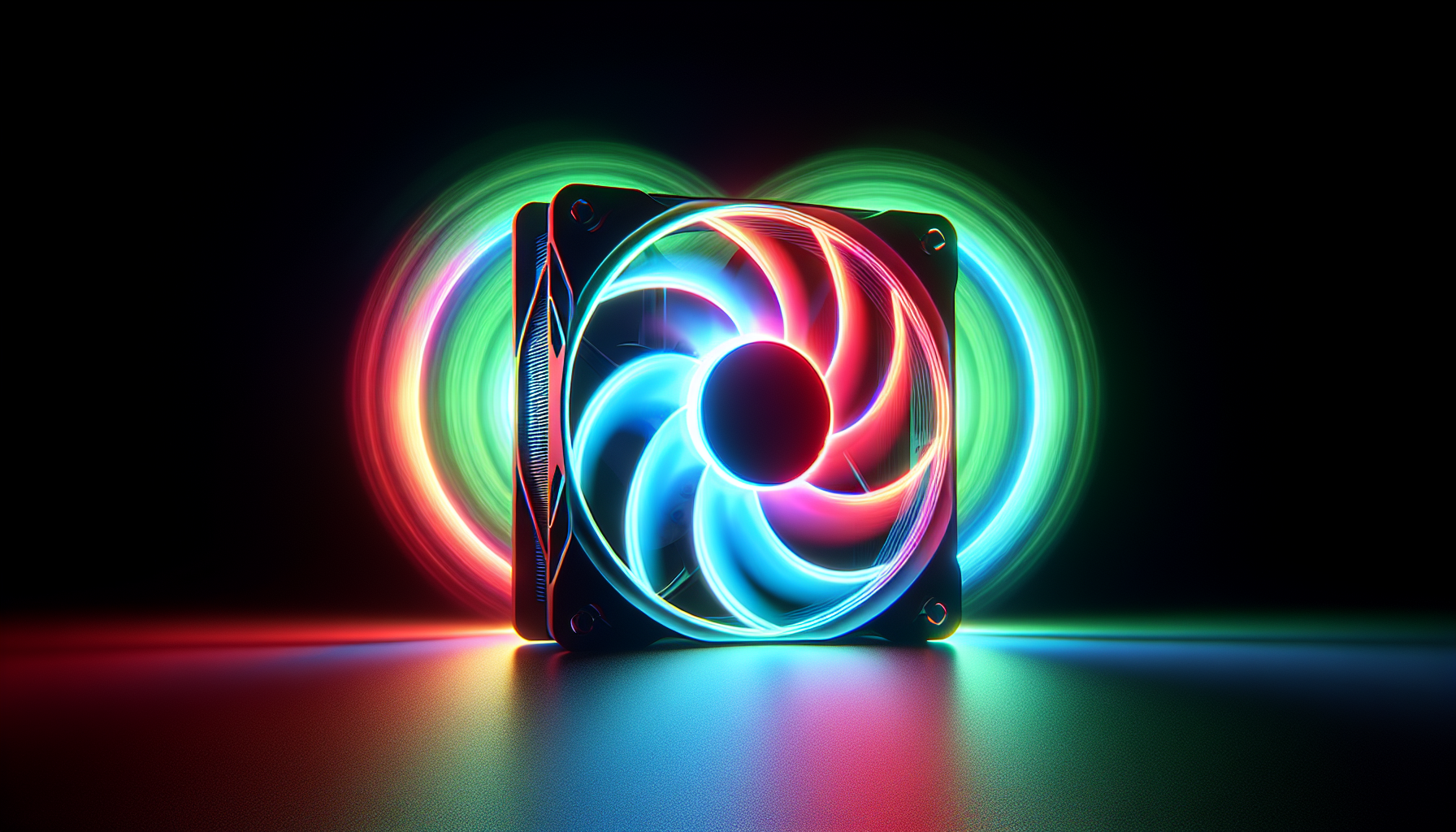
One of the standout features of RGB cooling fans is their ability to enhance the visual appeal of a gaming setup. These fans come equipped with customizable RGB lighting, allowing gamers to create stunning lighting effects that match their personal style or gaming theme. With a wide range of color options and lighting modes, RGB cooling fans can transform a regular gaming setup into a visually immersive experience.
Furthermore, many RGB cooling fans can be synchronized with other RGB components, such as keyboards, mice, and motherboards. This synchronization enables gamers to create a cohesive lighting scheme throughout their entire gaming rig, enhancing the overall aesthetics and creating a captivating atmosphere. Whether it's a mesmerizing rainbow effect or a dynamic pulsating pattern, RGB cooling fans offer endless possibilities for customization.
Cooling Performance
While the visual appeal is a major advantage of RGB cooling fans, their primary function is to provide effective cooling for your gaming rig. These fans are designed to optimize airflow and dissipate heat efficiently, helping to maintain optimal operating temperatures for your PC components.
RGB cooling fans often feature high-quality blades and bearings that are engineered to deliver strong airflow while minimizing noise levels. This ensures that your components stay cool without sacrificing a peaceful gaming environment. It's important to consider both airflow and static pressure when choosing RGB cooling fans. High airflow fans are ideal for unrestricted cooling, while fans with high static pressure are better suited for cooling components with obstacles, such as radiators or dense heatsinks.
By maintaining lower temperatures, RGB cooling fans can help prolong the lifespan of your PC components and minimize the risk of overheating-related performance issues. Monitoring your PC's temperature using temperature monitoring software can provide valuable insights into the effectiveness of your cooling system.
In conclusion, RGB cooling fans offer a perfect blend of aesthetics and functionality. They enhance the visual appeal of a gaming setup through customizable lighting effects, while also providing efficient cooling performance. Whether you're a gamer looking to create a visually stunning gaming rig or someone concerned about maintaining optimal temperatures for your PC components, RGB cooling fans are an excellent choice. To explore some top-rated cooling fans, check out our article on top-rated cooling fans.
Factors to Consider
When choosing RGB cooling fans for your gaming setup, there are several important factors to consider. These factors will help ensure that the cooling fans you choose are compatible with your system and provide optimal performance. The key factors to keep in mind are size compatibility, airflow and static pressure, and noise levels.
Size Compatibility
Before purchasing RGB cooling fans, it's crucial to check the size compatibility with your PC case. Cooling fans come in various sizes, typically measured in millimeters (mm). The most common sizes for PC cooling fans are 120mm and 140mm, although other sizes are also available.
To determine the appropriate size, you need to consider the available fan mount locations in your PC case. Check the specifications of your case or consult the manufacturer's website for information on the supported fan sizes. Choosing the right size ensures a proper fit and efficient airflow within your system.
Airflow and Static Pressure
Airflow and static pressure are two essential factors that directly impact the cooling performance of RGB fans. Airflow refers to the volume of air that the fan can move, while static pressure measures the force at which the fan can push air through restricted spaces, such as radiator fins or dense heatsinks.
For optimal cooling, it's essential to strike a balance between airflow and static pressure based on your specific cooling needs. If your system has many obstacles or components that require focused cooling, such as radiator fins, fans with higher static pressure are recommended. On the other hand, if your system has fewer obstructions and requires general cooling, fans with higher airflow are preferable.
Noise Levels
While cooling performance is crucial, it's also important to consider the noise levels produced by the RGB cooling fans. Excessive fan noise can be distracting, especially during intense gaming sessions. To ensure an enjoyable gaming experience, it's advisable to select fans that offer a balance between cooling performance and noise levels.
Fan noise is typically measured in decibels (dB). Lower dB values indicate quieter operation. Look for fans that offer low noise levels while still providing sufficient airflow and static pressure. It's also worth considering fans with features like rubber dampeners or anti-vibration mounts to minimize noise caused by vibrations.
By considering size compatibility, airflow and static pressure, and noise levels, you can make an informed decision when selecting RGB cooling fans for your gaming setup. Remember to check the specifications of the fans and consult the manufacturer's recommendations to ensure compatibility and optimal performance. For more information on gaming PC cooling, you can refer to our article on gaming pc cooling.
Installation and Maintenance
To ensure optimal performance and longevity of your RGB cooling fans, proper installation and regular maintenance are essential. In this section, we will cover the installation process as well as provide some maintenance tips to keep your RGB cooling fans running smoothly.
Installation Process
Installing RGB cooling fans is a relatively straightforward process, but it's important to follow the manufacturer's instructions for your specific fan model. Here is a general outline of the installation process:
Prepare your PC case: Before installing the RGB cooling fans, make sure your PC is powered off and disconnected from the power source. Open the PC case and locate the fan mounting points. Ensure that there is enough clearance for the fans to fit properly.
Determine the fan placement: Decide where you want to install the RGB cooling fans. The most common placement is at the front for intake and at the rear or top for exhaust. Consider the airflow direction and ensure proper ventilation.
Attach the fans: Align the screw holes on the fans with the mounting points on the PC case. Use the provided screws to secure the fans in place. Make sure they are tightly fastened but be careful not to overtighten, as this could damage the fan or the case.
Connect the power cables: Connect the power cables of the RGB cooling fans to the appropriate fan headers on your motherboard or fan controller. Refer to your motherboard or fan controller manual for the correct headers and connections.
Customize the RGB lighting: If your RGB cooling fans come with customizable lighting features, you can connect the RGB cables to the corresponding RGB headers on your motherboard or RGB controller. This allows you to control and synchronize the lighting effects with other RGB components in your setup.
Test and troubleshoot: After installation, power on your PC and check if the RGB cooling fans are functioning properly. Use PC temperature monitoring software to monitor the temperature and ensure that the fans are providing adequate cooling.
Maintenance Tips
To keep your RGB cooling fans in optimal condition, regular maintenance is necessary. Here are some maintenance tips to help you:
Dust and debris removal: Over time, dust and debris can accumulate on the fan blades and hinder their performance. Regularly clean the fan blades using a can of compressed air or a soft brush to remove any build-up. This will help maintain proper airflow and prevent overheating.
Check for fan obstructions: Periodically check for any obstructions that may hinder the movement of the fan blades. Ensure that cables, loose wires, or other components are not blocking the fans. Clear any obstructions to ensure uninterrupted airflow.
Monitor fan speed: Use fan speed control software to monitor and adjust the fan speed as needed. Higher fan speeds can provide better cooling performance but may also generate more noise. Find a balance that suits your cooling needs and noise preferences.
Inspect and replace damaged fans: Regularly inspect the RGB cooling fans for any signs of damage or wear. If you notice any unusual noises, vibrations, or decreased performance, it may be time to replace the fans. Refer to the manufacturer's guidelines for fan replacement.
By following these installation and maintenance tips, you can ensure that your RGB cooling fans operate effectively and contribute to an enhanced gaming experience. Remember to consult the manufacturer's instructions for specific guidance and refer to our article on top-rated cooling fans for recommendations on quality RGB cooling fans for your gaming setup.
Top RGB Cooling Fans
When it comes to enhancing your gaming setup with RGB cooling fans, there are several top brands that offer high-quality options. These brands have gained popularity among gamers for their performance, aesthetics, and reliability. Let's take a closer look at three of the top brands in the market.
Brand A
Brand A is known for its innovative cooling solutions that combine functionality with eye-catching RGB lighting effects. Their RGB cooling fans are designed to provide excellent cooling performance while adding a visually stunning element to your gaming rig. These fans are equipped with advanced features such as customizable lighting effects, fan speed control, and low noise levels.
Brand B
Brand B is a trusted name in the gaming industry, offering a wide range of RGB cooling fans that cater to gamers' needs. Their fans are designed with a focus on cooling efficiency, ensuring that your PC stays cool even during intense gaming sessions. Along with impressive cooling capabilities, Brand B's RGB cooling fans come with vibrant lighting effects and customizable options to match your gaming setup.
Brand C
Brand C is renowned for its high-performance RGB cooling fans that deliver both style and functionality. These fans are engineered to provide optimal airflow and static pressure, ensuring efficient cooling for your gaming PC. With their RGB lighting effects, Brand C's cooling fans offer a visually appealing addition to your gaming rig. Additionally, these fans are designed to operate quietly, minimizing any distractions while you're immersed in your gaming experience.
By choosing RGB cooling fans from these top brands, you can enhance the cooling performance of your gaming setup while adding a touch of personalization and style. When selecting the right cooling fan for your needs, consider factors such as size compatibility, airflow, static pressure, and noise levels. For more information on PC cooling and fans, be sure to check out our gaming PC cooling guide.
Remember, a well-maintained and properly cooled gaming PC can help maintain optimal performance and prolong the lifespan of your components. Don't forget to regularly monitor your PC's temperature using PC temperature monitoring software and follow proper installation and maintenance procedures.
Budget-Friendly Options
When it comes to enhancing your gaming setup with RGB cooling fans, you don't have to break the bank. There are budget-friendly options available that offer good performance while adding a touch of style to your PC. Let's explore two budget-friendly options that can help keep your system cool and visually appealing.
Budget Option 1
Brand:
Price:
Key Features:
- Airflow:
- Noise Level:
- RGB Lighting:
Pros:
- *
*
Cons:
- *
*
Budget Option 2
Brand:
Price:
Key Features:
- Airflow:
- Noise Level:
- RGB Lighting:
Pros:
- *
*
Cons:
- *
*
While these budget-friendly options may not offer all the advanced features and performance of higher-end RGB cooling fans, they are still capable of providing efficient cooling and enhancing the aesthetics of your gaming setup. Remember to consider your specific requirements, such as fan size compatibility, airflow, noise levels, and RGB lighting preferences, when making your selection.
To learn more about top-rated cooling fans, including both budget-friendly and premium options, check out our article on top-rated cooling fans. It's always a good idea to compare different brands and models to find the one that best suits your needs and budget. With the right budget-friendly RGB cooling fan, you can take your gaming experience to the next level without breaking the bank.


