


Enhance Your Gaming Rig: Unveiling the Best CPU Coolers for Gamers in Melbourne
Understanding CPU Basics
Before exploring the nuances of a CPU cooler, it's vital to understand the basic groundwork of a CPU and its pivotal role in gaming.
What is a CPU?
A Central Processing Unit (CPU), often referred to as the "brain" of a computer, is the primary hardware component that executes the instructions of a computer program. It performs the basic arithmetic, logical, control, and input/output (I/O) operations specified by the instructions in the program. The CPU's performance, measured by CPU benchmarks, is a key factor determining the overall speed and efficiency of a computer system.
PassMark Software provides a comprehensive range of CPU charts comparing the relative speeds of processors from various manufacturers, including CPUs designed for servers, workstations, desktops, ARM processors, and mobile CPUs. The CPU Benchmark results or "baselines" are gathered from users' submissions to the PassMark website and from internal testing. PerformanceTest, a software by PassMark, conducts eight different tests and averages the results to determine the CPU Mark rating for a system, ensuring that the full CPU power of a PC system is realized.
Importance of CPU in Gaming
In the realm of gaming, the CPU plays a crucial role. It's responsible for running the game's software and directing the graphics card to render images correctly. The power and speed of the CPU can significantly affect gaming performance, especially in games that are more processor-intensive.
A powerful CPU can handle more calculations per second, which translates into smoother gameplay and less lag. In a gaming PC, the CPU works in tandem with the graphics processing unit (GPU), and a good balance between the two is essential to avoid a CPU bottleneck, where the CPU can't keep up with the GPU, leading to subpar gaming performance.
Therefore, for avid gamers looking to level up their gaming rig or build a new one, it's crucial to consider both the CPU's performance and its compatibility with the rest of the gaming setup. This includes considering the CPU's heat generation and the need for efficient CPU cooling solutions, such as a high-quality CPU cooler, to maintain optimal performance.
Factors to Consider When Choosing a CPU
Selecting the right CPU (Central Processing Unit) is a critical step in building a gaming rig that performs to your expectations. The CPU plays a significant role in game processing, and its performance can impact the overall gaming experience. Here are some crucial factors that gamers should consider when choosing a CPU.
Performance Metrics
A CPU's performance can be evaluated using several metrics. These include clock speed, core count, cache size, and instructions per cycle. Higher numbers typically indicate better performance.
Several benchmarking tools, like PerformanceTest by PassMark Software, can help you evaluate a CPU's performance. This tool conducts eight different tests and averages the results to determine the CPU Mark rating for a system. It ensures that the full CPU power of a PC system is realized by running each CPU test on all available CPUs simultaneously.
For instance, in a system with two CPUs, each with dual cores using hyper-threading, PerformanceTest will run eight simultaneous tests. The CPU Benchmark results or "Baselines" are gathered from users' submissions to the PassMark website as well as from internal testing. PassMark Software updates the CPU charts daily with data from users' submissions and internal testing, including CPUs designed for servers, workstations, desktops, ARM processors, and mobile CPUs.
Compatibility with Gaming Setups
Another crucial factor to consider when choosing a CPU is its compatibility with your gaming setup. This involves checking if the CPU is compatible with your motherboard, RAM, power supply, and GPU.
It's also important to note that some CPUs come with an integrated GPU. While these can handle casual gaming and less-demanding games, serious gamers might want to opt for a standalone GPU for better graphics performance.
Overclocking Capabilities
Overclocking allows you to push your CPU beyond its factory speed settings, potentially enhancing gaming performance. However, overclocking can also increase the heat production, requiring a good CPU cooler to manage temperature levels. If you're interested in overclocking, look for a CPU with unlocked multipliers and familiarize yourself with the steps on how to overclock a CPU.
In conclusion, choosing the right CPU involves considering its performance metrics, compatibility with your gaming setup, and overclocking capabilities. Also, remember to factor in your budget and game requirements when making the decision.
Top CPU Brands for Gaming
In the realm of computer gaming, the CPU (Central Processing Unit) forms the nucleus around which the entire gaming experience revolves. Its performance can make or break your gaming experience. Hence, selecting the right CPU is a critical decision for any gamer. Some of the forerunners in the CPU market are Intel, AMD, Apple, and Qualcomm, each with their distinct advantages.
Intel CPUs
Intel has been a mainstay in the CPU market for years. It is renowned for its powerful and reliable processors that deliver top-notch performance for gaming. The company's CPUs provide high clock speeds and excellent single-thread performance, making them a favourite among gamers. In terms of power consumption and heat generation, Intel CPUs are generally efficient, but a good CPU cooler is still recommended to maintain optimal performance.
To compare the performance of different Intel processors, you can refer to the CPU charts provided by PassMark Software, which provide a comprehensive comparison of processors' speeds.
AMD CPUs
AMD has made significant strides in the CPU market in recent years. Their Ryzen series of processors, in particular, have garnered attention for their high core and thread counts, excellent multi-threaded performance, and competitive pricing. AMD CPUs tend to offer more cores and threads at the same price points compared to their Intel counterparts, making them an excellent choice for tasks that can take advantage of multiple cores.
AMD processors also come with unlocked multipliers for easy overclocking. However, doing so will increase the heat output, making a high-quality CPU cooler essential. Again, one can refer to PassMark Software's CPU benchmark charts to compare the performance of different AMD processors.
Apple and Qualcomm CPUs
Apple and Qualcomm have traditionally been known for their mobile CPUs. However, with the introduction of Apple's M1 chip, Apple has stepped into the desktop CPU market. The M1 chip has received high praise for its high performance and energy efficiency. However, compatibility can be an issue as these chips only work with macOS, limiting their use for gaming.
On the other hand, Qualcomm CPUs are primarily found in mobile devices and some laptops. They are known for their energy efficiency and integrated graphics capabilities, but they are not typically used in gaming rigs. For more details on their performance, one can refer to the CPU benchmark charts provided by PassMark Software.
Choosing the right CPU for your gaming setup involves careful consideration of your gaming needs, budget, and desired performance levels. Regardless of the CPU you choose, remember that efficient cooling is essential for maintaining performance and longevity. Be sure to invest in a good CPU cooler to keep your gaming rig running smoothly.
Enhancing CPU Performance
The performance of a CPU is not solely dependent on its processing power or compatibility with other parts of your gaming setup. An often-overlooked factor is how effectively it is cooled. This section will discuss the importance of CPU coolers, the different types available, and the benefits of efficient cooling.
Importance of CPU Coolers
CPU coolers are essential for maintaining optimal CPU performance and preventing overheating. They work by dissipating the heat generated by the CPU, keeping its temperature within safe limits. This is particularly important during intense gaming sessions, where the CPU is under considerable stress and generates more heat. In fact, without an efficient CPU cooler, a CPU can reach temperatures high enough to damage the internal components, leading to reduced lifespan and performance.
Types of CPU Coolers
There are various types of CPU coolers available on the market, including air coolers, liquid coolers, and all-in-one (AIO) coolers.
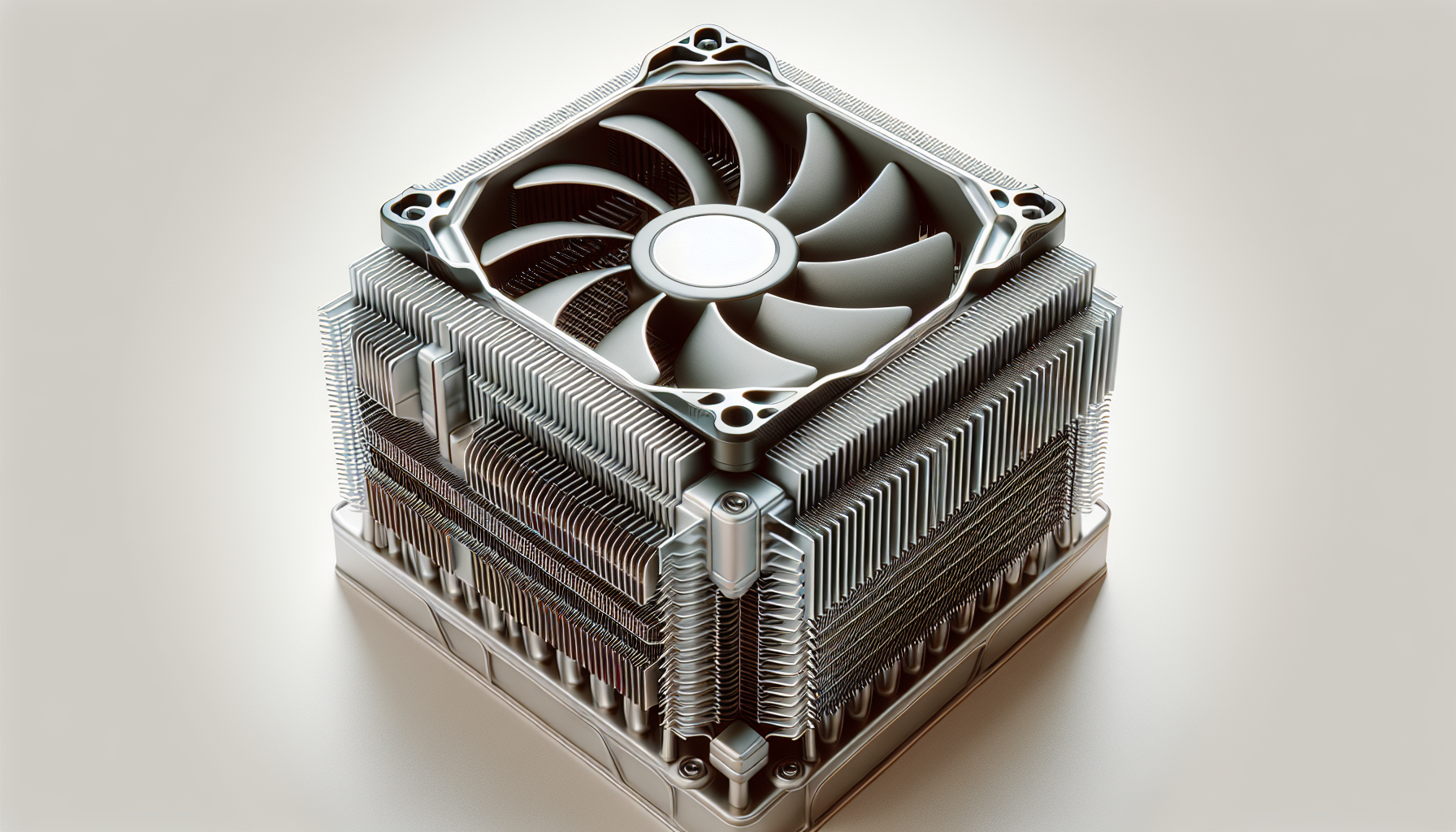
Air coolers, the most common type, use a combination of heat pipes and fins to dissipate heat away from the CPU. They are usually equipped with one or more fans to push the hot air away from the heat sink and out of the case.
Liquid coolers, on the other hand, use a liquid coolant to absorb heat from the CPU. The hot liquid is then pumped away from the CPU and towards a radiator, where it is cooled by a fan before returning to absorb more heat.
All-in-one (AIO) coolers are a type of liquid cooler that comes pre-assembled, making them easier to install. They combine the pump, tubes, and radiator into a single unit, reducing the complexity and size of the cooling system.
Each type of cooler has its own advantages and is suited to different types of gaming setups. For more information on choosing the right cooler for your CPU, check out our article on CPU cooling.
Benefits of Efficient Cooling
Efficient cooling helps to ensure stable performance and longevity of the CPU. It can also prevent thermal throttling, a safety feature that reduces the CPU's clock speed to prevent it from overheating. While thermal throttling can protect the CPU from immediate damage, it can negatively impact performance during intense gaming sessions.
For overclocking enthusiasts, high-performance CPU coolers can help maintain lower temperatures, allowing the CPU to achieve higher clock speeds without overheating. This can provide a significant performance boost, making your gaming experience smoother and more enjoyable.
In conclusion, investing in a good CPU cooler is just as important as choosing the right CPU for your gaming PC. By ensuring your CPU is effectively cooled, you can enjoy better performance, a longer lifespan for your CPU, and an overall better gaming experience.


