


Enhance Your Gaming Rig: Top 1TB SSD M.2 Choices
Understanding M.2 SSDs
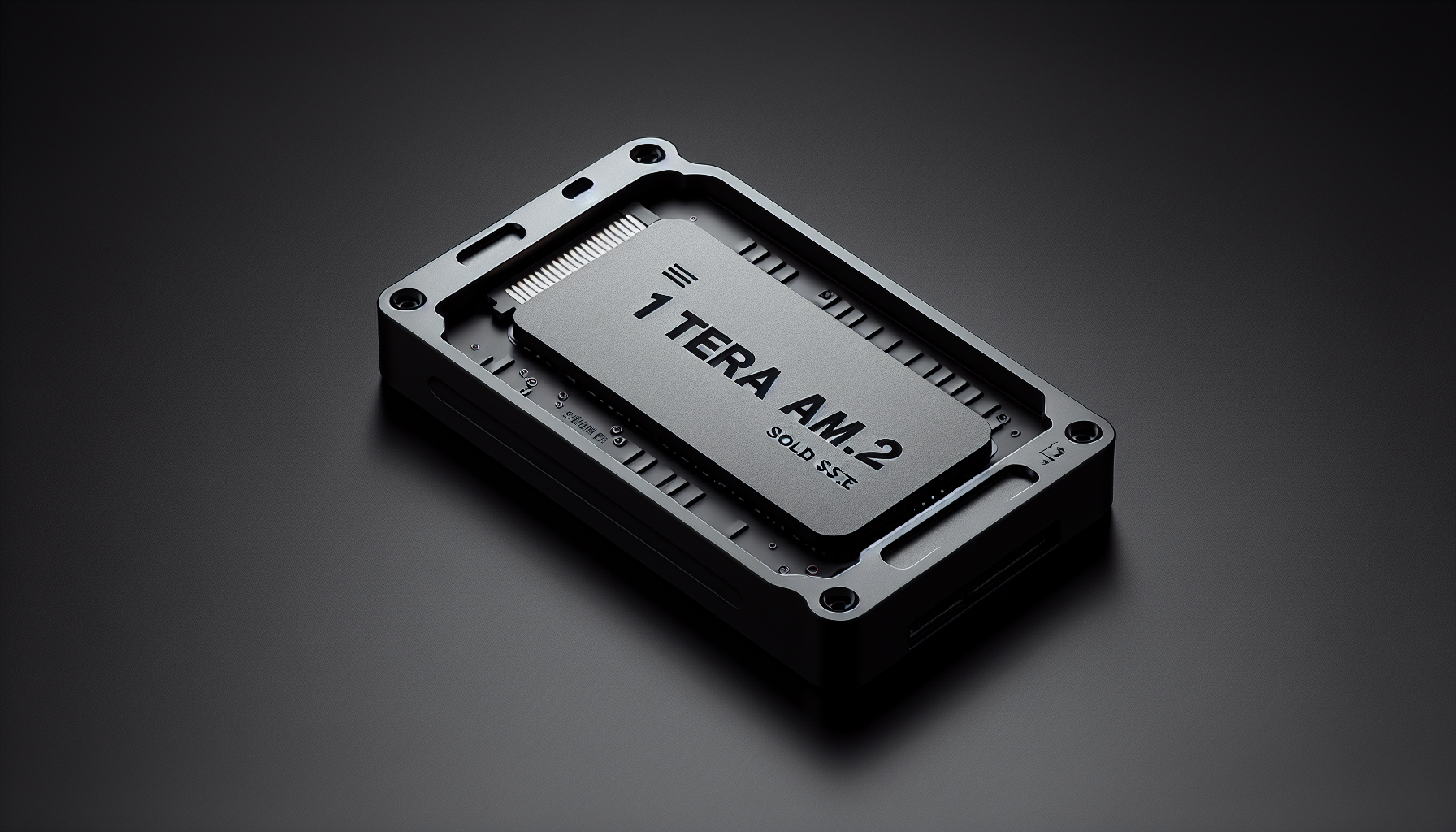
M.2 SSDs are a modern type of solid-state drive designed for high-speed data transfer and compact form factor. They are becoming increasingly popular among gamers in Australia looking to enhance their gaming rigs.
M.2 SSD Basics
M.2 is a specification that defines the physical size and configuration of a hardware interface, primarily designed for SSDs. M.2 SSDs allow for high-performance storage options while occupying minimal space in a PC build. They connect directly to the motherboard, typically through an M.2 slot, allowing for faster data transfer compared to traditional SATA connections.
M.2 often supports multiple interfaces, enabling both SATA and PCIe connections. This flexibility enhances compatibility with various motherboards and systems, helping users make the most of their hardware.
SATA M.2 SSDs vs. NVMe M.2 SSDs
Understanding the differences between SATA and NVMe M.2 SSDs is critical for selecting the best storage option. Below is a comparison highlighting their key characteristics.
| Feature | SATA M.2 SSDs | NVMe M.2 SSDs |
|---|---|---|
| Transfer Speed | Maximum 600 MB/s | Up to 3,500 MB/s |
| Interface | SATA III | PCIe |
| Protocol | AHCI | NVMe |
| Performance | Slower compared to NVMe | Significantly faster |
| Cost | Generally more affordable | Higher cost, faster speeds |
NVMe M.2 SSDs provide substantially faster performance than SATA M.2 SSDs, with theoretical transfer speeds reaching up to 20Gbps (Kingston). NVMe drives harness the power of the PCIe bus, directly communicating with the system CPU and resulting in superior speed and performance—an essential factor for gamers who desire quick load times and smooth gameplay.
Gamers in Australia considering an upgrade should explore the available 1TB SSD M.2 options, evaluating whether a SATA or NVMe model best suits their needs. For tips on installation, visit our guide on how to install m.2 ssd.
Top M.2 SSD Models
For gamers seeking to enhance their rigs with high-performance storage solutions, selecting the right 1TB M.2 SSD is essential. Here are some of the top choices, based on speed, performance, and user feedback.
WD Black SN850X 1TB
The WD Black SN850X 1TB model is renowned for its impressive speed capabilities. It offers read speeds of 6,300 MB/s and write speeds of 7,300 MB/s. This makes it an excellent option for PC gaming, allowing for rapid load times and seamless gameplay.
| Feature | Specification |
|---|---|
| Read Speed | 6,300 MB/s |
| Write Speed | 7,300 MB/s |
For more information, visit the official page on WD Black SN850X.
Lexar NM790 1TB
The Lexar NM790 1TB SDD stands out with its read speeds of 7,400 MB/s and write speeds of 6,500 MB/s. This model delivers top-end performance at a more affordable price, making it an attractive option for gamers looking for a balance between performance and cost.
| Feature | Specification |
|---|---|
| Read Speed | 7,400 MB/s |
| Write Speed | 6,500 MB/s |
For details on purchasing, check out Lexar NM790.
Nextorage NEM-PA 2TB
Although slightly larger than the 1TB options mentioned, the Nextorage NEM-PA 2TB NVMe SSD is worth considering for those who require ample storage. It delivers read speeds of 7,300 MB/s and write speeds of 6,900 MB/s, offering superb performance at competitive prices.
| Feature | Specification |
|---|---|
| Read Speed | 7,300 MB/s |
| Write Speed | 6,900 MB/s |
For more on this model, visit the Nextorage NEM-PA.
Lexar Play 2230 1TB
The Lexar Play 2230 1TB SSD is tailored for devices such as the Steam Deck, featuring sequential read speeds of 5,400 MB/s and write speeds of 4,700 MB/s. It improves performance for gaming at a reasonable price point, making it a smart choice for handheld gaming enthusiasts.
| Feature | Specification |
|---|---|
| Read Speed | 5,400 MB/s |
| Write Speed | 4,700 MB/s |
For more details, check the Lexar Play 2230.
Silicon Power XS70 2TB
The Silicon Power XS70 2TB SSD is ideal for extensive gaming libraries, boasting read speeds of 7,100 MB/s and write speeds of 6,600 MB/s. This SSD is particularly suitable for upgrading PlayStation 5 storage, featuring excellent thermal performance as well.
| Feature | Specification |
|---|---|
| Read Speed | 7,100 MB/s |
| Write Speed | 6,600 MB/s |
For more information, explore the Silicon Power XS70.
These top M.2 SSD models demonstrate the varied options available for gamers seeking to enhance their setups with the best 1TB SSD M.2 choices on the market. Whether one prioritises speed, storage capacity, or budget, there are options to meet each need.
Factors to Consider
When selecting a 1TB M.2 SSD for gaming, it is essential to evaluate several factors to ensure optimal performance and compatibility with gaming needs.
Speed and Performance
Speed is one of the most critical aspects when choosing an M.2 SSD. An SSD with higher read and write speeds can significantly enhance gaming performance. NVMe SSDs typically outperform SATA SSDs, offering up to five times the bandwidth, which is particularly beneficial for large file transfers and demanding applications like high-end gaming.
| SSD Model | Read Speed (MB/s) | Write Speed (MB/s) |
|---|---|---|
| WD Black SN850X 1TB | 6,300 | 7,300 |
| Lexar NM790 1TB | 7,400 | 6,500 |
| Lexar Play 2230 1TB | 5,400 | 4,700 |
| Silicon Power XS70 2TB | 7,100 | 6,600 |
Models like the WD Black SN850X 1TB and the Lexar NM790 1TB boast impressive speeds, making them ideal for gamers who demand quick load times and superior performance.
Storage Capacity
While the focus here is on 1TB SSDs, understanding storage capacity is vital. A 1TB capacity is a solid choice for most gamers, balancing ample space for games without overspending. However, the needs may vary based on gaming habits. Players who download numerous AAA titles or enjoy storing large game files may want to consider additional storage options, such as 2TB M.2 SSDs.
For more information about different storage capacities and their impacts, check out our related articles on m.2 ssd and 2TB SSD options.
Pricing Considerations
Price is a significant factor when selecting an M.2 SSD. The cost varies based on the brand, speed, and capacity. High-performance NVMe models usually carry a premium, so gamers need to balance their requirements with their budget. For instance, the Lexar Play 2230 1TB offers a more affordable choice without compromising too much on speed.
When comparing prices, it’s also wise to look out for sales and bundle deals where SSDs might be included with gaming hardware or promotions. Therefore, keeping an eye on the pricing landscape will help ensure getting the best value for the desired performance level.
In reviewing these factors, gamers can make an informed decision on the best 1TB M.2 SSD that fits their gaming rig, considering their speed needs, space requirements, and budget constraints.
Choosing the Right M.2 SSD
When selecting an M.2 SSD, gamers should consider specific models that provide optimal performance and value for gaming experiences. This section highlights the best options for gaming and budget-friendly alternatives.
Best M.2 SSD for Gaming
For serious gamers, high performance and speed are essential factors when choosing an SSD. The WD Black SN850X 1TB model emerges as a leading choice, delivering exceptional read speeds of 6,300 MB/s and write speeds of 7,300 MB/s. This makes it highly efficient for PC gaming, reducing loading times and improving overall system responsiveness (PC Gamer).
| SSD Model | Read Speed (MB/s) | Write Speed (MB/s) | Capacity |
|---|---|---|---|
| WD Black SN850X 1TB | 6,300 | 7,300 | 1TB |
| Lexar Play 2230 1TB | 5,400 | 4,700 | 1TB |
| Silicon Power XS70 2TB | 7,100 | 6,600 | 2TB |
The Lexar Play 2230 1TB is another noteworthy option, especially for portable gaming devices like the Steam Deck, offering a good balance with sequential read and write speeds of 5,400 MB/s and 4,700 MB/s respectively (PC Gamer).
Budget-Friendly M.2 SSD Options
For gamers looking to save money without sacrificing performance, the Addlink AddGame A93 and Addlink S70 present themselves as excellent budget choices. The AddGame A93 delivers solid performance characteristics, ideal for upgrading or building a new gaming rig while keeping costs low (PCMag).
The Addlink S70 stands out as the best value option, providing blisteringly quick speeds that rival more expensive models. It’s an ideal choice for gamers on a tight budget but who still wish to enjoy efficient data access and loading times (PCMag).
| SSD Model | Read Speed (MB/s) | Write Speed (MB/s) | Capacity |
|---|---|---|---|
| Addlink AddGame A93 | Varied | Varied | 1TB |
| Addlink S70 | Blistering speeds | Varied | 1TB or more |
These options provide a range of performance characteristics at lower price points, allowing gamers to enhance their setup wisely. Whether investing in high-performing models or updating to budget-friendly alternatives, it's crucial to consider total system performance when selecting an M.2 SSD. For guidance on installation, refer to our article on how to install m.2 ssd.
Benefits of M.2 SSDs
M.2 SSDs provide substantial advantages over traditional storage options, particularly beneficial for gamers seeking enhanced performance. This section outlines the speed comparison between SATA and NVMe M.2 SSDs, as well as the overall performance enhancements offered by M.2 technology.
Speed Comparison: SATA vs. NVMe
The primary distinction between SATA and NVMe M.2 SSDs lies in their speed capabilities. SATA M.2 SSDs utilise the SATA interface, which allows a maximum data transfer rate of 6Gbps. In contrast, NVMe M.2 SSDs are far superior, achieving speeds up to 20Gbps, as they communicate directly with the system CPU through the PCIe bus.
| Type of M.2 SSD | Max Throughput | Recommended Use Cases |
|---|---|---|
| SATA M.2 SSD | 6Gbps (~600MB/s) | Basic computing, light gaming, general storage |
| NVMe M.2 SSD | 20Gbps (~3,500MB/s) | Gaming, large file transfers, video editing, high-performance applications |
According to Kingston, NVMe drives can provide speeds up to 3,500MB/s, significantly surpassing the capabilities of SATA SSDs. Users seeking the ultimate performance for demanding applications like gaming or content creation should prioritise NVMe options.
Performance Enhancements
M.2 SSDs, particularly those with NVMe support, offer notable performance improvements over traditional SSDs and hard drives. This technology enables much greater performance levels, significantly reducing load times and enhancing gameplay experiences. For example, NVMe SSDs allow for transfer speeds that enable seamless execution of applications, faster boot times, and quicker file transfers.
Compared to SATA, NVMe M.2 SSDs can achieve up to five times more bandwidth, which is particularly advantageous for users handling large files or performing tasks requiring high-speed data access, such as high-end photo editing or video transcoding (Tom's Hardware).
In summary, M.2 SSDs provide gamers with enhanced performance through their superior speed capabilities and overall operational efficiency. For detailed guidance on installing an M.2 SSD, refer to our article on how to install m.2 ssd.
M.2 SSD Installation Tips
Installing an M.2 SSD is a straightforward process that can significantly boost the performance of any gaming rig. This section provides insights on how to properly install an M.2 SSD as well as tips for maintaining and optimising it for the best performance.
Installing an M.2 SSD
To begin the installation process, ensure that the computer is powered off and unplugged. Follow these steps to install an M.2 SSD:
- Locate the M.2 Slot: Open the computer case to find the M.2 slots on the motherboard. It's usually located near the CPU or on the side.
- Remove the Screw: Most M.2 slots require a small screw to secure the SSD. Remove this screw using a compatible screwdriver.
- Insert the SSD: Align the notch on the SSD with the corresponding key in the M.2 slot. Slide the SSD into the slot at a 30-degree angle.
- Secure the SSD: Press the SSD down gently and replace the screw to secure it in place.
- Close the Case: Once the SSD is secured, close the computer case and reconnect any cables.
- Power On: Start the computer and enter the BIOS/UEFI settings to ensure the SSD is detected properly. For further help, refer to our guide on how to install M.2 SSD.
| Step | Description |
|---|---|
| 1 | Locate the M.2 Slot |
| 2 | Remove the Screw |
| 3 | Insert the SSD |
| 4 | Secure the SSD |
| 5 | Close the Case |
| 6 | Power On |
Maintenance and Optimization
To ensure optimal performance and longevity of the M.2 SSD, consider the following maintenance tips:
- Keep Drivers Updated: Regularly check for firmware updates from the manufacturer and apply them to enhance performance and stability.
- Monitor Temperatures: M.2 SSDs, especially NVMe models, can get hot during intensive tasks. Consider using a heatsink or thermal pad to dissipate heat effectively.
- Free Up Space: Maintaining some free space on the SSD helps in performance optimisation. Aim for at least 10-20% free space for best results.
- Use TRIM Command: Ensure that the TRIM command is enabled. This command allows the operating system to inform the SSD about unused data blocks, helping to maintain speed.
- Regularly Back Up Data: Have regular backups of important data to avoid loss due to potential drive failure.
- SSD Cloning and Formatting: If additional configuration is necessary, explore options such as how to format M.2 SSD Windows 11 or how to clone M.2 SSD with only one slot.
By following these installation procedures and maintenance practices, users can greatly enhance their gaming experience with an M.2 SSD, ensuring efficient speed and performance throughout their gaming sessions. For troubleshooting, refer to our article on why is my M.2 SSD not showing up in BIOS.


