


Enhance Your Gaming Experience: Unleash the Power of RGB PC Cooling Fans
Understanding RGB Cooling Fans
Introduction to RGB Fans
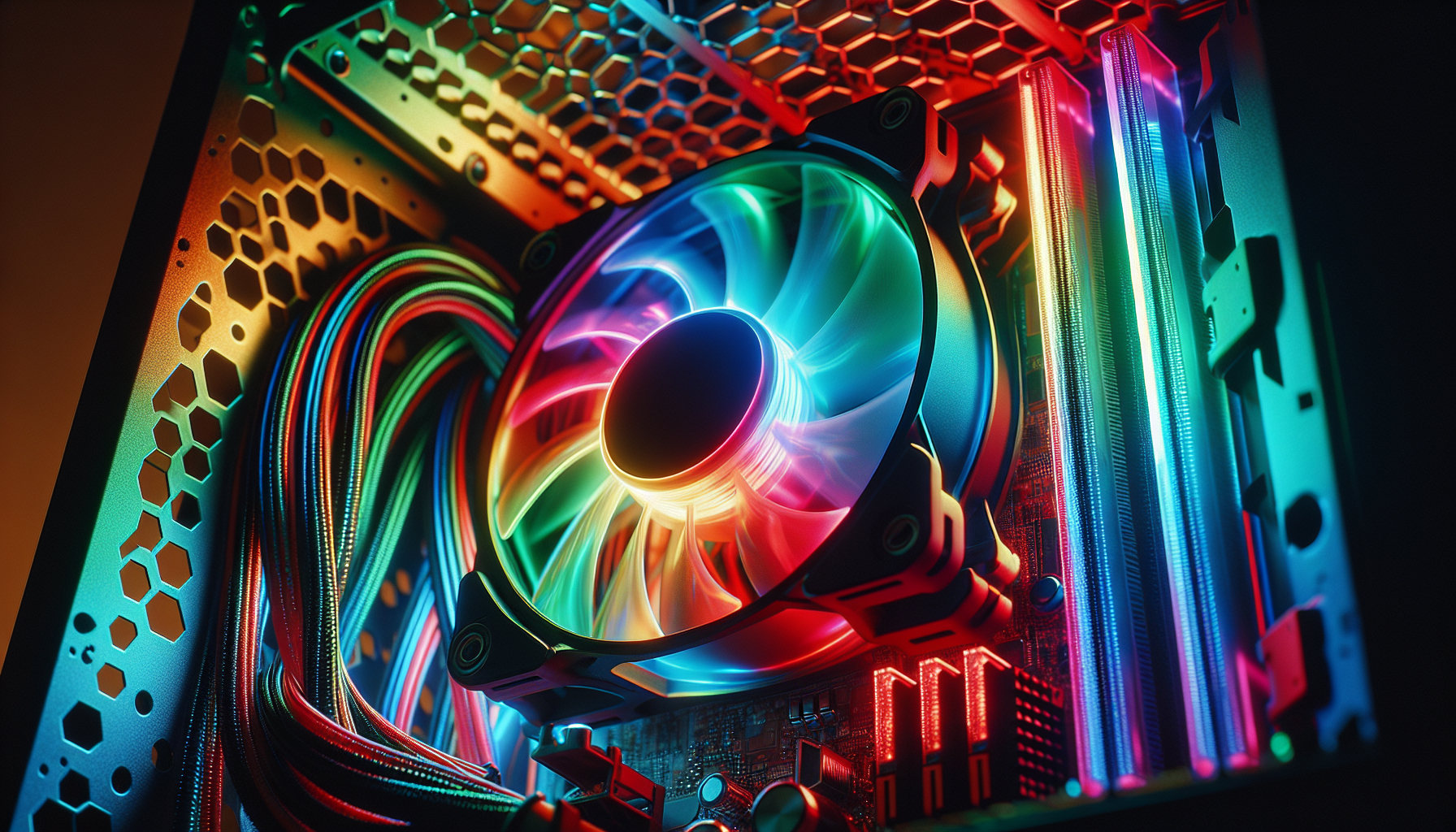
RGB cooling fans are a vibrant addition to any gaming PC, blending both aesthetic appeal and functionality. The acronym 'RGB' stands for Red, Green, and Blue, and refers to the LED lighting system that can be customized to display a wide spectrum of colors. These fans are not only instrumental in maintaining an optimal temperature for PC components but also add a personalized touch to gaming setups.
PC gamers in Australia, particularly those between 20-35 years old, are increasingly drawn to the customization options that RGB PC cooling fans offer. The ability to match the color scheme of their rig to their personal style or mood elevates the immersive experience of gaming. Beyond the visual appeal, these fans serve a crucial role in dissipating heat from the PC, ensuring that it runs smoothly even during intense gaming sessions.
Benefits of RGB Cooling Fans
The primary benefits of integrating RGB cooling fans into a gaming setup are twofold: enhanced cooling efficacy and customizable aesthetics.
- Improved Thermal Performance: RGB fans are designed to provide efficient airflow and significant cooling capabilities. With the right configuration, they can help keep the PC's internal temperatures low, which is essential for maintaining the performance and longevity of its components (Tom's Hardware).
- Customization and Personalization: Gamers can personalize their setups by adjusting the lighting effects to their preferences, often through software that allows control over color, brightness, and lighting patterns. This level of customization contributes to the overall gaming ambiance and can sync with other RGB components for a cohesive look (PC Gamer).
- Synchronization with Games and Music: Some advanced RGB fans can synchronize their lighting effects with in-game actions or music, further immersing the player in their gaming experience.
- Quiet Operation: Many RGB fans are engineered to operate quietly, minimizing noise without compromising on cooling performance. This feature is particularly important to gamers who require concentration during gameplay (Quiet PC Cooling Fans).
The adoption of RGB fans among PC gamers has been on the rise, as highlighted by TechSpot, which emphasizes the demand for aesthetics and customization in the gaming community. The combination of visual appeal and practical cooling makes RGB cooling fans a popular choice for those looking to enhance their gaming experience.
For those keen on exploring the wide range of cooling fans available, it's worth considering the size and compatibility (120mm pc cooling fans and 140mm pc cooling fans), airflow and static pressure (high static pressure pc fans), and noise levels of the fans. These factors are critical in choosing the best pc cooling fans that meet the requirements of a gaming PC while reflecting the user's style.
Factors to Consider
When elevating your gaming rig with RGB PC cooling fans, it's not just about aesthetics. Several critical factors must be considered to ensure optimal performance and compatibility with your system. Here we discuss size and compatibility, airflow versus static pressure, and noise levels—key considerations before making your selection.
Size and Compatibility
Before purchasing RGB cooling fans, verify the size compatibility with your PC case. Common fan sizes include 120mm and 140mm, with the former being the standard for most cases and cooling systems. Ensure the fan mounts in your case can accommodate the fans you choose. Here's a quick reference for popular fan sizes:
| Fan Size | Compatibility |
|---|---|
| 120mm | 120mm pc cooling fans |
| 140mm | 140mm pc cooling fans |
Additionally, consider the thickness of the fans and the clearance within your case, particularly if you're using a CPU air cooler or a liquid cooling system. Check the fan specifications against your case dimensions to ensure a snug fit without impeding other components.
Airflow and Static Pressure
Airflow and static pressure are critical performance metrics for PC cooling fans. Airflow, measured in cubic feet per minute (CFM), indicates how much air a fan can move. A higher CFM is generally better for overall case cooling.
Static pressure, measured in millimeters of water (mmH2O), denotes a fan's ability to push air through obstructions like radiators or dense heat sinks. Fans designed for high static pressure perform best in these scenarios and are often highlighted as high static pressure PC fans.
| Fan Type | Airflow (CFM) | Static Pressure (mmH2O) |
|---|---|---|
| Airflow-Optimized | High | Low |
| Static Pressure-Optimized | Moderate | High |
Consider the primary use of the fan within your system. For instance, if you're attaching the fan to a radiator or heat sink, prioritize static pressure. For case ventilation, focus on airflow capacity.
Noise Levels
Gaming sessions require concentration, and excessive fan noise can be a distraction. The noise level of a fan is measured in decibels (dB). Look for fans that balance performance with quiet operation. Many manufacturers provide the noise level rating for their fans, and selecting a fan with a lower dB rating will result in a quieter PC environment. Consider quiet PC cooling fans if noise is a significant concern.
| Fan Type | Noise Level (dB) |
|---|---|
| Standard | 25-30 |
| Quiet | <20 |
Remember that fan speed (RPM) can impact noise levels, so fans with adjustable speed settings offer the flexibility to reduce noise when full performance isn't necessary.
By carefully considering these factors, you can choose the best PC cooling fans for your system that not only complement the aesthetic with vibrant RGB lighting but also deliver the cooling efficiency required for a smooth gaming experience. Whether you're looking for the visual flair for your gaming PC cooling fans or seeking performance enhancements, taking into account these considerations will guide you to make an informed decision for your setup.
Installation and Maintenance
Enhancing your gaming rig with RGB PC cooling fans not only uplifts the aesthetics of your setup but also contributes to better system performance. Proper installation and regular maintenance of these fans are crucial for optimal functionality and longevity.
Installing RGB Fans
When installing RGB PC cooling fans, it's important to consider the airflow direction and the physical mounting within the PC case. Here's a step-by-step guide:
- Check Compatibility: Ensure the fan size matches your PC case's specifications. Common sizes are 120mm and 140mm. Also, confirm that your motherboard has enough RGB headers for the number of fans you plan to install.
- Positioning for Airflow: Fans should be positioned to create a good airflow path through the case, usually with the front or bottom intakes and rear or top as exhausts. This setup helps maintain an efficient cooling cycle.
- Secure the Fans: Use the screws provided to secure the fans to the case. Do not overtighten, as this could strip the threads or damage the fan housing.
- Connect to Power and RGB Headers: Connect the fan's power cable to the motherboard or fan controller, and plug the RGB connector into the appropriate RGB header on your motherboard or RGB controller.
- Cable Management: Neatly route and secure cables to avoid interference with other components and to maintain a clean look within the case.
- Testing: Once everything is connected, power up your PC to test the fans and RGB lighting. Ensure that all fans are spinning and that the RGB effects are working as expected.
For detailed installation instructions specific to your fans, refer to the manufacturer's manual or installation guide.
Maintenance Tips
Regular maintenance ensures that your RGB PC cooling fans continue to operate efficiently. Here are some maintenance tips:
- Regular Cleaning: Dust buildup can impair fan performance. Use compressed air to gently remove dust from the blades and motor housing every few months.
- Check for Smooth Operation: Occasionally, check if the fans spin freely and don't produce unusual noises, which could indicate dust accumulation or wear.
- Update Software: If your fans come with software for RGB control, make sure it is kept up-to-date to benefit from the latest features and improvements.
- Inspect Cables: Look for any signs of wear or damage to the power and RGB cables. Replace them if necessary to prevent electrical issues.
- Monitor Fan Performance: Keep an eye on temperatures within your PC case. If temperatures rise unexpectedly, it may be time to clean or replace your fans.
By following these installation and maintenance guidelines, you can ensure your RGB PC cooling fans not only enhance your gaming experience with vibrant lighting but also provide a cool and stable environment for your gaming PC components. For more information on the top-performing fans, check out our best pc cooling fans list. If you're looking for fans that focus on silent operation, consider exploring our selection of quiet pc cooling fans and for those interested in liquid cooling options, our liquid cooling fans for pc guide may be useful.
Top RGB Cooling Fans
When it comes to enhancing the aesthetics and performance of a gaming PC, RGB PC cooling fans are a popular choice among gamers. They not only contribute to the cooling efficiency of the system but also add a touch of personalization with their vibrant colours. Below, we explore some of the top RGB cooling fans from various brands that stand out in the market.
Brand A RGB Fans
Brand A's RGB fans are known for their superior airflow and vibrant lighting effects. They offer a range of sizes, typically including 120mm pc cooling fans and 140mm pc cooling fans, to fit various gaming setups. These fans often come with software that allows users to customize the lighting to match their gaming rig's theme or mood.
| Model | Size (mm) | Airflow (CFM) | Noise Level (dBA) |
|---|---|---|---|
| A1 | 120 | 52 | 18 |
| A2 | 140 | 62 | 21 |
The A1 model is particularly popular for its balance between performance and acoustics, making it a great choice for gamers looking for quiet pc cooling fans. The A2 model offers higher airflow, suitable for systems that require more cooling power.
Brand B RGB Fans
Brand B's RGB fans are engineered for enthusiasts seeking high static pressure to cool high-end components efficiently. These fans are often recommended for use with liquid cooling radiators or densely packed cases where optimal airflow is crucial. The brand is also known for its durable construction and long-lasting performance.
| Model | Size (mm) | Static Pressure (mmH₂O) | Noise Level (dBA) |
|---|---|---|---|
| B1 | 120 | 1.45 | 25 |
| B2 | 140 | 1.58 | 28 |
The B1 model is a go-to choice for high static pressure pc fans, while the B2 provides enhanced coverage for larger areas within the PC case. Both models feature advanced lighting controls for a customized gaming atmosphere.
Brand C RGB Fans
Brand C offers RGB cooling fans that stand out for their innovative design and advanced lighting customization. Their fans are compatible with various motherboard RGB software, enabling seamless integration into your gaming setup. These fans are designed to perform quietly while providing a dramatic visual effect inside the PC case.
| Model | Size (mm) | Airflow (CFM) | Noise Level (dBA) |
|---|---|---|---|
| C1 | 120 | 50 | 20 |
| C2 | 140 | 66 | 23 |
Model C1 fans are perfect for gamers who prioritize a blend of quiet operation and aesthetic appeal in their gaming pc cooling fans. The C2 model offers a larger size for those needing increased airflow without a significant increase in noise levels.
Gamers looking to upgrade their system with RGB PC cooling fans should consider these models from Brands A, B, and C. Each brand brings something unique to the table, whether it's advanced lighting effects, high static pressure performance, or whisper-quiet operation. For more information on making the right choice for your gaming rig, explore our guides on best pc cooling fans and pc cooling fans.


