


Elevate Your Gaming Rig with NVMe M.2 SSD Power Players
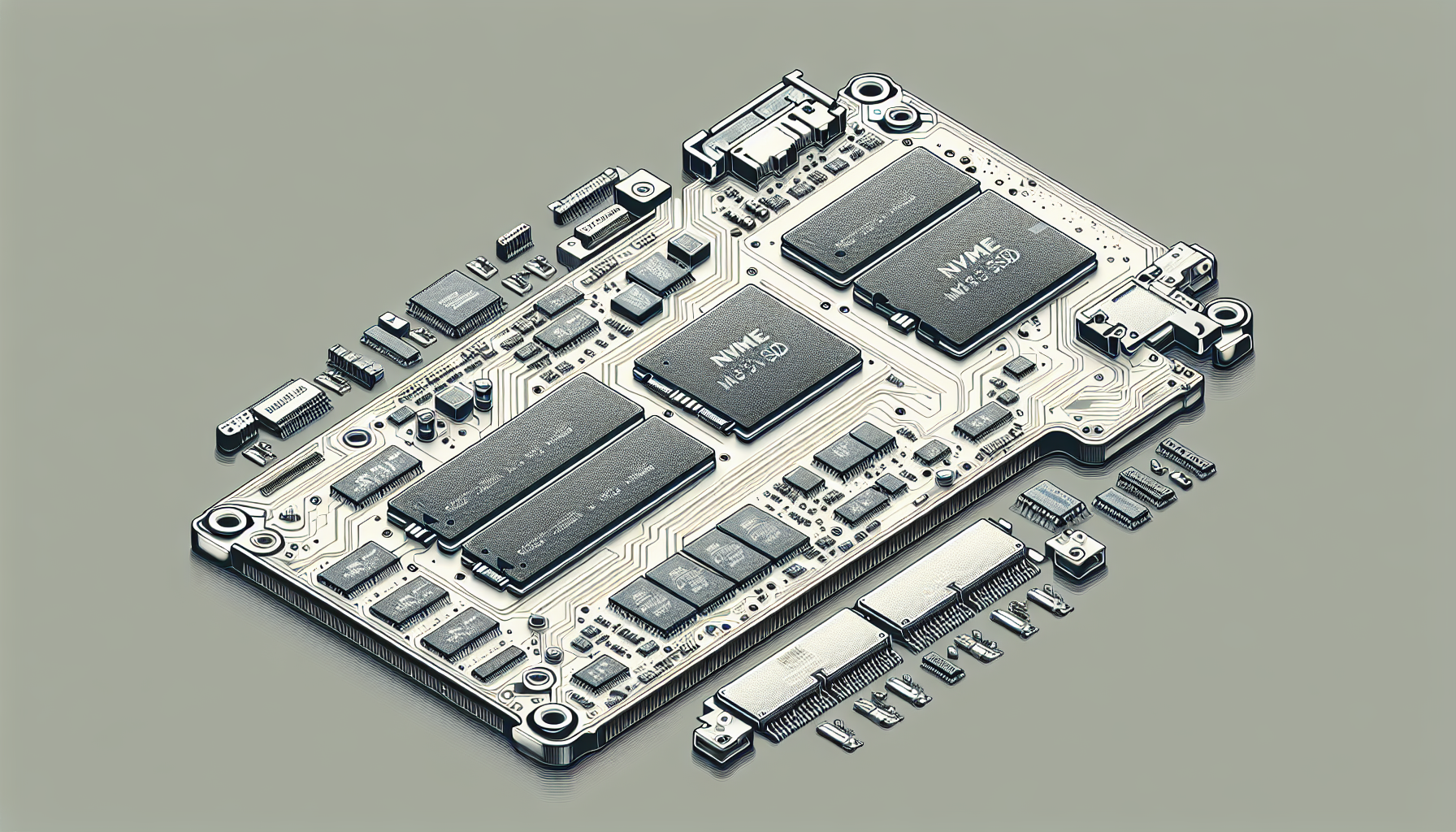
Understanding NVMe SSDs
As gaming technology evolves, understanding the components that enhance performance is imperative. One such component is the NVMe M.2 SSD, which offers substantial benefits for gamers.
NVMe Technology Explained
NVMe, or Non-Volatile Memory Express, is a protocol designed specifically for high-speed storage media access. This technology outperforms older storage protocols, particularly in scenarios involving larger file transfers, making it ideal for gaming demands (Unihost). The NVMe protocol enables SSDs to communicate directly with the CPU over the PCIe (Peripheral Component Interconnect Express) interface, allowing for truly rapid data access.
Benefits of NVMe SSDs
Utilising an NVMe M.2 SSD provides multiple advantages, particularly for gaming. Notably, NVMe SSDs can be up to five times faster than SATA SSDs when transferring data, significantly enhancing load times and gameplay smoothness. Here are some of the key benefits:
| Benefit | Description |
|---|---|
| Faster Load Times | Games load much quicker compared to traditional storage options, allowing players to jump into action without delays. |
| Improved Gaming Performance | By minimizing the CPU's wait time for data from storage, NVMe SSDs enhance frame rates and reduce input lag. |
| Reduced Stuttering and Frame Drops | Loading data efficiently helps maintain a smooth gameplay experience, especially crucial for competitive gaming. |
By selecting an NVMe M.2 SSD, gamers can elevate their gaming rig's performance, benefiting from faster response times and an overall more enjoyable gaming experience. For those looking to integrate this technology into their setup, it's essential to understand compatibility and installation, making resources like how to install m.2 ssd invaluable.
NVMe vs. SATA SSDs
When choosing an SSD for gaming, the two primary types to consider are NVMe (Non-Volatile Memory Express) and SATA (Serial ATA) SSDs. Understanding their differences in speed, performance, and price is essential for making an informed decision.
Speed and Performance Comparison
NVMe SSDs significantly outperform SATA SSDs in terms of speed. They connect directly to the motherboard via the PCIe (Peripheral Component Interconnect Express) interface, allowing for substantial data transfer rates. This results in faster boot times, reduced load times, and improved overall system responsiveness.
The following table provides a comparison of the average speeds for both types of SSDs:
| Type of SSD | Average Read Speed | Average Write Speed |
|---|---|---|
| NVMe SSD | Up to 4.0 GB/s | Up to 3.5 GB/s |
| SATA SSD | Up to 600 MB/s | Up to 500 MB/s |
As seen in the table, NVMe SSDs are up to five times faster at transferring data compared to SATA SSDs. This speed translates to quicker loading of games and applications, smoother gameplay, and reduced stuttering, making NVMe the preferred choice for gamers.
Price Comparison
When considering price, SATA SSDs are generally more affordable than NVMe SSDs. This is often due to the more advanced technology used in NVMe drives, which results in higher manufacturing costs. However, the price gap has been narrowing in recent years as NVMe technology becomes more mainstream.
| Type of SSD | Price Range (approx.) |
|---|---|
| NVMe SSD (1TB) | AUD $150 - $300 |
| SATA SSD (1TB) | AUD $80 - $175 |
It's important to weigh the performance benefits of NVMe SSDs against their price. For gamers seeking the ultimate experience with reduced load times and smoother gameplay, investing in an NVMe SSD may be worthwhile.
Those looking for general storage solutions without the need for top-tier performance might find a SATA SSD to be a more economical choice. For additional insights into installation and troubleshooting, check out our articles on how to install m.2 ssd and why is my m.2 ssd not showing up in bios.
Gaming Performance with NVMe SSDs
The integration of NVMe M.2 SSDs into gaming rigs significantly enhances the overall gaming experience. With faster load times and improved gameplay performance, gamers gain a competitive edge.
Reduced Load Times
One of the standout features of NVMe SSDs is their ability to drastically reduce load times in games. By utilising advanced technology, NVMe SSDs can read and write data much faster than traditional storage options. This speed translates to quicker game launch times and significantly shorter waiting periods when entering new areas or levels within a game.
| Storage Type | Average Load Time (Seconds) | Examples |
|---|---|---|
| HDD | 30 - 60 | Older games, less intensive titles |
| SATA SSD | 10 - 20 | Majority of SSD upgrades |
| NVMe SSD | 2 - 5 | Modern AAA titles, high-performance games |
According to Crucial, players can experience considerable decreases in load times simply by switching to an NVMe SSD for their gaming needs.
Smoother Gameplay Experience
In addition to faster load times, NVMe M.2 SSDs provide gamers with a smoother gameplay experience. These drives help reduce stuttering and frame drops, which can occur when data isn’t loaded efficiently during gaming sessions Crucial. The rapid data transfer speeds mean that the CPU spends less time waiting for data from storage, resulting in higher frame rates, reduced input lag, and a more seamless gaming environment.
Furthermore, M.2 NVMe SSDs allow games to run with improved graphics settings without sacrificing performance. This capability is particularly beneficial for competitive gamers who rely on the fastest reaction times and the clearest visuals during gameplay. Games stored on NVMe SSDs showcase vastly better performance compared to those on older storage solutions (Juiced Systems).
Gamers interested in maximising their system’s potential can explore options for how to install m.2 ssd or check for compatibility issues such as why is my m.2 ssd not showing up in bios. Embracing NVMe M.2 SSDs promises not only improved load times but also enhances the overall gaming experience significantly.
M.2 NVMe SSD Overview
The M.2 NVMe SSD is a significant advancement in storage technology, particularly suitable for gamers looking to enhance their systems. This section explores the form factor and interface of M.2 NVMe SSDs and discusses their storage capacity and efficiency.
Form Factor and Interface
M.2 drives, also known as Next Generation Form Factor (NGFF) drives, utilise the M.2 interface to connect directly to a computer's motherboard without the use of cables. This compact design makes M.2 SSDs significantly smaller than traditional 2.5-inch SSDs, offering a sleek solution for modern gaming rigs. The direct contact with the motherboard provides faster data transfer rates and improved efficiency in power usage.
M.2 SSDs can support various interface protocols, with NVMe (Non-Volatile Memory Express) standing out as the most advanced option. NVMe drives use a PCIe-based M.2 connection, resulting in dramatically improved speeds compared to older SATA SSDs. This direct connection to the CPU or chipset enhances performance, crucial for gaming applications.
| Drive Type | Form Factor | Connection Type |
|---|---|---|
| M.2 NVMe SSD | Compact | PCIe M.2 |
| 2.5-inch SATA SSD | Larger | SATA III |
Storage Capacity and Efficiency
M.2 NVMe SSDs offer a diverse range of storage capacities, typically ranging from 256GB to 8TB. As storage needs evolve, these drives are becoming increasingly popular in gaming setups due to their high-capacity options and fast performance. With their efficient designs, M.2 SSDs provide optimal power usage, contributing to longer battery life in laptops and reduced heat generation.
While M.2 NVMe SSDs come at a higher initial cost compared to traditional storage solutions, their pricing has been decreasing, making them a more feasible option for many gamers, particularly for capacities under 1TB (Juiced Systems). The advantages of speed and efficiency, along with the capacity for large storage needs, make M.2 NVMe SSDs a wise choice for those looking to upgrade their gaming rigs.
For those considering installation, resources on how to install M.2 SSD can provide step-by-step guidance on upgrading your system effectively.
Installing NVMe SSDs
Installing an NVMe M.2 SSD can significantly enhance a gaming rig's performance. Ensuring compatibility and adhering to best practices during setup will lead to a seamless installation process.
Compatibility and Installation
Before installing an NVMe M.2 SSD, it is essential to confirm that the motherboard supports this type of drive. Most modern motherboards come equipped with M.2 slots, but checking the specifications is vital. Additionally, ensure the motherboard supports the PCIe generation of the SSD; the latest available is PCIe 4.0, while PCIe 5.0 is still being developed (Juiced Systems).
Once compatibility is confirmed, the installation process can begin:
- Turn Off the PC: Ensure the computer is powered down and unplugged.
- Open the Case: Remove the computer case panels to access the motherboard.
- Locate M.2 Slot: Identify the M.2 slot on the motherboard, which is usually easily identifiable.
- Insert SSD: Align the notches on the SSD with the M.2 slot and gently insert it at a slight angle.
- Secure SSD: Fasten the SSD in place with the screw provided with the motherboard.
A visual guide can be beneficial; for detailed steps, refer to our article on how to install M.2 SSD.
| Step | Description |
|---|---|
| 1 | Turn off the PC and unplug it. |
| 2 | Open the case to access the motherboard. |
| 3 | Locate the M.2 slot. |
| 4 | Insert the NVMe SSD at an angle. |
| 5 | Secure with the provided screw. |
Best Practices for Setup
To ensure optimal performance from the newly installed NVMe SSD, following best practices during setup is crucial. Here are some recommendations:
- Use the Correct Slot: If the motherboard has multiple M.2 slots, consult the manual to identify which slot to use for your NVMe SSD, as some may be faster than others.
- BIOS Settings: After installation, boot into BIOS to verify that the SSD is recognized. If it does not appear, refer to our article on why is my M.2 SSD not showing up in BIOS.
- System Formatting: Format the SSD before use. Guidance on this process can be found in our article on how to format M.2 SSD Windows 11.
- Install Updates: Ensure that the motherboard’s BIOS and SSD firmware are up to date for improved performance and stability.
- Data Management: For users transferring data, explore options for cloning existing drives if needed. Instructions are available in our article on how to clone M.2 SSD with only one slot.
By adhering to these guidelines and informed decisions, gamers can successfully install and take full advantage of their NVMe M.2 SSDs, resulting in enhanced gaming experiences. For further reading on the capabilities of M.2 and NVMe drives, see our articles on what is M.2 SSD and what is an M.2 SSD.
Future of NVMe Technology
The progression of NVMe technology is closely linked to advancements in PCIe generations and the broader trends emerging within the SSD market. Understanding these developments can help gamers in Australia make informed decisions about the best gaming PC gear.
PCIe Generations and Bandwidth
The latest available PCIe generation for SSDs is PCIe 4.0, while PCIe 5.0 is currently under development. PCIe generations play a significant role in determining speed and bandwidth for NVMe SSDs. Each new generation typically doubles the bandwidth available, enhancing data transfer rates substantially. This is crucial for gaming, as faster read/write speeds lead to improved performance.
| PCIe Generation | Maximum Bandwidth (GB/s) |
|---|---|
| PCIe 3.0 | 8 |
| PCIe 4.0 | 16 |
| PCIe 5.0 (in development) | 32 |
Moreover, motherboards are designed to support multiple NVMe SSDs, sometimes using PCIe slots amid graphics cards to optimise connectivity for NVMe devices (Juiced Systems). This flexibility allows gamers to enhance their systems with high-performance storage that meets demanding gaming requirements.
Emerging Trends in SSDs
Emerging trends in SSD technology suggest a continued drive towards higher speeds and greater efficiency. The growth of NVMe drives has been rapid since their introduction in 2013, and sustained read/write speeds have become essential for applications such as gaming and video editing (Backblaze). These advancements not only offer improved performance but also allow for a more compact design, with the M.2 form factor becoming increasingly popular.
The use of NVMe drives significantly enhances common data access patterns, where the transfer speeds are typically four to seven times faster than SATA drives. This means quicker loading times and a smoother gaming experience, vital for gaining an edge in competitive gameplay (Ars Technica).
As innovations in technology continue, gamers can expect NVMe drives to further redefine performance standards in gaming rigs. Keeping abreast of these advancements can help ensure that their setups remain competitive in the ever-evolving landscape of gaming technology. For further details on different types of SSDs, refer to our article on what is an m.2 ssd.


