


Elevate Your Gaming Rig: Must-Have m.2 SSD Enclosures
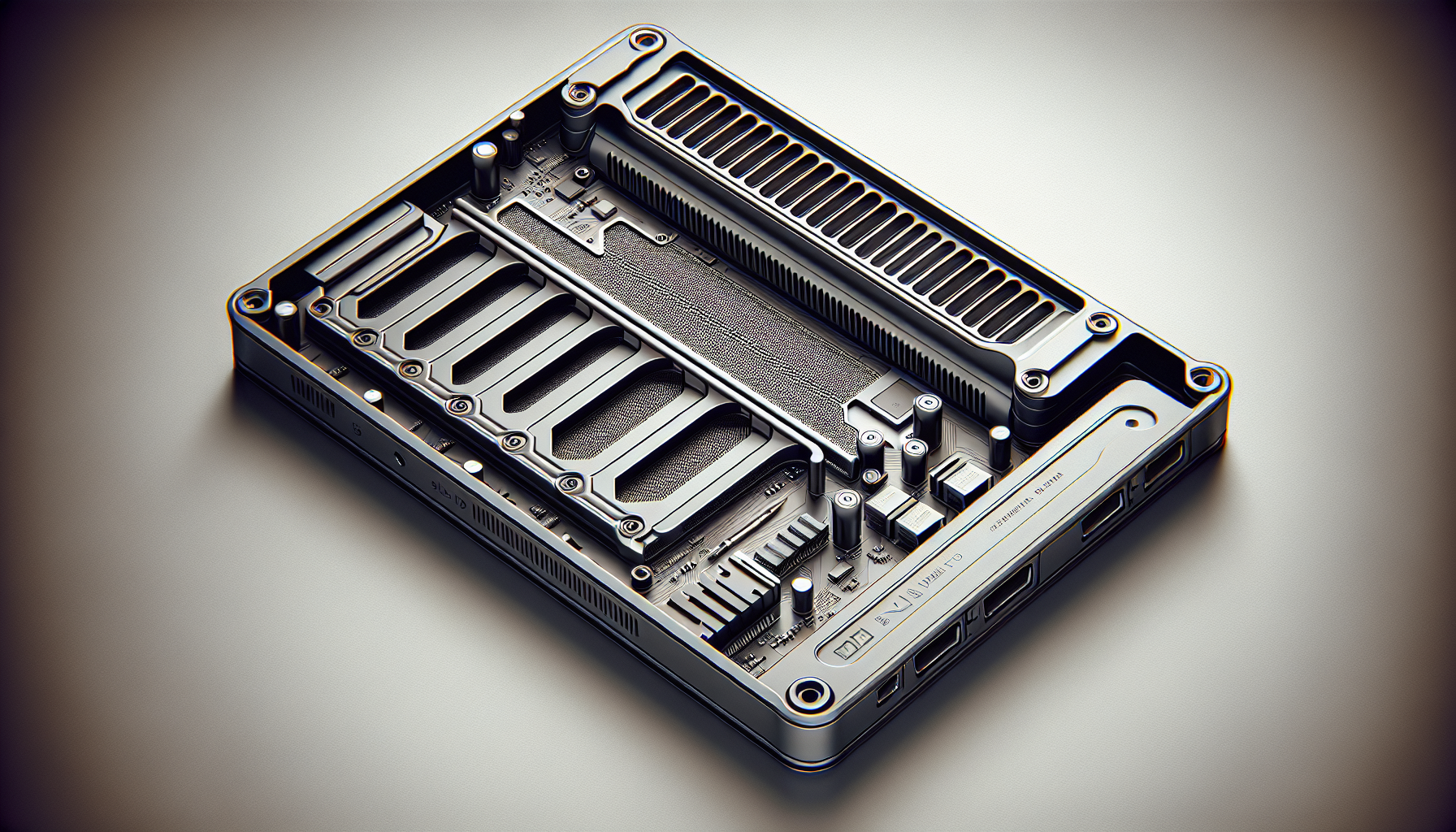
Understanding M.2 SSDs for Gaming
When considering upgrades for gaming rigs, understanding M.2 SSDs is essential. M.2 SSDs offer compact designs and increased performance, making them ideal for serious gamers.
M.2 SSD Form Factors
M.2 SSDs come in various form factors suitable for different devices. The most common sizes include 2230, 2242, 2260, 2280, and 22110. Each number represents the width and length of the SSD in millimeters.
| Size | Dimensions (mm) | Typical Use |
|---|---|---|
| 2230 | 22 x 30 | Ultrabooks |
| 2242 | 22 x 42 | Compact desktops |
| 2260 | 22 x 60 | Some laptops |
| 2280 | 22 x 80 | Most desktops |
| 22110 | 22 x 110 | High-performance systems |
It is crucial to verify form factor compatibility with the system before purchasing an M.2 SSD (LinkedIn).
Storage Capacities and Compatibility
M.2 SSDs come with different storage capacities to accommodate varying needs. Storage options typically range from a few hundred gigabytes to several terabytes, allowing users to choose according to their data requirements. When selecting an M.2 SSD, it is advisable to consider a capacity that meets current needs while providing room for future expansion (LinkedIn).
It’s also important to ensure compatibility with your existing system. The various M.2 SSD formats work with different interfaces such as NVMe and SATA, which can affect performance and functionality. For a detailed understanding of different SSD interfaces, refer to our section on m.2 ssd vs nvme.
In conclusion, understanding M.2 SSD form factors and their storage capacities is critical for gamers looking to upgrade their rigs. Proper compatibility ensures that the selected SSD will provide the desired performance improvements.
Performance Considerations
When selecting an m.2 SSD enclosure, performance is a critical factor to consider. The type of SSD interface can significantly impact system performance, as can the compatibility of the SSD with the system's existing hardware.
NVMe vs. SATA SSDs
The choice between NVMe and SATA SSDs directly affects the read and write speeds, impacting how quickly games and applications load. NVMe SSDs offer significantly faster speeds compared to SATA SSDs, making them ideal for gaming where short load times can enhance the experience. The following table summarises the key differences in speed and performance between NVMe and SATA SSDs:
| Feature | NVMe SSD | SATA SSD |
|---|---|---|
| Interface | PCIe | SATA III |
| Maximum Speed | Up to 7000 MB/s | Up to 600 MB/s |
| Latency | Lower | Higher |
It's crucial to ensure that the system supports the interface of the SSD intended for purchase to fully leverage its performance benefits. This means checking motherboard compatibility and ensuring that it has the necessary slots and protocols to support NVMe SSDs.
Checking System Interface Support
Before investing in an M.2 SSD, it's essential to verify that the system supports the specific interface of the desired SSD. Incompatibility can lead to performance limitations or prevent the drive from functioning altogether. The following factors should be examined:
| Check | Details |
|---|---|
| Motherboard Compatibility | Ensure that the motherboard has the appropriate M.2 slot and supports either NVMe or SATA SSDs. Consult the motherboard manual for specifics. |
| BIOS Settings | Check the BIOS for options related to M.2 settings to ensure the drive will be recognised once installed. |
| Maximum Capacity | Confirm that the motherboard can handle the storage capacity of the chosen SSD, as systems may have limitations based on the chipset. |
Those considering an upgrade should also read about how to install m.2 ssd to ensure a smooth installation process. Regular checks and updates in the BIOS may also help in recognising new drives, aiding in troubleshooting any issues such as those detailed in our article about why is my m.2 ssd not showing up in bios.
Budget-Friendly Choices
When selecting an M.2 SSD enclosure, it is important to consider not just the price but also the performance and endurance of the SSDs being used. For gamers, understanding the price-to-performance ratio and warranty factors can lead to better investment decisions, both for immediate gaming needs and future upgrades.
Price-to-Performance Ratio
The price-to-performance ratio helps determine the value of an SSD relative to its performance capabilities. As prices for M.2 SSDs have become increasingly competitive, many options fit various budgets and performance needs.
| SSD Type | Price Range | Performance Level |
|---|---|---|
| 256GB SATA M.2 SSD | $15 | Basic gaming tasks |
| 512GB SATA M.2 SSD | $20 | Decent performance |
| 1TB SATA M.2 SSD | $45 | Good for medium storage |
| 2TB NVMe M.2 SSD | $67 | High-speed performance |
These prices indicate the typical cost of M.2 SSDs in Australia. When evaluating your needs, consider what storage capacity fits your gaming requirements while also allowing room for future expansion. Gamers may benefit from SSDs that not only fit their current gameplay but also enable them to accommodate future game installations and updates (LinkedIn).
Endurance and Warranty Factors
Endurance refers to how long an SSD can last under typical usage conditions, and it is crucial for gamers who rely on quick access to game files and applications. Consider the warranty offered by the manufacturer as a measure of reliability and customer support. Most reputable manufacturers provide warranties that range from three to five years, which is a good indicator of the durability and performance you can expect.
| Endurance Rating | Typical Warranty |
|---|---|
| Low (less than 300 TBW) | 3 years |
| Medium (300-600 TBW) | 3 to 5 years |
| High (over 600 TBW) | 5 years |
The endurance rating (measured in terabytes written, or TBW) gives an idea of how much data can be written to the SSD before its cells begin to wear out. A higher rating often correlates with a longer lifespan and better overall reliability. When investing in an M.2 SSD for gaming, consider drives with DRAM to enhance performance, particularly for sustained writes. As noted, using DRAMless drives in external enclosures may affect their longevity and performance (Twit Community).
Choosing the right M.2 SSD enclosure involves balancing performance, endurance, and cost, ensuring that it meets both current and future gaming demands effectively. For more details on installation and management, explore how to install m.2 ssd and what is an m.2 ssd.
Repurposing Old Drives
Storage drives such as SATA SSDs, M.2 SSDs, or HDDs often have left-over potential even after you've upgraded your computer system. Repurposing these drives into external storage can enhance your overall data management strategy while providing an easy solution for file backup and transfer.
Transforming SSDs into External Storage
Transforming an old SSD into external storage is a straightforward process. Many users are unaware that with the right equipment, older drives can be repurposed to serve as reliable external storage solutions.
Using an SSD installation kit is one of the simplest ways to achieve this. These kits typically include:
| Item | Description |
|---|---|
| USB 3.0 Enclosure | Allows connecting the SSD to different devices |
| USB Cable | Facilitates data transfer |
| Mounting Bracket | Helps secure the drive within the enclosure |
| Cloning Software | Enables easy data migration from the existing system |
By following the process outlined in resources like how to install m.2 ssd, users can confidently convert their old drives into functional external devices. This method is not only environmentally friendly but also cost-effective, rather than discarding outdated storage options.
Kits and Accessories for Conversion
There are various kits available that simplify the conversion of old drives into external storage solutions. These kits come with all necessary accessories and are designed to work seamlessly with different types of drives including SATA SSDs, M.2 SSDs, and HDDs. This versatility makes them a worthwhile investment for gamers and tech enthusiasts.
Additionally, many users have taken a creative approach to personalising their enclosures. Customizations may include steampunk wood finishes, leather and brass designs, Lego-themed cases, or even unique concrete enclosures. This allows for a personalised touch on external drives while simultaneously providing convenience in backing up and transporting files (Kingston).
Utilising M.2 SSD enclosures not only maximizes storage potential without the need for internal installation but also offers a practical solution for data management (UniAccessories). Embracing the ability to repurpose old drives can turn wasted components into valuable assets in any gamer’s arsenal.
Exploration of M.2 SSD Enclosures
M.2 SSD enclosures provide an innovative way to convert internal M.2 solid-state drives into portable external storage solutions. This section explores the types of M.2 SSD enclosures based on connection types, along with their suitability for different applications.
Types Based on SSD Connection
There are primarily two types of M.2 SSD enclosures based on the connection type of the SSD: SATA and NVMe PCIe enclosures. Understanding the differences between these connections is essential when selecting an enclosure.
| Connection Type | Enclosure Type | Compatibility | Speed |
|---|---|---|---|
| SATA | SATA Enclosure | M.2 SATA SSDs | Up to 6 Gbps |
| NVMe PCIe | NVMe PCIe Enclosure | M.2 NVMe SSDs | Up to 32 Gbps |
M.2 SATA enclosures are designed for M.2 SATA SSDs while NVMe PCIe enclosures cater specifically to M.2 NVMe SSDs. The NVMe connection offers significantly higher speeds compared to SATA, making it the preferred choice for performance-oriented applications like gaming and video editing.
Form Factors and Device Suitability
M.2 SSDs come in various form factors, which can affect the suitability of different enclosures. The most common sizes include:
| Form Factor | Dimensions | Use Case |
|---|---|---|
| 2230 | 22mm x 30mm | Compact devices like tablets |
| 2242 | 22mm x 42mm | Smaller laptops and PCs |
| 2260 | 22mm x 60mm | Standard laptops and desktops |
| 2280 | 22mm x 80mm | Most common size for gaming PCs |
| 22110 | 22mm x 110mm | High-capacity enterprise SSDs |
It's advised to consider an enclosure that can accommodate various sizes of M.2 SSDs to avoid the need for multiple enclosures and to ensure compatibility with different devices. Some enclosures also feature adjustable fittings, enhancing their versatility (Uniaccessories).
When choosing an M.2 SSD enclosure, gamers should also consider the materials used for the enclosure, as good thermal management is critical for performance. Additionally, opting for an enclosure that utilizes the fastest connection cable provided will ensure optimal transfer speeds.
Overall, understanding the types and form factors of M.2 SSD enclosures will help gamers and tech enthusiasts make informed decisions tailored to their storage needs. To learn more about the setup process, check out our article on how to install m.2 ssd.
Setup and Optimization Tips
When it comes to using an M.2 SSD enclosure, following the right setup and ensuring proper management of heat can significantly enhance performance and longevity.
Installation Process Simplified
Setting up an M.2 SSD enclosure is a straightforward process. Gamers can expect the following steps to complete the installation:
- Open the Enclosure: Unscrew or unlatch the enclosure to access the interior.
- Align the SSD: Carefully align the M.2 SSD's pins with the socket in the enclosure.
- Secure the Drive: Once aligned, gently push the SSD into place and secure it using the fasteners provided.
- Close the Enclosure: After securing the SSD, close the enclosure and ensure it is properly locked.
For guidance on different types of SSDs and their setup, readers may refer to our article on how to install m.2 ssd.
Importance of Thermal Management
Thermal management is crucial for the performance of M.2 SSDs, especially when they are operating in enclosures. During use, SSDs can generate significant heat, which, if not managed, can lead to throttling, affecting speed and efficiency. To ensure optimal operation, consider the following:
- Use Thermal Pads: Many enclosures come with thermal pads. Apply these to the SSD to facilitate heat dissipation during operation (UniAccessories).
- Monitor Temperatures: Keeping an eye on the SSD’s temperature can help prevent overheating. Certain software tools can provide temperature readings, ensuring the device operates within safe limits.
- Choose the Right Drive: While setting up, it's recommended to opt for an SSD with DRAM, as drives without it may experience decreased performance when used in external enclosures (Twit Community).
By following these setup and thermal management tips, gamers can enhance the functionality of their M.2 SSD enclosures, ensuring that they achieve the best performance from their gaming rigs. For further reading on effective M.2 maintenance, check our articles on how to format m.2 ssd windows 11 and how to transfer data from one m.2 ssd to another.


