


Elevate Your Gaming Experience: Unveiling the Best Graphics Cards for Gaming
The Importance of Graphics Cards in Gaming
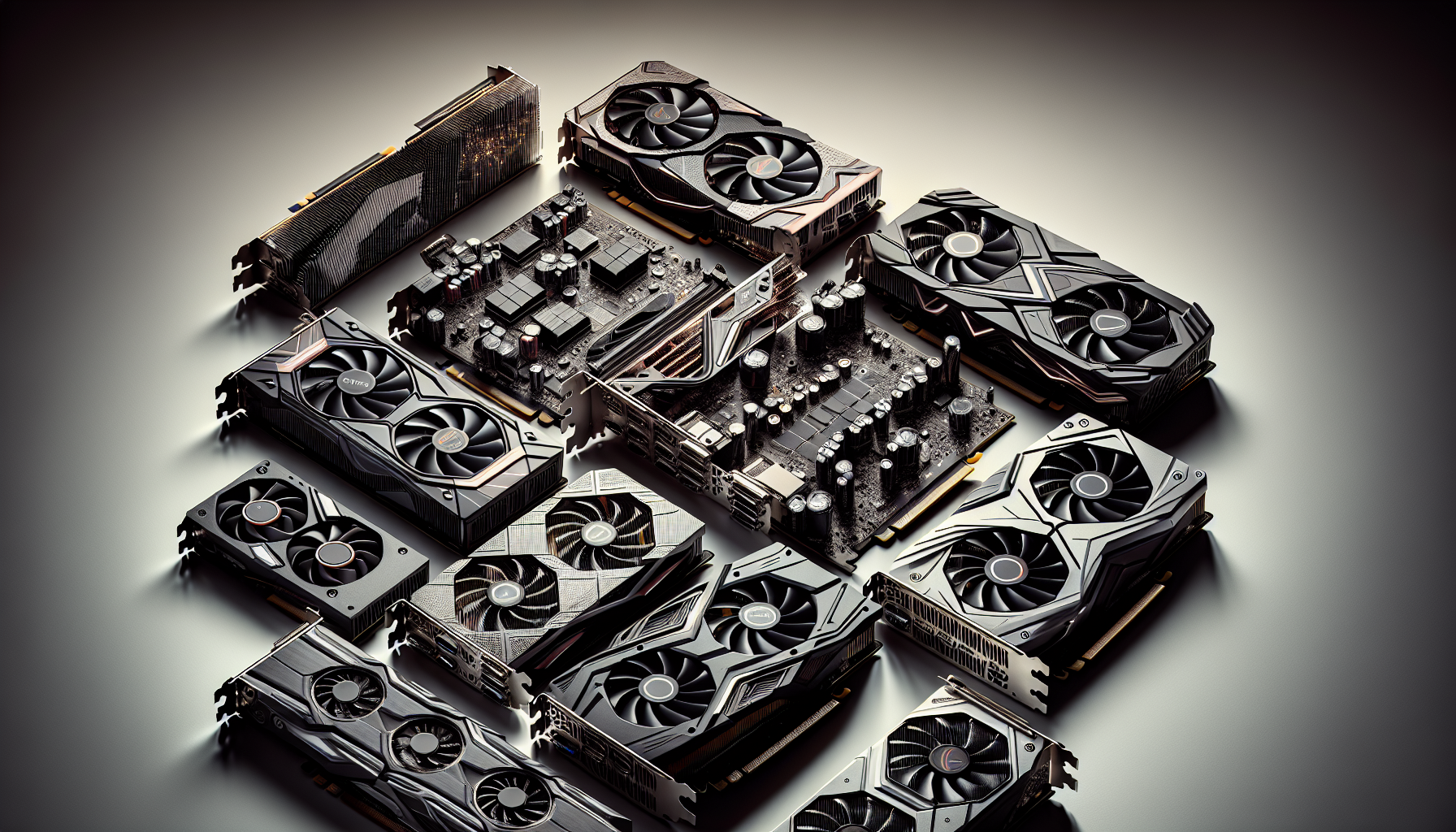
Understanding the role of graphics cards in gaming is crucial for anyone looking to elevate their gaming experience. Graphics cards, also known as GPUs (Graphics Processing Units), are responsible for rendering images, animations, and video for your computer screen. They are essential for both the visual quality and performance of games.
Why Graphics Cards Matter
Graphics cards are fundamental to gaming because they handle the heavy lifting of rendering complex graphics and effects. Unlike a CPU (Central Processing Unit), which manages general computing tasks, a GPU is specialized for parallel processing, making it exceptionally efficient at handling the visual aspects of gaming. This specialization allows for smoother, more detailed graphics, which significantly enhances the gaming experience.
In modern gaming, where high-resolution textures, advanced shading techniques, and realistic physics are common, a powerful graphics card is indispensable. Without a capable GPU, even the best gaming PCs can struggle to run the latest games at acceptable frame rates. For those interested in building their own gaming PC, understanding the importance of a good graphics card is paramount. For more on this topic, visit our guide on building your own gaming pc.
Impact on Gaming Performance
The performance of a gaming PC is heavily influenced by the quality of the graphics card. Key performance metrics such as frame rate (measured in frames per second or FPS) and resolution support (such as 1080p, 1440p, and 4K) are directly affected by the GPU.
| Resolution | Recommended FPS | GPU Requirement |
|---|---|---|
| 1080p | 60+ FPS | Entry-Level to Mid-Range |
| 1440p | 60+ FPS | Mid-Range to High-End |
| 4K | 60+ FPS | High-End |
A higher frame rate ensures smoother gameplay, which is particularly important in fast-paced games where quick reactions are essential. Higher resolutions provide more detailed and immersive visuals, but they also demand more from the GPU. Ensuring that your GPU can handle your desired gaming resolution is crucial for an optimal experience. For more insights, check out our article on best gaming monitors.
In addition to frame rates and resolution, a good graphics card can improve other aspects of gaming, such as load times and stability. Advanced GPUs often come with features like real-time ray tracing and AI-driven enhancements, which can further elevate the visual quality of games.
For those interested in maximising their gaming performance, it’s important to consider other components as well. Ensuring compatibility with other hardware, such as the CPU and motherboard, is vital. For more information on this, visit our article on ensuring compatibility with other components.
In conclusion, the importance of graphics cards in gaming cannot be overstated. They are a key component that directly impacts the visual quality and performance of games, making them essential for anyone looking to enhance their gaming experience.
Key Features to Consider
When choosing the top graphics cards for gaming, there are several key features to keep in mind. These elements play a crucial role in determining the performance and efficiency of your gaming setup.
GPU Architecture
The GPU architecture is the backbone of any graphics card. It determines how effectively the card can process graphics and execute complex algorithms. Modern architectures are designed to deliver enhanced performance, improved power efficiency, and better support for advanced technologies like ray tracing and AI-based rendering.
| GPU Architecture | Key Characteristics |
|---|---|
| Turing | Ray tracing support, AI-enhanced graphics |
| Ampere | Improved power efficiency, higher performance |
| RDNA 2 | Enhanced efficiency, ray tracing capabilities |
Understanding the architecture helps in selecting a card that will meet current and future gaming demands. For more information on how architecture impacts gaming performance, visit our overclocking guide for gaming pcs.
Memory and Bandwidth
The amount of memory (VRAM) and memory bandwidth are critical for handling high-resolution textures and complex game environments. More VRAM allows for smoother gameplay, especially at higher resolutions.
| VRAM | Suitable Resolutions |
|---|---|
| 4GB | 1080p |
| 6GB | 1440p |
| 8GB+ | 4K and above |
Memory bandwidth, measured in GB/s, determines how fast data can be read from or written to the VRAM. High bandwidth is essential for maintaining fluid gameplay in demanding titles. To better understand how memory affects your gaming experience, explore our article on best gaming pcs of 2024.
Cooling Solutions
Effective cooling solutions are vital for maintaining optimal performance and longevity of your graphics card. Overheating can lead to thermal throttling, where the GPU reduces its performance to cool down.
| Cooling Solution | Description |
|---|---|
| Air Cooling | Utilises fans to dissipate heat |
| Liquid Cooling | Uses liquid to transfer heat away from the GPU |
| Hybrid Cooling | Combines air and liquid cooling for enhanced performance |
Choosing the right cooling solution is essential for maintaining a stable gaming environment. For more insights into cooling options, check out our guide on gaming pc cooling solutions.
Power Consumption
Power consumption is a significant factor when selecting a graphics card. High-end GPUs often require more power, which means you'll need a robust power supply unit (PSU) to support them. It's crucial to ensure that your PSU can handle the power requirements of the GPU along with other components in your system.
| Graphics Card Type | Recommended PSU |
|---|---|
| Entry-Level | 400W - 500W |
| Mid-Range | 500W - 650W |
| High-End | 650W - 850W+ |
Balancing power consumption with performance is key to building an efficient gaming rig. For advice on selecting compatible components, visit our article on building your own gaming pc.
Understanding these key features will help you make an informed decision when selecting the top graphics cards for gaming. Whether you're building a new system or upgrading an existing one, these factors will ensure you achieve the best performance for your gaming needs.
Types of Graphics Cards
Choosing the right graphics card is crucial for enhancing your gaming experience. Graphics cards can be broadly classified into three categories: entry-level, mid-range, and high-end. Each type targets different gaming needs and budgets.
Entry-Level Graphics Cards
Entry-level graphics cards are designed for casual gamers or those new to the gaming world. These cards offer respectable performance for less demanding games and are typically more affordable. They are ideal for 1080p gaming at medium to high settings.
| Feature | Specification |
|---|---|
| GPU Architecture | Basic |
| Memory | 2GB - 4GB |
| Power Consumption | Low |
| Suitable for | Casual gaming, older titles |
Entry-level graphics cards are perfect for those who want to enjoy gaming without investing heavily. For more budget-friendly gaming options, visit our article on budget gaming pcs.
Mid-Range Graphics Cards
Mid-range graphics cards offer a balance between performance and cost. They are suitable for gamers who want to play the latest titles at 1080p or 1440p resolutions with high to ultra settings. These cards provide a good blend of speed, memory, and overall performance.
| Feature | Specification |
|---|---|
| GPU Architecture | Advanced |
| Memory | 6GB - 8GB |
| Power Consumption | Moderate |
| Suitable for | Modern games, 1080p/1440p gaming |
Mid-range graphics cards are ideal for those seeking a substantial upgrade without breaking the bank. For insights on building a balanced gaming setup, refer to our guide on building your own gaming pc.
High-End Graphics Cards
High-end graphics cards are designed for enthusiasts and professional gamers who demand the best performance. These cards excel at 4K gaming and are built to handle the most graphically intense games. They offer the highest memory sizes, fastest speeds, and most advanced features.
| Feature | Specification |
|---|---|
| GPU Architecture | Cutting-edge |
| Memory | 10GB - 24GB |
| Power Consumption | High |
| Suitable for | 4K gaming, VR, professional use |
High-end graphics cards are the pinnacle of gaming technology. They are perfect for gamers who want to future-proof their systems. For more information on top-tier gaming setups, check out our article on high-end gaming pcs.
Selecting the right type of graphics card depends on your gaming requirements and budget. Whether you are a casual gamer or a professional, understanding the different types will help you make an informed decision. For more tips on optimising your gaming setup, explore our gaming pc setup ideas.
Optimising Your Gaming Experience
Optimising your gaming experience hinges on several key factors, including matching your graphics card to your gaming resolution, ensuring compatibility with other components, and future-proofing your gaming PC.
Matching Graphics Cards to Gaming Resolutions
Selecting the right graphics card for your gaming resolution is crucial for achieving the best performance and visual quality. Different resolutions require varying levels of graphical power. Here's a breakdown of what to consider:
| Resolution | Recommended Graphics Card Tier | Expected Frame Rate |
|---|---|---|
| 1080p (Full HD) | Entry-Level to Mid-Range | 60-120 FPS |
| 1440p (Quad HD) | Mid-Range to High-End | 60-100 FPS |
| 2160p (4K Ultra HD) | High-End | 30-60 FPS |
To explore the best monitors suited for these resolutions, check out our article on best gaming monitors.
Ensuring Compatibility with Other Components
Compatibility between your graphics card and other PC components is essential for a seamless gaming experience. Consider the following factors:
- Motherboard Compatibility: Ensure that your motherboard has the appropriate PCIe slots for your graphics card.
- Power Supply Unit (PSU): Verify that your PSU can handle the power requirements of your graphics card. Check the wattage and power connectors.
- Case Size: Make sure your PC case has enough space to accommodate the dimensions of your graphics card. For guidance, refer to our article on top gaming pc cases.
For those building their own gaming PC, our building your own gaming pc guide offers detailed steps to ensure compatibility.
Future-Proofing Your Gaming PC
Future-proofing involves investing in components that will remain relevant and capable of handling future game releases. Here are some tips:
- Opt for Higher VRAM: Graphics cards with more VRAM are better equipped to handle future games with higher texture resolutions.
- Scalability: Choose a motherboard and PSU that support upgrades, allowing you to easily swap out components as needed.
- Cooling Solutions: Invest in efficient cooling systems to maintain optimal performance. For more information, visit our article on gaming pc cooling solutions.
By considering these factors, you can ensure that your gaming PC remains powerful and capable of delivering an exceptional gaming experience for years to come. For additional tips and trends, check out our article on future trends in gaming pcs.
Tips for Selecting the Right Graphics Card
Choosing the right graphics card is crucial for an optimal gaming experience. Below are some tips to help you make an informed decision.
Assessing Your Gaming Needs
Understanding your gaming requirements is the first step in selecting the appropriate graphics card. Consider the types of games you play, the resolution you prefer, and your performance expectations. If you primarily play less demanding games, an entry-level or mid-range card may suffice. For more graphically intense games, a high-end card is essential.
| Gaming Need | Recommended Card Type |
|---|---|
| Casual Gaming (e.g., indie games) | Entry-Level Graphics Card |
| Standard Gaming (e.g., AAA titles at 1080p) | Mid-Range Graphics Card |
| High-End Gaming (e.g., 4K resolution, VR) | High-End Graphics Card |
For more details on different types of graphics cards, visit our section on types of graphics cards.
Balancing Performance and Budget
Balancing performance with your budget is important when selecting a graphics card. High-end cards offer superior performance but come at a higher cost. Mid-range cards provide a good balance of performance and affordability. Entry-level cards are more budget-friendly but may not meet the demands of high-end gaming.
| Graphics Card Type | Price Range (AUD) |
|---|---|
| Entry-Level | $100 - $300 |
| Mid-Range | $300 - $600 |
| High-End | $600+ |
For more information on budget-friendly options, check out our article on budget gaming pcs.
Understanding Benchmarks and Reviews
Benchmarks and reviews are invaluable resources for assessing the performance of different graphics cards. Benchmarks provide quantitative data on how a card performs in various games and applications, while reviews offer insights into real-world usage.
| Benchmark | Description |
|---|---|
| FPS (Frames Per Second) | Measures the smoothness of gameplay |
| 3DMark | A comprehensive tool for testing graphics performance |
| Thermals | Indicates how well the card manages heat |
For a deeper understanding of benchmarks and reviews, visit our article on best gaming pcs of 2024.
Selecting the right graphics card involves considering your gaming needs, balancing performance with budget, and understanding benchmarks and reviews. These tips will help you make an informed decision and elevate your gaming experience. For more information on gaming PCs, visit our articles on high-end gaming pcs and prebuilt vs. custom gaming pcs.


